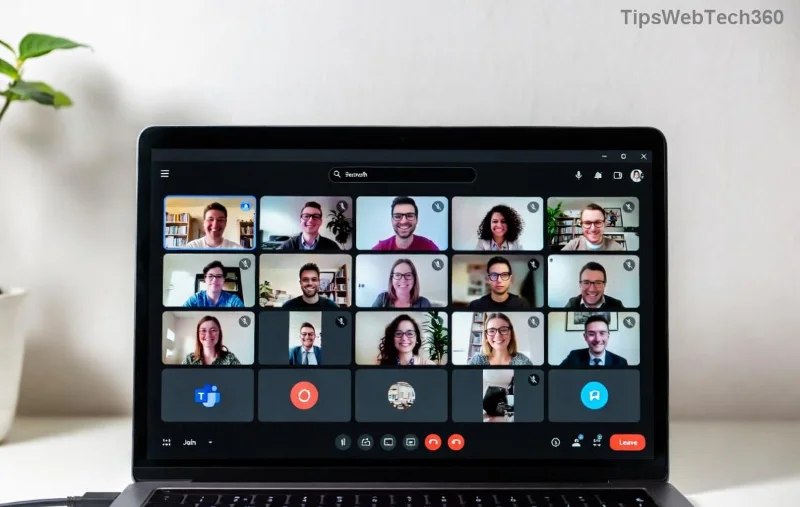
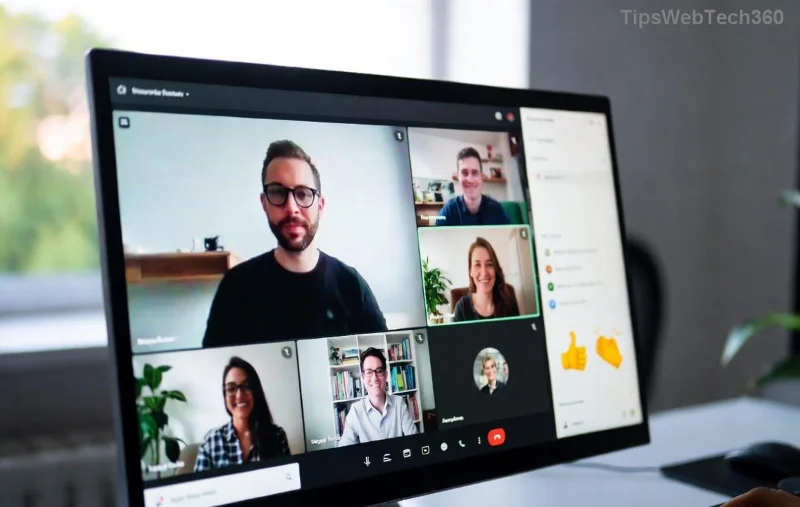
Ever felt your virtual meetings drag on without real interaction? Breakout rooms are your secret weapon for dynamic discussions, team brainstorming, and focused small-group work. But why wait until the meeting begins? Setting up breakout rooms before a meeting starts saves time, reduces chaos, and lets you pre-assign participants for perfect group dynamics. This guide delivers a crystal-clear, step-by-step process using the latest Zoom features. Ready to transform your sessions? Let's dive in! ➡️
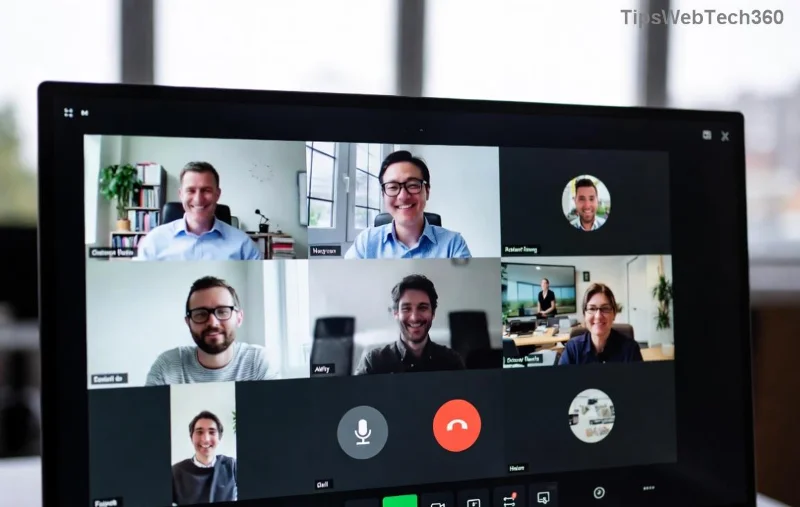
Why Pre-Set Breakout Rooms Before a Meeting Starts? ⭐
- Boost Engagement: Small groups foster deeper conversations—up to 70% more participation per Zoom studies.
- Time-Saver: No fumbling during the live session; everything's ready to go.
- Customization: Pre-assign by role, department, or randomly for fairness.
- Seamless Flow: Participants join rooms instantly, keeping momentum high. 😊
Perfect for workshops, classes, or corporate huddles. Now, prerequisites to ensure smooth sailing:
Quick Prerequisites
| Requirement |
Details |
| Zoom Account |
Pro, Business, or Education plan (free tier limited). |
| App/Portal |
Latest Zoom desktop app (5.17+) or web portal. |
| Participants List |
Emails or names for pre-assignment (CSV optional). |
| Host Privileges |
You must be the host or co-host. |
Step-by-Step Guide: How to Make Breakout Rooms Before a Meeting Starts
We'll use Zoom's web portal and desktop app for the most reliable method. Follow these exact steps for the latest interface. Pro tip: Practice in a test meeting first! ✅
- Sign In and Schedule a New Meeting
Open Zoom web portal, log in, and click Meetings > Schedule a new meeting. Set your date, time, and topic. Scroll to Advanced Options and check Breakout Room. Choose number of rooms (e.g., 4-8) and assignment type: manual, random, or none (for pre-assign later). Save!
This plants the seed—your meeting now supports breakout rooms.
![Zoom advanced options with breakout room enabled]()
- Configure Rooms in the Meeting Editor
After scheduling, go to Upcoming Meetings, click your meeting, then Edit > Breakout Rooms tab. Rename rooms (e.g., "Team Alpha", "Brainstorm Beta") and set timers (5-60 mins). Enable features like Move participants between rooms or Countdown timer for polish. Hit Save.
Feels like directing a blockbuster already? You're halfway there! 🎥
- Pre-Assign Participants (The Magic Step)
Still in Breakout Rooms tab, click Add Participants. Search by email/name or import CSV (download template first). Drag-and-drop to assign—e.g., 4 per room. For large groups, CSV is king: Export list, edit in Excel, re-import. Confirm and Save. Participants get auto-notified!
Zoom's official guide confirms this works flawlessly in recent updates.
![Pre-assigning participants to breakout rooms in Zoom]()
- Test and Finalize from Desktop App
Download/open Zoom app, start your scheduled meeting (even solo). Click Breakout Rooms > Open All Rooms. Verify assignments and settings. Adjust if needed—changes sync instantly. End test, and you're set!
Bonus: Enable 'Allow participants to return to main session' for easy re-entry.
- Launch During the Real Meeting
When it starts, hit Breakout Rooms > Open All Rooms. Boom—participants teleport to their pre-set groups. Monitor via thumbnails, broadcast messages, or join rooms. Recall everyone with one click. Magic! ✨
Pro Tips for Killer Breakout Rooms Sessions
- Randomize for Variety: Mix teams across sessions to spark fresh ideas.
- Set Clear Instructions: Pin a doc or use chat: "Discuss Q1 goals—report back in 10 mins."
- Co-Host Power: Assign co-hosts to manage rooms while you facilitate.
- Mobile-Friendly: Latest Zoom app supports full breakout access on phones.
- Integrations: Link with Google Workspace or Microsoft Teams calendars for invites.
Common Pitfalls to Avoid ❌
| Mistake |
Fix |
| No Pro Account |
Upgrade or use alternative host. |
| Wrong Timezone |
Double-check scheduling timezone. |
| Unsaved Changes |
Always hit Save after edits. |
| Large Groups Lag |
Limit to 50/room; use CSV for 500+. |
Dodged those? Your meetings will shine. Still stuck? Zoom's Breakout Rooms hub has troubleshooting gold.
Ready to Level Up? Your Next Move
Implement these steps today, and watch engagement soar. What's your first meeting topic? Share in comments below—we're all in this virtual world together! 👏 For Google Meet alternatives or advanced automations, stay tuned—next guide drops soon. You've got this!