How to Watch Emby on ChromeOS in Chrome
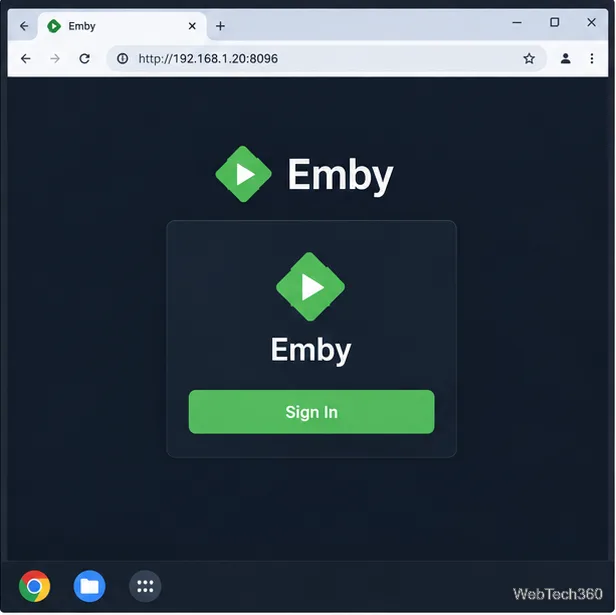
Open the Emby Web App on your Chromebook, sign in to your server, and play movies, shows, music, and photos without installing Linux.
Open the Emby Web App on your Chromebook, sign in to your server, and play movies, shows, music, and photos without installing Linux.
Install Syncthing on a Chromebook, share a ChromeOS folder with Linux, connect another device, and keep the web interface private.
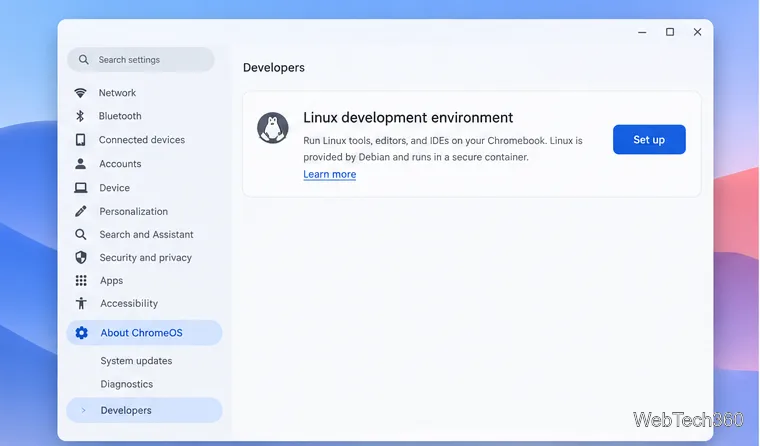
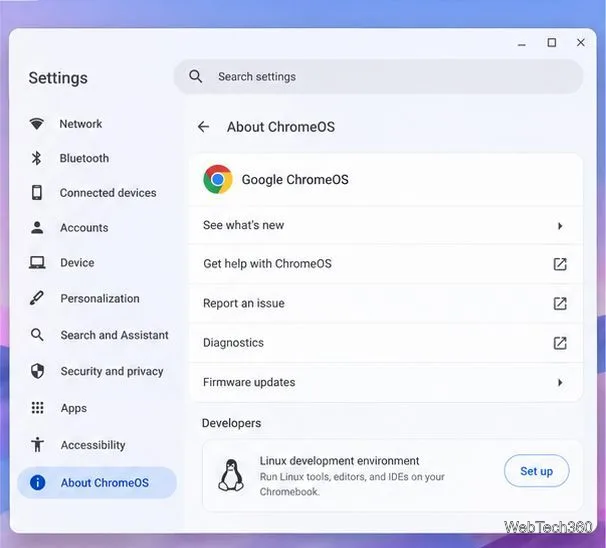
Enable Linux on your Chromebook, install Tor Browser with the Tor Project’s Flatpak launcher, connect to Tor, and understand what the setup protects.
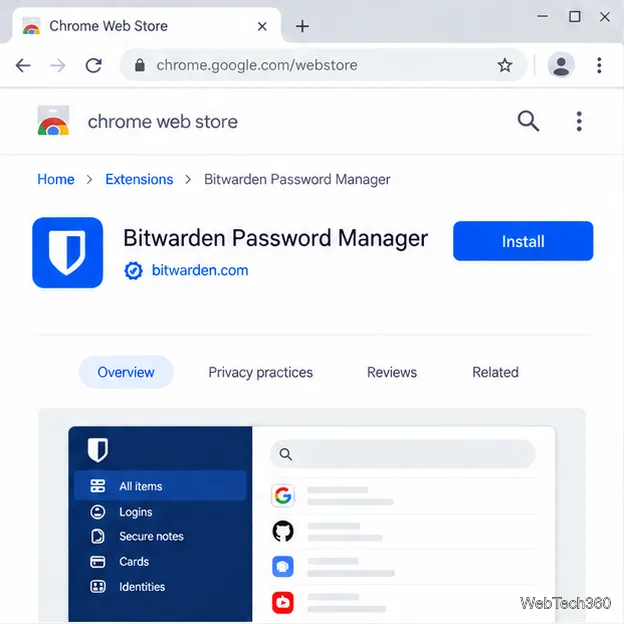
Install Bitwarden on a Chromebook, save your first login, autofill websites, and learn when the optional Linux desktop app makes sense.
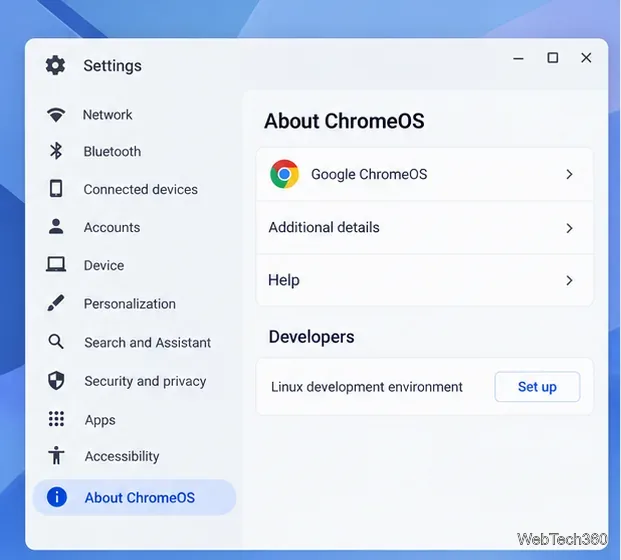
Install Firefox, Brave, Edge, or Opera on a Chromebook with Linux. Learn how to enable the Debian environment, choose a compatible package, and understand the limits.
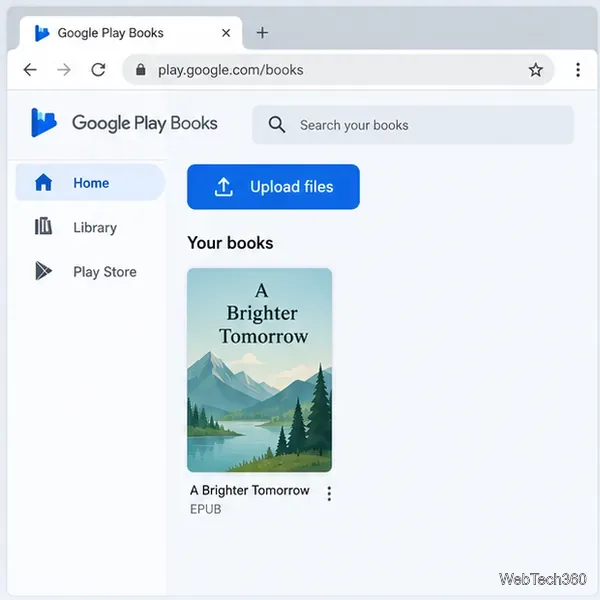
Read EPUBs and PDFs in Google Play Books on your Chromebook, or install Foliate through Linux for a local reader that supports more formats.
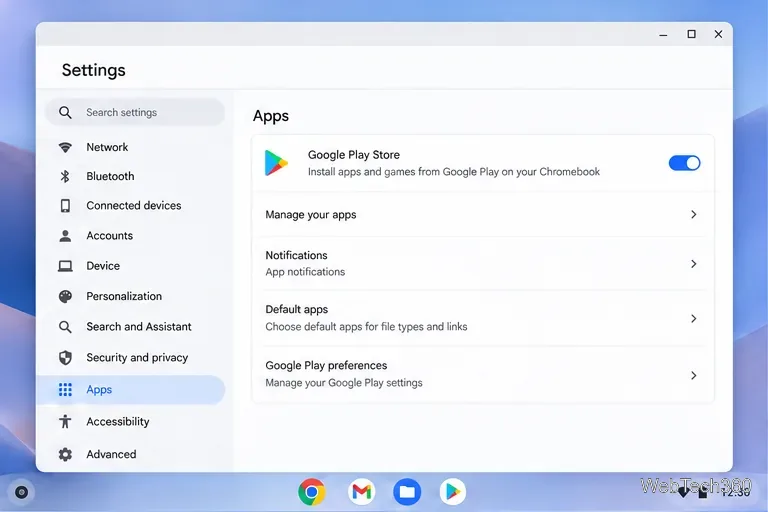
Install VLC on a Chromebook from Google Play, play local files and network media, or set up the Linux desktop version when you need it.
Install Krita on a Chromebook with ChromeOS Linux and Flatpak, then launch the app, open shared artwork, and troubleshoot common setup limits.
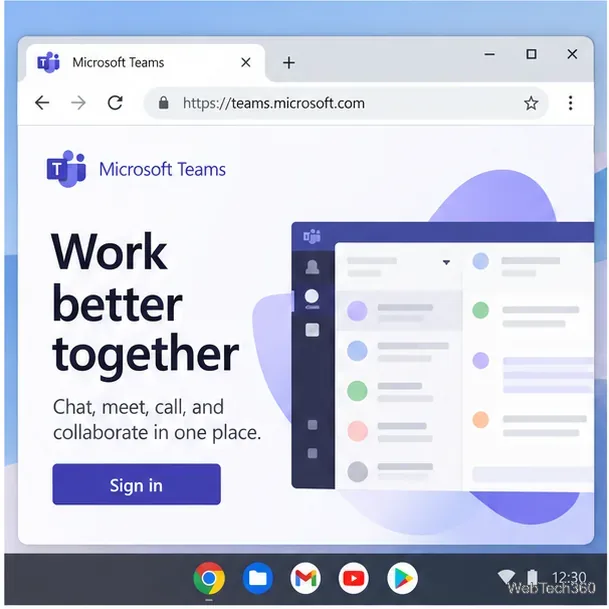
Use Teams on a Chromebook through Chrome, sign in with a work or school account, install the optional web app, and resolve camera or microphone issues.
Set up ChromeOS Linux, choose the right VS Code Debian package for your Chromebook, and install the desktop editor with APT.
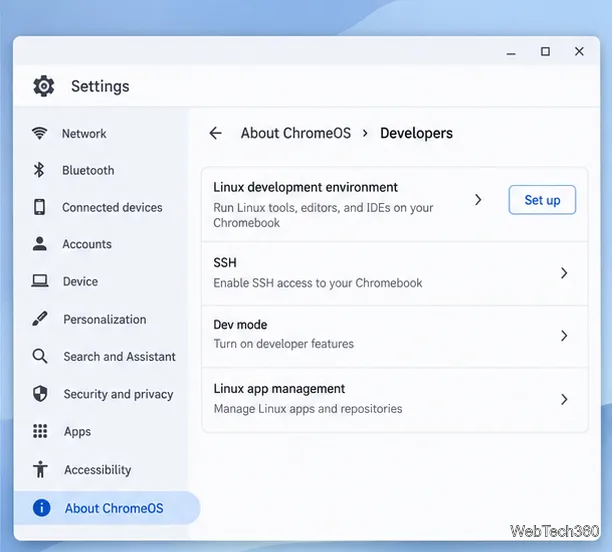
Install Thunderbird on a Chromebook through Linux, connect email with the current Account Hub sign-in flow, and learn to add accounts or fix setup issues.
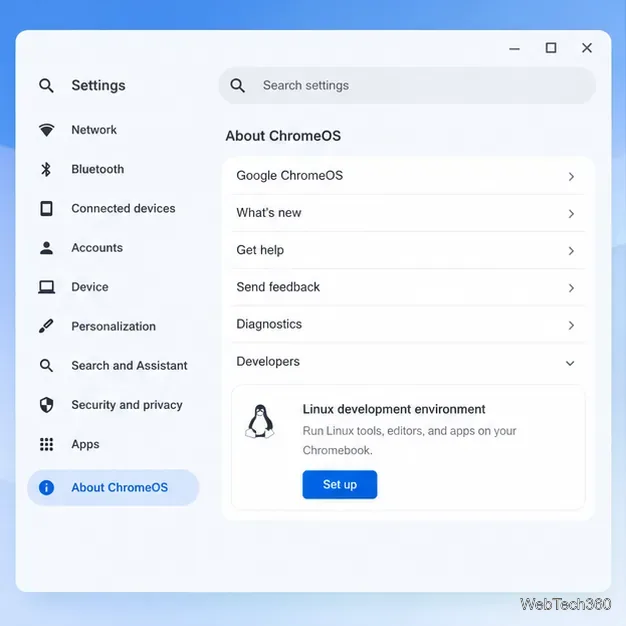
Install Kodi on a Chromebook, share a media folder with Linux, and add movies or TV shows to your library. Includes current ChromeOS playback limits.
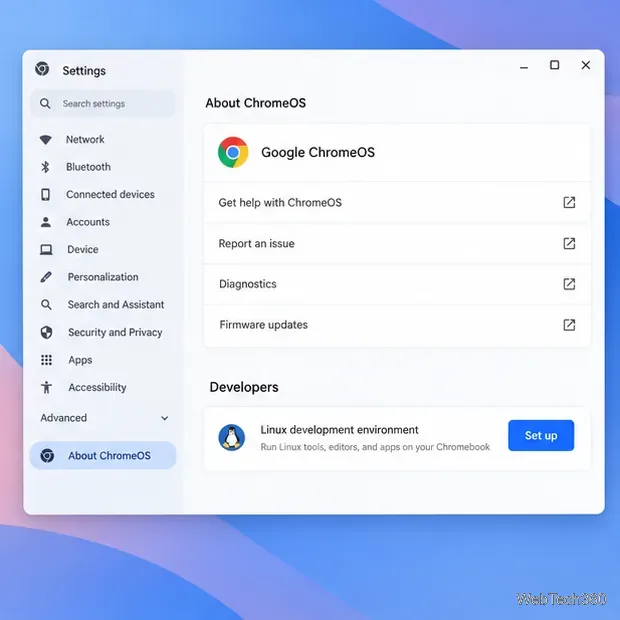
Install Signal Desktop in ChromeOS Linux, link it to your phone, and learn the Chromebook compatibility and calling limits before you start.
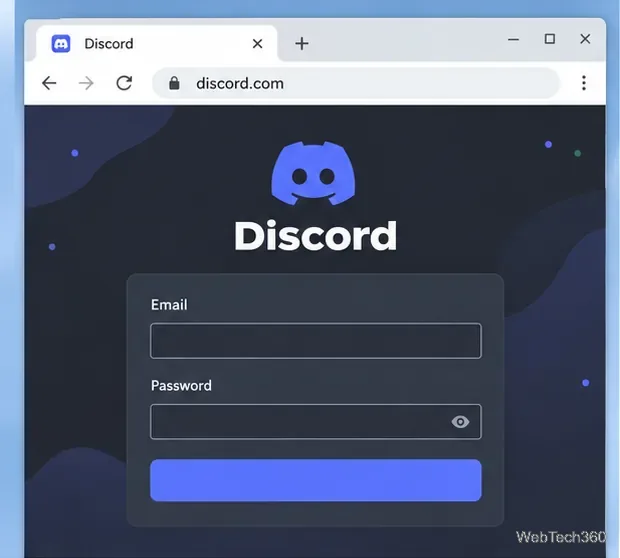
Use Discord on a Chromebook in Chrome, install the Android app when Google Play is supported, or review the limits of the Linux desktop option.
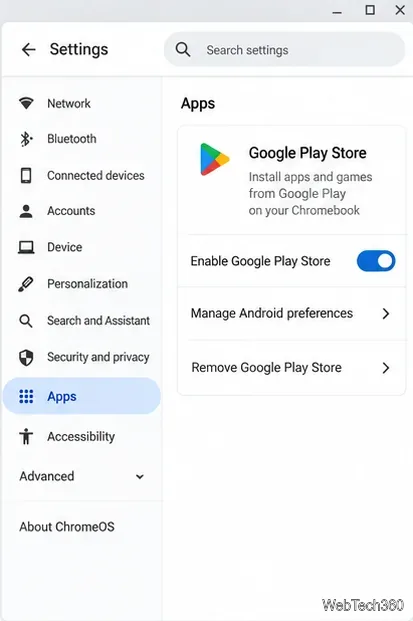
Install Telegram on a Chromebook through Google Play or the Linux desktop app, then sign in with your phone number or a QR code and sync your chats.
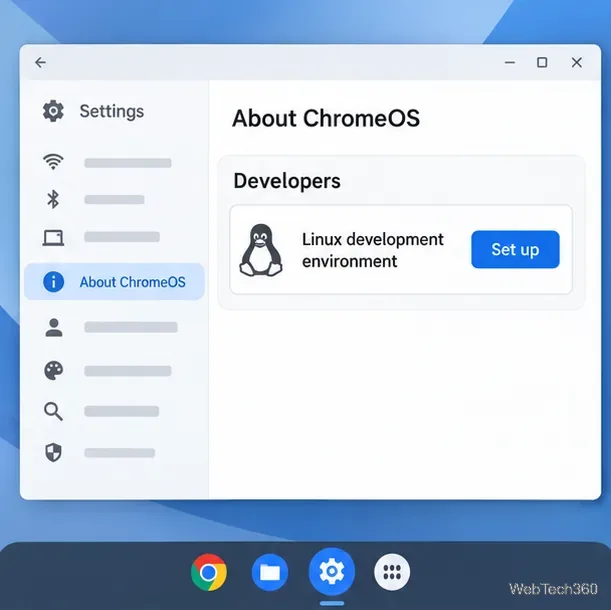
Install KeePassXC on a Chromebook with Linux, create an encrypted .kdbx vault, add logins, and copy credentials into browser forms.
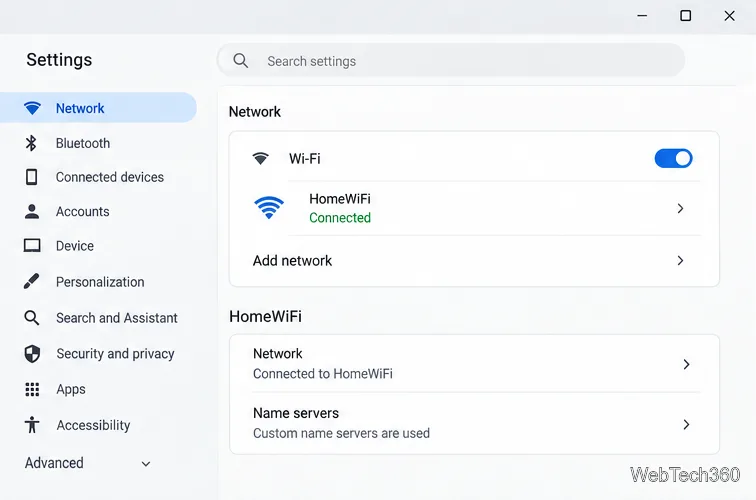
Set AdGuard DNS on your Chromebook to block many ad and tracking domains without an extension, then check Secure DNS and test the connection.
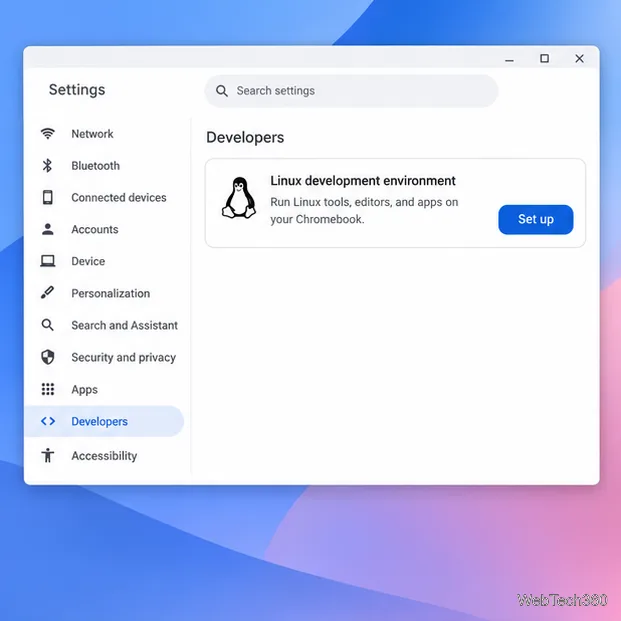
Install LibreOffice on a Chromebook with the Linux development environment, then launch Writer, Calc, and Impress and open files from ChromeOS.
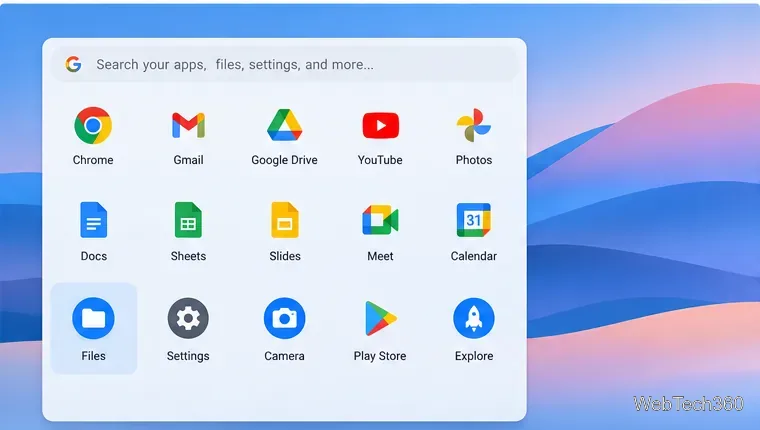
Connect a Chromebook to a Windows folder or NAS over SMB, enter the share address and credentials, then browse, copy files, and disconnect it in Files.
Master your Chromebook with simple tips, tutorials & Chrome OS guides. Troubleshoot common problems, customize settings, enhance battery life & discover powerful features for everyday use.