MyIPTV Player for Windows 10: How to Set Up and Use It
Learn how to install MyIPTV Player on Windows 10, add an M3U playlist and EPG, refresh channels, and fix common setup or playback problems.
Learn how to install MyIPTV Player on Windows 10, add an M3U playlist and EPG, refresh channels, and fix common setup or playback problems.
HP Print and Scan Doctor was retired by HP on May 27, 2025. Learn what replaced it, how to run Diagnose & Fix, and how to remove old copies safely.
Is Segurazo a virus? Learn how to remove Segurazo or SAntivirus safely, scan for leftovers, and avoid risky registry-cleanup advice.
Learn what Glarysoft Registry Repair does, how to use its scan and backup tools, and why Microsoft recommends caution with registry cleaners.

Download Wise Registry Cleaner safely from the official site, learn the safest scan settings, backup options, and whether this free Windows tool is worth using.
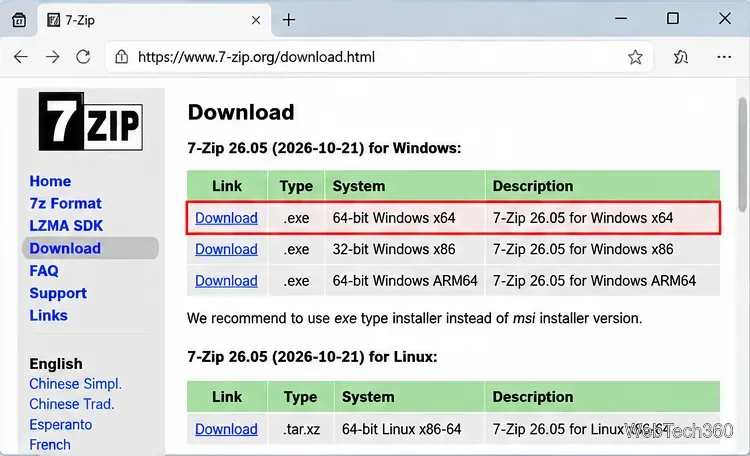
Download and install 7-Zip for Windows 10, then learn how to compress, extract, test, and password-protect archives safely.
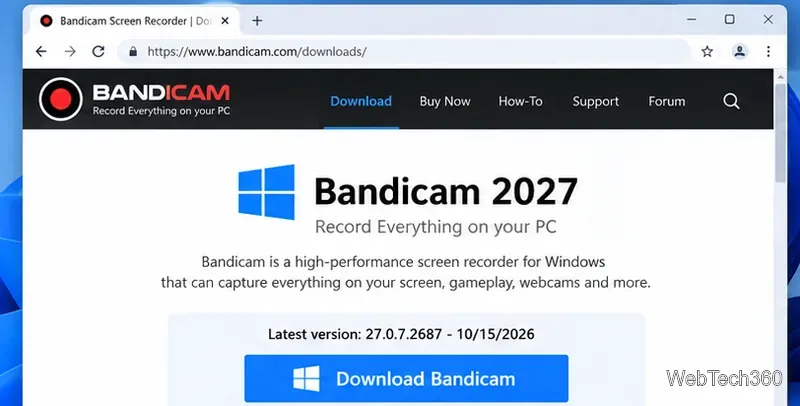
Learn how to download and install Bandicam 2027, record your screen, find saved videos, adjust key settings, and understand the free version limits.
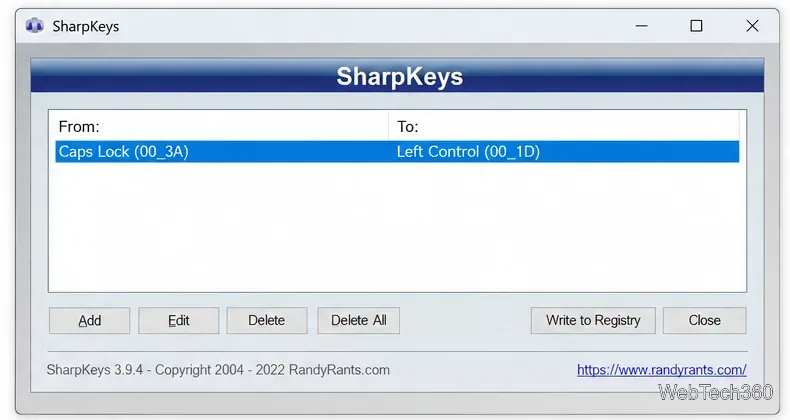
Download and install SharpKeys on Windows 10, then remap, disable, swap, or restore keyboard keys safely using the Windows Scancode Map.
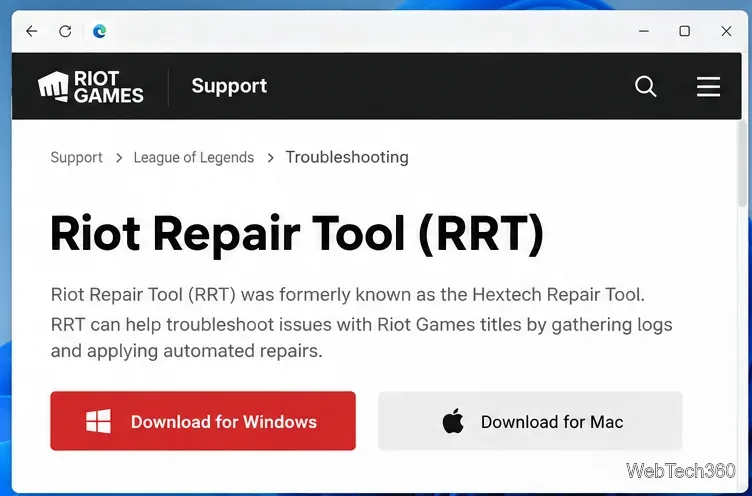
Hextech Repair Tool is now Riot Repair Tool. Learn where to download it safely, collect League of Legends logs, run repairs, and contact Riot Support.
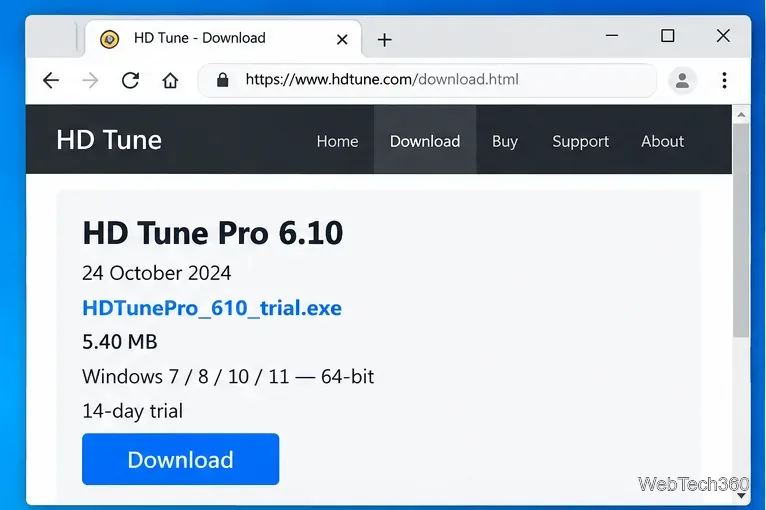
Download and install HD Tune Pro on Windows 10, choose the supported version, run benchmarks, check S.M.A.R.T. health, and scan drives for errors.
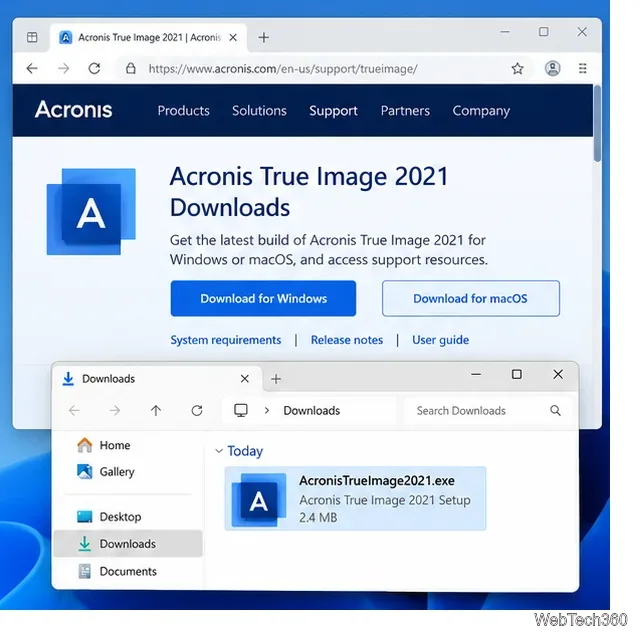
Download Acronis True Image 2021 safely, check legacy Windows and Mac support, install the final 2021 build, and create your first backup.
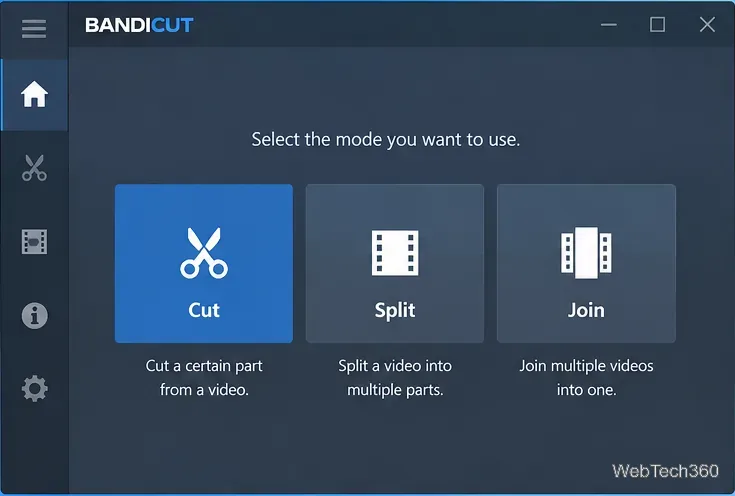
Download Bandicut safely for Windows, install it, cut or split videos, choose High-Speed vs. Encoding mode, and understand free-version limits.
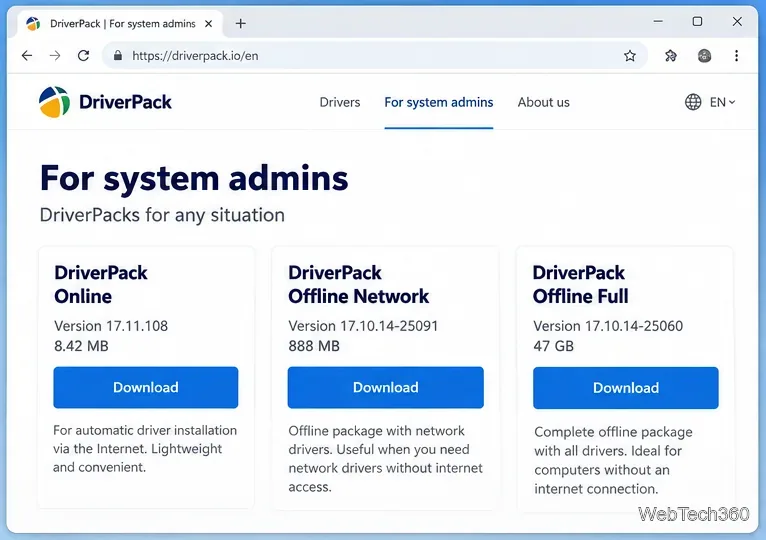
Learn how to download DriverPack Solution from the official site, choose Online or Offline versions, use Expert Mode, and avoid unwanted software.
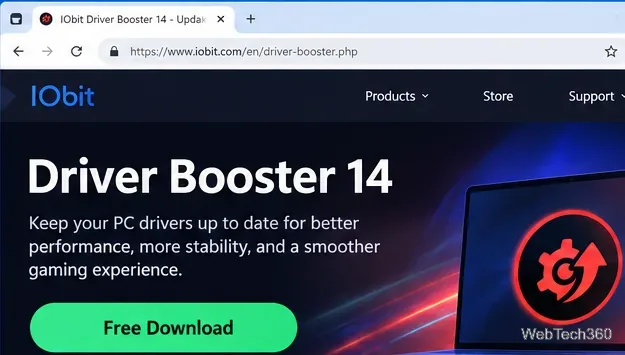
Download and set up IObit Driver Booster 14 safely, learn how driver updates work, and see when Windows Update or manufacturer drivers are the better choice.
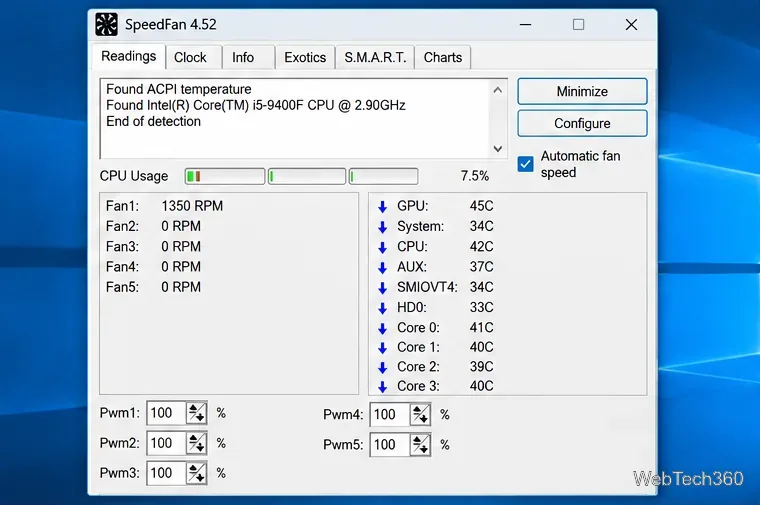
Download SpeedFan 4.52 for Windows 10 from the official site and learn to monitor temperatures, check S.M.A.R.T. data, chart sensors, and control fans.
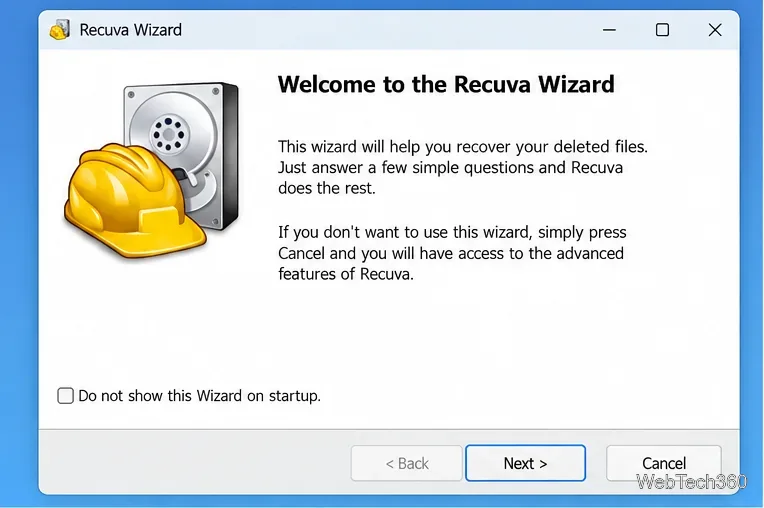
Learn whether Recuva is safe, where to download it, how to recover deleted files, when to use Deep Scan, and how to avoid overwriting data.
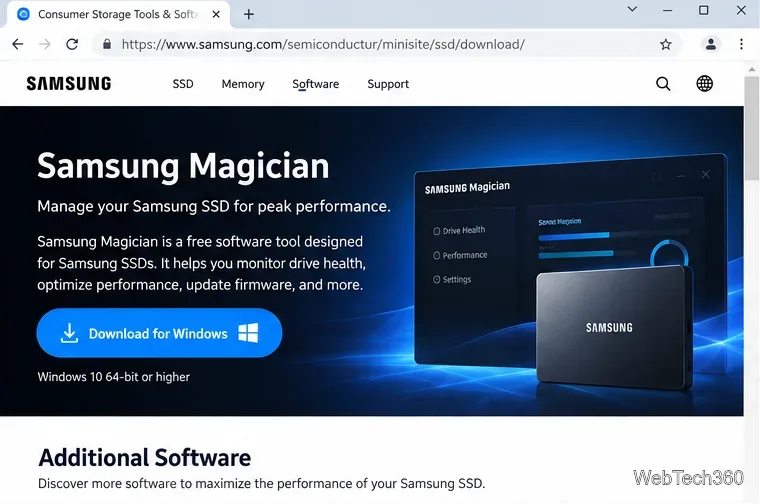
Use Samsung Data Migration in Samsung Magician to clone Windows, apps, and files to a compatible Samsung SSD, with setup tips and key limits.
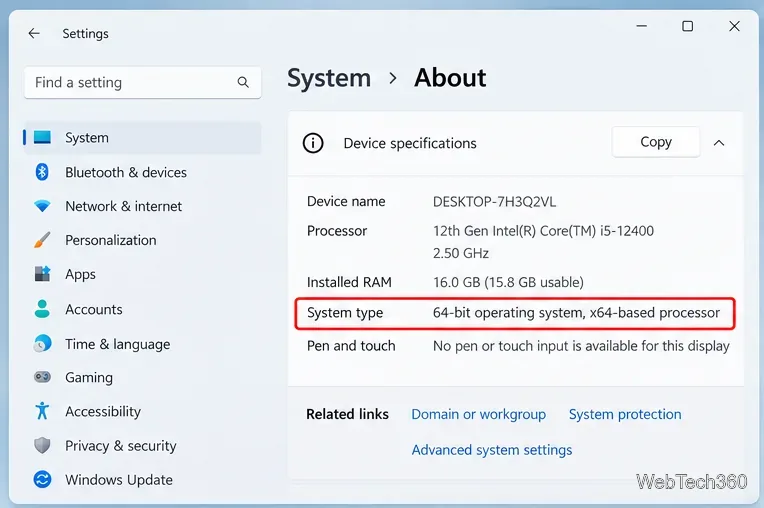
Download the latest Oracle Java JRE 8 for Windows in 32-bit or 64-bit, choose the right installer, install it safely, and verify Java afterward.
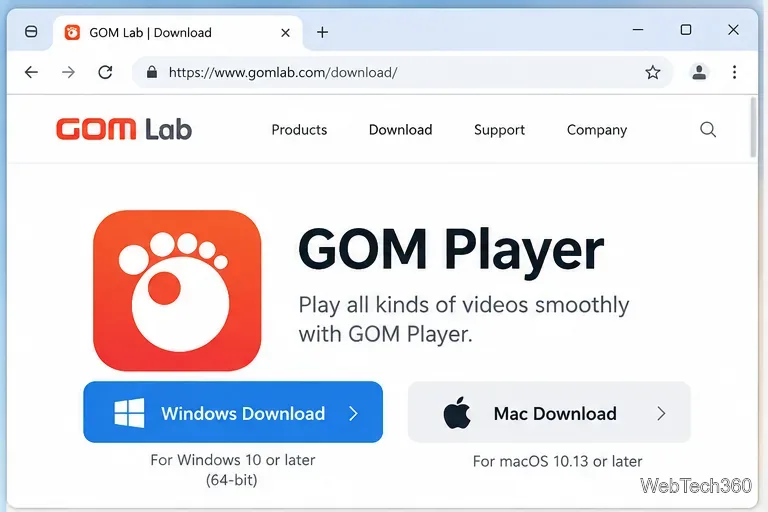
Download GOM Player for Windows or Mac from the official source, check current system requirements, and learn how to open videos, manage subtitles, and adjust playback.
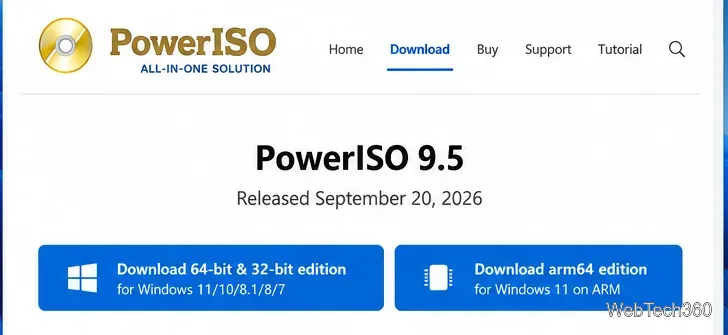
Learn what PowerISO does, how to download the current version safely, the trial limits, and how to create, burn, mount, and manage ISO files.
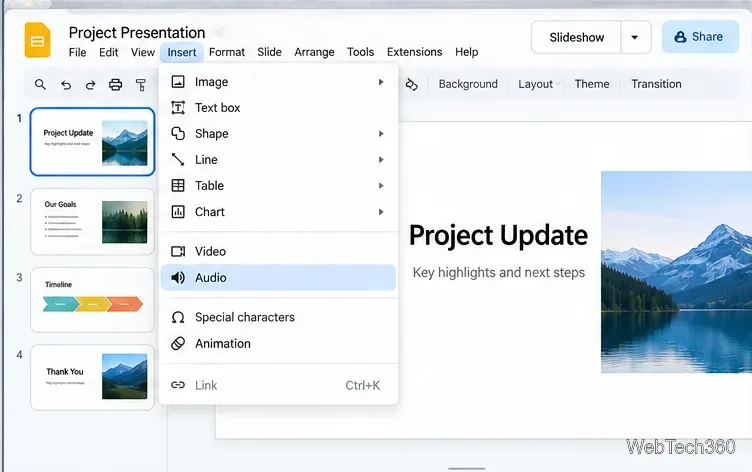
Learn how to add MP3 or WAV audio to Google Slides from Google Drive, set autoplay or background playback, share access, and fix common audio issues.
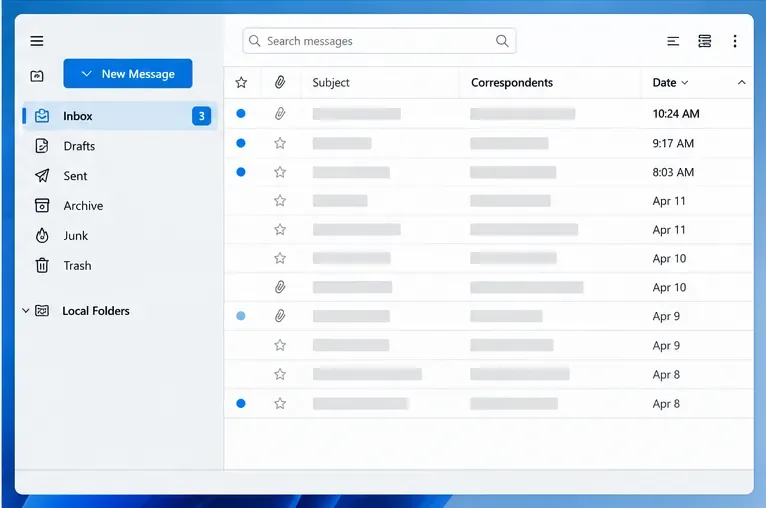
Fix Thunderbird’s “already running” profile lock error safely. Close stuck processes, back up the correct profile, remove only a stale lock file, and verify the repair.

Learn two reliable ways to import MBOX files into Thunderbird 115 Supernova: use a compatible ImportExportTools NG release or copy a mailbox into Local Folders safely.
Connect Gmail to Thunderbird with OAuth2, complete Google's sign-in flow, confirm IMAP and SMTP authentication, and troubleshoot common login problems.
Set up Thunderbird 115 OpenPGP encryption: create and back up a personal key, verify recipient keys, encrypt a message, and test the setup. Includes the 115 end-of-support caveat.
Move your Thunderbird profile to a new drive or PC without losing mail, passwords, or settings. Follow safe backup, copy, and profile selection steps.
Export a Thunderbird address book as CSV for spreadsheets or VCF for contact apps. Learn which format to choose, where Export appears, and how to verify the file.
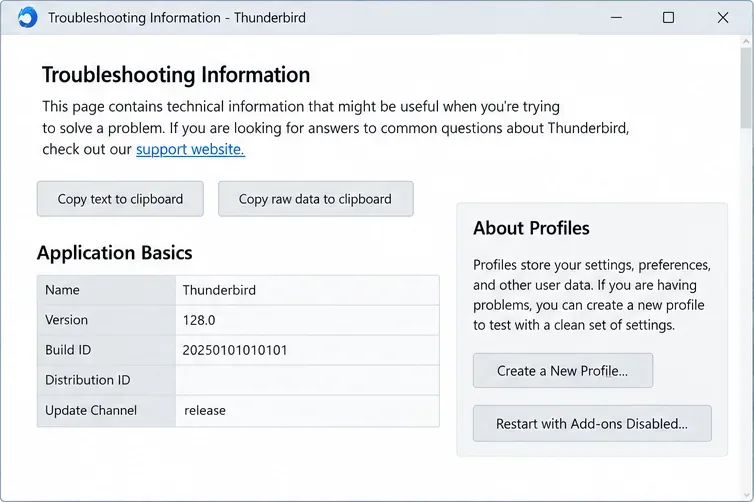
Learn why Thunderbird may show repeated Primary Password prompts and how to fix them safely using updates, saved-login checks, Troubleshoot Mode, and profile testing.
Fix Thunderbird’s “Sending of the Message Failed” SMTP error by checking the assigned SMTP server, provider settings, authentication, network blocks, and message size.
Adjust Thunderbird 115 Supernova’s Compact, Default, or Relaxed density, choose a window layout, switch between Cards and Table views, and tailor the folder pane and toolbar.
Unlock the best software tips and tutorials for seamless performance across Windows, iOS, Linux, Android, and MS Office. Troubleshoot common software problems, optimize apps, and master gaming tools with our easy guides.