MyIPTV Player for Windows 10: How to Set Up and Use It
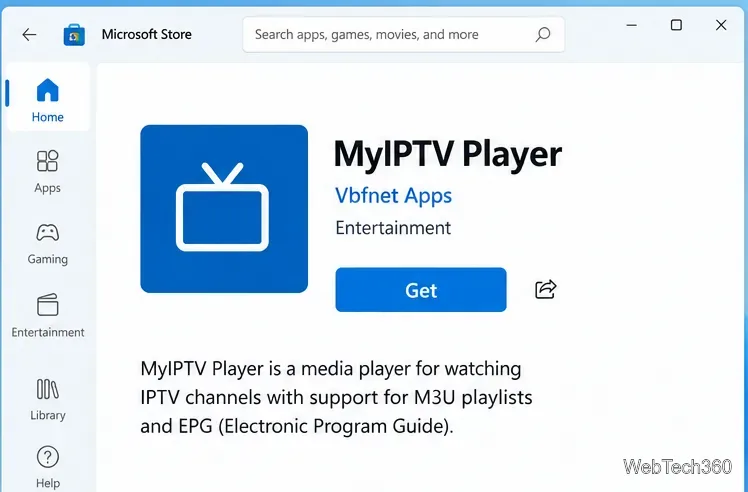
Learn how to install MyIPTV Player on Windows 10, add an M3U playlist and EPG, refresh channels, and fix common setup or playback problems.
Moving a Thunderbird profile is different from reinstalling Thunderbird. The profile contains your account settings, messages stored locally, address books, passwords, and preferences. If Thunderbird opens a fresh profile after a move, your mail may look missing even though the original data still exists.
The safe approach is to make a separate backup, close Thunderbird completely, copy the profile data, and then point Thunderbird at the copied profile or restore the data into a profile created at the destination. The exact route depends on whether you are moving to another drive on the same computer or to a different computer.
| Point | What is verified | What to do |
|---|---|---|
| A profile is more than an inbox | Mozilla says a profile stores messages, passwords, preferences, and other user data separately from the Thunderbird program. | Back up the whole profile folder, not just the visible Mail folder. |
| Copying files does not always select them automatically | Thunderbird tracks profiles through its profile configuration. Restoring to a different path may require using Profile Manager or copying into a profile created at that location. | Use the matching procedure below and confirm the destination profile is selected. |
| Some messages may also exist on the mail server | Whether every message is available offline depends on account type, synchronization settings, and server retention. Local Folders and other local-only data exist in the profile. | Check important mail in webmail and preserve a separate profile backup before moving. |
| One profile should not be opened by two computers at once | Mozilla warns that simultaneous access to a profile through a file share or cloud storage is unsupported and can corrupt data. | Use one active Thunderbird instance at a time; use separate backups for transfer. |
| The default profile path is not universal | Paths vary by operating system, package type, and custom settings. | Use Help > Troubleshooting Information > Profile Folder to locate the profile actually in use. |
Mozilla’s support page lists common profile locations—such as %APPDATA%\Thunderbird\Profiles\ on Windows, ~/Library/Thunderbird/Profiles/ on macOS, and ~/.thunderbird/ on Ubuntu—but custom installs and packages can differ. Use the in-app Profile Folder link instead of assuming one of these paths is yours.
This method creates a profile entry at the new location and then fills it with the copied data. It avoids relying on a folder-name guess or manually editing profile configuration.
about:profiles page. You can also close Thunderbird and launch the Profile Manager with thunderbird -P on Linux, or the platform-specific Thunderbird executable followed by -P on Windows or macOS.Keep the original profile where it is until the new one has passed your checks. A profile on a separate internal drive is still only one copy; drive failure can affect both the application and its data if you do not maintain an independent backup.
There are two practical options. Use Thunderbird’s export and import tools when the profile fits the export limit and the tools are available in your version. Mozilla’s current Export page says profile backups are ZIP files and the built-in export currently supports files up to 2 GB. If your profile is larger, use a file manager to copy it.
If the Export command is unavailable or the profile exceeds 2 GB, use the manual method below. Do not split or modify Thunderbird’s internal profile files unless you understand the format.
When moving between different operating systems, do not paste a Windows path into macOS or Linux. The profile data can be copied, but the destination’s profile manager and filesystem paths must match that computer. If the profile is not detected, use the Profile Manager to create a profile at the restored location or restore the backed-up contents into a newly created profile.
Verified: Thunderbird program files and profile data are separate. Reinstalling the program normally does not relocate a profile. Action: perform the copy and profile-selection steps yourself, then confirm the Profile Folder points to the intended drive.
Depends: IMAP mail is generally synchronized with a server, but local folders, account settings, address books, passwords, and cached or offline mail still rely on local profile data. What can be downloaded again depends on the provider and account configuration. Action: verify server access and make a profile backup before the move, especially if you use Local Folders or offline mail.
Verified: Mozilla says simultaneous access to a profile from multiple running Thunderbird instances is unsupported and can lead to corruption or permanent data loss. Cloud storage is not a backup. Action: transfer a closed profile, or use separate profiles and an email account’s normal synchronization features instead of opening the same profile on both computers.
Depends: compatibility may be affected by version differences. Mozilla advises using versions that are up to date or identical for computer-to-computer transfers. Action: update Thunderbird on both computers before migration, and do not open the only copy with an older installation.
Open Thunderbird with the destination profile and confirm that the expected accounts, folders, address books, message filters, signatures, and settings appear. Open a few older messages, including messages stored under Local Folders if you use them. Confirm that passwords are present or can be entered again, then send and receive a test message for each account.
In Troubleshooting Information, verify that Profile Folder opens the destination path. If Thunderbird opens a blank account-setup screen, quit without adding accounts; reopen Profile Manager and select the moved profile. If data is missing, stop using that destination profile and restore from the untouched backup before trying another copy.
Keep the original profile and a separate backup for several days. After the new drive or computer is confirmed, you may remove old copies when convenient, but keep a regular backup routine. Moving a profile changes where Thunderbird reads its data; it does not protect that data from disk failure, accidental deletion, or profile corruption.
Mozilla support pages checked October 6, 2026. Profile paths and some menu labels can vary by operating system, Thunderbird release channel, and installation method.
Learn how to install MyIPTV Player on Windows 10, add an M3U playlist and EPG, refresh channels, and fix common setup or playback problems.
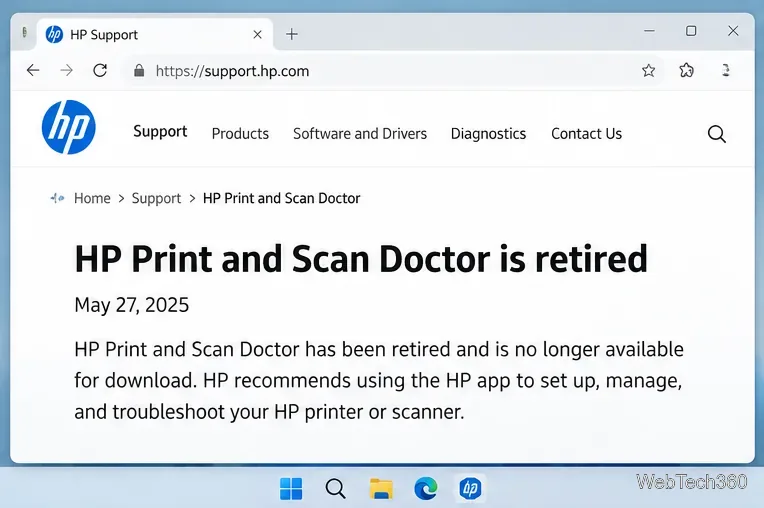
HP Print and Scan Doctor was retired by HP on May 27, 2025. Learn what replaced it, how to run Diagnose & Fix, and how to remove old copies safely.
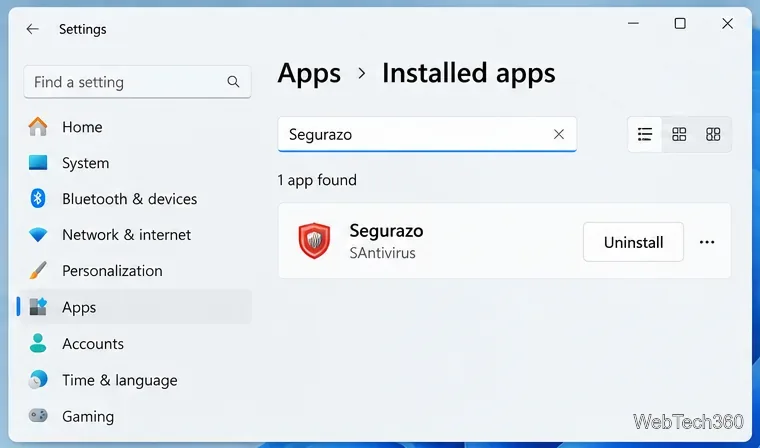
Is Segurazo a virus? Learn how to remove Segurazo or SAntivirus safely, scan for leftovers, and avoid risky registry-cleanup advice.
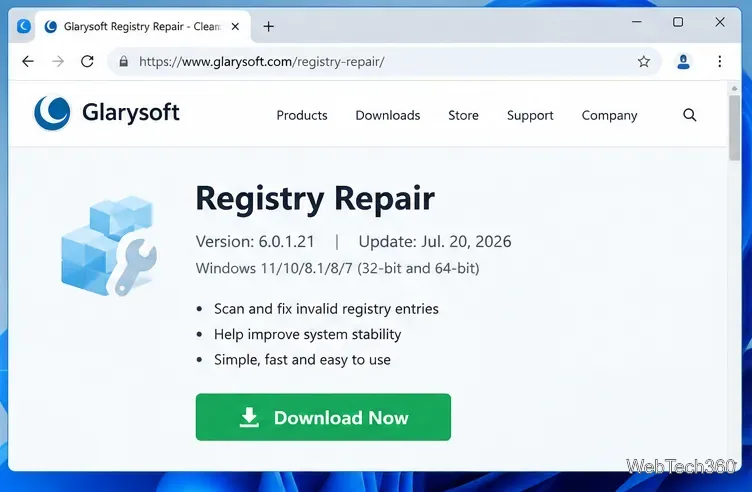
Learn what Glarysoft Registry Repair does, how to use its scan and backup tools, and why Microsoft recommends caution with registry cleaners.
Download Wise Registry Cleaner safely from the official site, learn the safest scan settings, backup options, and whether this free Windows tool is worth using.
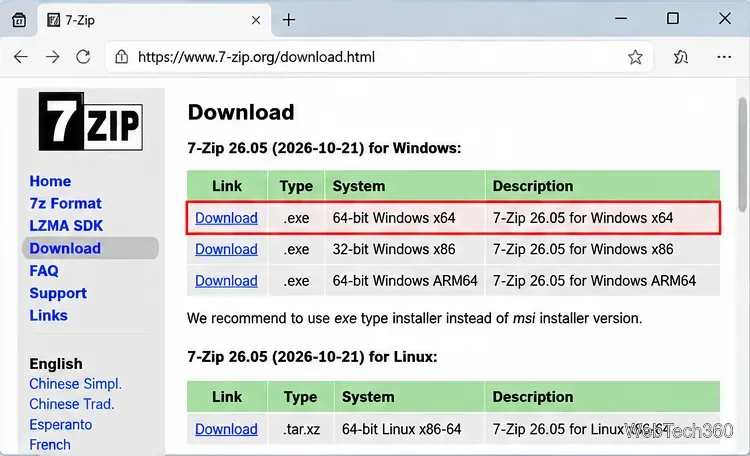
Download and install 7-Zip for Windows 10, then learn how to compress, extract, test, and password-protect archives safely.
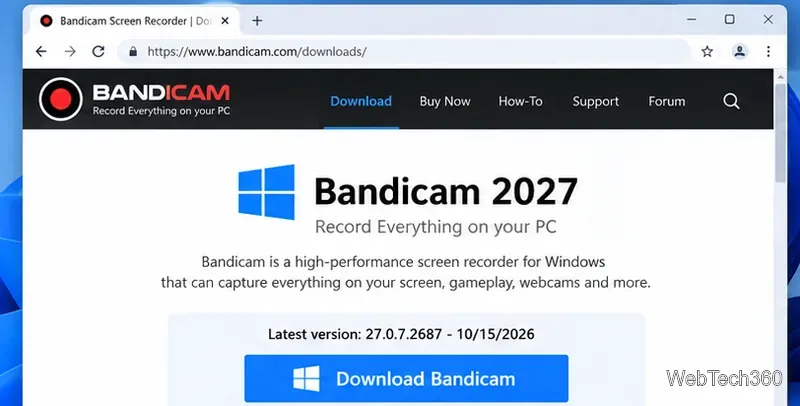
Learn how to download and install Bandicam 2027, record your screen, find saved videos, adjust key settings, and understand the free version limits.
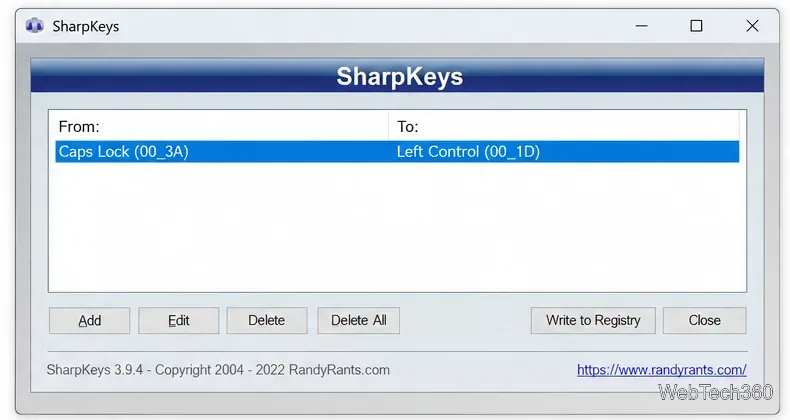
Download and install SharpKeys on Windows 10, then remap, disable, swap, or restore keyboard keys safely using the Windows Scancode Map.
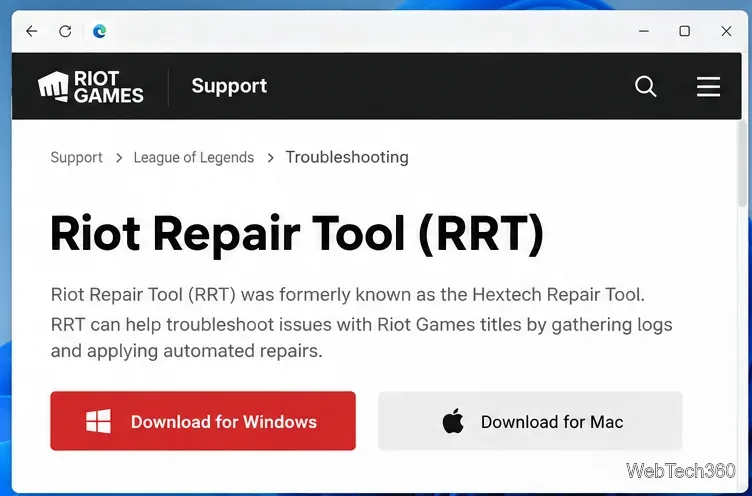
Hextech Repair Tool is now Riot Repair Tool. Learn where to download it safely, collect League of Legends logs, run repairs, and contact Riot Support.
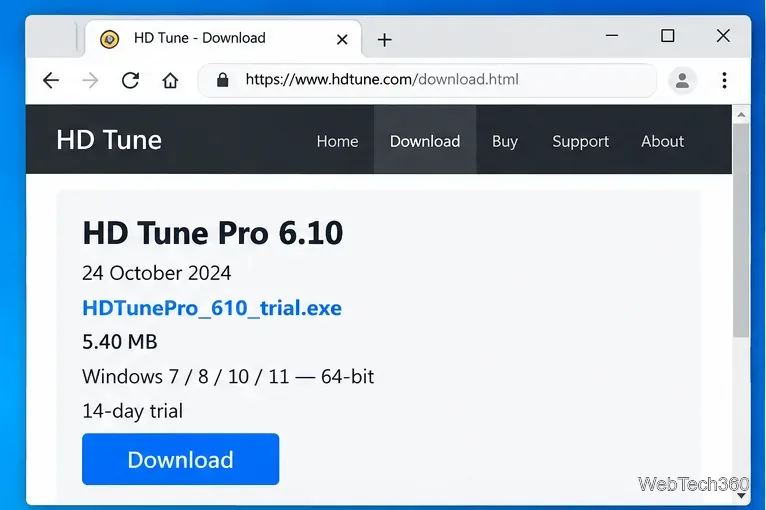
Download and install HD Tune Pro on Windows 10, choose the supported version, run benchmarks, check S.M.A.R.T. health, and scan drives for errors.