MyIPTV Player for Windows 10: How to Set Up and Use It
Learn how to install MyIPTV Player on Windows 10, add an M3U playlist and EPG, refresh channels, and fix common setup or playback problems.
Wise Registry Cleaner is a free Windows utility for finding obsolete or invalid registry entries, creating backups, defragmenting the registry, and applying optional system-tuning changes. If you want to try it, download it only from WiseCleaner and use the conservative scan settings. Registry cleaning is optional maintenance, not a requirement for keeping Windows fast.

As of October 22, 2026, the official WiseCleaner download center lists Wise Registry Cleaner 11.3.3, released June 15, 2026, with a 10.7 MB installer. WiseCleaner lists support for Windows 11, Windows 10, Windows 8/8.1, and Windows 7 in both 32-bit and 64-bit editions. A portable version is also available.
The portable build is useful if you do not want a normal installation, but it does not make registry changes inherently safer. Whether you use the installer or portable version, create a backup before cleaning.
Avoid third-party download mirrors when an official installer is available. The old article also linked to fixed VirusTotal hashes; those hashes become obsolete when the installer changes, so they are not useful for verifying the current release.
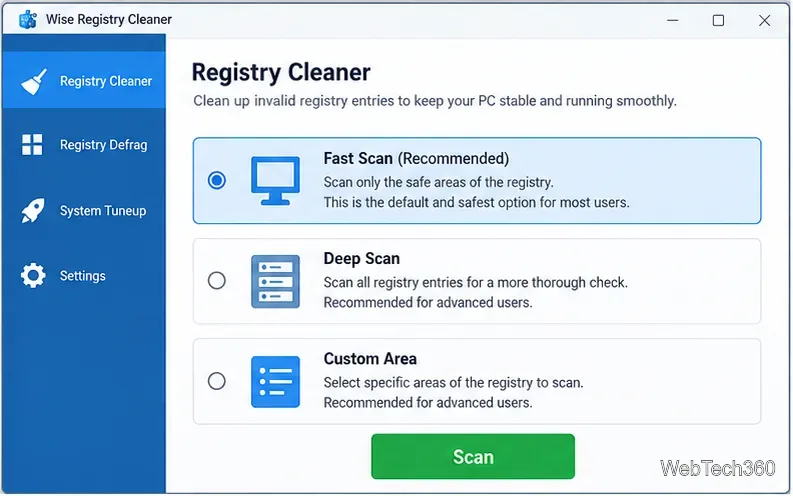
The current WiseCleaner guide recommends reviewing scan results before cleaning. The program offers Fast Scan, Deep Scan, and a custom-area option.
| Scan option | Best use | Risk level |
|---|---|---|
| Fast Scan | Routine scan of entries the program considers safe to remove. | Lowest of the three modes, but still back up first. |
| Deep Scan | Broader scan for experienced users who can judge individual results. | Higher; results can include entries that should not be removed blindly. |
| Custom Area | Scanning selected registry categories only. | Depends on what you select and understand. |
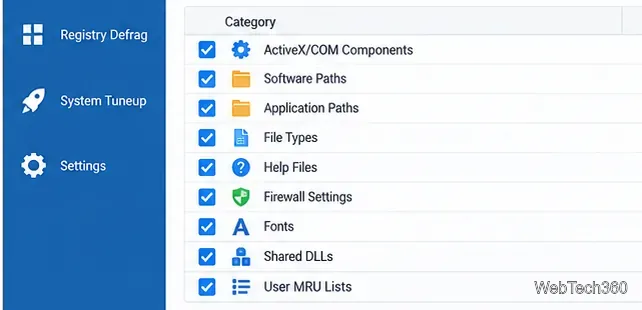
WiseCleaner says the program can automatically back up entries before deletion, while the menu also provides full-registry backup and restore tools. Its official user guide explains how to create and restore those backups. Microsoft also documents manual registry backup and restore with Registry Editor.
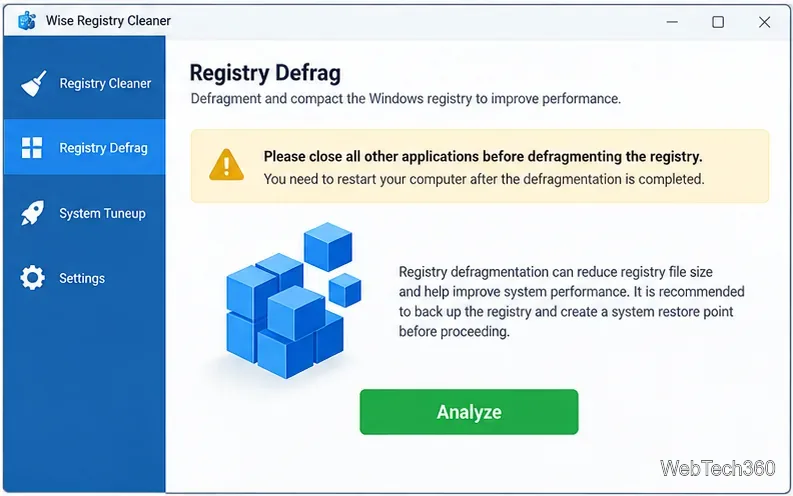
The separate Registry Defrag feature is more intrusive than a normal scan. WiseCleaner warns users to save their work, avoid interrupting the process, and restart Windows afterward. Use it only when you have a reason to do so, not as a routine weekly task.
The software is a legitimate WiseCleaner product, but no registry cleaner is risk-free. Microsoft warns that incorrect registry changes can cause application errors, system instability, or even prevent Windows from starting. Its Windows system-configuration guidance recommends backing up the registry before making changes.
That means the safest approach is simple: download from the publisher, keep automatic backups enabled, prefer Fast Scan or recommended settings, review results, and avoid Deep Scan unless you understand the entries being removed. If your PC is slow, first investigate startup apps, storage pressure, malware, outdated drivers, failing hardware, or Windows problems rather than assuming the registry is the cause.
Wise Registry Cleaner is easy to navigate and its strongest features are the conservative scan mode, backups, exclusion options, portable build, and ability to undo some changes. It also includes scheduled cleaning, System Tuneup options, and registry defragmentation.
The main drawback is the category itself: registry cleaning usually should not be your first troubleshooting step, and aggressive cleanup can create more problems than it solves. For users who specifically need to remove leftover registry entries and are willing to review changes carefully, Wise Registry Cleaner is a capable free option. For general PC speedups, Windows' built-in maintenance and targeted troubleshooting are usually the better starting point.
Learn how to install MyIPTV Player on Windows 10, add an M3U playlist and EPG, refresh channels, and fix common setup or playback problems.
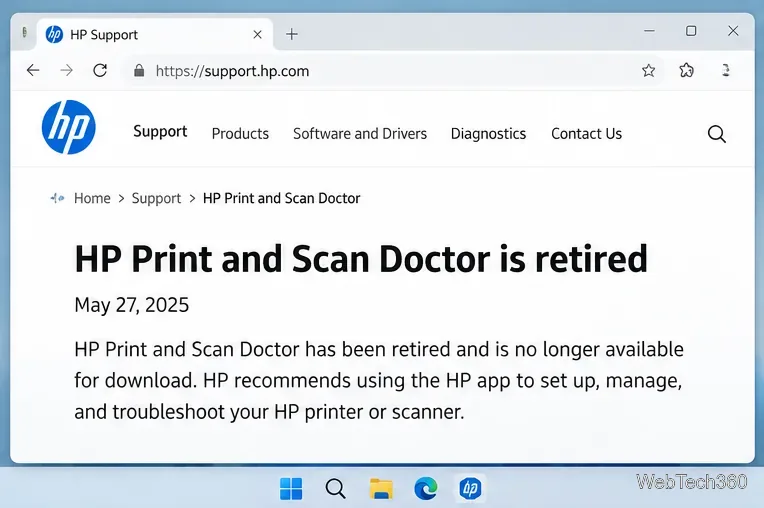
HP Print and Scan Doctor was retired by HP on May 27, 2025. Learn what replaced it, how to run Diagnose & Fix, and how to remove old copies safely.
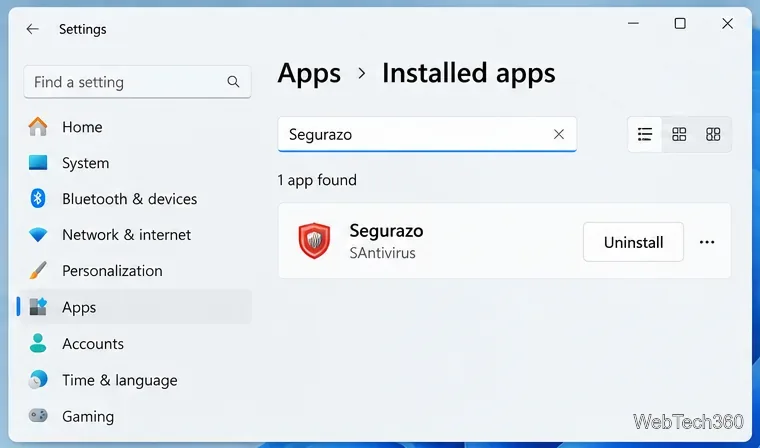
Is Segurazo a virus? Learn how to remove Segurazo or SAntivirus safely, scan for leftovers, and avoid risky registry-cleanup advice.
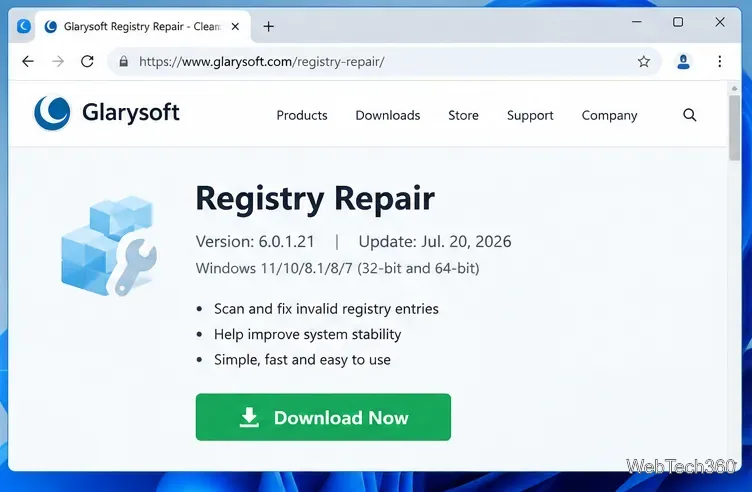
Learn what Glarysoft Registry Repair does, how to use its scan and backup tools, and why Microsoft recommends caution with registry cleaners.
Download Wise Registry Cleaner safely from the official site, learn the safest scan settings, backup options, and whether this free Windows tool is worth using.
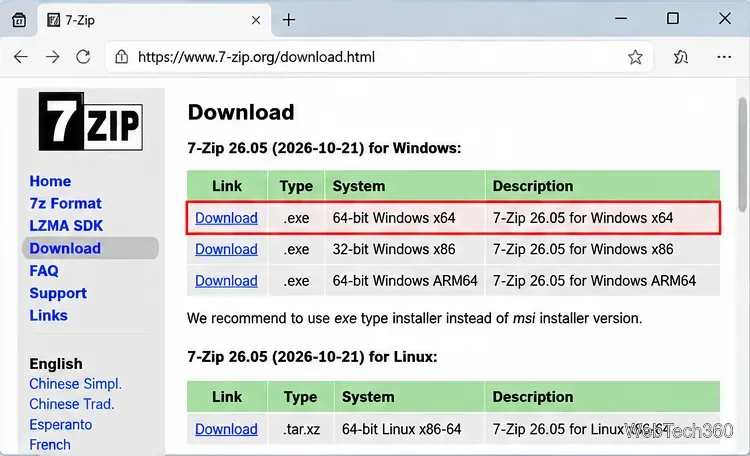
Download and install 7-Zip for Windows 10, then learn how to compress, extract, test, and password-protect archives safely.
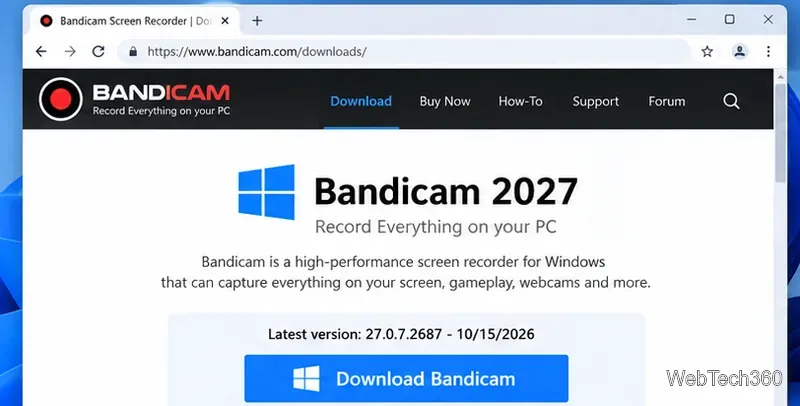
Learn how to download and install Bandicam 2027, record your screen, find saved videos, adjust key settings, and understand the free version limits.
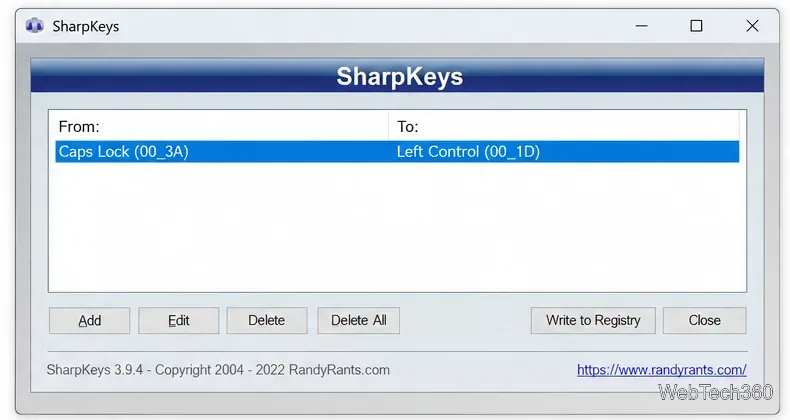
Download and install SharpKeys on Windows 10, then remap, disable, swap, or restore keyboard keys safely using the Windows Scancode Map.
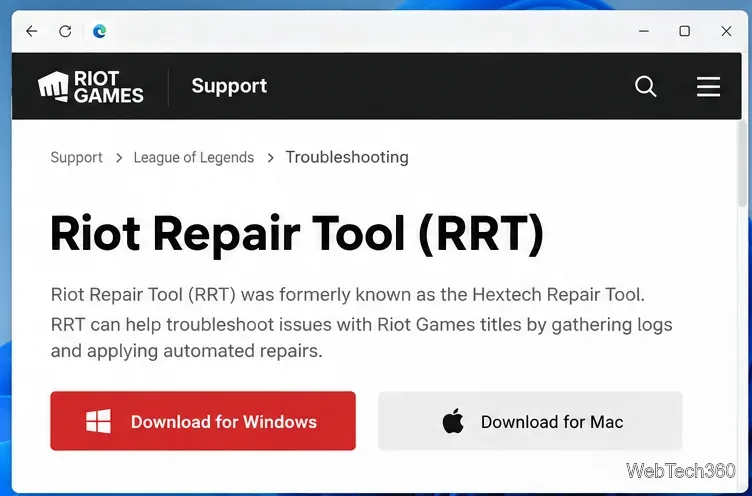
Hextech Repair Tool is now Riot Repair Tool. Learn where to download it safely, collect League of Legends logs, run repairs, and contact Riot Support.
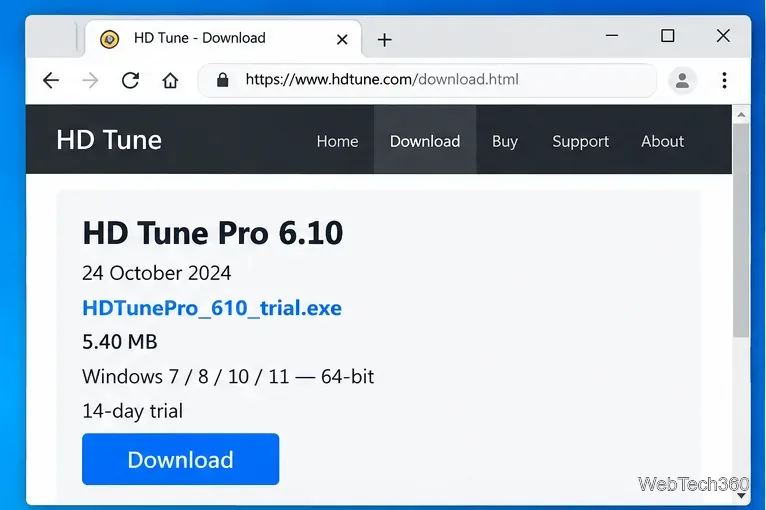
Download and install HD Tune Pro on Windows 10, choose the supported version, run benchmarks, check S.M.A.R.T. health, and scan drives for errors.