10 Best Free Software Tools for Gaming PCs
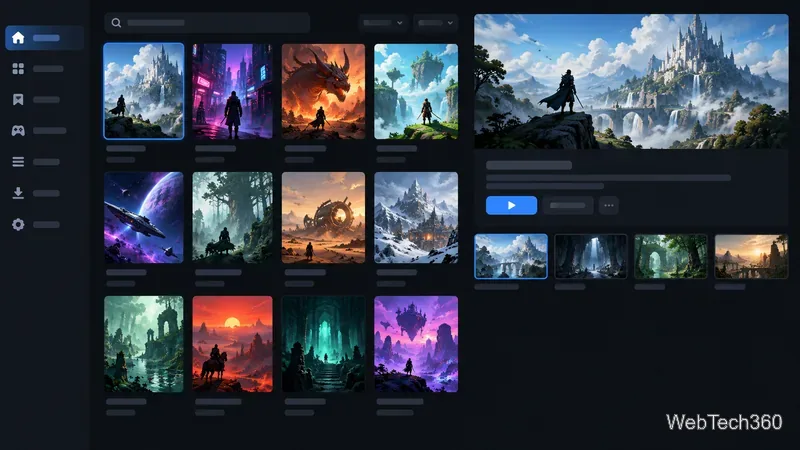
The best free software for gaming PCs covers game libraries, chat, recording, monitoring, and practical utilities, with clear notes on what each can and can’t improve.
The best free software for gaming PCs covers game libraries, chat, recording, monitoring, and practical utilities, with clear notes on what each can and can’t improve.
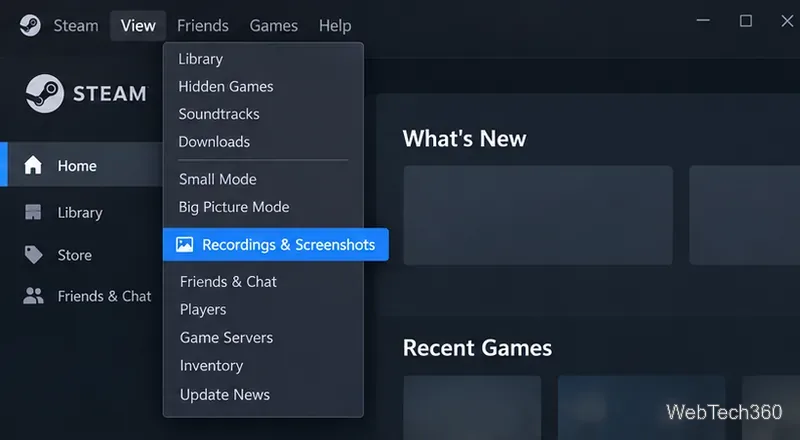
Find your Steam screenshot folder quickly with the current Steam client, Show on Disk, or the Windows userdata path, plus tips for missing screenshots.
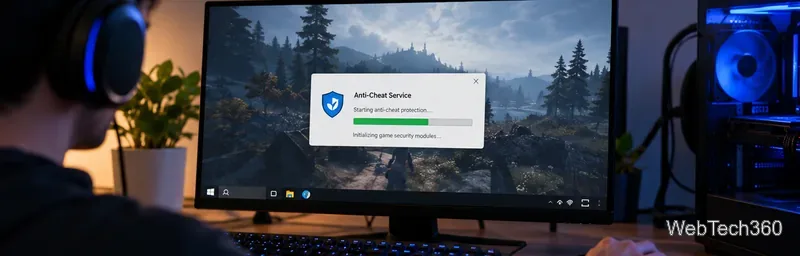
Learn what BattlEye anti-cheat does, how its Windows service and kernel-level protection work, what data it processes, and what bans mean for players.
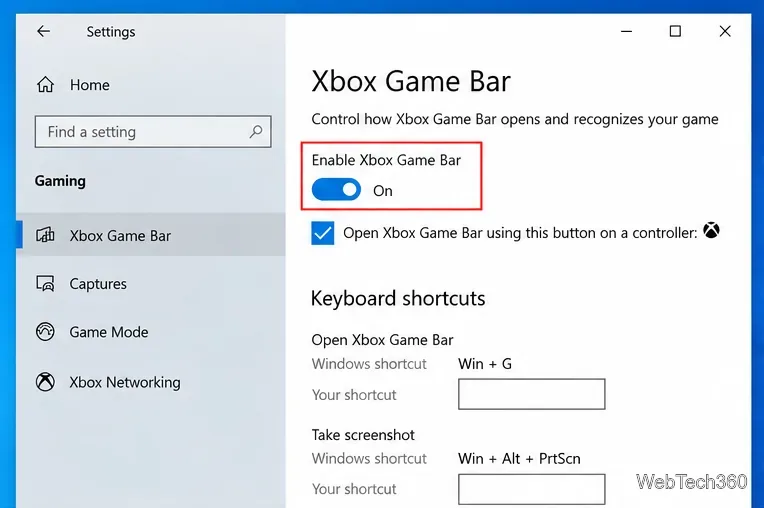
Learn how to enable and open Xbox Game Bar on Windows 10 with Win + G, use capture shortcuts, find saved clips, and fix common launch problems.
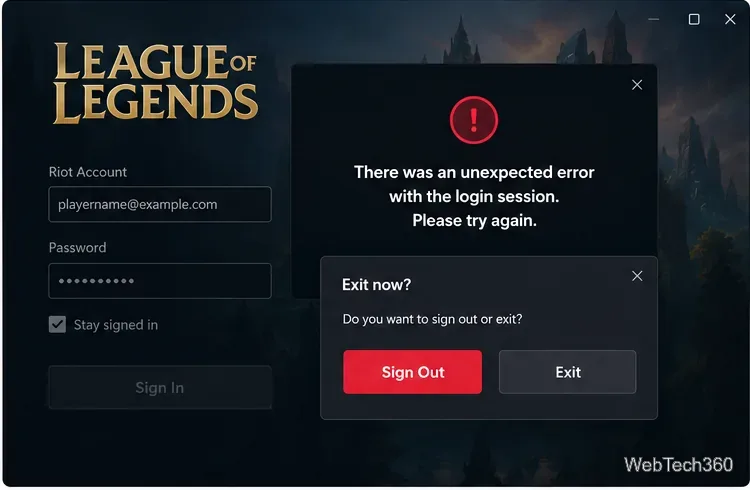
Fix League of Legends login errors such as an invalid or unexpected session by signing out fully, closing Riot processes, repairing the client, and checking your connection.
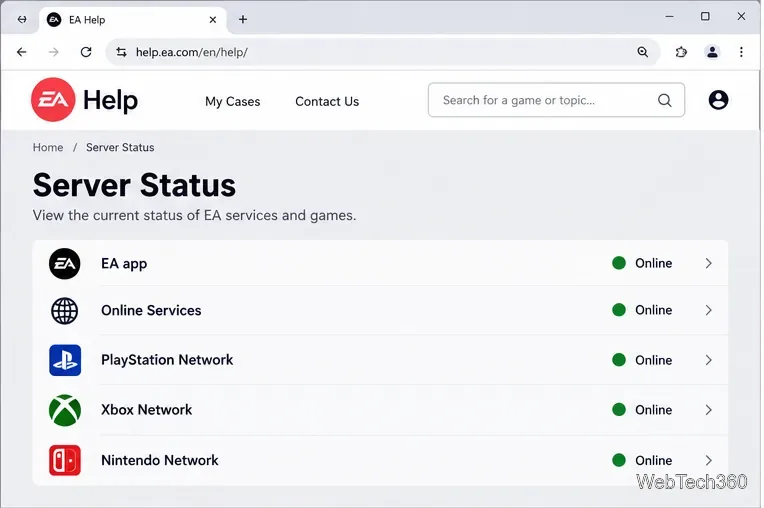
EA.com says it’s unable to connect? Check EA server status, your account, router, EA app cache, VPN, DNS, and device time with current troubleshooting steps.
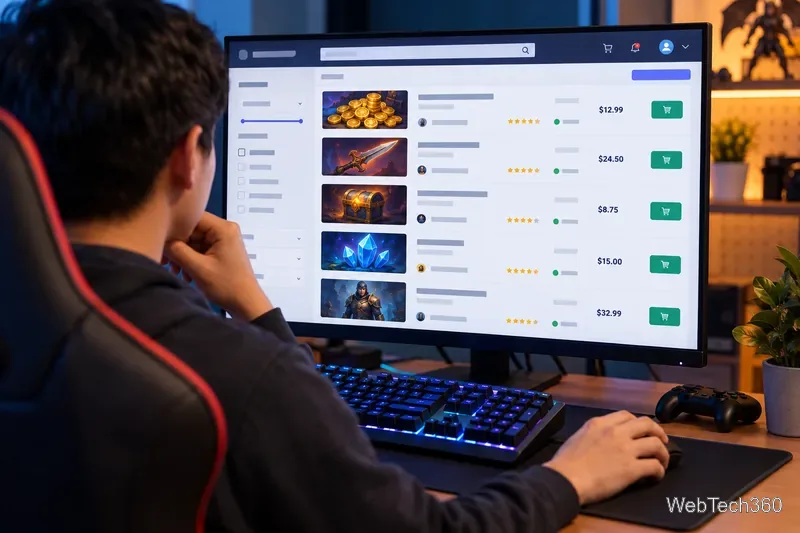
Our Eldorado review explains how sellers earn from game currency, items, accounts, and boosting, plus current fees, payouts, TradeShield, and key risks.
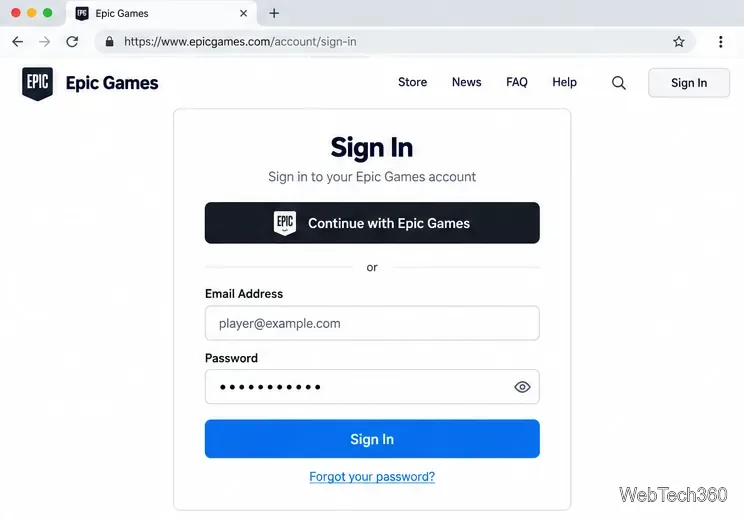
Change your Epic Games display name for Fortnite on PC, Switch, and mobile. Follow the current steps and check email, console, and cooldown limits.
Unlock pro gaming tips and tutorials for Windows PC, Linux, Android, iOS & consoles. Fix crashes, reduce lag, optimize FPS and performance with simple guides. Level up effortlessly!