DirectX 11 vs. DirectX 12: Which Is Better for Gaming?

Learn how DirectX 11 and DirectX 12 differ in CPU overhead, compatibility, and gaming performance, plus a fair way to test both in a game.
Need a fresh project for your Minecraft world? Start with a build that gives you a clear shape to work toward: a medieval castle, a floating sky base, a hidden underground home, a modern city, or a lighthouse and harbor. Each idea can be scaled from a small starter build to a long-term world project.
If you want to focus on design, Creative mode supplies blocks and lets you fly; Survival mode adds the challenge of gathering materials and building while managing threats. Minecraft’s official Creative vs. Survival guide explains the difference. Pick the mode that fits your goal, then use these ideas as starting points rather than fixed blueprints.
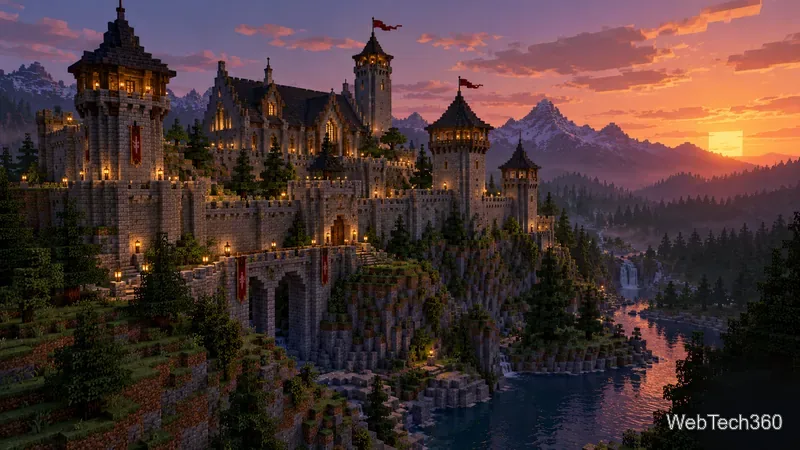
A castle works well as a landmark, a home base, or the centerpiece of a fantasy town. Choose a hill, cliff, or river bend and mark the footprint before building upward. Start with a central keep, then add a gatehouse, outer wall, corner towers, and a courtyard. Stairs, battlements, banners, a stable, and a small village make the grounds feel lived in.
For a convincing silhouette, vary the tower heights and break up long stretches of wall with buttresses, windows, or changes in block texture. A limited palette—such as stone bricks, darker stone, and one wood accent—helps a large build feel cohesive. Decide what belongs inside before closing the walls, so there is room for storage, crafting, and paths.
A sky base turns height into the main design feature. Build a compact central platform first, then add smaller islands for a garden, observatory, workshop, or landing area. Connect the sections with bridges and use a consistent shape—round, square, or stepped—so the structure reads as one place rather than scattered platforms.
Plan the vertical route before decorating. Stairs, ladders, or a water column can connect levels, while railings and broad walkways make movement easier. In Creative mode, flying makes it simple to inspect the silhouette from every side. In Survival, build a temporary safety platform and gather the materials before extending over open air.

An underground base is a good choice if you prefer interiors and secret passages to a towering exterior. Find a hillside or a quiet patch of ground, then make a deliberate entrance: a small cottage, a well, a ravine-side doorway, or a concealed hatch. From there, carve a central hall and branch into rooms with distinct jobs.
Make the space easy to navigate with signs, colored floor strips, or a unique doorway for each room. Add a storage wall, bedroom, enchanting area, crop room, and a glass-roofed garden or underground pond. Place plenty of light and leave room around stairs and corridors; a hidden home should still be comfortable to use. In multiplayer, secrecy alone does not protect stored items, so follow the server’s rules and use its available protections.
A city is a collection of smaller builds, so begin with one block instead of trying to finish a whole skyline at once. Lay out a few streets, then choose a theme—glass-and-concrete high-rises, brick townhouses, a coastal resort, or a compact historic center. Give each block a purpose: apartments, shops, a station, a park, or a civic building.
Vary building heights, but repeat a few materials and details to make the neighborhood feel connected. Sidewalks, streetlights, trees, plazas, and alleys add scale between structures. You can also build interiors selectively: furnish a few visible rooms and leave others simple to keep the project manageable. Minecraft’s official mega-build advice recommends thinking about the overall shape and surrounding terrain before committing to every detail.
A lighthouse makes a strong coastal landmark and gives a harbor a natural focal point. Build the tower on a small island, cliff, or breakwater; use alternating bands of two contrasting blocks to make it visible from shore. Add a spiral stair or ladder inside and a glass lantern room at the top. Lanterns, glowstone, sea lanterns, or another light source can brighten the structure at night.
Then extend the idea into a working-looking waterfront with docks, boats, a boathouse, warehouses, and a path back to town. The tower is a useful visual marker in your world, though its light is decorative rather than a navigation system. A lighthouse can also anchor a larger city project, so it is easy to expand the harbor over time.

The best Minecraft build is one you enjoy returning to. Pick the idea that matches your world, build a small section you can complete, and let the next feature grow from there.
Learn how DirectX 11 and DirectX 12 differ in CPU overhead, compatibility, and gaming performance, plus a fair way to test both in a game.
Compare seven PC PlayStation emulators by console, compatibility, and setup, with official downloads and game lists to help you choose.
Change your Xbox gamertag from a console or any PC or phone browser. Follow the current steps, check name limits and fees, and confirm the right profile.
Elden Ring has cross-generation play but no cross-platform matchmaking. See which PS4, PS5, Xbox, Steam, and Switch 2 players can join the same session.
Pair a DUALSHOCK 4 with your PS4 using a USB cable, connect additional controllers, and troubleshoot charging or pairing problems with Sony-verified steps.
Get the latest on the Fortnite new season: the official Battle Pass end date, the current theme, and what Epic has—and has not—announced.
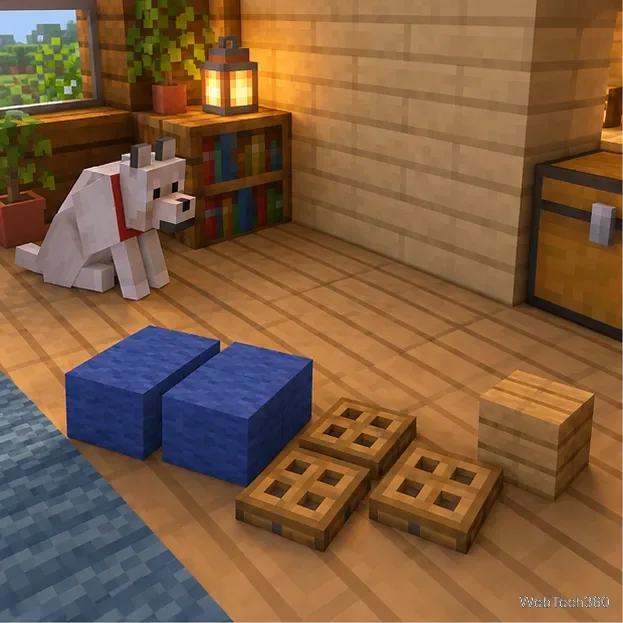
Make a cozy decorative dog bed in Minecraft with wool and trapdoors. Follow a compact four-step build and learn how to keep a tamed wolf beside it.
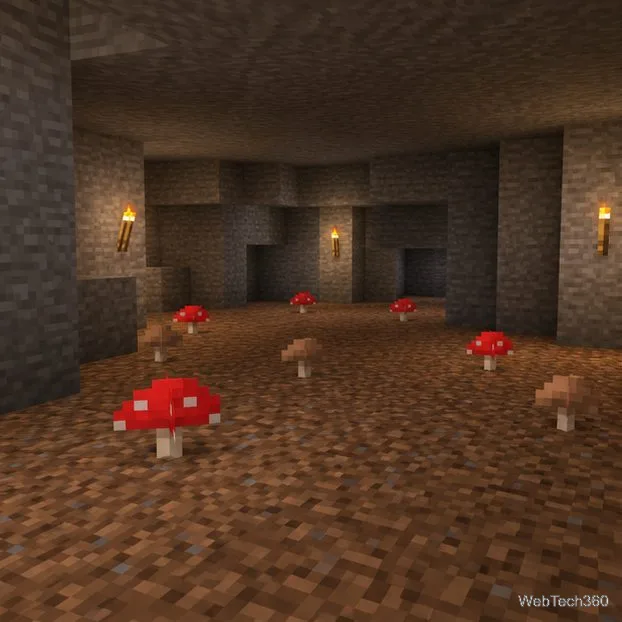
Learn how to plant red and brown mushrooms in Minecraft, choose a growing block, manage light, use bone meal, and harvest giant mushrooms.
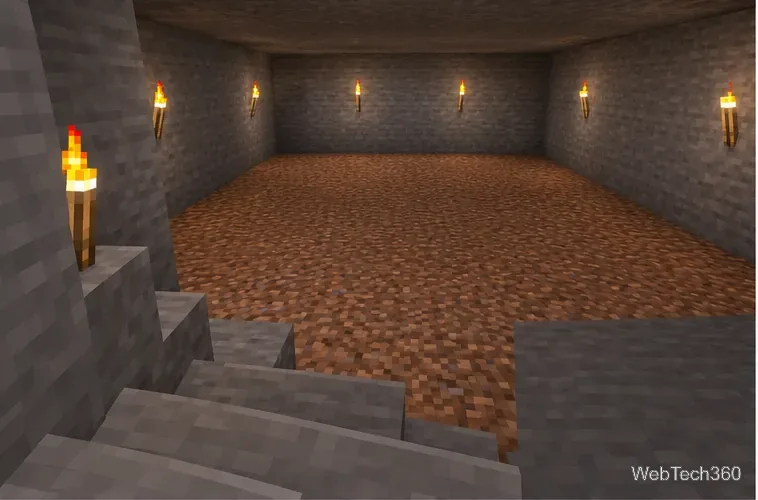
Build an underground farm in Minecraft with a water-fed layout, crop-friendly lighting, planting tips, and fixes for stalled growth.
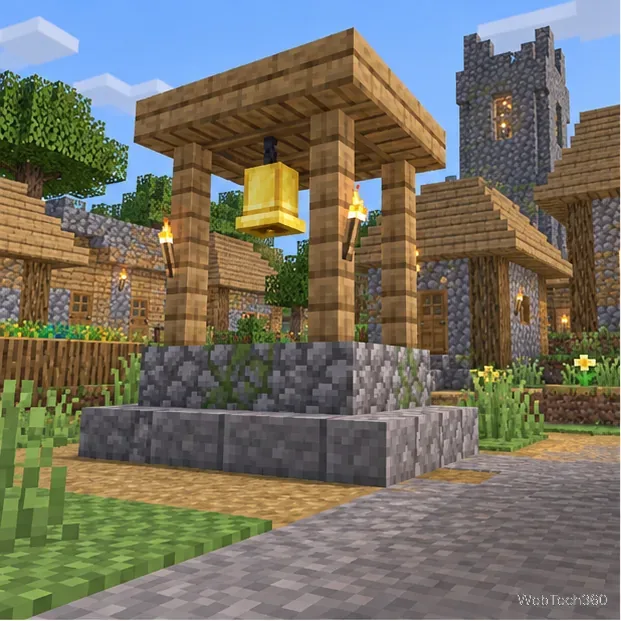
You can’t craft a bell in Minecraft, but you can get one by mining a village bell, trading with a smith villager, or checking a ruined portal chest.