MS OFFICE

How to Create and Send a Meeting Invite in Outlook
How to Create and Send a Meeting Invite in Outlook

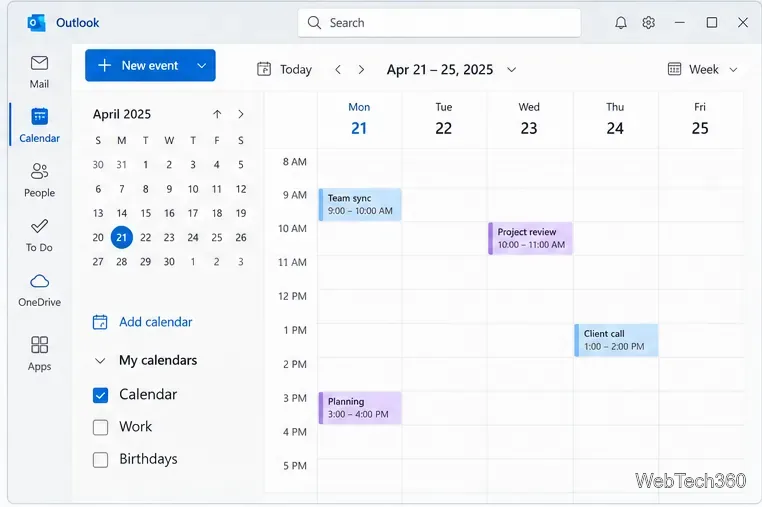
Create an Outlook meeting invite, add required or optional attendees, choose a time, add Teams details, set recurrence, and check replies in new or classic Outlook.
How to Add a Character Limit to Cells in Excel

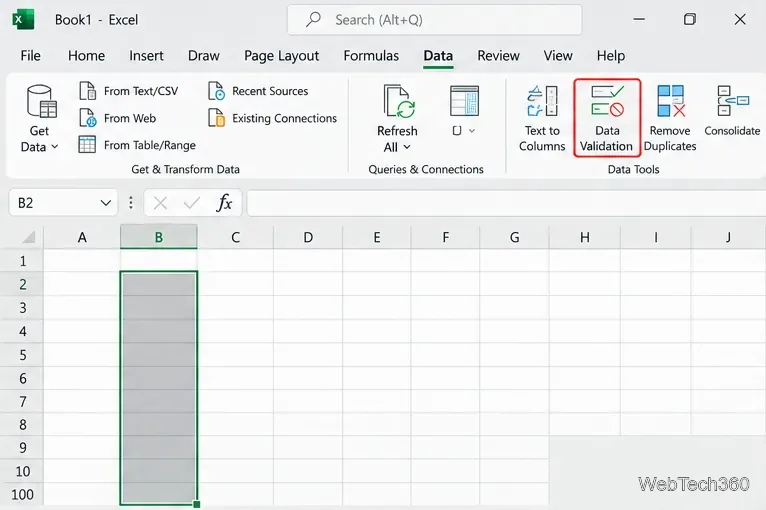
How to Add a Character Limit to Cells in Excel

Use Excel's Data Validation settings to set a maximum, minimum, exact length, or character range, then add clear prompts and error alerts.

How to Fix the “We Can’t Schedule the Meeting” Error in Outlook

How to Fix the “We Can’t Schedule the Meeting” Error in Outlook

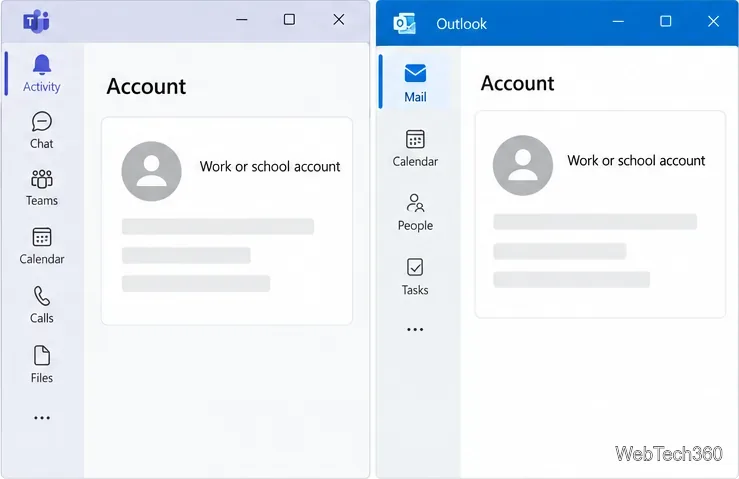
Fix the Outlook “We can’t schedule the meeting” error by checking account support, refreshing Teams sign-in, and repairing the Classic Outlook add-in.

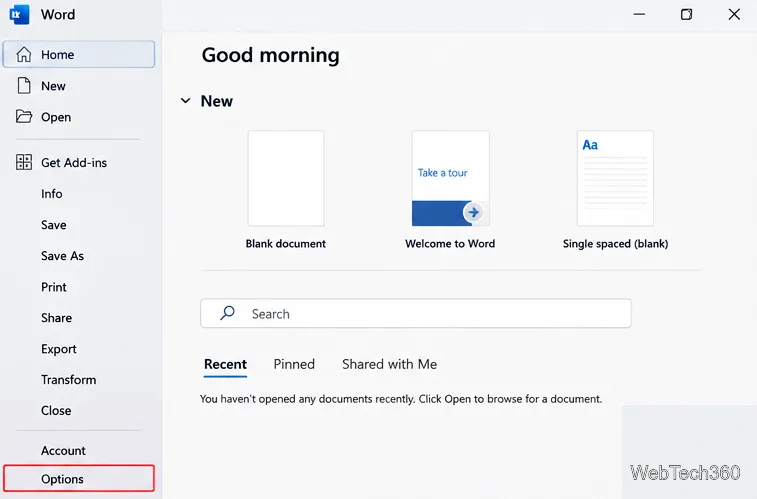
How to Change the Language in Office 365 (Microsoft 365)

How to Change the Language in Office 365 (Microsoft 365)

Change Office 365 menus, spelling and grammar settings, or keyboard input in desktop apps and Microsoft 365 for the web.

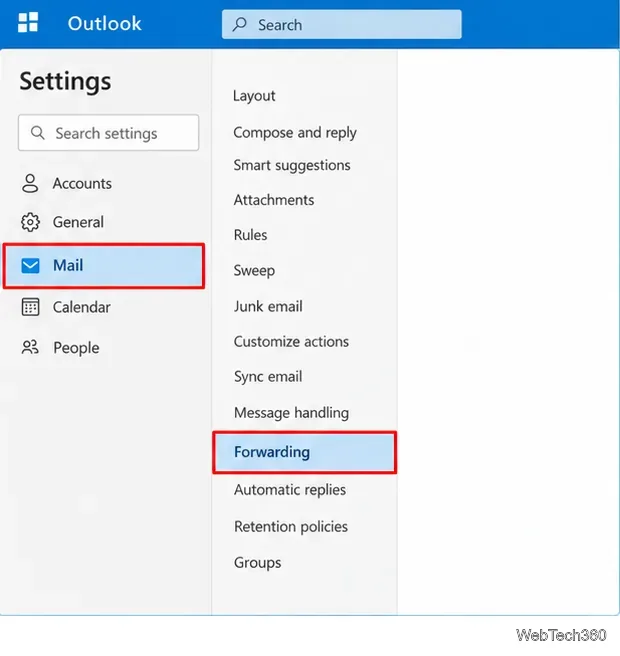
How to Auto-Forward Emails in Outlook 365

How to Auto-Forward Emails in Outlook 365

Learn how to auto-forward all or selected emails in Outlook 365 using Forwarding settings or Rules, plus how to stop forwarding and fix blocked external forwards.

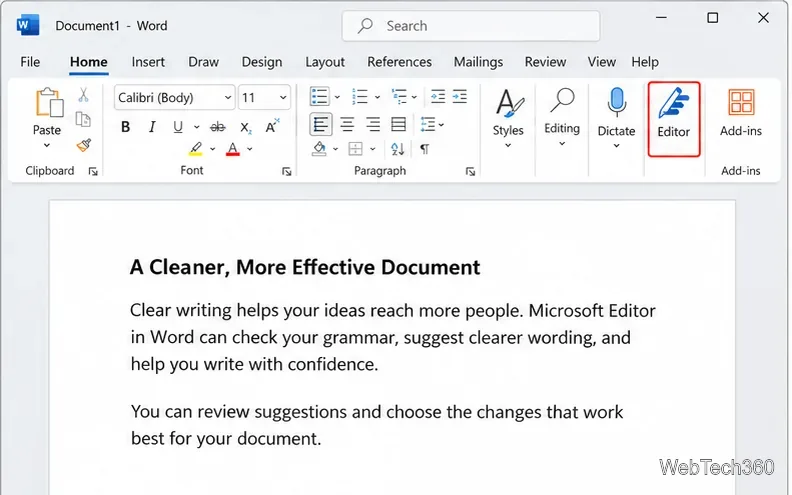
How to Use Microsoft Editor in Word for Microsoft 365

How to Use Microsoft Editor in Word for Microsoft 365

Use Microsoft Editor in Word for Microsoft 365 to check spelling, grammar, clarity, and conciseness, review suggestions, and tune proofing settings.

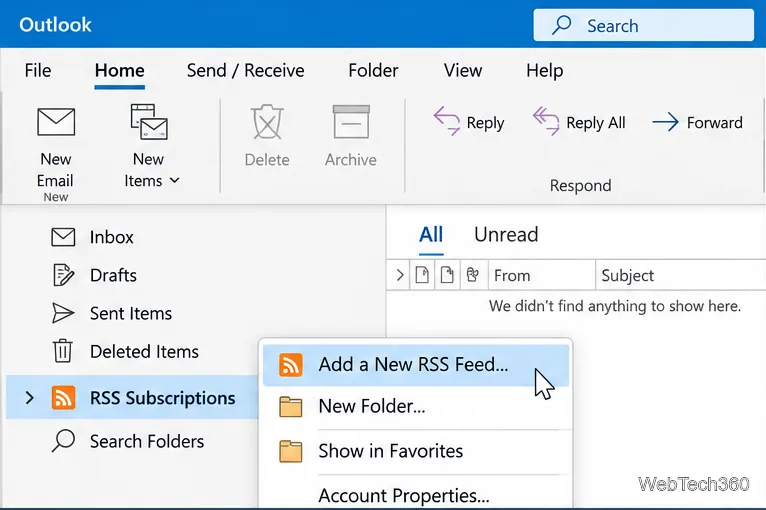
How to Add an RSS Feed to Outlook 365 in Classic Outlook

How to Add an RSS Feed to Outlook 365 in Classic Outlook

Learn how to add an RSS feed to Outlook 365 in classic Outlook for Windows, find the correct feed URL, manage subscriptions, and fix common RSS issues.

How to Go to a Page in Word for Microsoft 365

How to Go to a Page in Word for Microsoft 365

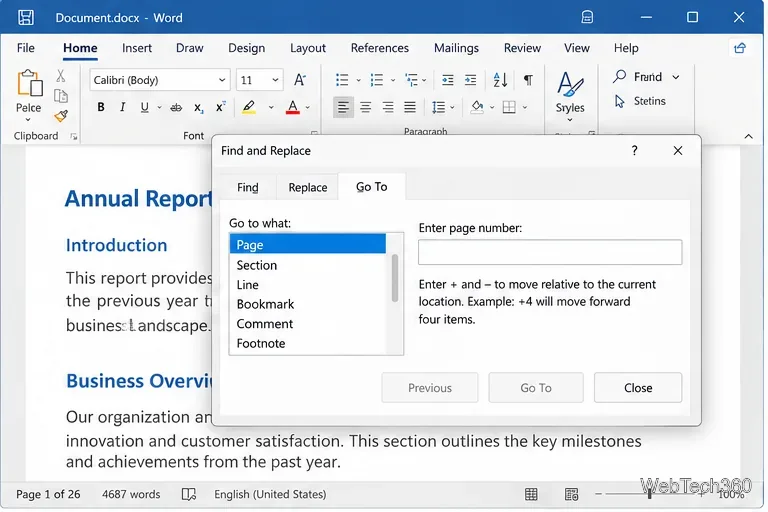
Jump straight to any page in Word for Microsoft 365 with Ctrl+G or F5, relative page numbers, or the Navigation pane, with Windows and Mac shortcuts.

How to Add Contacts to Outlook on Web, Windows, and Mobile

How to Add Contacts to Outlook on Web, Windows, and Mobile

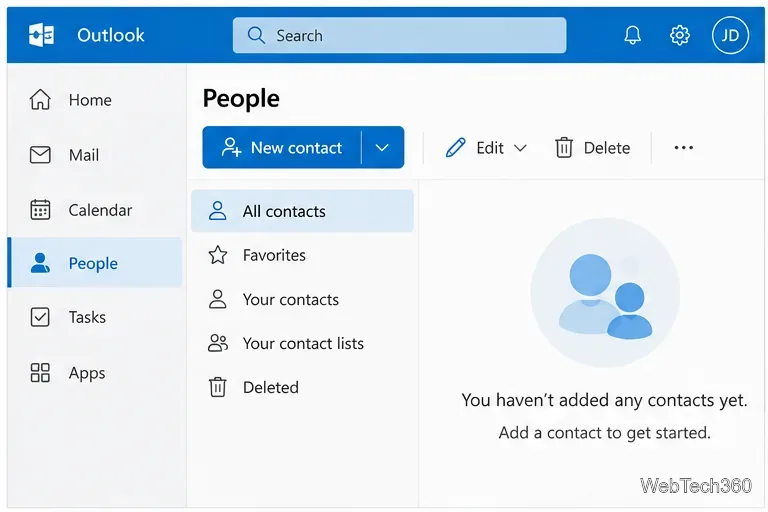
Learn how to add contacts to Outlook on the web, new Outlook, classic Outlook, and mobile, plus how contact syncing and CSV imports work.

How to Change the Microsoft Word Background Color or Add an Image

How to Change the Microsoft Word Background Color or Add an Image

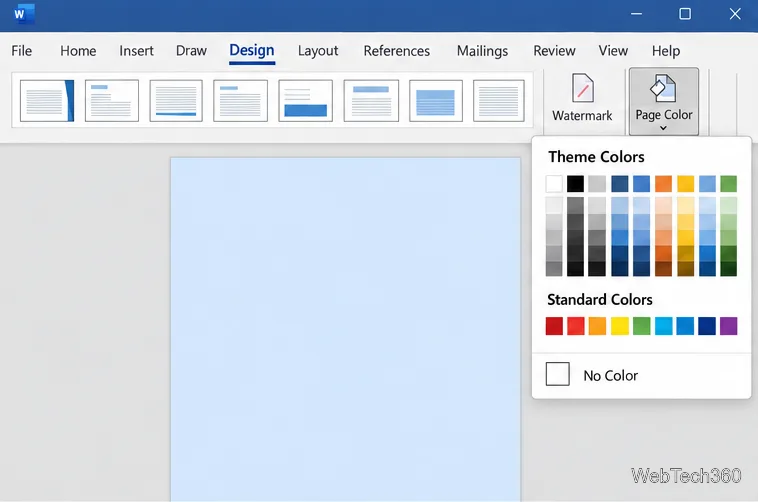
Change a Word page color, add a picture background, remove either, and enable background printing on Windows or Mac with clear, current steps.

How to Connect ONLYOFFICE Desktop Editors to an ownCloud Server

How to Connect ONLYOFFICE Desktop Editors to an ownCloud Server

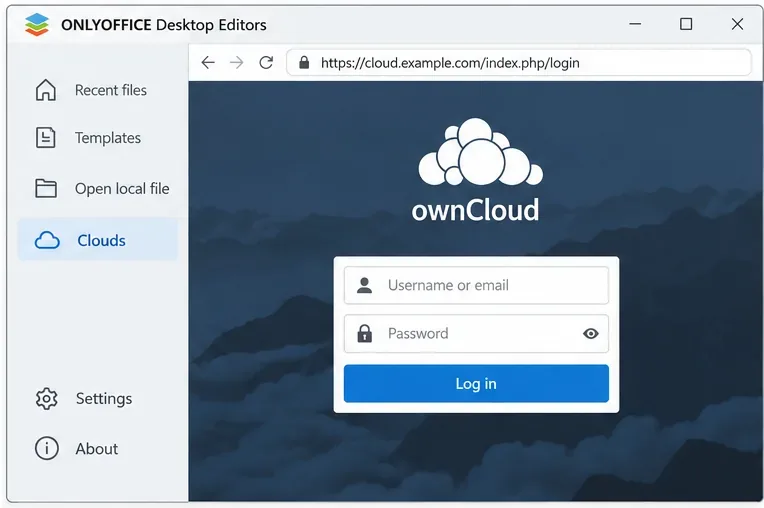
Connect ONLYOFFICE Desktop Editors to your ownCloud server, sign in, open cloud files, manage the connection, and troubleshoot common setup issues.

How to Fix Collabora Online High CPU Usage from loolwsd / coolwsd

How to Fix Collabora Online High CPU Usage from loolwsd / coolwsd

Troubleshoot high Collabora Online CPU usage by identifying busy kit processes, checking metrics and logs, tuning concurrency and cleanup, and verifying fixes safely.

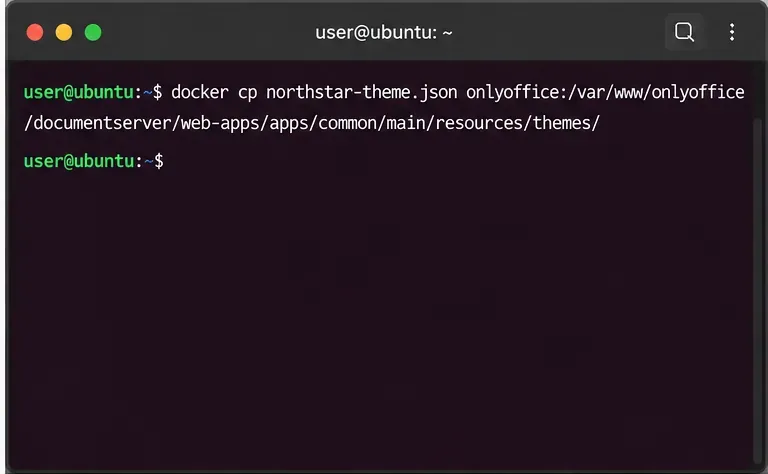
How to Custom Brand ONLYOFFICE Docs with Your Logo and Colors

How to Custom Brand ONLYOFFICE Docs with Your Logo and Colors

Learn how to custom brand ONLYOFFICE Docs with a header logo and interface colors, including license limits, theme JSON setup, Docker paths, and testing.

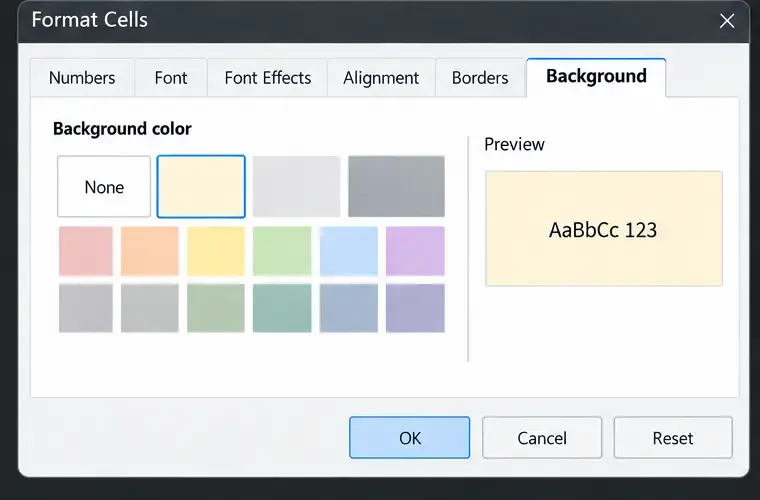
Fix Dark Mode Text Visibility Issues in LibreOffice Calc

Fix Dark Mode Text Visibility Issues in LibreOffice Calc

Fix hard-to-read text in LibreOffice Calc by checking the app theme, cell font and fill colors, styles, and conditional formatting—then verify print output.

Fix the “Document Is Locked by Unknown User” Error in LibreOffice

Fix the “Document Is Locked by Unknown User” Error in LibreOffice

Clear LibreOffice’s unknown-user lock warning safely. Check active sessions, protect a copy, remove only a verified stale lock, and test the document.

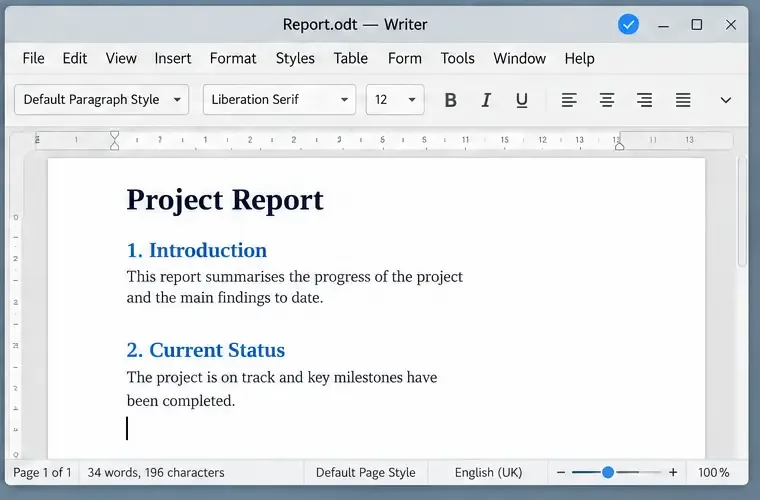
Fix Arabic and Hebrew Right-to-Left Text in LibreOffice Writer

Fix Arabic and Hebrew Right-to-Left Text in LibreOffice Writer

Fix Arabic or Hebrew text that flows, aligns, or mixes with English incorrectly in LibreOffice Writer. Enable complex text layout, set paragraph direction, and check the result.

LibreOffice Calc VLOOKUP vs XLOOKUP: A Beginner-Friendly Functions Guide

LibreOffice Calc VLOOKUP vs XLOOKUP: A Beginner-Friendly Functions Guide

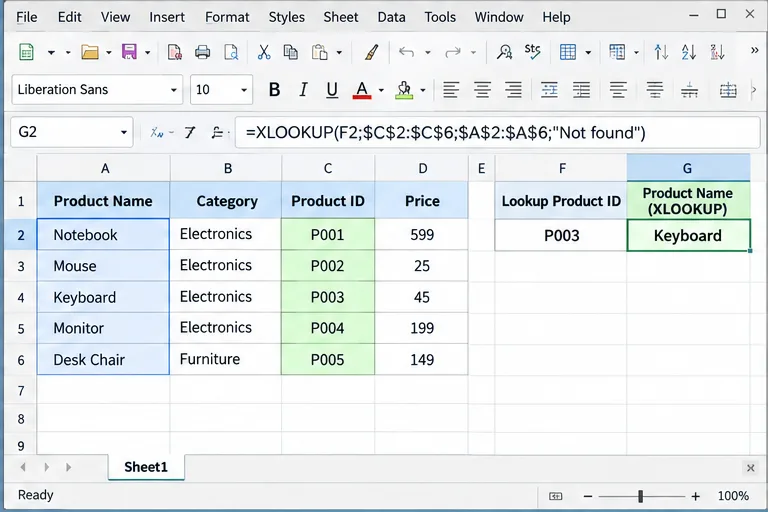
Learn VLOOKUP and XLOOKUP in LibreOffice Calc, including exact matches, left lookups, not-found results, reverse search, INDEX/MATCH alternatives, and common errors.

How to Fix “WOPI Proof Validation Failed” in Collabora Online

How to Fix “WOPI Proof Validation Failed” in Collabora Online

Troubleshoot Collabora Online WOPI proof validation failures by checking discovery keys, key rotation, proxy URLs, timestamps, and host allow-lists.

How to Enable Track Changes by Default in ONLYOFFICE Docs

How to Enable Track Changes by Default in ONLYOFFICE Docs

Enable Track Changes for everyone in an ONLYOFFICE document, keep it active after reopening, and understand the limits of a global default.

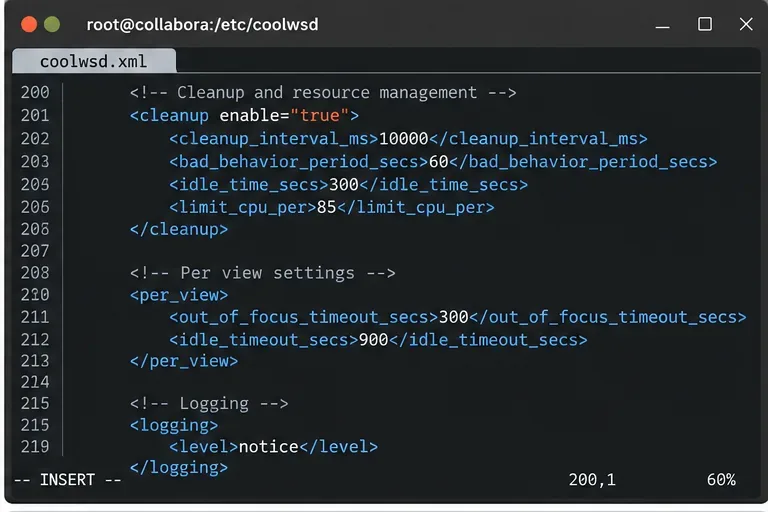
How to Configure Idle Timeouts for Collabora Editing Sessions

How to Configure Idle Timeouts for Collabora Editing Sessions

Compare Collabora Online’s per-view, out-of-focus, document-idle, autosave, and proxy timeouts, then choose and verify settings for your deployment.

How to Fix ONLYOFFICE Spell Check Language Not Changing

How to Fix ONLYOFFICE Spell Check Language Not Changing

Fix an ONLYOFFICE spell-check language that will not change. Learn when to set the document language, select text, adjust Desktop Editors detection, and check dictionaries.

How to Fix Missing Microsoft Fonts (Calibri, Arial) in LibreOffice

How to Fix Missing Microsoft Fonts (Calibri, Arial) in LibreOffice

Restore missing Calibri and Arial in LibreOffice by checking your system fonts, installing licensed fonts or compatible substitutes, refreshing the font cache, and verifying Writer output.

How to Back Up and Restore Collabora CODE Configuration Files Safely

How to Back Up and Restore Collabora CODE Configuration Files Safely

Back up and restore Collabora CODE configuration files on native or Docker installs, including coolwsd.xml, deployment settings, proof keys, and validation.

How to Add Custom Fonts to ONLYOFFICE Document Server

How to Add Custom Fonts to ONLYOFFICE Document Server

Install custom fonts on ONLYOFFICE Document Server for Linux or Docker, regenerate its font list, and verify they render correctly in editors and exported files.

How to Run LibreOffice Headless Inside a Docker Container

How to Run LibreOffice Headless Inside a Docker Container

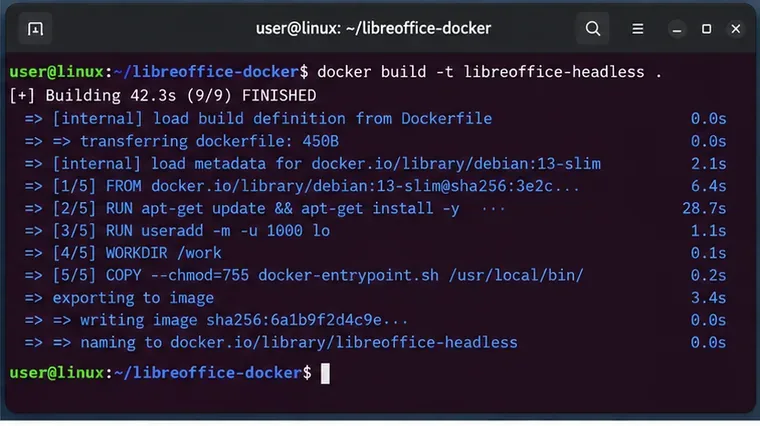
Run LibreOffice headless in Docker for DOCX, XLSX, PPTX, and PDF conversion with a reproducible image, safe mounts, fonts, profiles, and verification.

How to Fix LibreOffice Slow Startup on Windows 11 and Linux

How to Fix LibreOffice Slow Startup on Windows 11 and Linux

Fix slow LibreOffice startup on Windows 11 and Linux with Troubleshoot Mode, extension checks, profile repair, and installation-specific updates.

How to Enable Plugin Development in ONLYOFFICE Desktop Editors

How to Enable Plugin Development in ONLYOFFICE Desktop Editors

Set up plugin development in ONLYOFFICE Desktop Editors: install a local .plugin archive, link your source folder, enable developer tools, and test changes.

How to Run Python Scripts in LibreOffice Calc Macros

How to Run Python Scripts in LibreOffice Calc Macros

Learn when to use Python macros directly in Calc and how to call Python functions from LibreOffice Basic with practical UNO and ScriptForge examples.

Fix the “Unauthorized WOPI Host” Error in Collabora Online CODE

Fix the “Unauthorized WOPI Host” Error in Collabora Online CODE

Fix Collabora Online CODE’s “Unauthorized WOPI Host” error by matching the WOPI hostname, configuring Docker host groups, checking Nextcloud’s separate IP allow-list, and verifying connectivity.

Fix Token is Not Valid Error in ONLYOFFICE Nextcloud Integration

Fix Token is Not Valid Error in ONLYOFFICE Nextcloud Integration

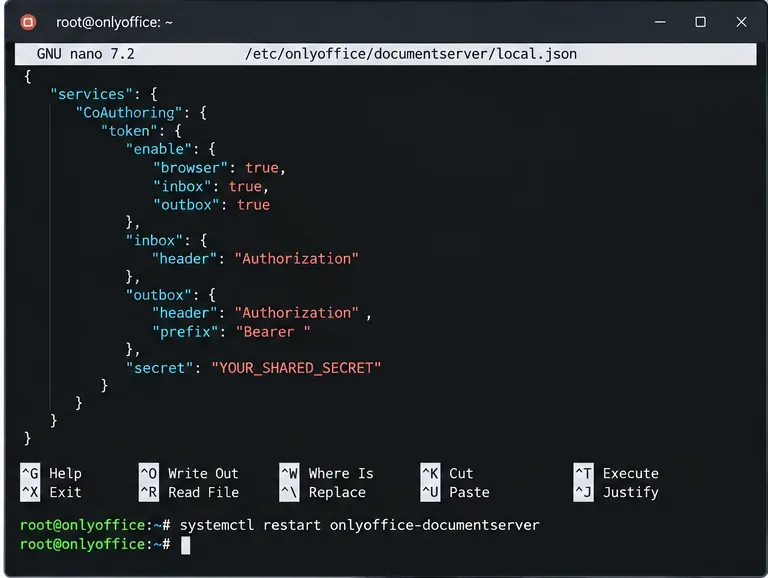
Fix ONLYOFFICE “Token is not valid” errors in Nextcloud by checking the JWT secret, authorization header, Docker settings, proxy behavior, and connector health.

Unlock the full potential of MS Office with our comprehensive tutorials and tips for Excel, Word, PowerPoint, and more. Solve common issues like formula errors, formatting glitches, and automation tricks for everyday efficiency.