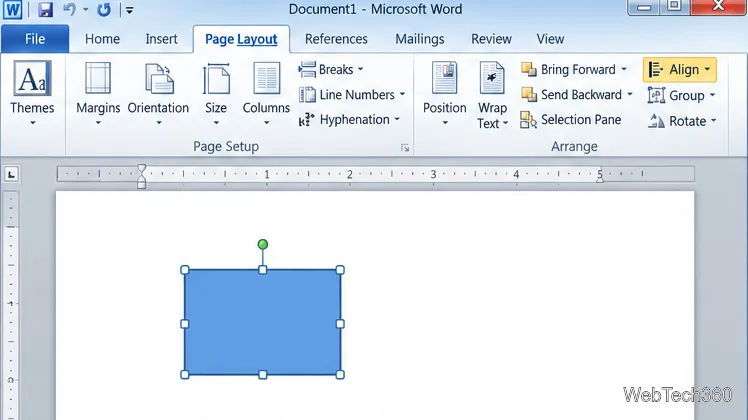
How to Move a Picture in Microsoft Word
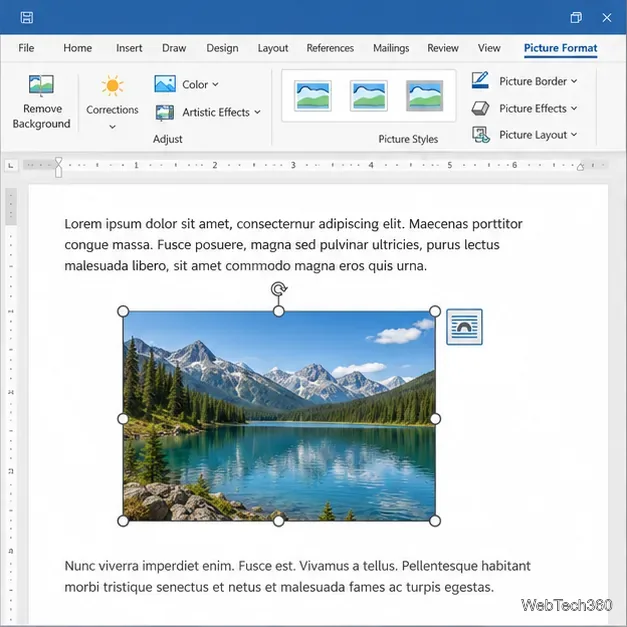
Learn how to drag a picture in Word, choose text wrapping, keep it with a paragraph or fix it on the page, and troubleshoot images that will not move.
To strikethrough in Excel, select a cell or range and use the keyboard shortcut or Font settings. In the desktop app, press Ctrl+5 on Windows or Shift+Command+X on Mac. In Excel for the web, open Home > Font Settings and select Strikethrough. The line is formatting only: it does not erase the cell’s text, number, date, or formula.
This is the fastest method when you want every character in one or more cells crossed out.
For a continuous block, drag across the cells or select the first cell, hold Shift, and select the last. To add separate cells to a selection, use Ctrl-click on Windows or Command-click on Mac. The shortcut then applies to the active selection. Make sure Excel is focused on the worksheet, rather than an open dialog or a text field, before pressing it. Microsoft lists both shortcuts in its Excel keyboard shortcut reference.
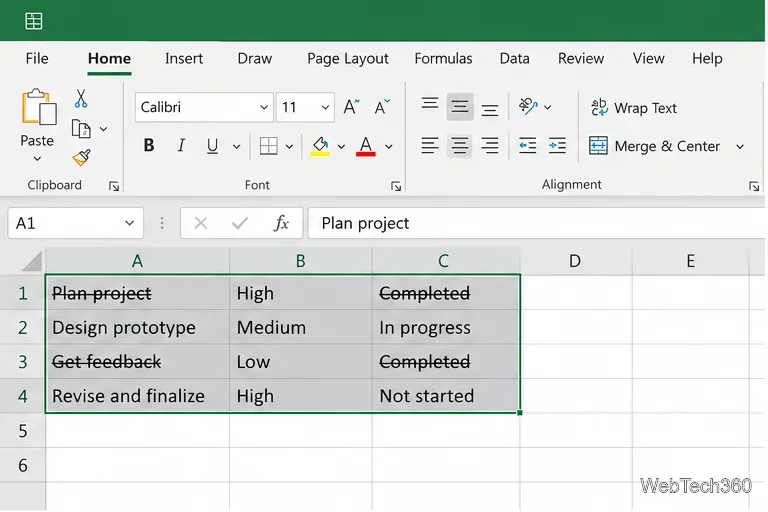
If you do not want to use a shortcut, apply the effect in the Font tab of the Format Cells dialog. This works well when you need to confirm the current setting or format cells containing numbers, dates, or currency.
To remove the effect with the dialog, reopen it for the same selection, clear the Strikethrough checkbox, and select OK. Microsoft’s Format text in cells instructions place strikethrough under Effects in the Font dialog.
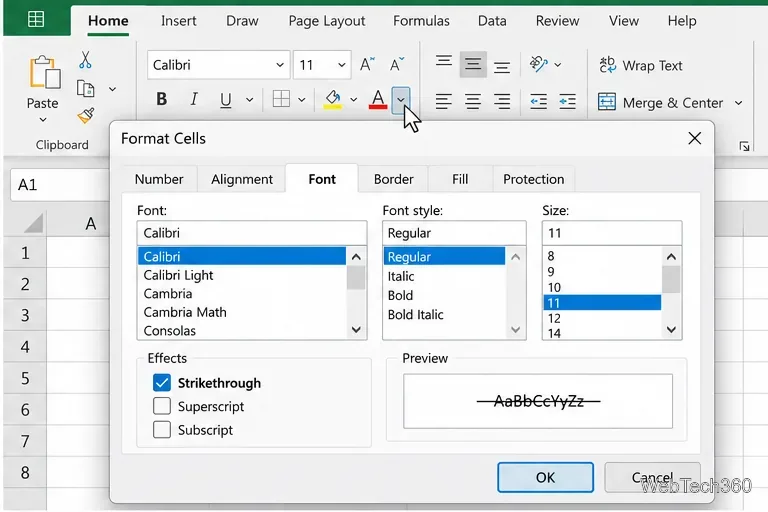
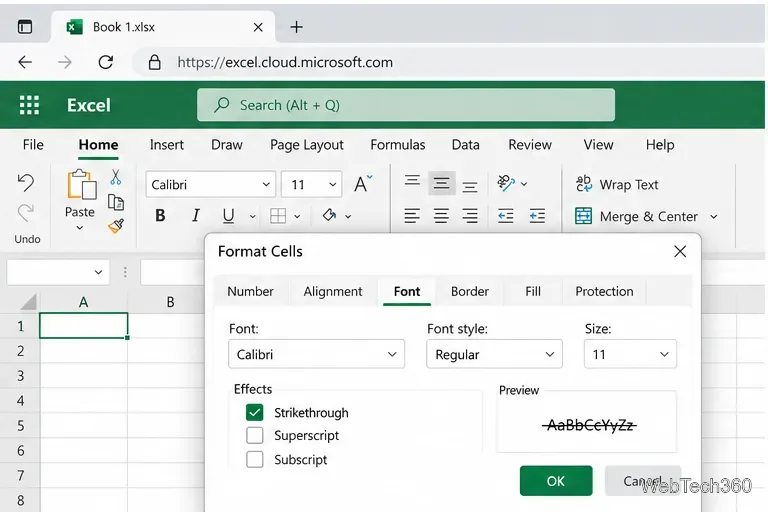
The web app has a Font Settings route for this effect. Select the cell or range, open the Home tab, and choose Font Settings in the Font group. In the Format Cells dialog, select Strikethrough, then choose OK. To undo it, reopen the same dialog, clear the checkbox, and confirm. The location is less obvious than the desktop shortcut, so this menu path is useful when you are working in a browser or the shortcut is unavailable.
Microsoft documents the current web steps in its Excel for the web strikethrough instructions.
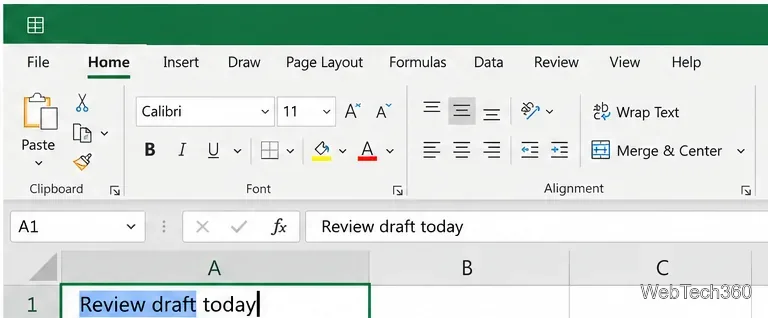
You can format individual characters without crossing out the rest of the cell. This is useful for showing a changed phrase, an edited label, or a revised item while keeping the rest readable.
If you selected the wrong characters, re-enter edit mode and adjust the text selection before applying the effect. Excel supports formatting individual characters as well as all data in a cell, as described in Microsoft’s worksheet formatting overview.
Select the affected cell or text and press the same shortcut again: Ctrl+5 on Windows or Shift+Command+X on Mac. If you prefer the dialog, uncheck Strikethrough in Format Cells. In Excel for the web, open Home > Font Settings and clear the checkbox.
Avoid using Clear Formats if you only want to remove the line. That command removes other formatting too, such as font color, fill, borders, and number format. The strikethrough toggle or checkbox is the more targeted choice.
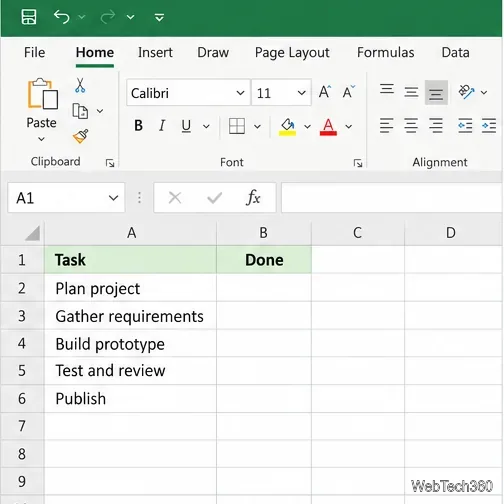
For a short task list or revision note, manual strikethrough is usually enough. If a cell’s value drives reports or formulas, keep the original value intact and use the visual formatting only to communicate its status.
Learn how to drag a picture in Word, choose text wrapping, keep it with a paragraph or fix it on the page, and troubleshoot images that will not move.
Learn how to insert a checkbox in Excel with the in-cell tool, count checked items with formulas, or add a linked Form Control in older desktop versions.
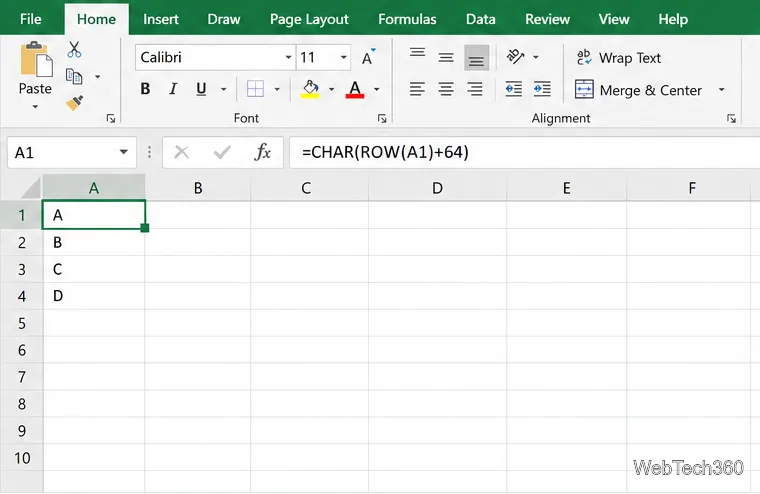
Generate A to Z, lowercase letters, or labels beyond Z in Excel with a fill-handle formula, SEQUENCE, or a reusable custom list.
Learn how to strikethrough in Excel on Windows, Mac, and the web, format part of a cell, and remove the line without deleting its value.
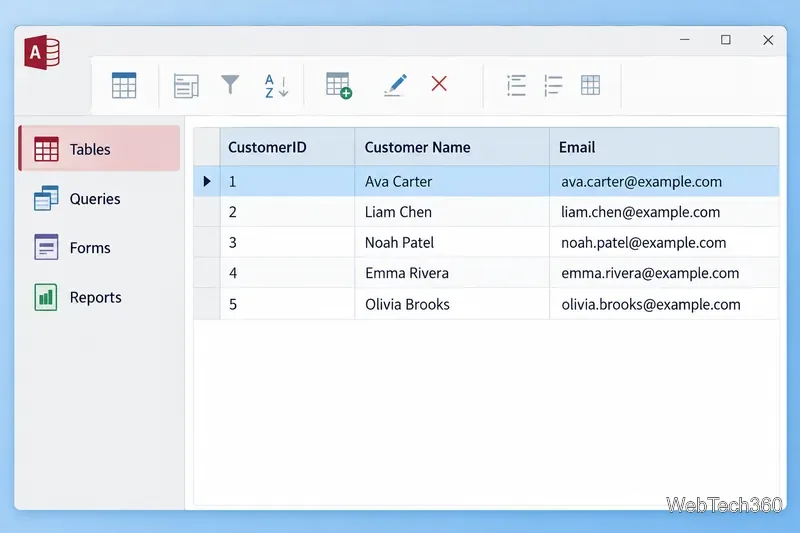
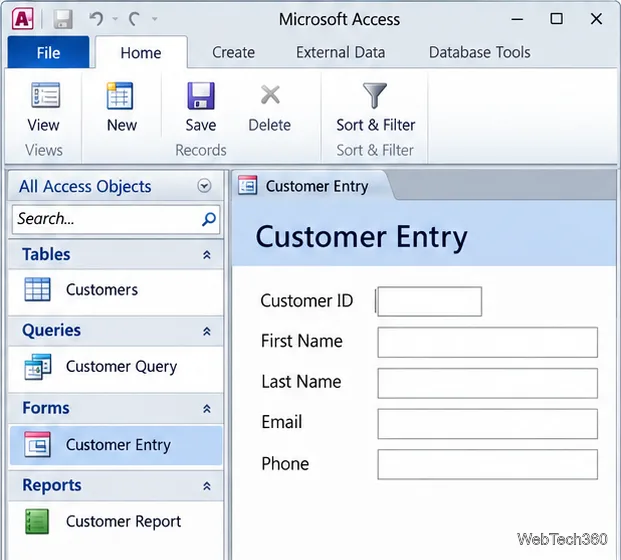
Microsoft Access is a Windows database app for storing related records, building queries, creating data-entry forms, and generating reports. Learn how it works and when it fits.
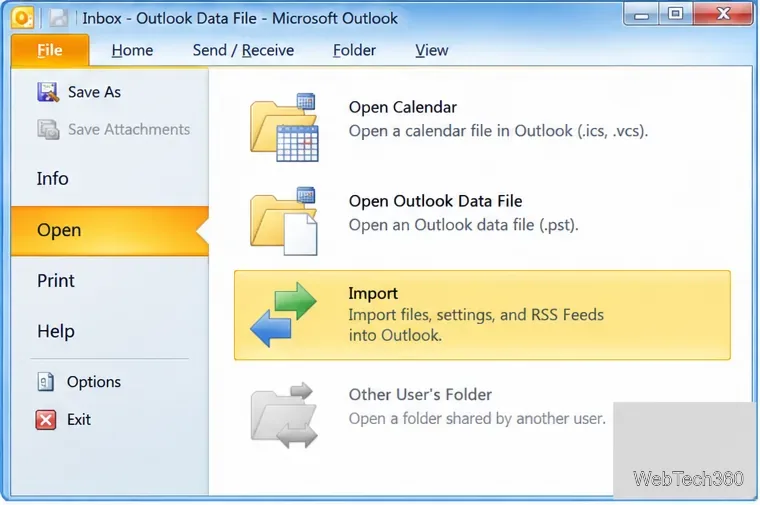
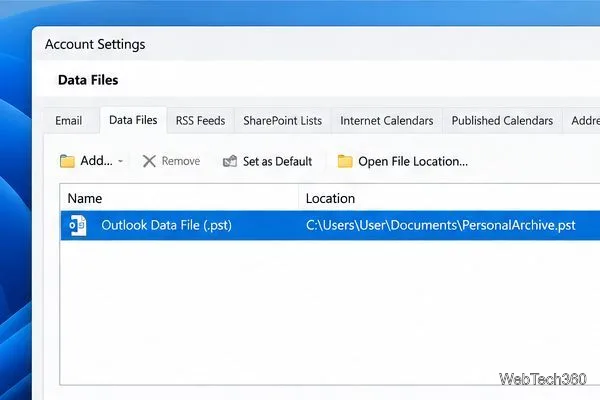
Learn how to import a PST into Outlook 2010 or export mail, contacts, calendar, and tasks. Follow the correct menus and avoid missing folders or duplicates.
Learn how to adjust gridline height and width in Word 2010, change visible line frequency, and set the underlying horizontal and vertical drawing-grid spacing.
Recover a forgotten Outlook PST password with Kernel’s current steps, including how to identify the right file, make a backup, and check the tool’s limits.
Use the LiveWeb add-in to place a website on a PowerPoint slide, set its size and refresh behavior, and check compatibility before presenting.
Set an Access 2010 database application to open directly to a data-entry form, hide object lists, limit menus, and check the setup before sharing.