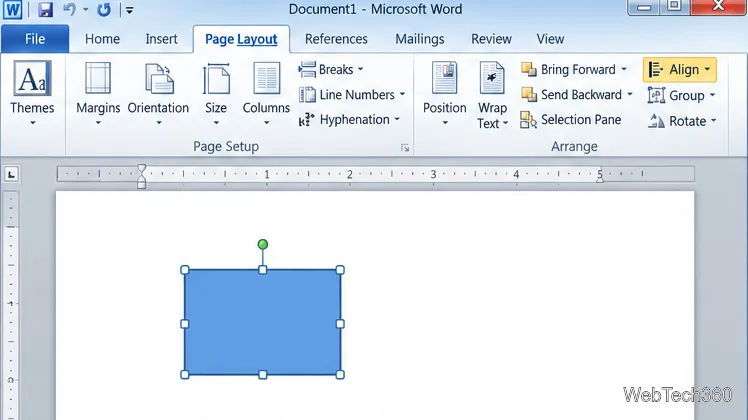
How to Move a Picture in Microsoft Word
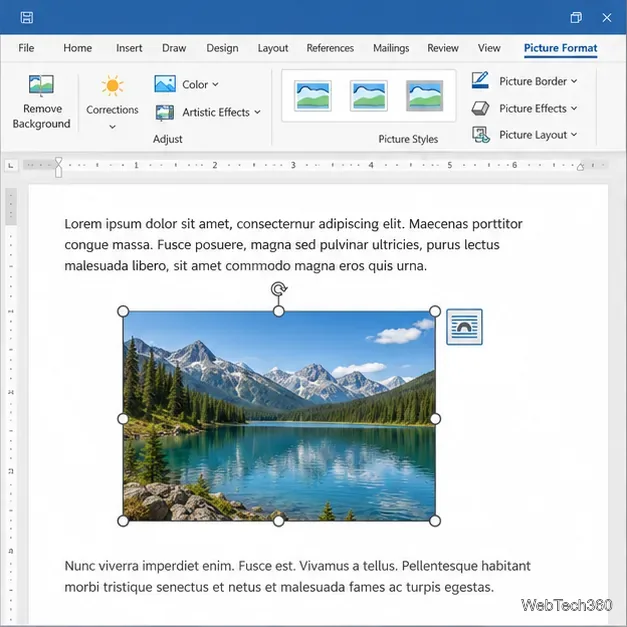
Learn how to drag a picture in Word, choose text wrapping, keep it with a paragraph or fix it on the page, and troubleshoot images that will not move.
In supported versions of Excel for Microsoft 365, select the cell or range and choose Insert > Checkbox. These in-cell checkboxes store TRUE or FALSE in the cell, so formulas can use them directly.
If that command is missing, desktop Excel offers a legacy Form Control checkbox. It floats over the grid and can write its state to a linked cell.
Microsoft lists the in-cell feature for Excel for Microsoft 365 and Microsoft 365 for Mac. See Microsoft's checkbox guide for supported steps.
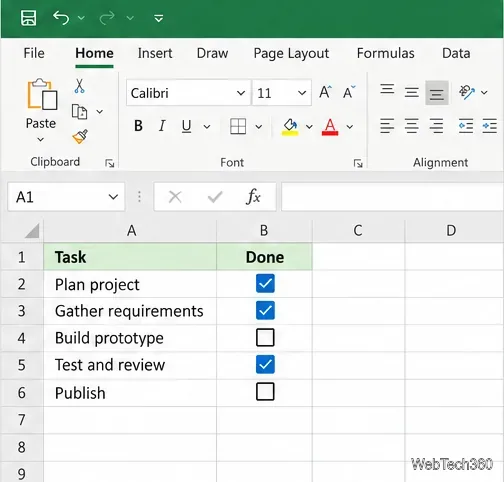
Use column A for tasks and column B for checkboxes. The same layout works for attendance, with names in A and a Present column in B.
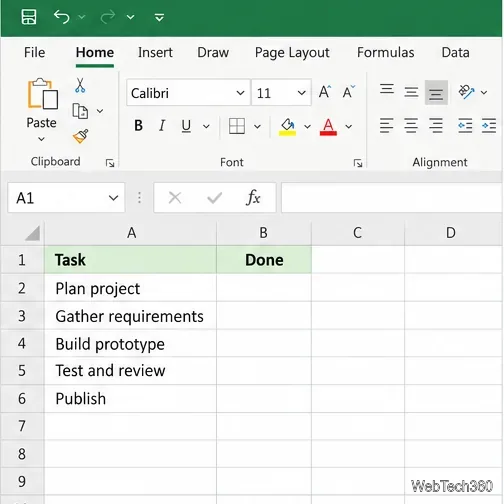
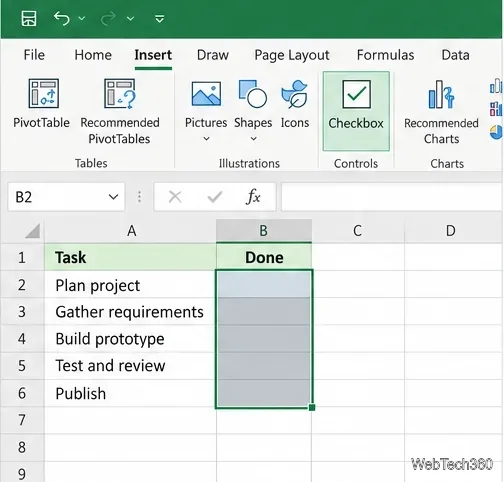
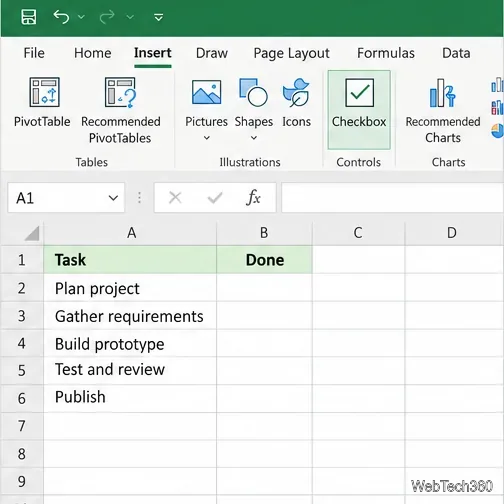
TRUE, and unchecked cells to FALSE; formulas can read either value.
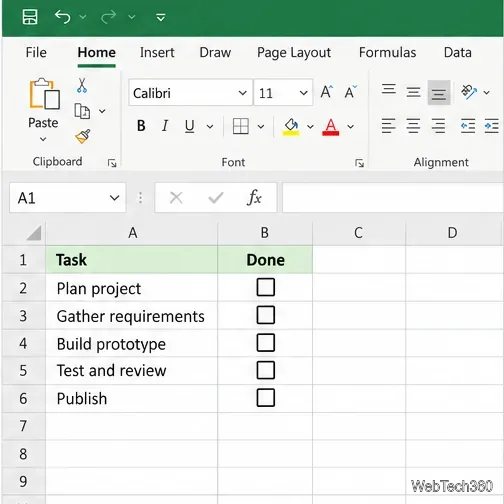
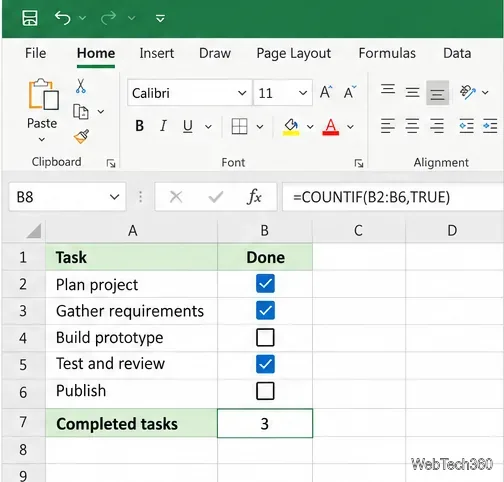
=COUNTIF(B2:B6,TRUE). Use =COUNTIF(B2:B6,FALSE) for unchecked boxes. The totals update when a box is toggled. If your regional settings use semicolons, replace the formula commas with semicolons.
To turn a checkbox into text, use =IF(B2=TRUE,"Present","Absent") and fill the formula down. See Microsoft's COUNTIF reference for the function syntax.
Use Form Controls in desktop Excel when the in-cell command is unavailable or you need a floating object. These steps describe Windows; menus can vary by release. Microsoft lists Form Controls for Microsoft 365, Excel 2024, 2021, 2019, and 2016.
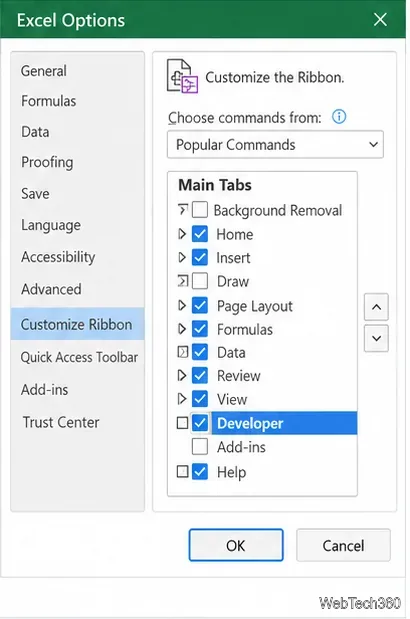
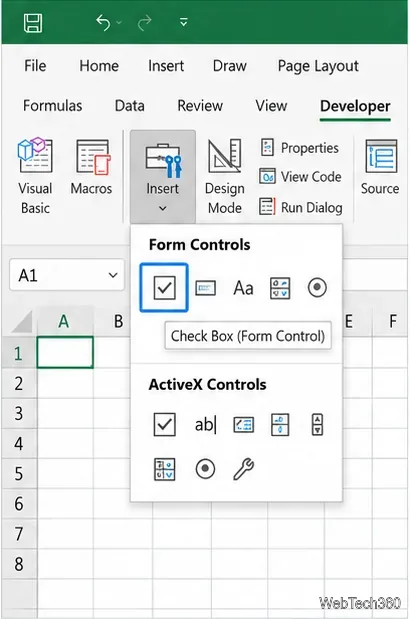
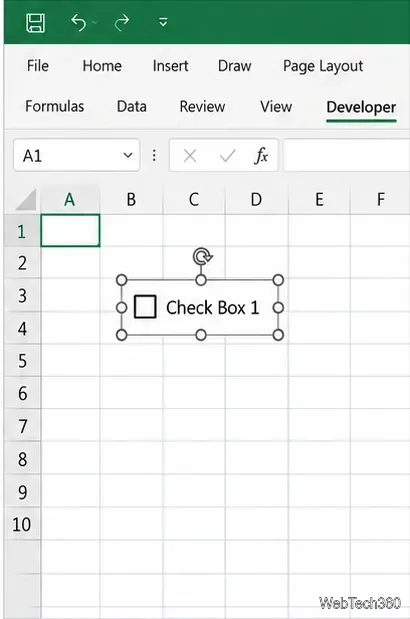
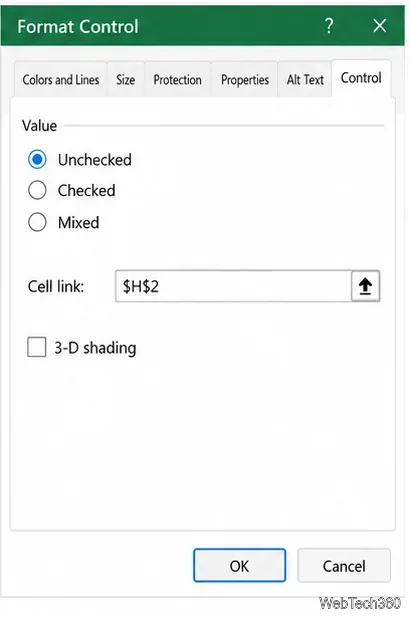
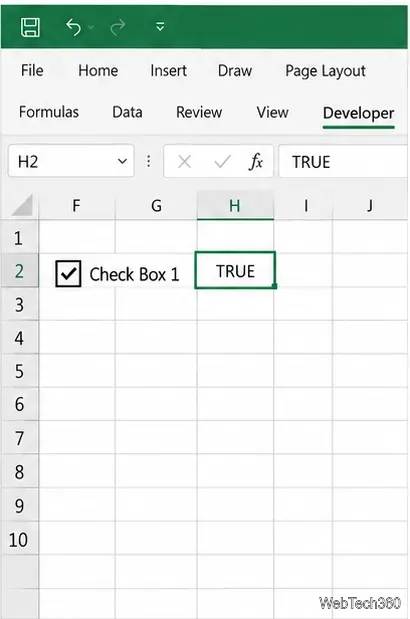
$H$2 in Cell link and select OK. The linked cell exposes the checkbox state to formulas.
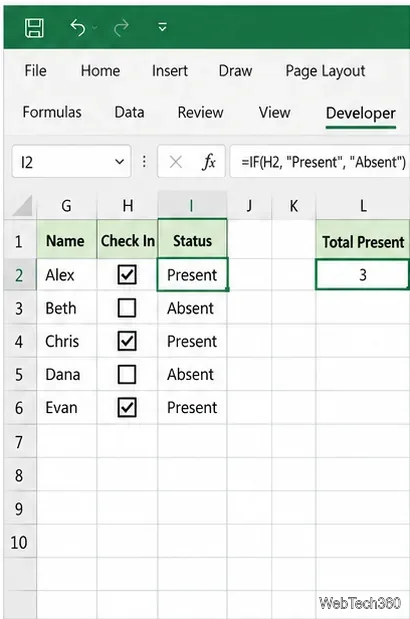
=IF(H2=TRUE,"Present","Absent") in a status cell. A checked control returns Present; a cleared one returns Absent. For multiple rows, link each control to its own cell, such as H2:H6, and reference the matching row.
=COUNTIF(H2:H6,TRUE). After copying a control, confirm its Cell link points to the right row. See Microsoft's Developer tab guide and Form Controls guide.
Use in-cell checkboxes for simple trackers: their TRUE/FALSE values are already in the cells. Use Form Controls for a floating object or older desktop version. Form Controls cannot be used in Excel for the web; Microsoft warns that continuing to edit a workbook in the browser after an unsupported-features prompt can remove them. Open it in desktop Excel to preserve the controls.
Learn how to drag a picture in Word, choose text wrapping, keep it with a paragraph or fix it on the page, and troubleshoot images that will not move.
Learn how to insert a checkbox in Excel with the in-cell tool, count checked items with formulas, or add a linked Form Control in older desktop versions.
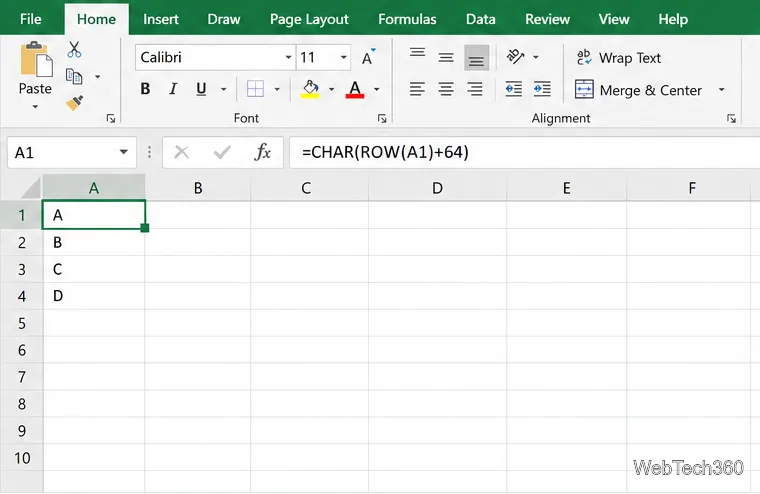
Generate A to Z, lowercase letters, or labels beyond Z in Excel with a fill-handle formula, SEQUENCE, or a reusable custom list.
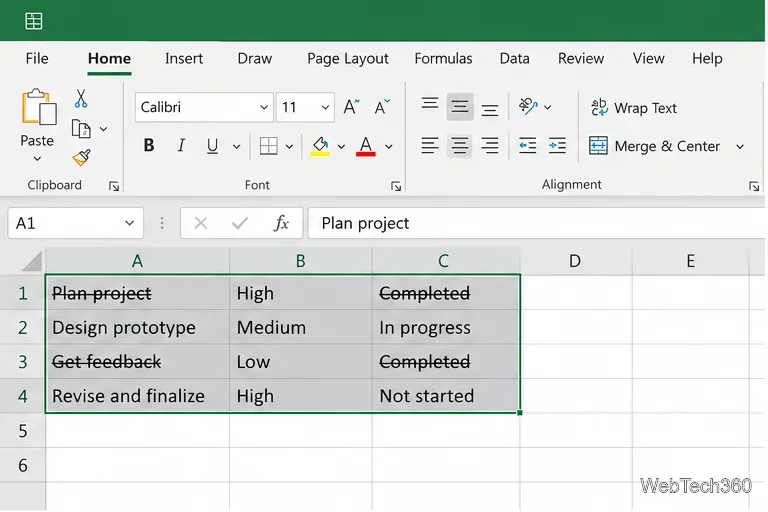
Learn how to strikethrough in Excel on Windows, Mac, and the web, format part of a cell, and remove the line without deleting its value.
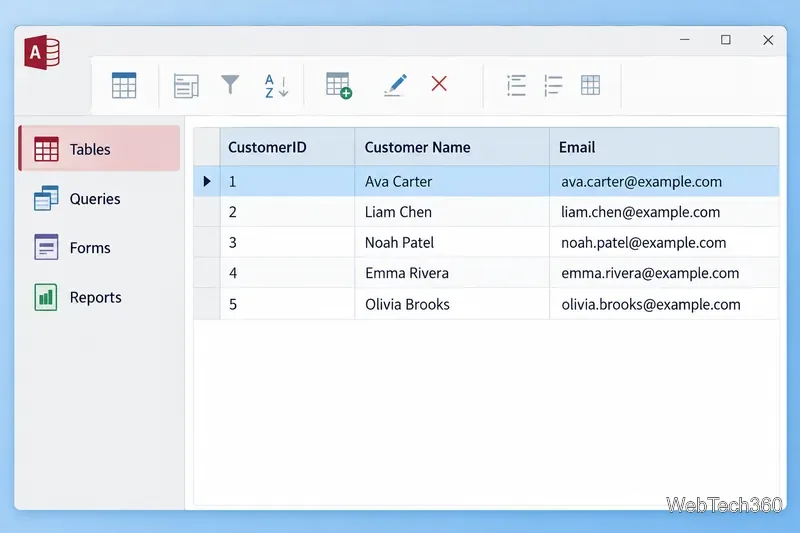
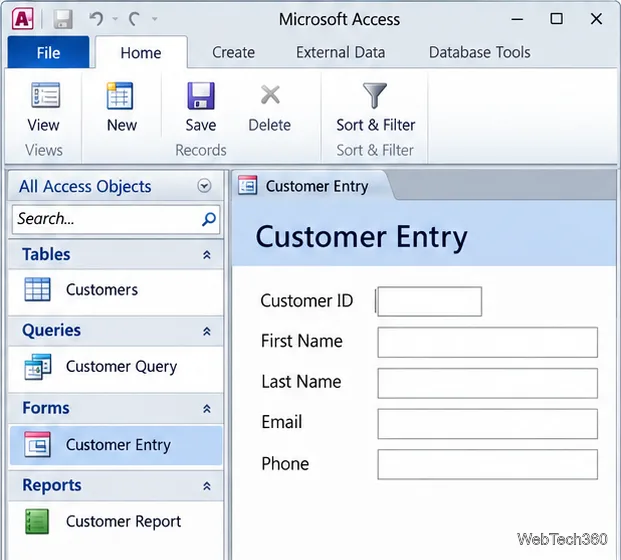
Microsoft Access is a Windows database app for storing related records, building queries, creating data-entry forms, and generating reports. Learn how it works and when it fits.
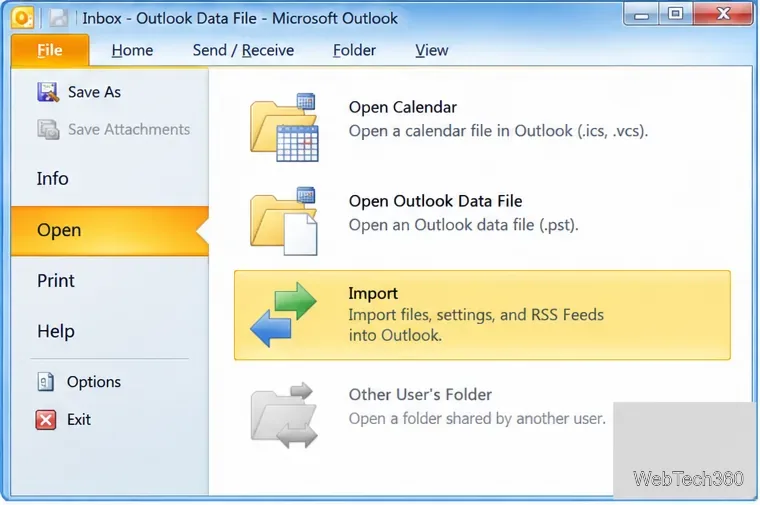
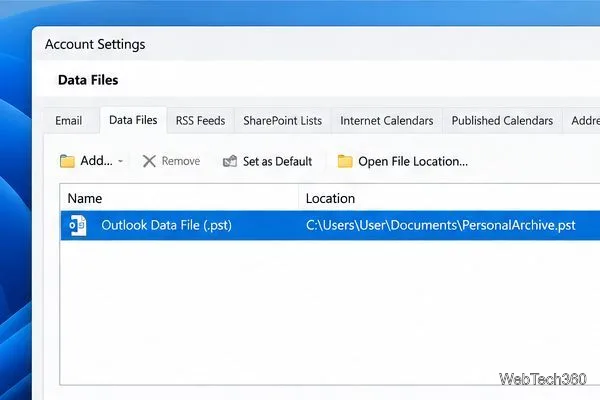
Learn how to import a PST into Outlook 2010 or export mail, contacts, calendar, and tasks. Follow the correct menus and avoid missing folders or duplicates.
Learn how to adjust gridline height and width in Word 2010, change visible line frequency, and set the underlying horizontal and vertical drawing-grid spacing.
Recover a forgotten Outlook PST password with Kernel’s current steps, including how to identify the right file, make a backup, and check the tool’s limits.
Use the LiveWeb add-in to place a website on a PowerPoint slide, set its size and refresh behavior, and check compatibility before presenting.
Set an Access 2010 database application to open directly to a data-entry form, hide object lists, limit menus, and check the setup before sharing.