How to Play Minecraft Offline on Windows 10: Java and Bedrock
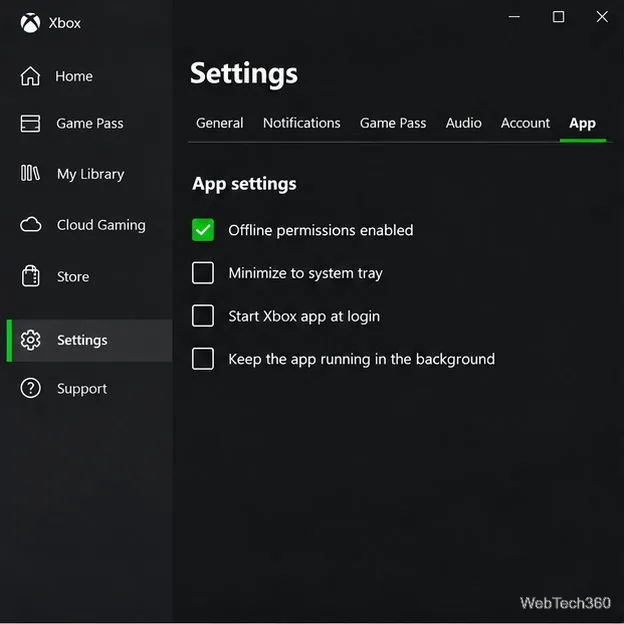
Prepare Java or Bedrock on Windows 10 for offline single-player, enable the right Xbox setting, and back up your local Minecraft worlds.
Prepare Java or Bedrock on Windows 10 for offline single-player, enable the right Xbox setting, and back up your local Minecraft worlds.
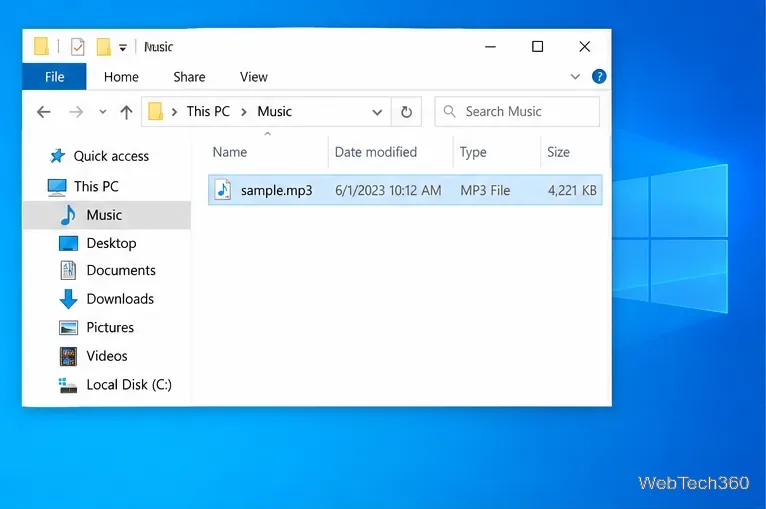
Change a file type icon in Windows 10 while keeping its current default app. Follow the FileTypesMan steps, handle icon picker issues, and restore the original setting.
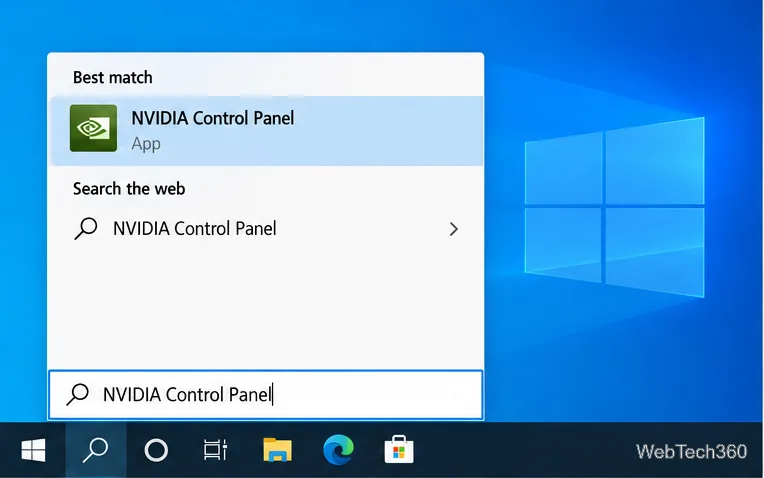
Set PhysX in NVIDIA Control Panel on Windows 10, understand Auto-select vs. CPU or GPU, and learn when to use Windows Graphics settings instead.
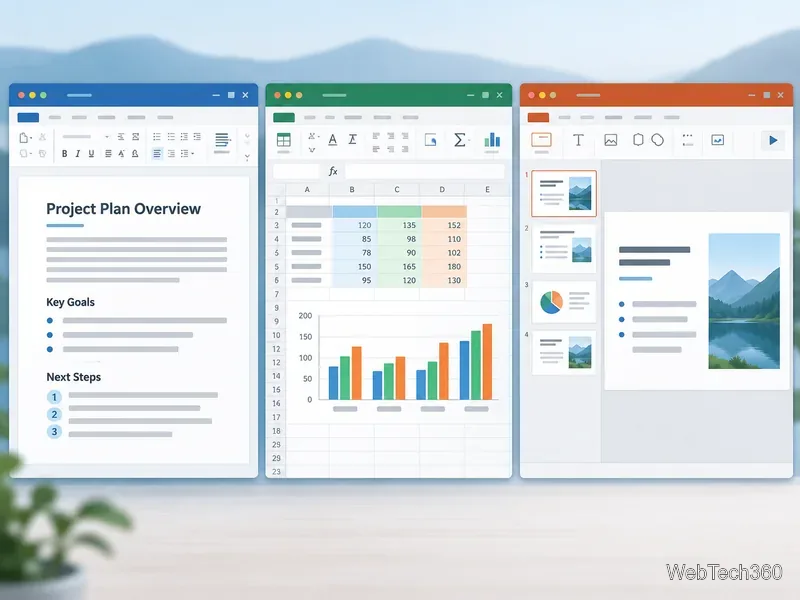
Compare six free office suites for documents, spreadsheets, and presentations, including browser-based collaboration and offline desktop options.
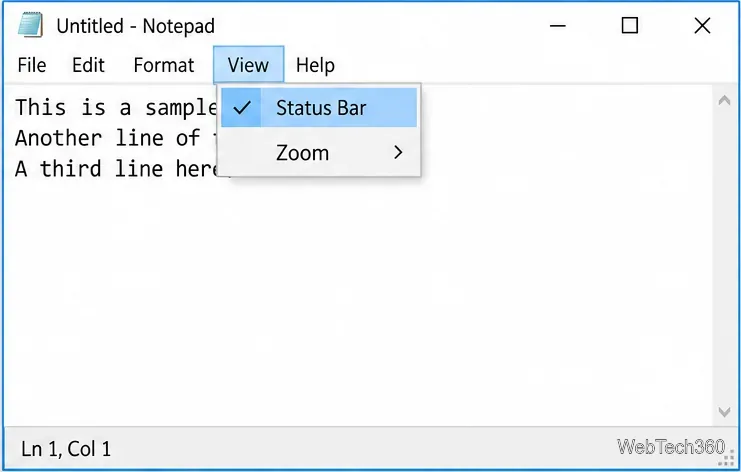
Turn on Notepad’s Status Bar to see the current line and column in Windows 10, troubleshoot a disabled option, and learn when you need a line-number gutter.
Display a custom Windows dialog with a short PowerShell command, Command Prompt, or a reusable .bat or .ps1 file, including a title, icon, and buttons.
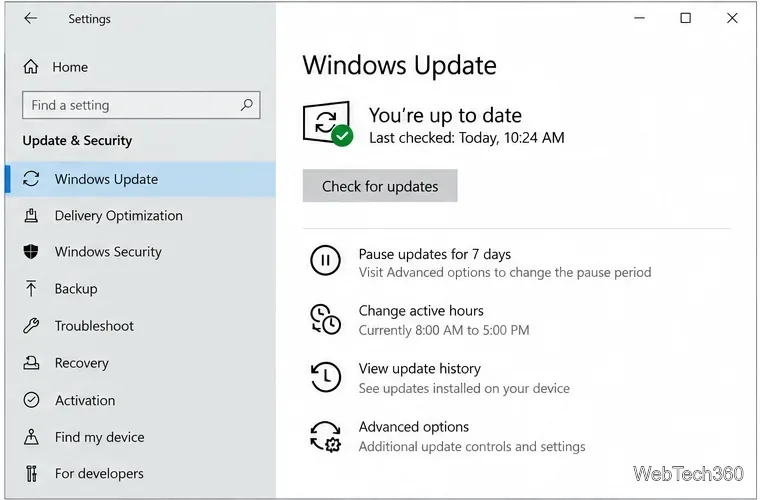
Fix Windows 10 update error 0x80071160 with Microsoft’s troubleshooter, a safe update-cache reset, DISM and SFC repairs, and a careful manual-install check.
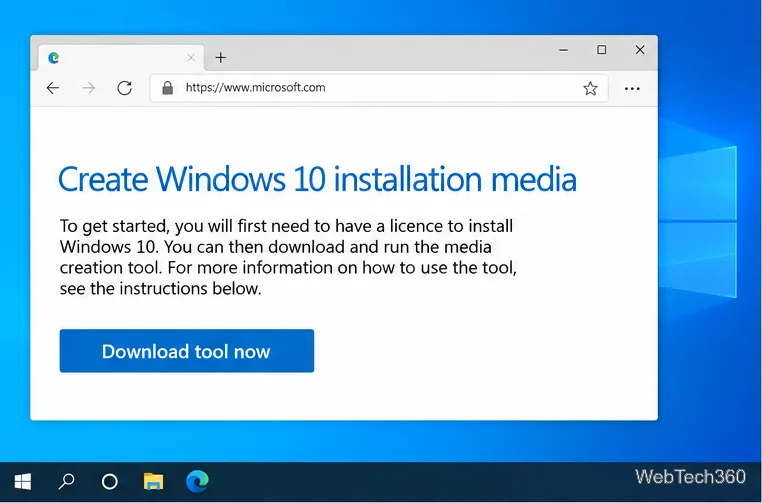
Create a Windows 10 UEFI installer with Microsoft’s Media Creation Tool or Rufus, then boot and install safely without wiping the wrong drive.
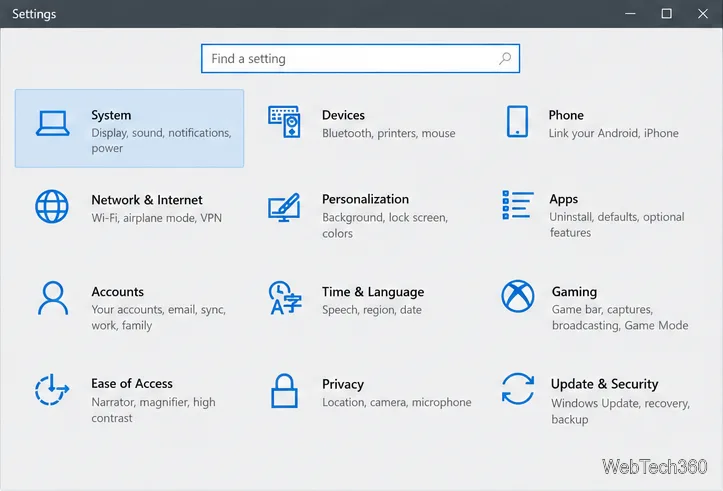
Stop individual Edge tabs from crowding the Windows 10 Alt+Tab switcher. Change one Multitasking setting, limit recent tabs, and check why the option may be missing.
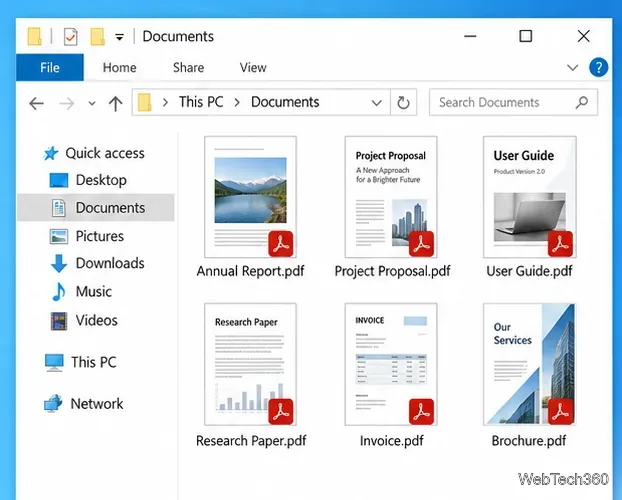
Enable Adobe’s PDF thumbnail handler, correct File Explorer’s icon settings, rebuild the thumbnail cache, and check OneDrive files that are not stored locally.
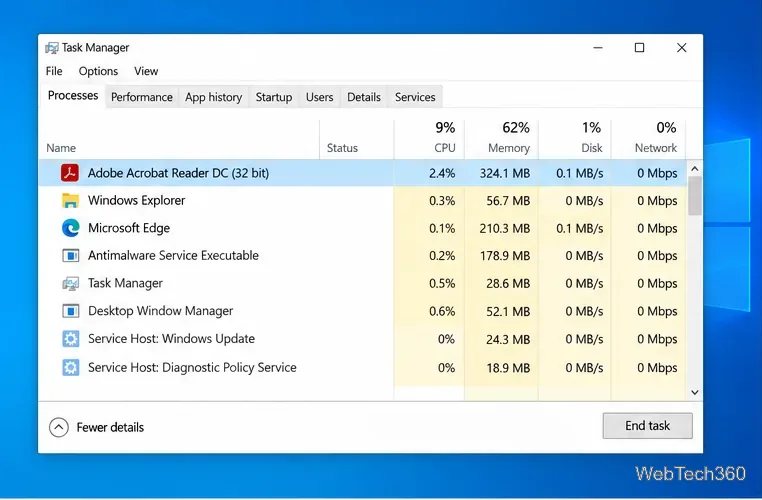
Fix Adobe Acrobat Reader freezes by checking for a problem PDF, updating or repairing the app, reviewing compatibility and Protected Mode, and reinstalling safely.
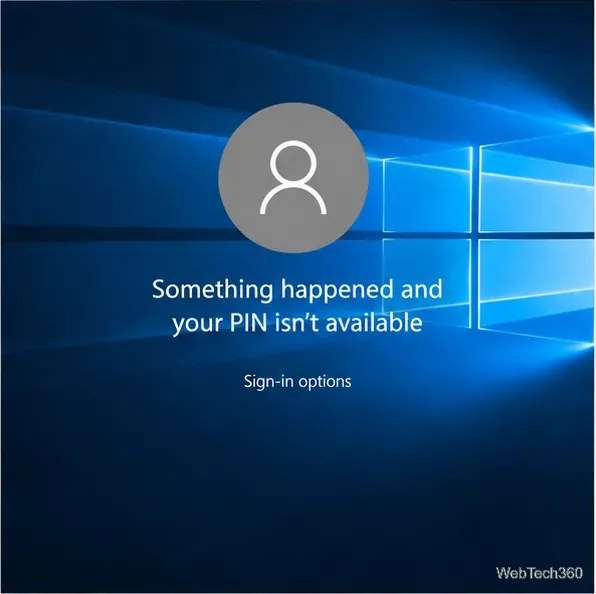
Get past the Windows 10 PIN error by signing in with your password, resetting Windows Hello PIN, and recovering the right account if needed.
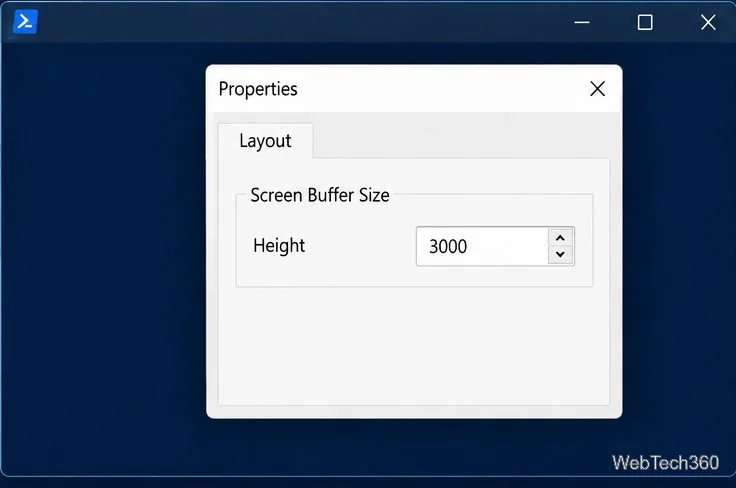
Fix PowerShell vertical scrolling by increasing the classic console buffer or Windows Terminal history size, then page or save long command output.
Boot a PC from a Windows installation USB, open DiskPart, and prepare the right drive for reuse or a fresh Windows install without booting the old OS.
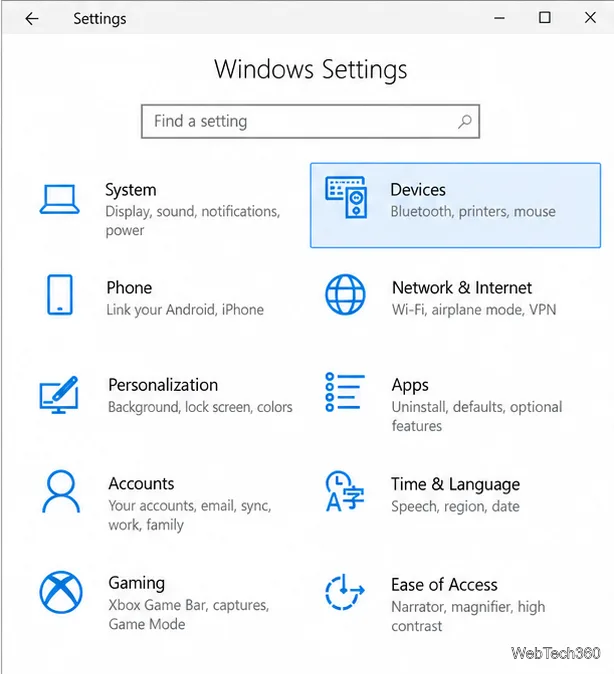
Turn on Windows 10 text suggestions for a physical or touch keyboard, learn how to choose a prediction, and troubleshoot when suggestions do not appear.
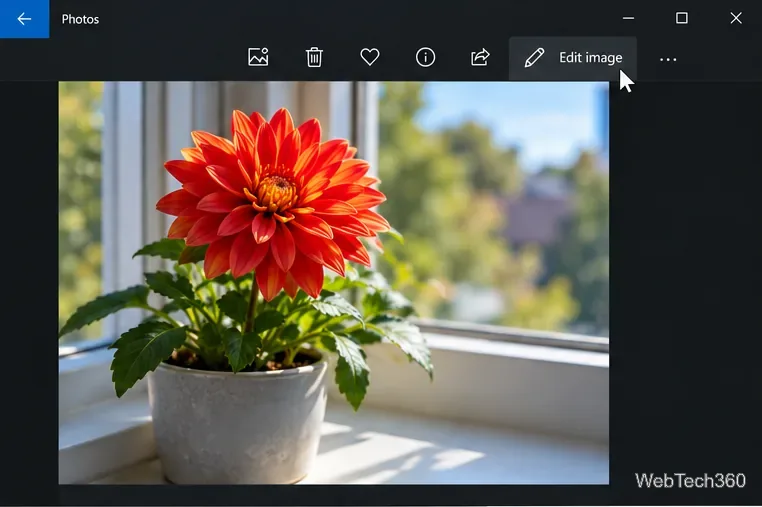
Use Windows 10 Photos to remove color or IrfanView’s grayscale command, then save a copy so your original photo stays in color.
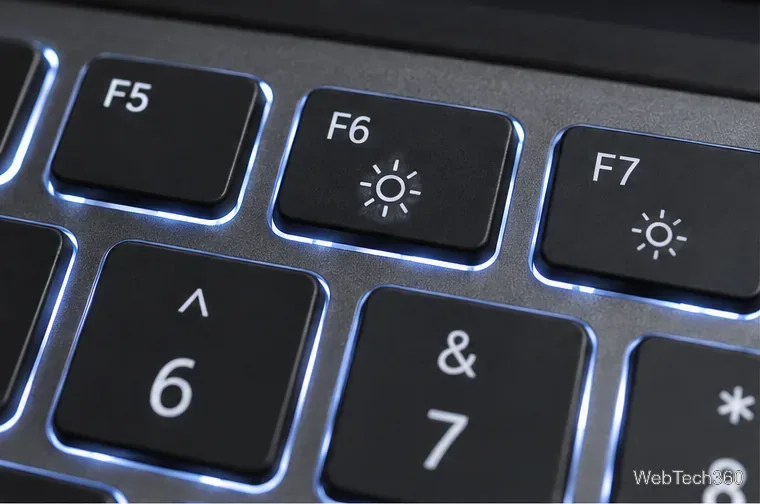
Set a supported HP or Dell keyboard light to stay on with its key control or BIOS timeout, and learn what to check if Always is missing.
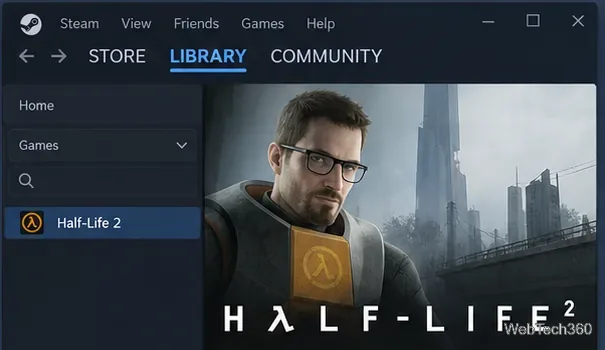
Learn how to run a supported Steam game in safe mode on Windows 10 with the -safe launch option, then remove it to restore normal startup.
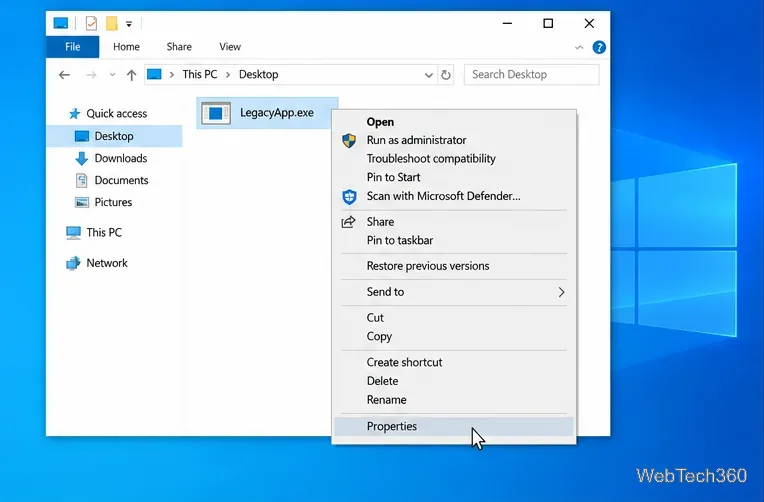
Use the Windows 10 Compatibility tab to enable or disable compatibility mode for a desktop app, save the setting, and troubleshoot problems.
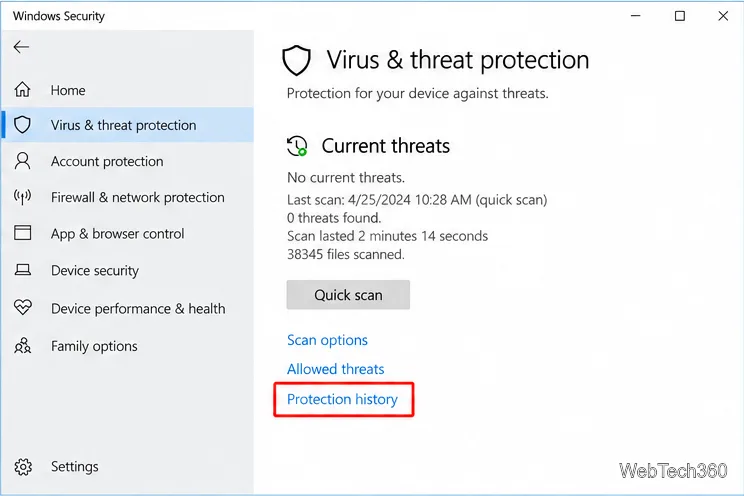
Use Windows Security Protection history to remove PUA:Win32/Presenoker, uninstall a related unwanted app, and respond safely if the alert returns.
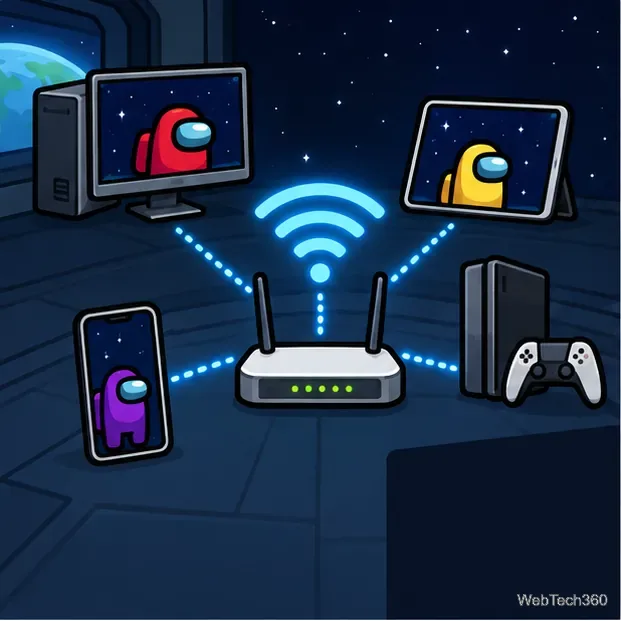
Start a private Among Us Local Wi-Fi lobby, join from another device, and troubleshoot common network discovery problems.
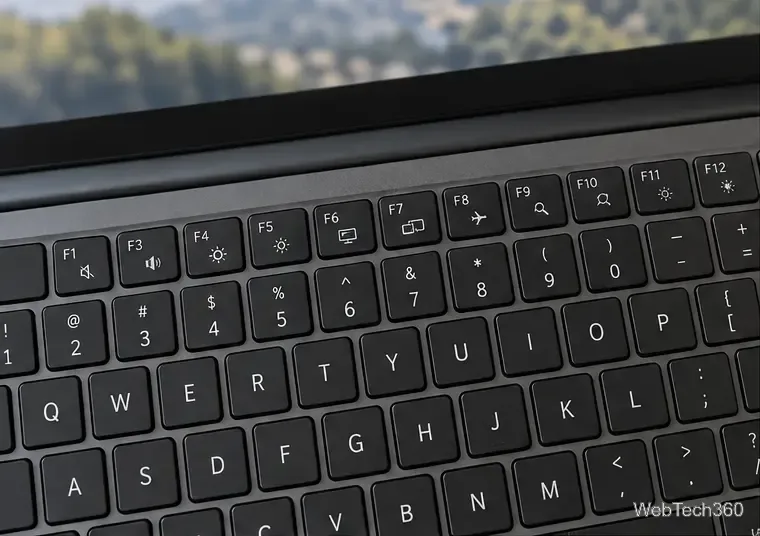
Learn how to toggle Fn keys on Windows 10 with your laptop’s Fn Lock shortcut or BIOS/UEFI setting, then test which top-row behavior is active.
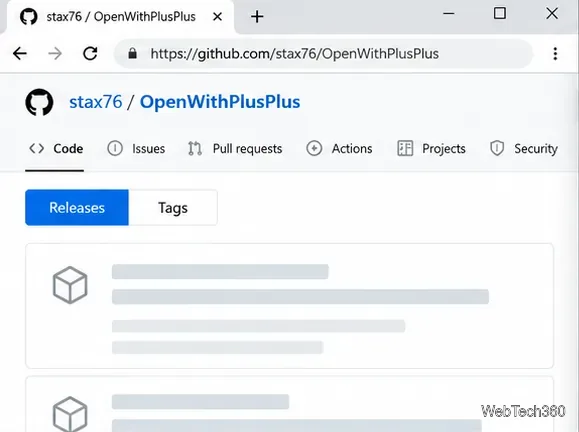
Create a custom Open with menu on Windows 10 with Open with++, route selected file types to an app, pass file paths as arguments, and remove the menu when you no longer need it.
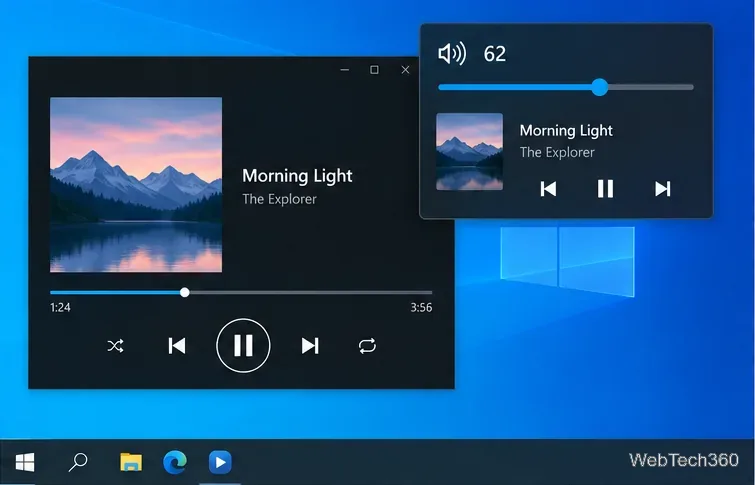
Hide the Windows 10 volume media controls while keeping your keyboard shortcuts working, and learn how to restore the built-in flyout safely.
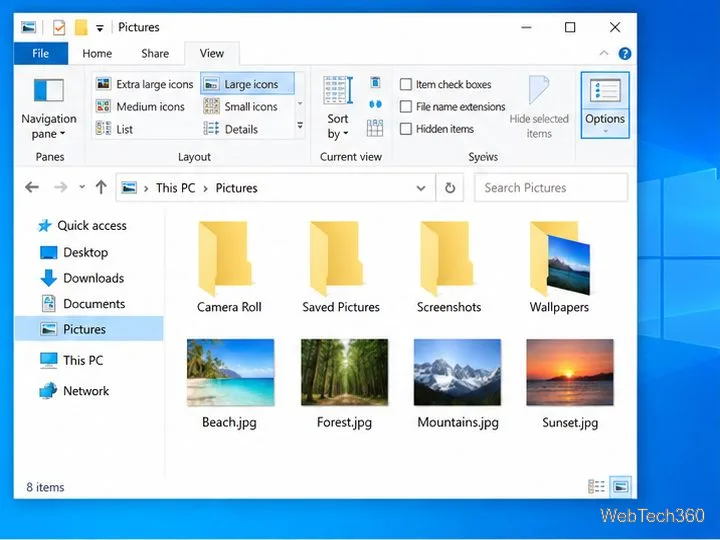
Hide Windows 10 folder thumbnails and image previews with File Explorer, Performance Options, Group Policy, or the matching Registry setting.
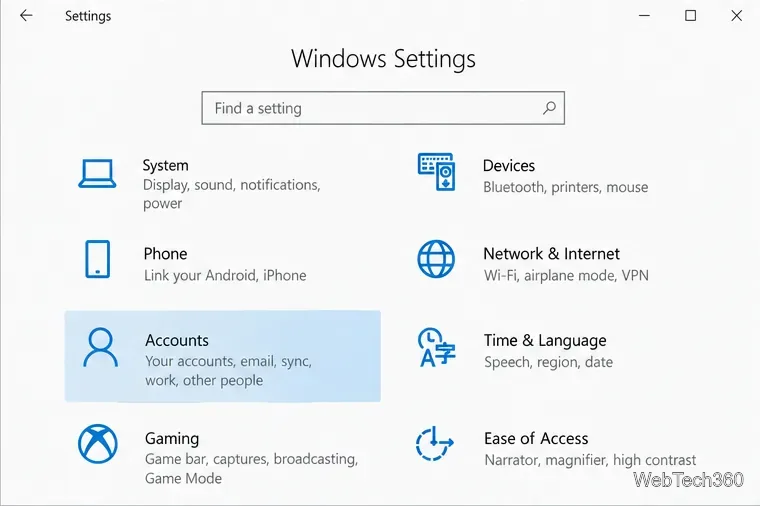
Add a second Microsoft account for Windows 10 apps without changing your PC sign-in. Follow the Settings steps and learn what the account can access.
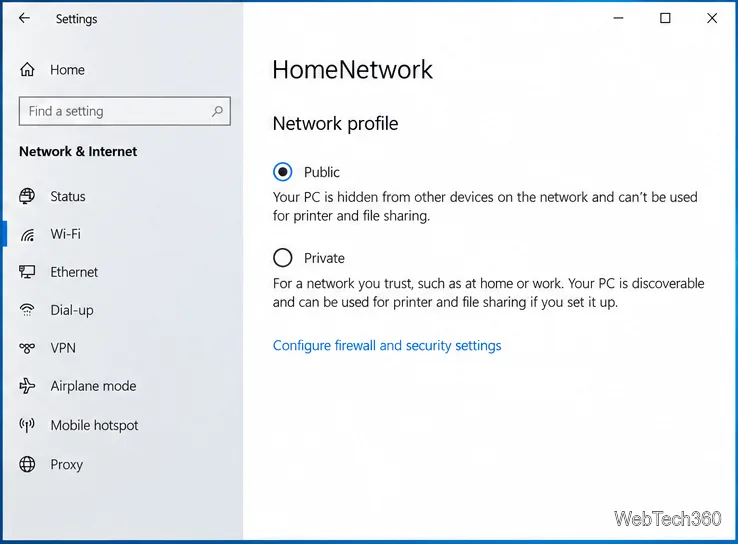
Turn off Network Discovery or set an untrusted connection to Public in Windows 10. See what hiding your PC changes and what it does not protect.
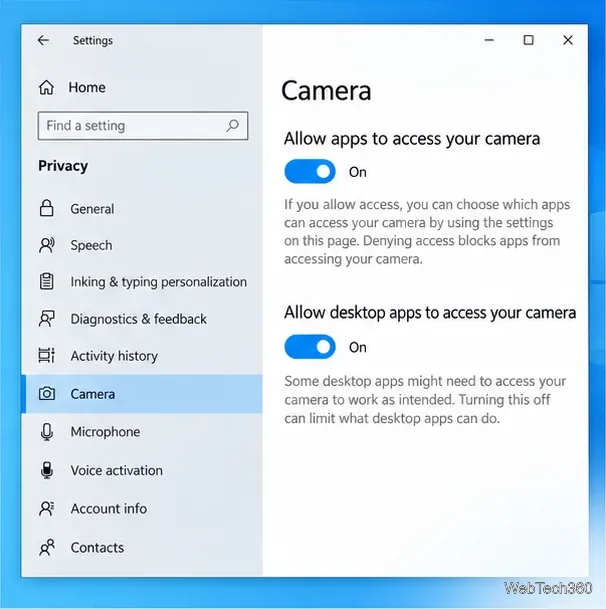
Adjust a Windows 10 webcam with its maker’s software or supported camera controls, then test the image and restore defaults if needed.
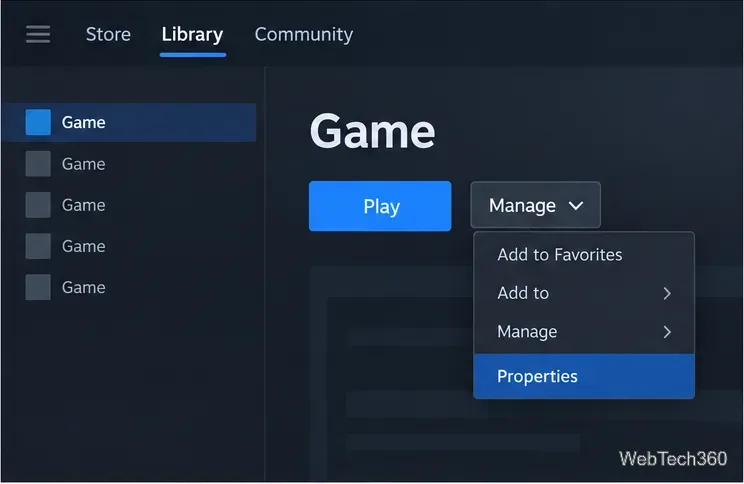
Delay a single game’s Steam updates, learn what happens when you launch it, and use Download Manager settings to control queued downloads.
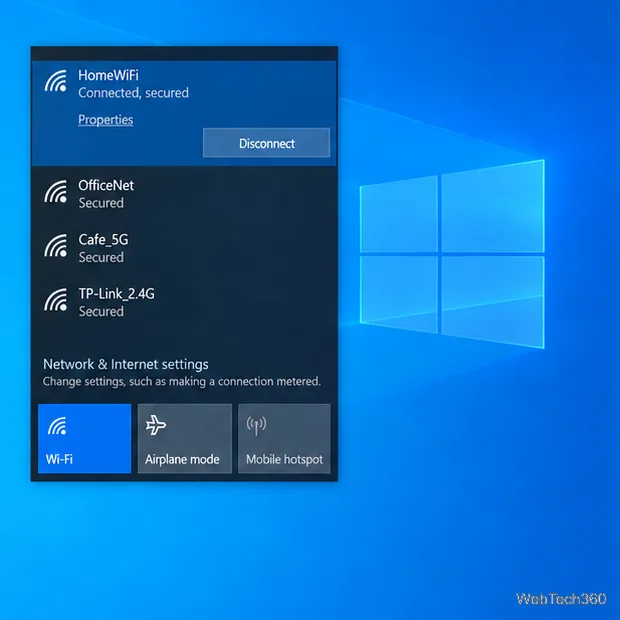
Restore SmartScreen checks in Windows 10 by checking your connection, reputation settings, proxy or VPN, updates, and the downloaded file safely.
Master your Windows PC with expert Windows tips, tutorials & troubleshooting guides. Simple step-by-step solutions for common problems, performance tweaks, updates & more.