How to Split PDFs in the Linux Terminal with PDFtk
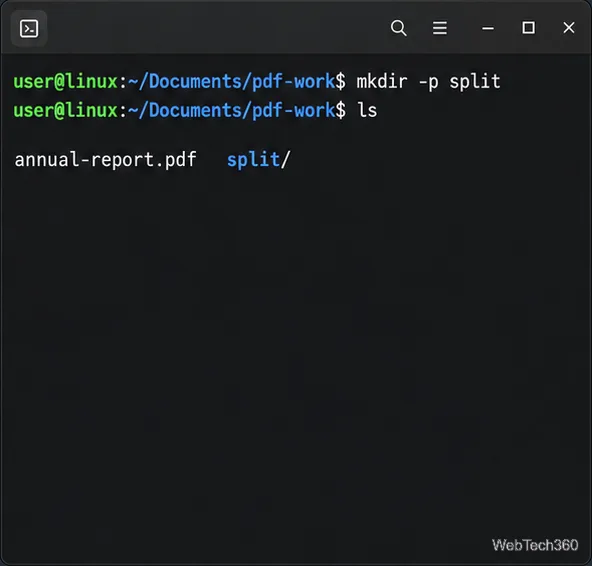
Split every PDF page into its own file or extract chosen page ranges with PDFtk on Linux, using current installation guidance and safe output examples.
Split every PDF page into its own file or extract chosen page ranges with PDFtk on Linux, using current installation guidance and safe output examples.
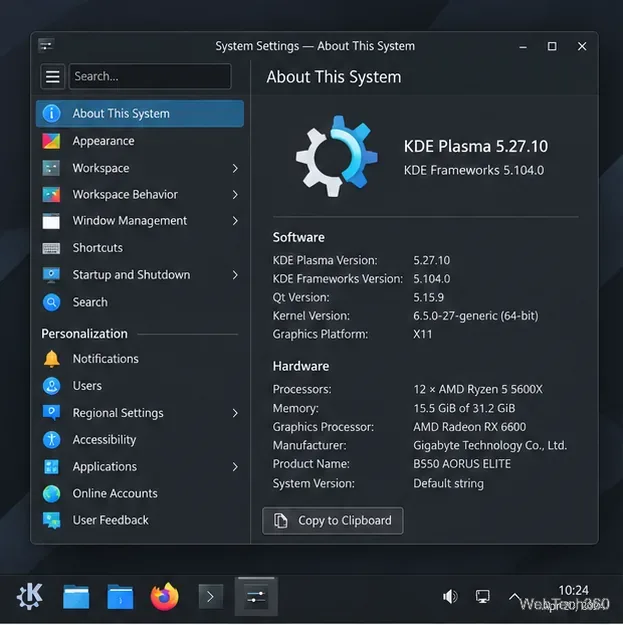
Install Latte Dock on compatible KDE Plasma 5 systems, arrange your panel, and enable startup at login. Check package availability and Plasma 6 limits.
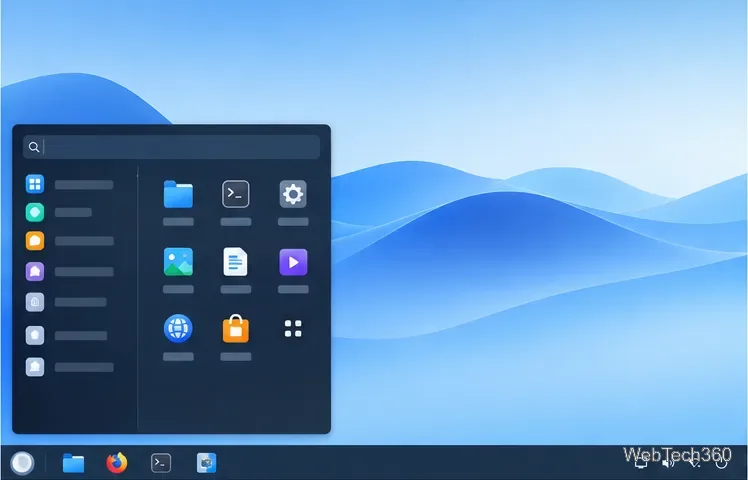
Install UKUI from Ubuntu’s official archive, review Debian’s current Testing package route, and avoid outdated Arch instructions that no longer install the full desktop.
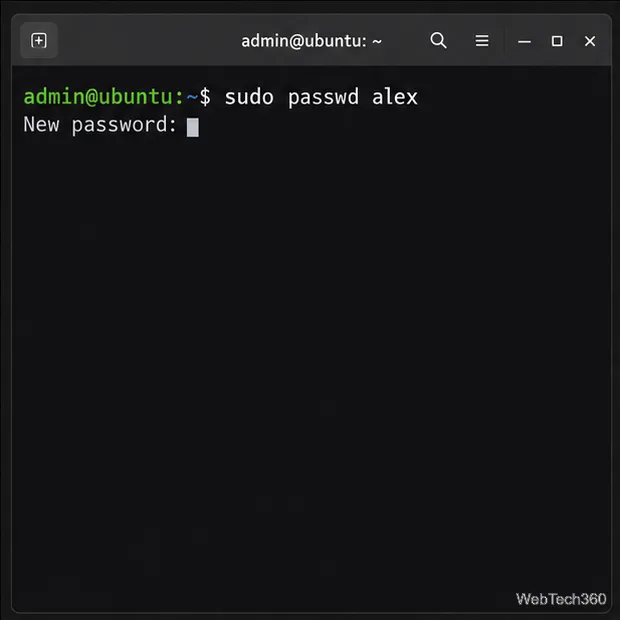
Regain access to a local Linux account with a second administrator or Ubuntu recovery mode, and learn what a password reset cannot unlock.
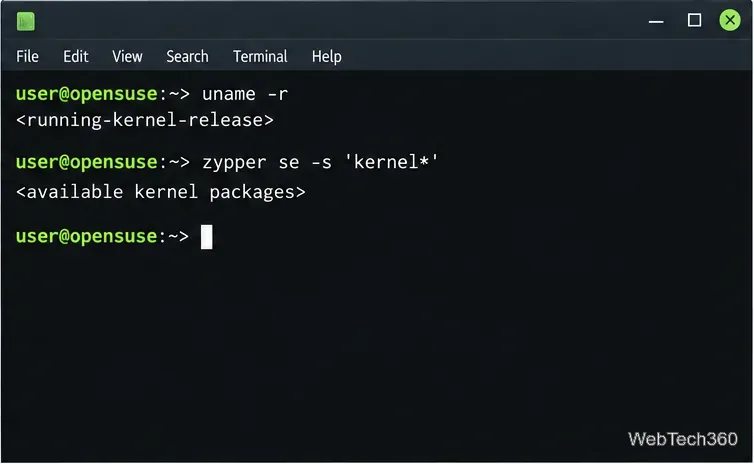
Follow the documented Kernel:HEAD process for openSUSE Leap, keep an older kernel available at boot, and review the risks before installing a development kernel.
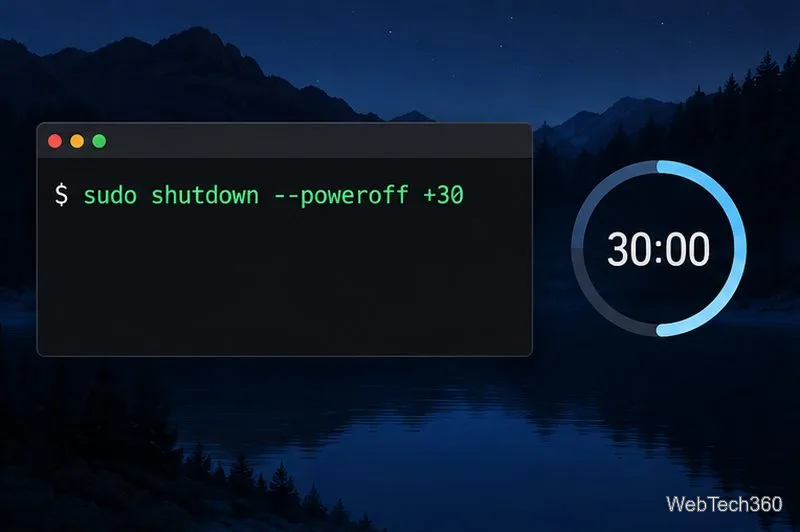
Schedule a one-time Linux shutdown with a countdown or 24-hour clock time, cancel it if plans change, and learn when rtcwake is appropriate.
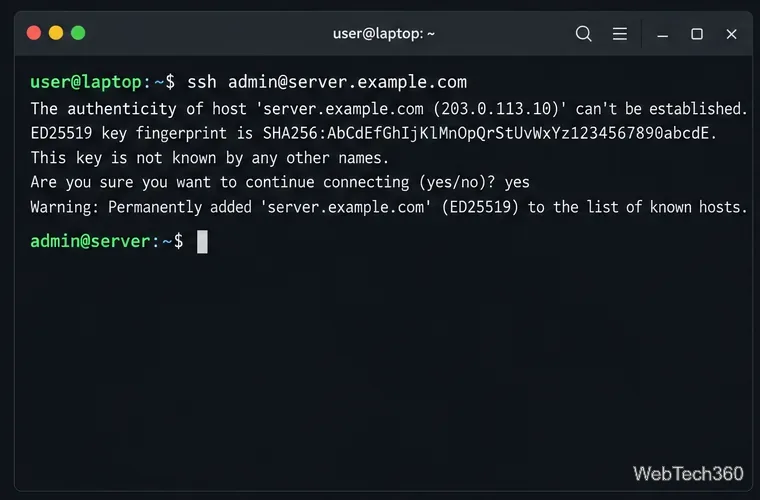
Enable Linux root SSH login with public-key authentication, validate the OpenSSH configuration, reload the service, and test access without allowing root passwords.
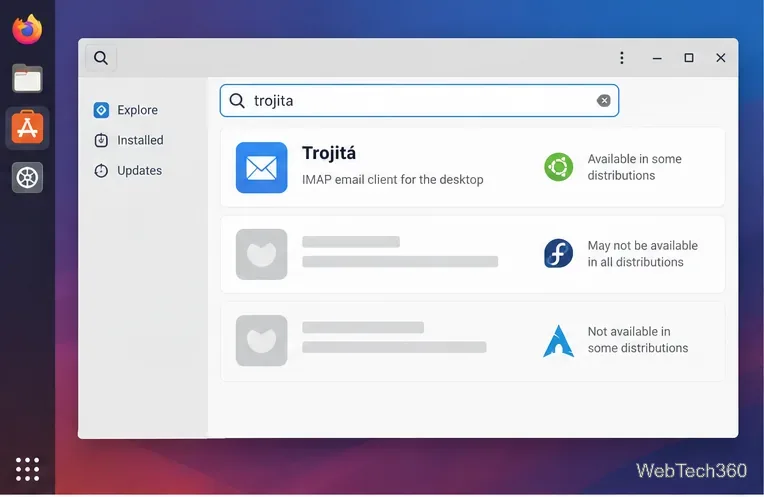
Check whether your Linux distribution still packages Trojita, build it from KDE source if needed, and configure IMAP and SMTP securely.
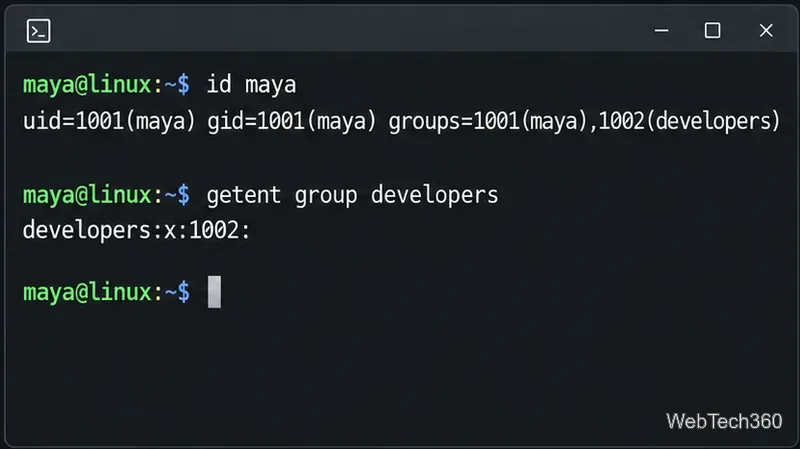
Learn how to check Linux group membership, create and remove groups, add users safely, and verify account changes with standard commands.
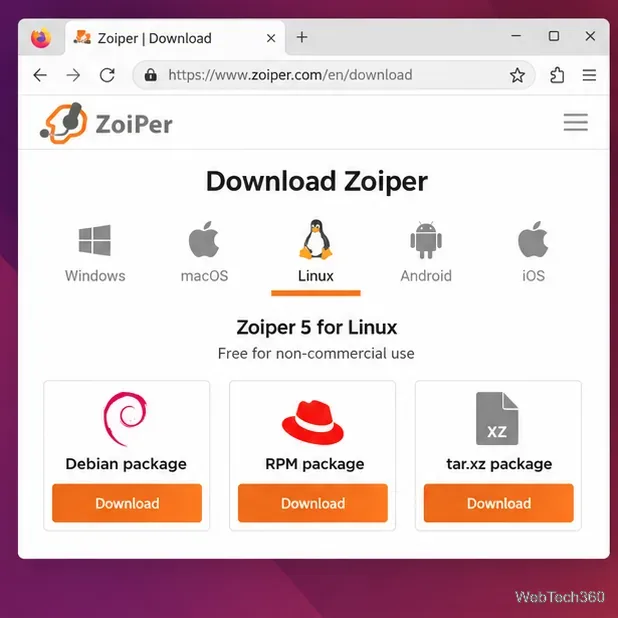
Install Zoiper on Linux with the right Debian, RPM, or tar.xz package, then check X11 compatibility and configure your SIP account.
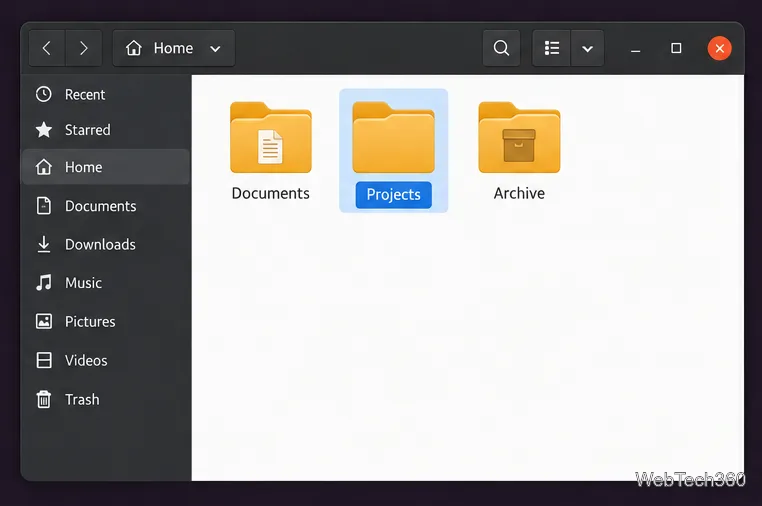
Add color labels and emblems to folders in Nautilus, Nemo, or Caja with Folder Color. Learn how to install the right extension and use its context menu.
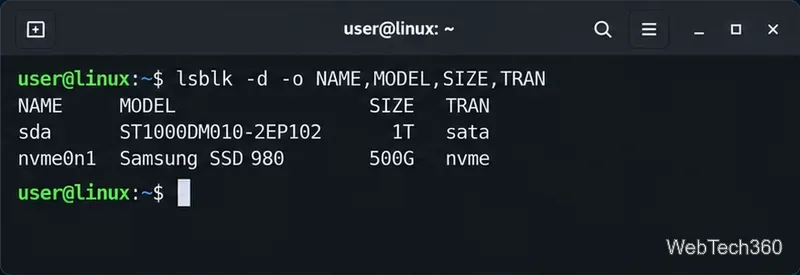
Check Linux hard drive, SSD, and NVMe health with smartctl or GNOME Disks, read key SMART warnings, and run a drive self-test safely.
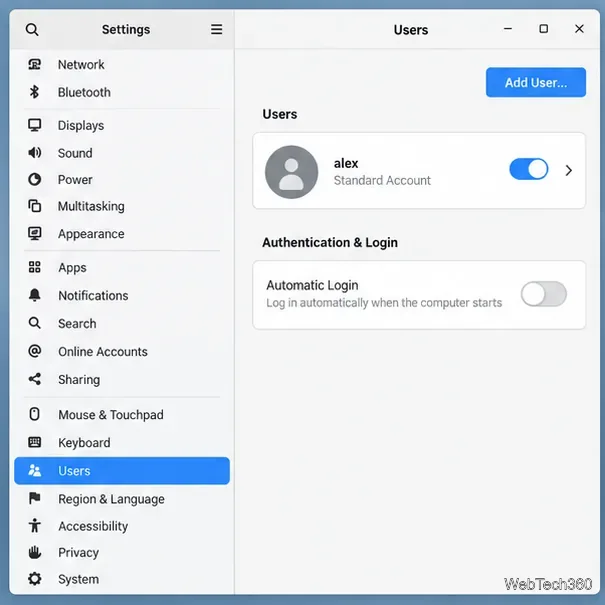
Enable automatic login on Linux through GNOME, KDE Plasma, or LightDM settings, then learn how to turn it off and which security protections remain.
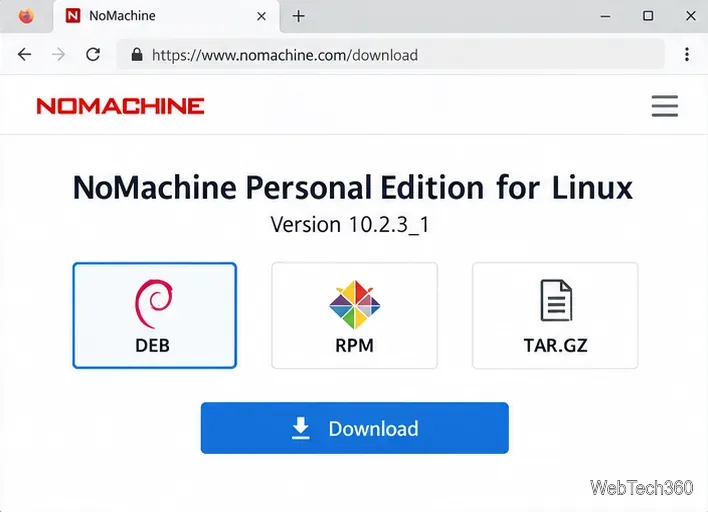
Install NoMachine Personal Edition on your Linux host, connect with NoMachine Player, and set up LAN, VPN, or internet access with current activation and port guidance.
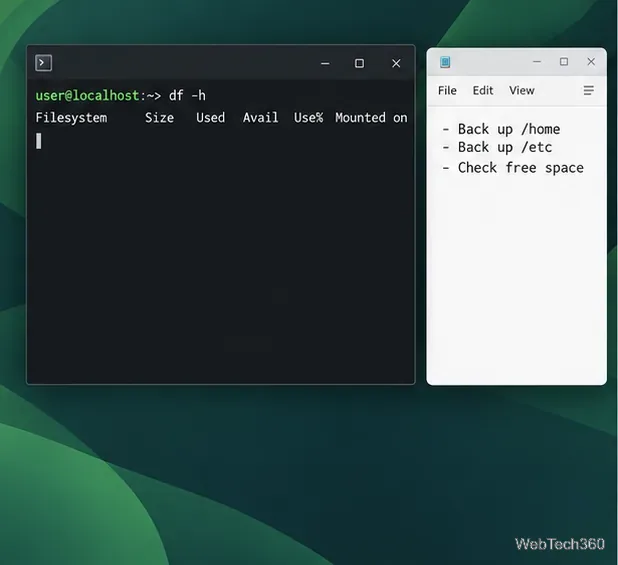
Upgrade openSUSE Leap with the official migration tool, or update Tumbleweed with zypper dup. Back up first, check compatibility, and review package changes.
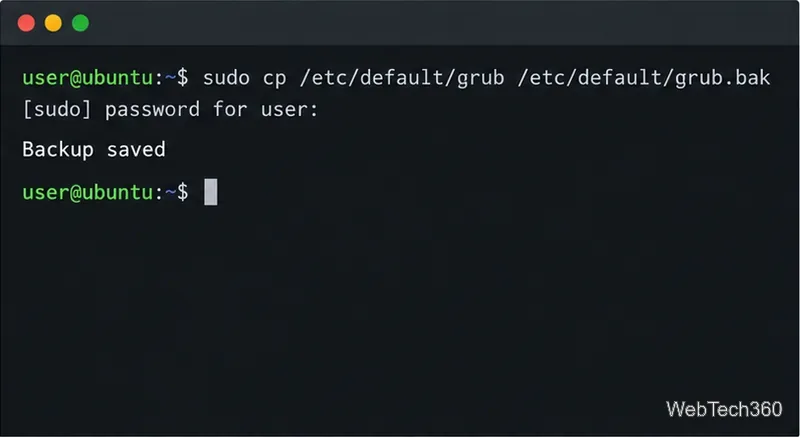
Reduce the time GRUB waits before booting Linux, keep the menu available for recovery, and use the right configuration command for your distribution.

Pair Android with Linux over Wi-Fi and send files both ways using KDE Connect, with no cable, FTP server, or cloud account required.
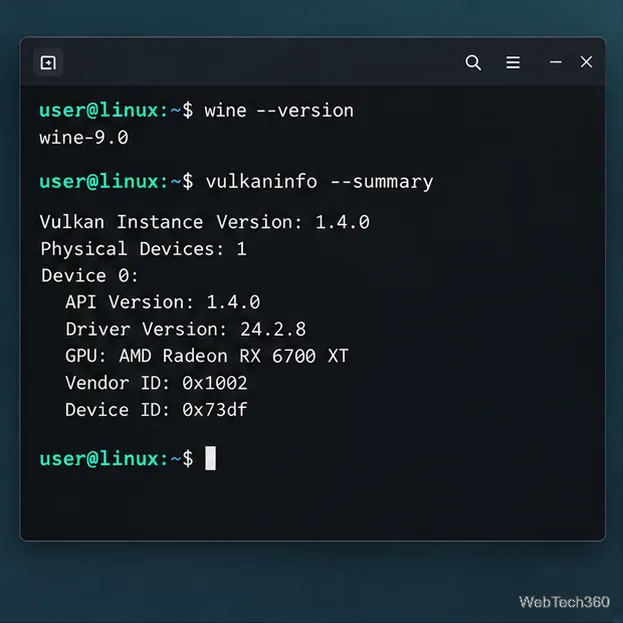
Set up DXVK in Wine on Linux with a dedicated prefix, the correct DLL overrides, Vulkan checks, and a quick HUD test to confirm it is active.
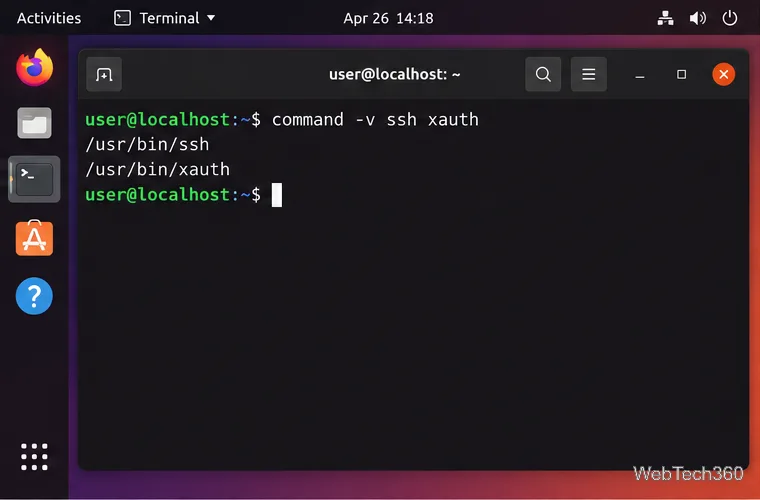
Run remote Linux GUI applications on your local desktop by configuring sshd, checking xauth, and connecting securely with ssh -X.
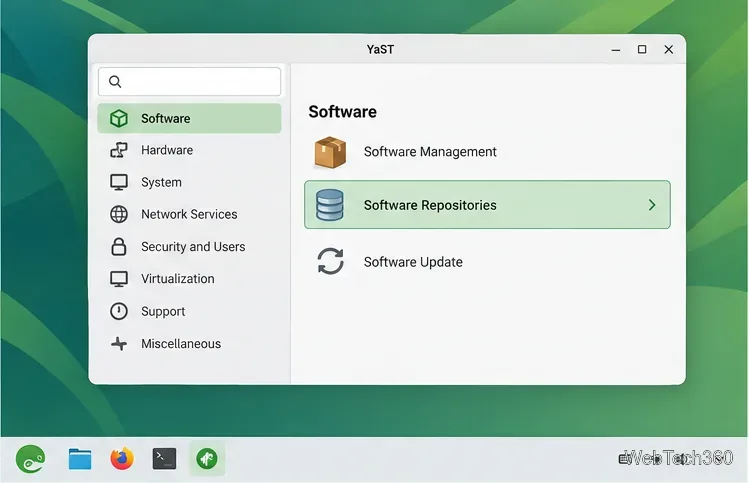
Add a third-party repository to openSUSE with YaST or zypper, verify its signing key and refresh settings, then remove the source safely when you no longer need it.
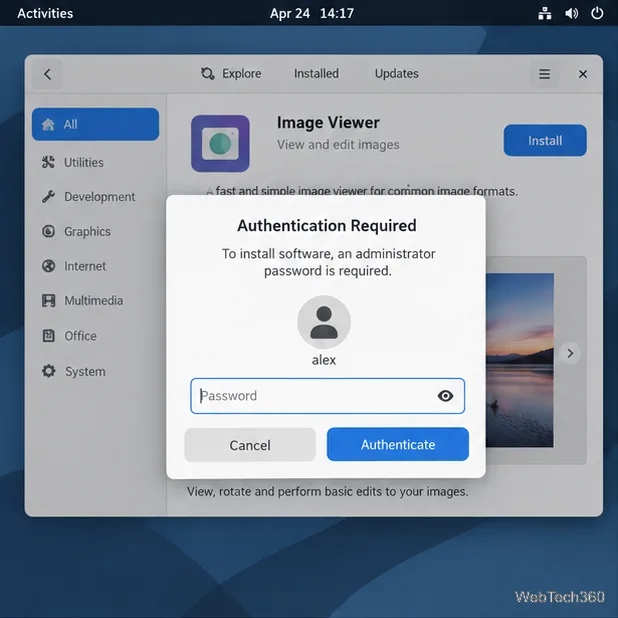
Learn when to use sudo, sudoedit, or pkexec for Linux root access, and why running an entire desktop app as root is usually unsafe.
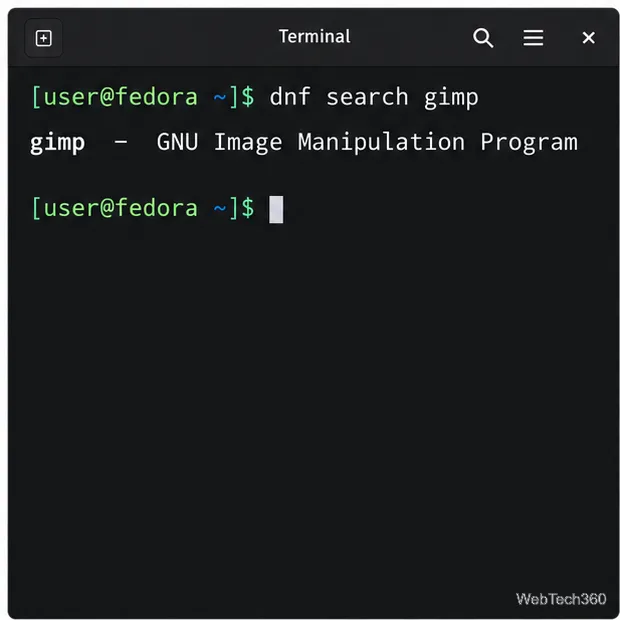
Install Fedora apps with DNF, GNOME Software, or KDE Discover. Learn to compare package sources, approve installations, and troubleshoot missing apps.
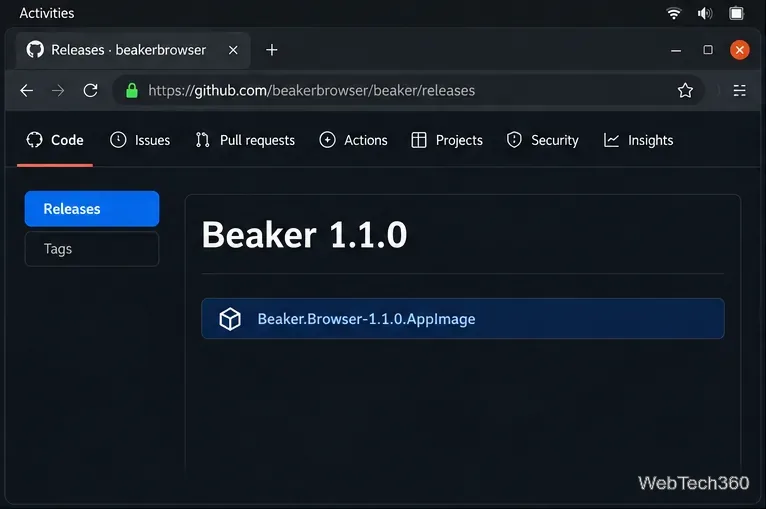
Install the Beaker browser on Linux with the archived project's AppImage, make it executable, and troubleshoot common launch problems.
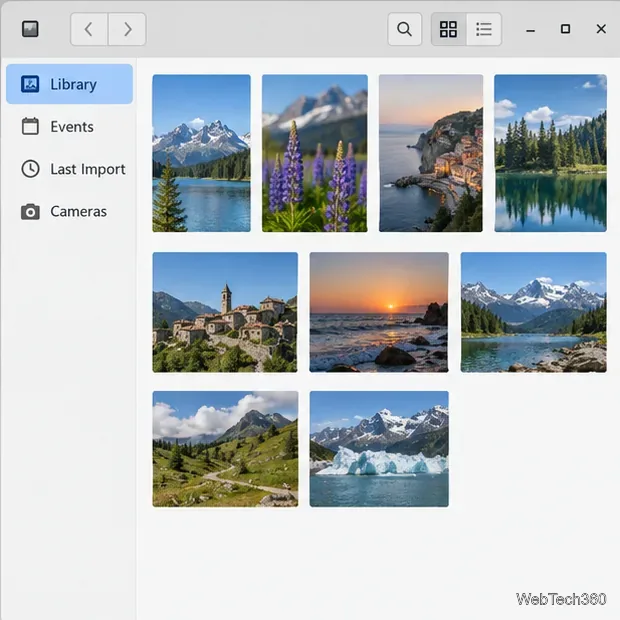
Import camera, SD card, and folder photos into Shotwell on Linux. Follow the steps to select images, choose copy or in-place import, and verify the results.
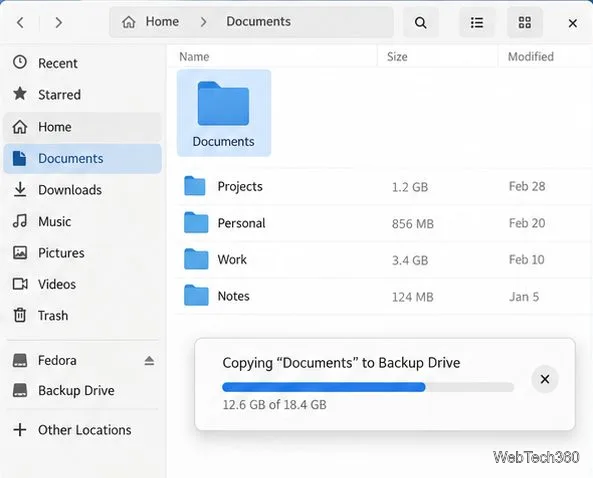
Learn how to create a LUKS-encrypted hard drive partition on Linux with GNOME Disks, from backup and passphrase setup to unlocking it safely.
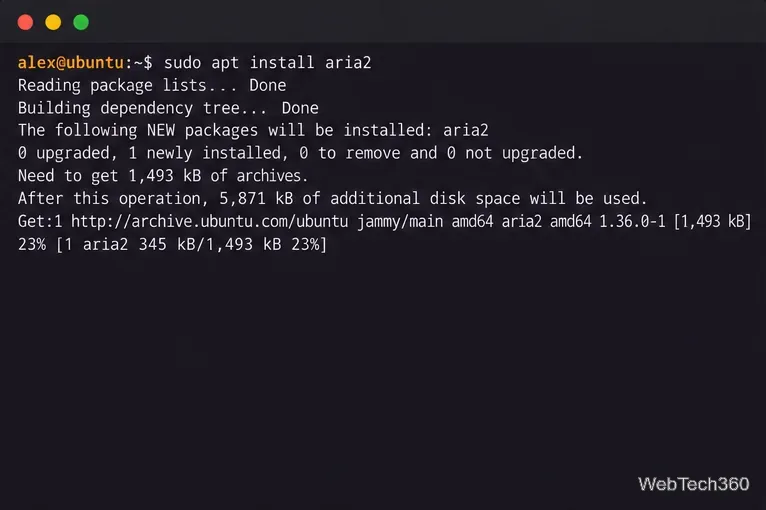
Install aria2 on Linux and use a magnet link or .torrent file to download legal torrents, choose an output folder, queue transfers, and manage seeding.
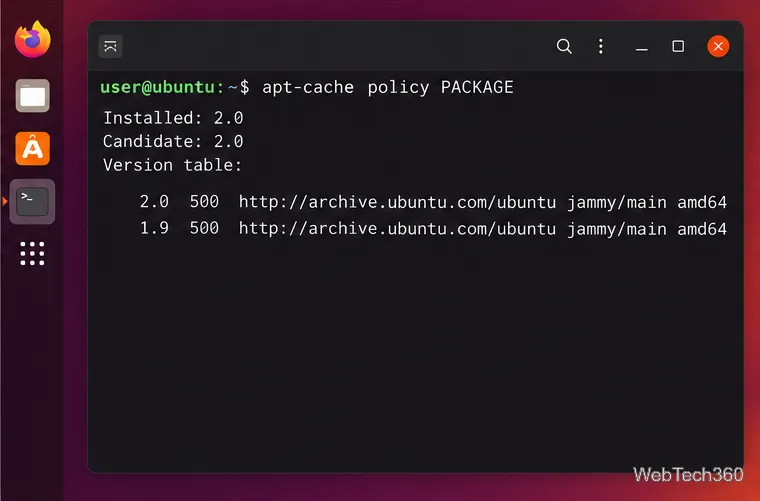
Downgrade software on Ubuntu by checking available package versions, previewing dependency changes, and safely holding or restoring an older release.
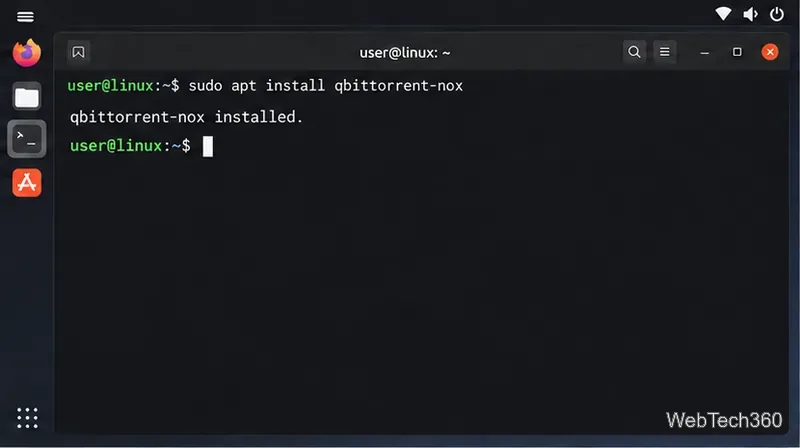
Install qBittorrent-nox, sign in safely, run the Linux Web UI with systemd, and add torrent files or magnet links from your browser.
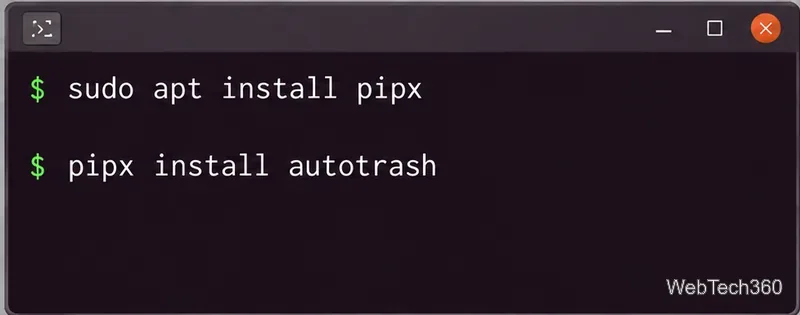
Set a daily Linux Trash retention policy with Autotrash. Install it with pipx, remove files after a chosen number of days, and schedule cleanup with systemd or cron.
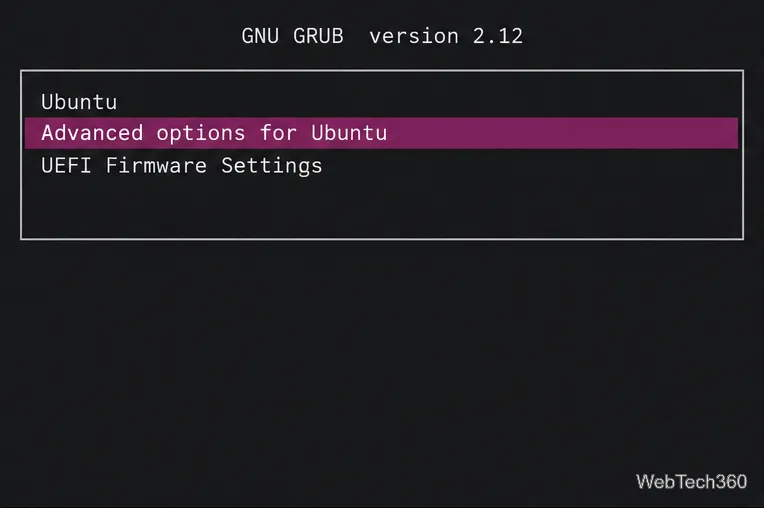
Learn how to open Ubuntu recovery mode from GRUB, choose the right repair option, and use its filesystem, package, bootloader, and root-shell tools safely.
Unlock Linux mastery with our Linux tutorials, tips & guides. From command line basics to advanced setups on Ubuntu, Fedora & Arch. Solve issues fast with simple, expert solutions for all skill levels.