How to Downgrade Software on Ubuntu Safely
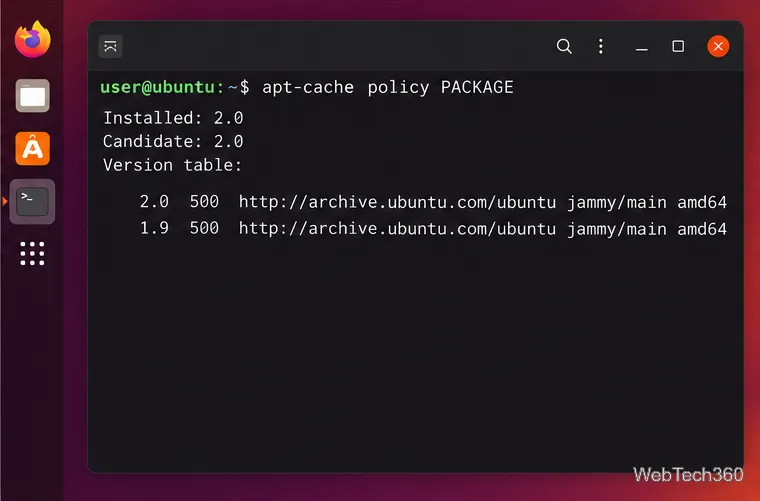
Downgrade software on Ubuntu by checking available package versions, previewing dependency changes, and safely holding or restoring an older release.
Downgrade software on Ubuntu by checking available package versions, previewing dependency changes, and safely holding or restoring an older release.
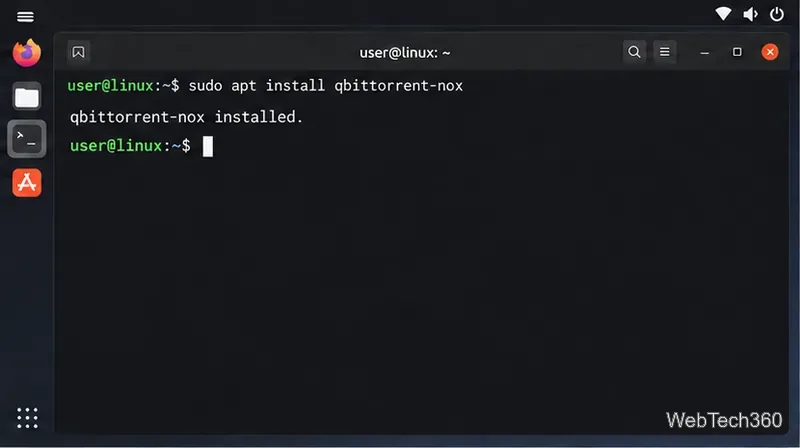
Install qBittorrent-nox, sign in safely, run the Linux Web UI with systemd, and add torrent files or magnet links from your browser.
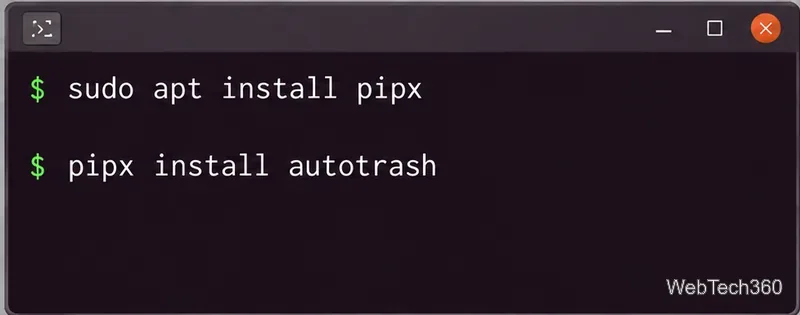
Set a daily Linux Trash retention policy with Autotrash. Install it with pipx, remove files after a chosen number of days, and schedule cleanup with systemd or cron.
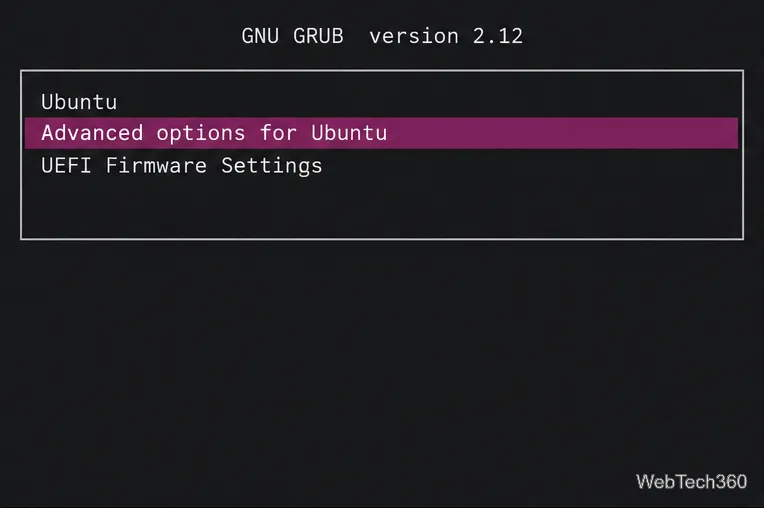
Learn how to open Ubuntu recovery mode from GRUB, choose the right repair option, and use its filesystem, package, bootloader, and root-shell tools safely.
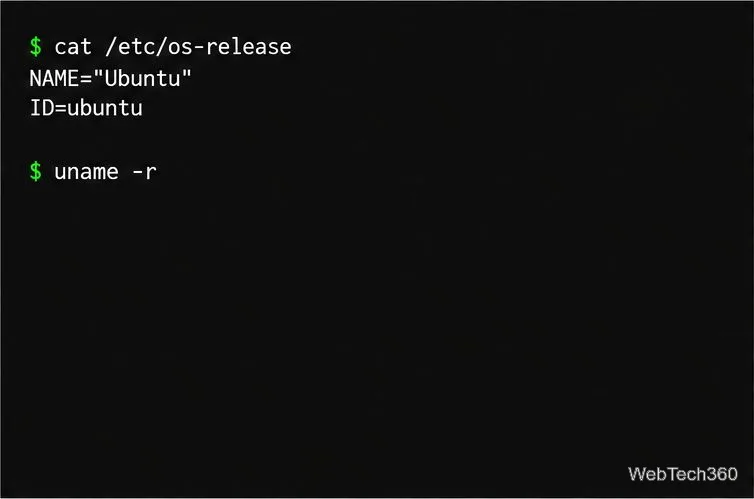
Upgrade Ubuntu Server safely: confirm the supported path, prepare a backup, update packages, run do-release-upgrade, and verify services after reboot.
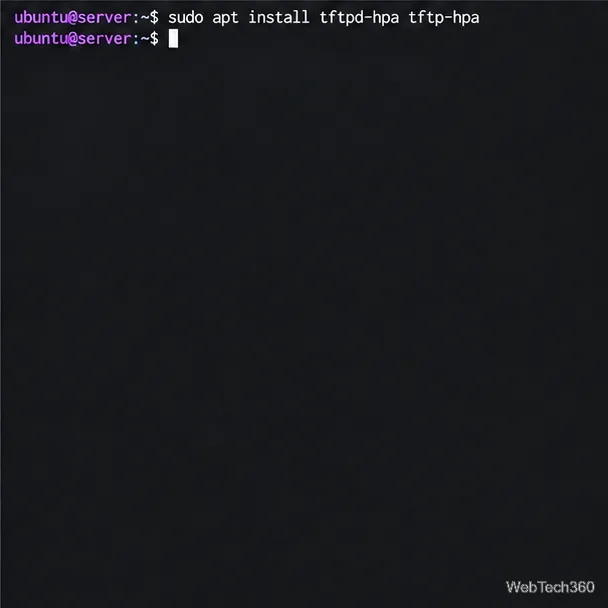
Set up a TFTP server on Ubuntu Server with tftpd-hpa, confine files to /srv/tftp, enable controlled uploads, and test transfers from an Ubuntu client.
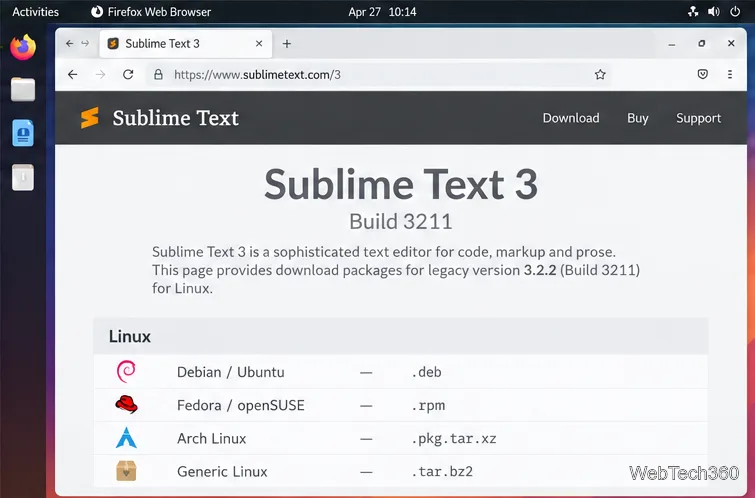
Install the archived Sublime Text 3.2.2 Build 3211 on Ubuntu, Debian, Fedora, openSUSE, or Arch with the package format for your distribution.
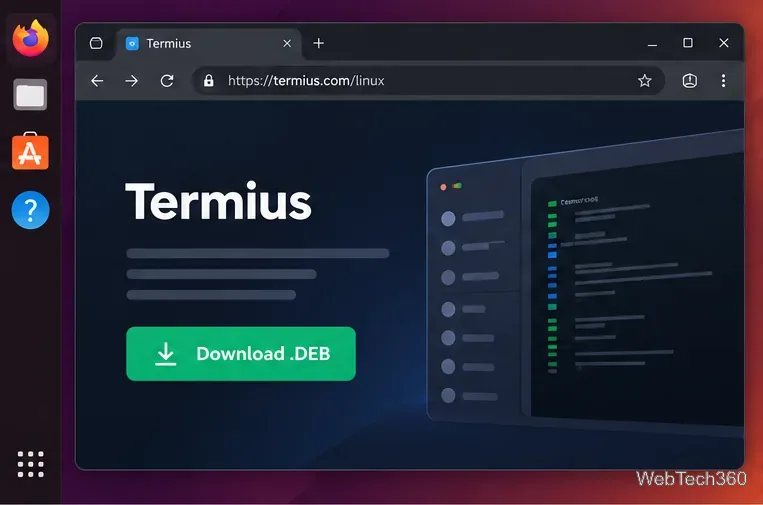
Install Termius on Linux with the official .deb package, configure an SSH host, connect securely, and transfer files with SFTP. Learn when the Snap version limits local file access.
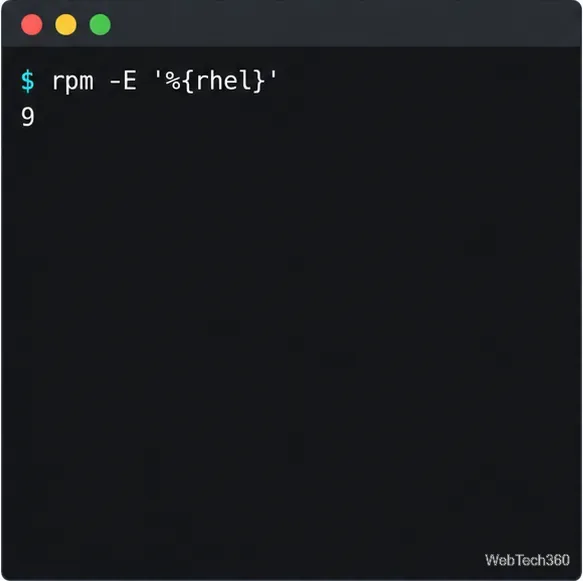
Enable EPEL on CentOS Stream or RHEL with the matching release package, CRB setup, and verification steps for current Enterprise Linux versions.
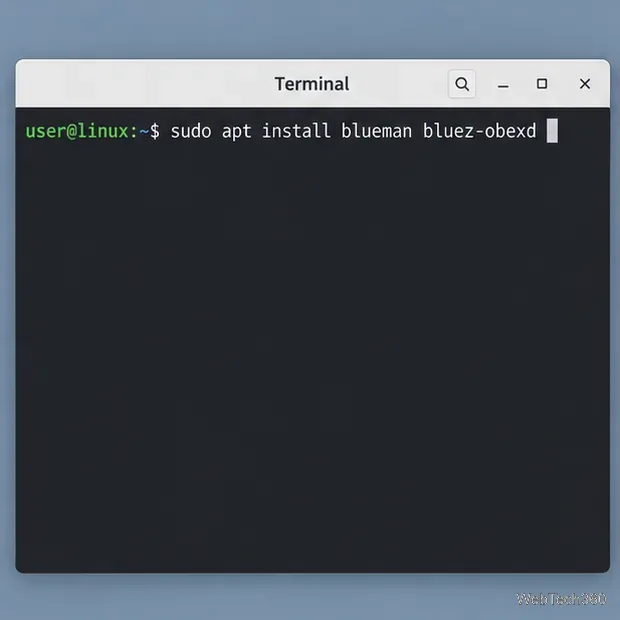
Send and receive files over Bluetooth on Linux with Blueman. Install OBEX support, pair devices, choose a file, accept transfers, and fix common issues.
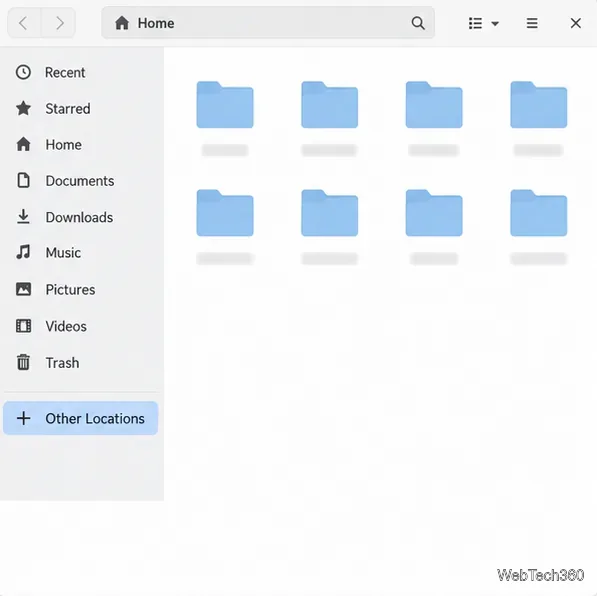
Connect GNOME Files to SSH/SFTP, FTP, SMB, WebDAV, or NFS with the correct server URI, sign-in details, and fixes for common connection errors.
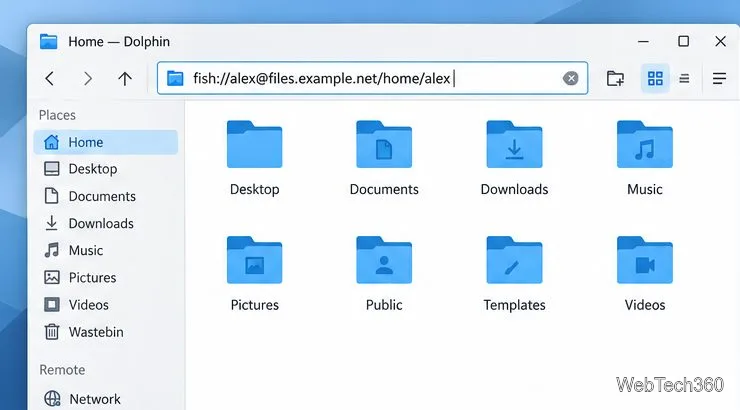
Open SFTP, SSH, SMB, FTP, NFS, and WebDAV locations in Dolphin, sign in safely, transfer files, and save network folders for later.
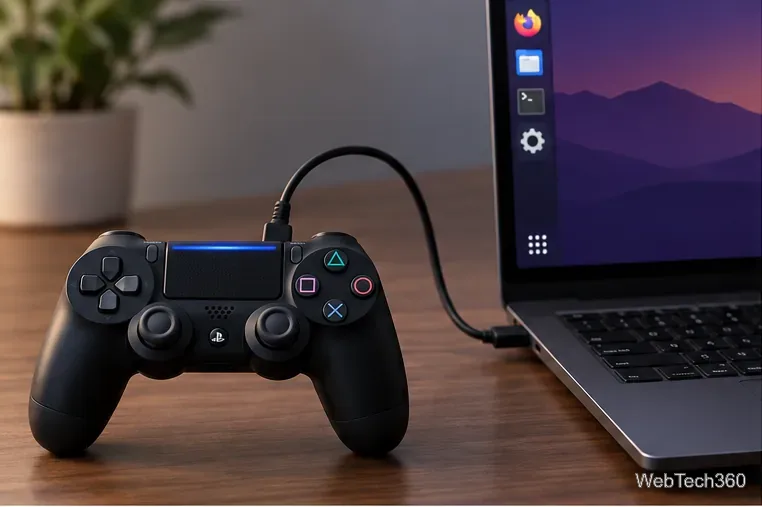
Connect a DualShock 4 to Linux by USB or Bluetooth, then check controller detection and configure Steam Input only when a game needs it.
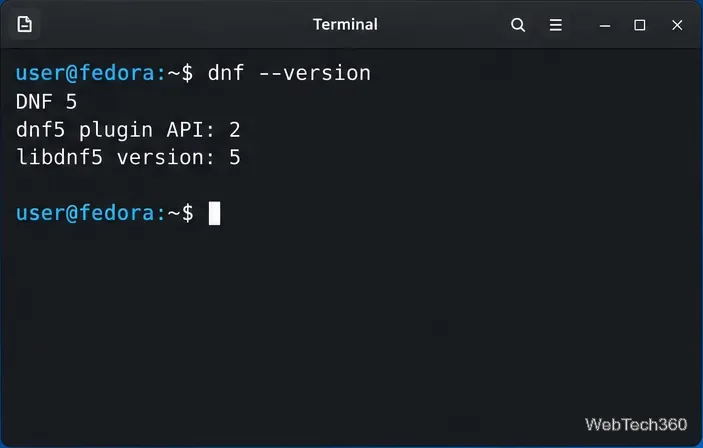
Use DNF5 parallel downloads to reduce RPM install waits in GNOME Software, then tell when mirror or Flatpak delays need a different fix.
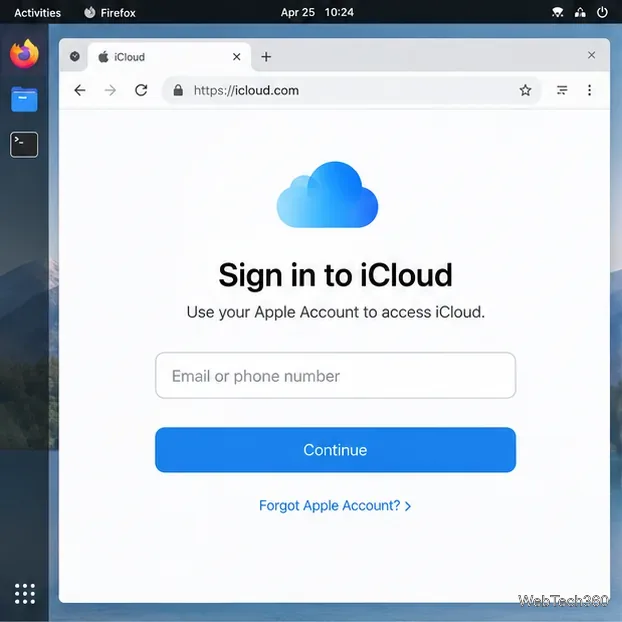
Access iCloud on Linux in a current browser. Learn how to sign in, use iCloud Drive and other web apps, and understand the limits of browser access.
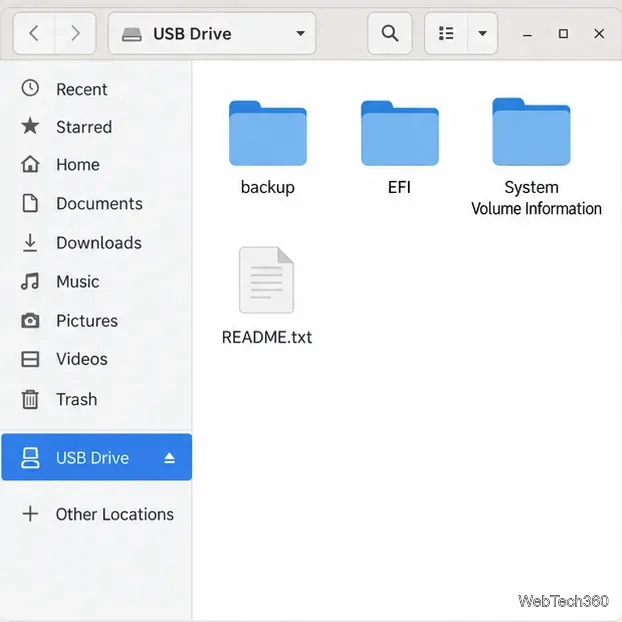
Save GRUB settings, boot files, and UEFI entry details to removable storage, then use rescue media to repair the correct boot path safely.
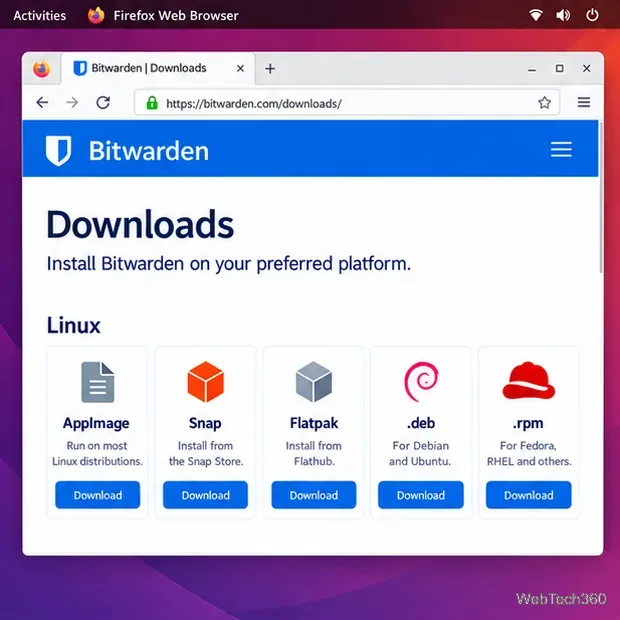
Install Bitwarden on Linux with the right DEB, RPM, Snap, Flatpak, or AppImage package, then sign in and set a secure vault timeout.
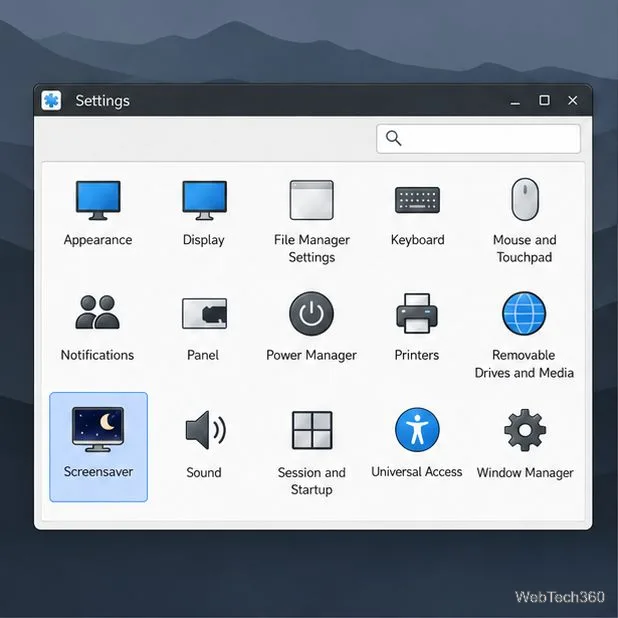
Pick a screensaver theme in Xfce, preview it, choose when it starts, and configure automatic locking in the separate Lock Screen tab.
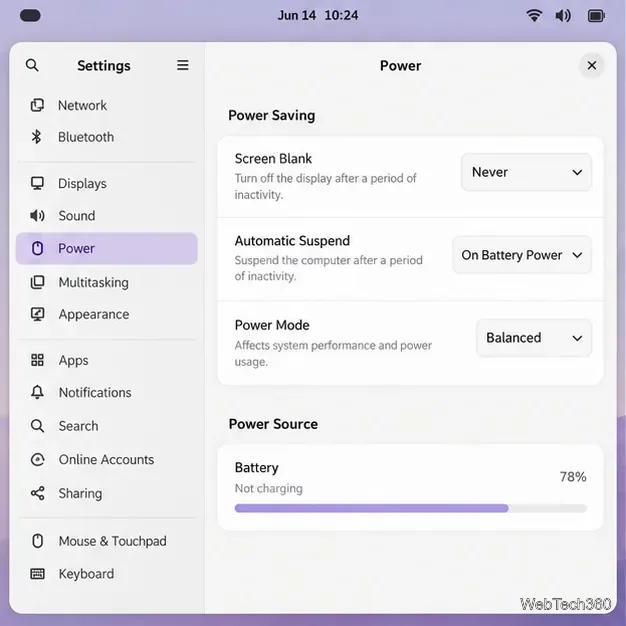
Stop GNOME Shell from blanking or locking your display automatically. Change Power and Screen Lock settings, or use Caffeine for a temporary keep-awake toggle.
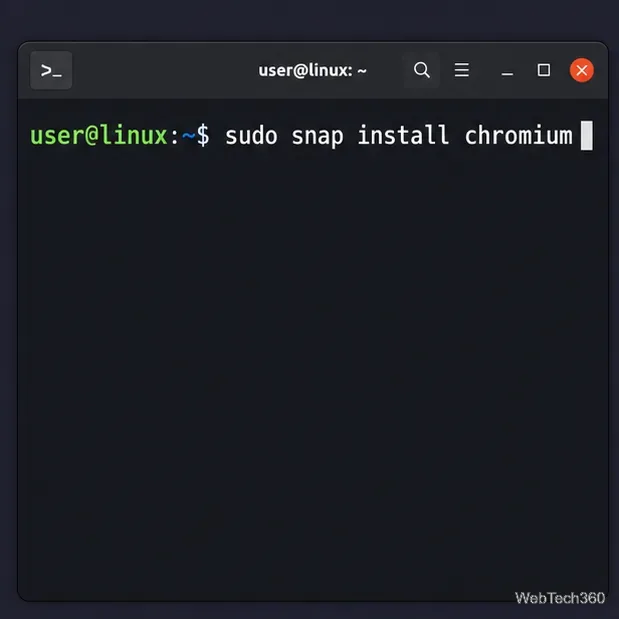
Install Chromium on Ubuntu, Debian, Arch Linux, Fedora, or openSUSE with current package commands, plus Snap setup, verification, and update tips.
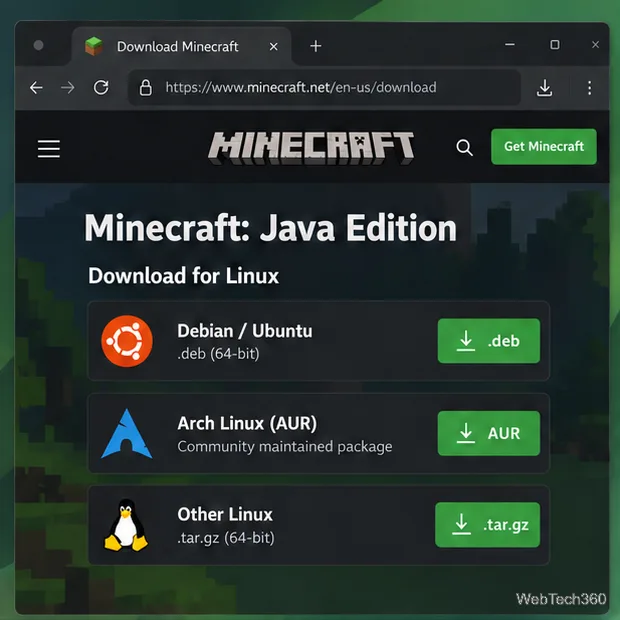
Download Minecraft’s official Linux launcher and install it on Ubuntu, Debian, Arch, or another distribution with the right package and first-run steps.
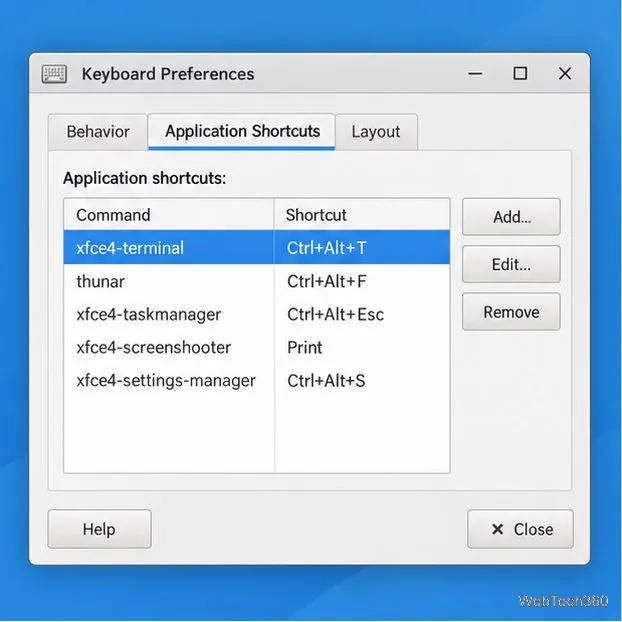
Change Xfce app-launch shortcuts, remove unused bindings, and create keys for commands or scripts. See where window-manager shortcuts are configured.
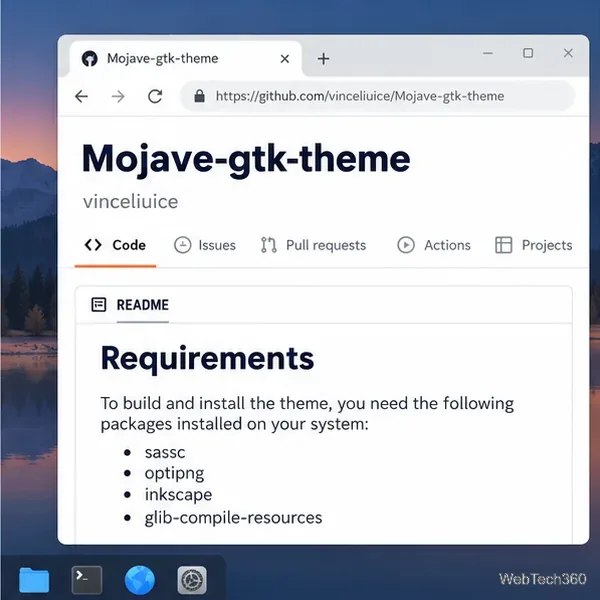
Install the McMojave Linux theme from the maintainer’s current Mojave GTK source, choose a light or dark variant, and apply it in Xfce, GNOME, or another GTK desktop.
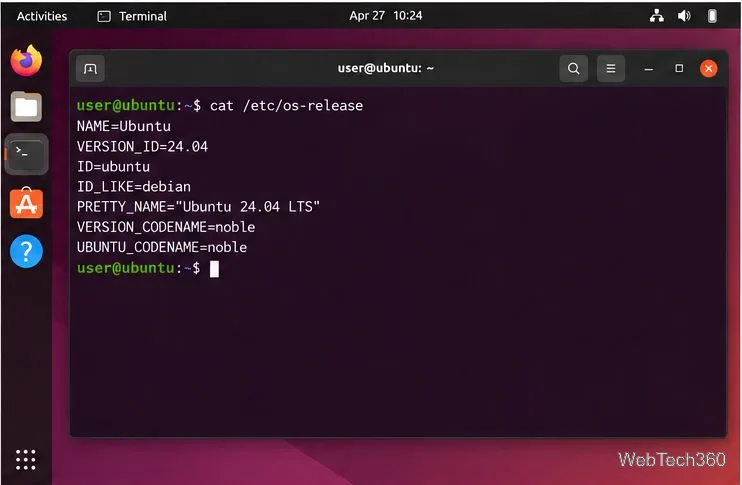
Install the current Midori browser on Debian or Ubuntu with the publisher's APT steps, or find a compatible Linux package on Astian's official download page.
Install the Foliate eBook reader on Linux with Flatpak, open EPUB and other supported books, and customize the reading layout, font, and theme.
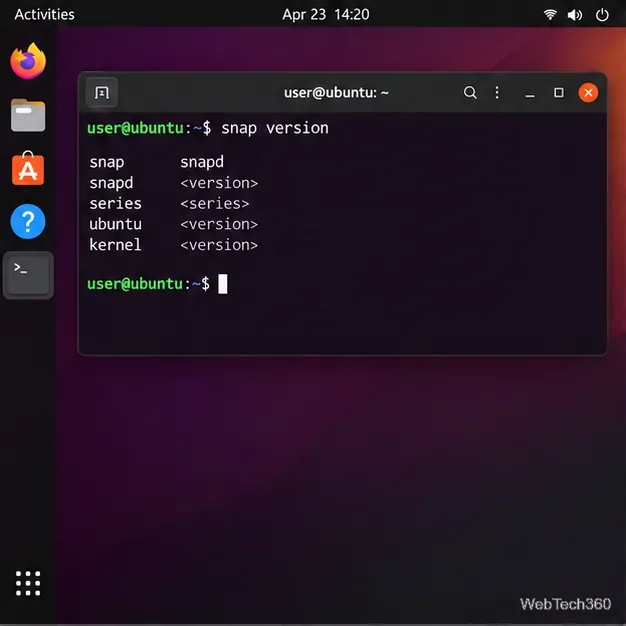
Install Canonical’s snap-store desktop app, check that snapd is ready, then use App Center search and listings to install Linux software.
Learn how to recover a frozen GNOME desktop session: try the Xorg-only Alt+F2, r shortcut, or use a TTY to restart the Wayland display manager.
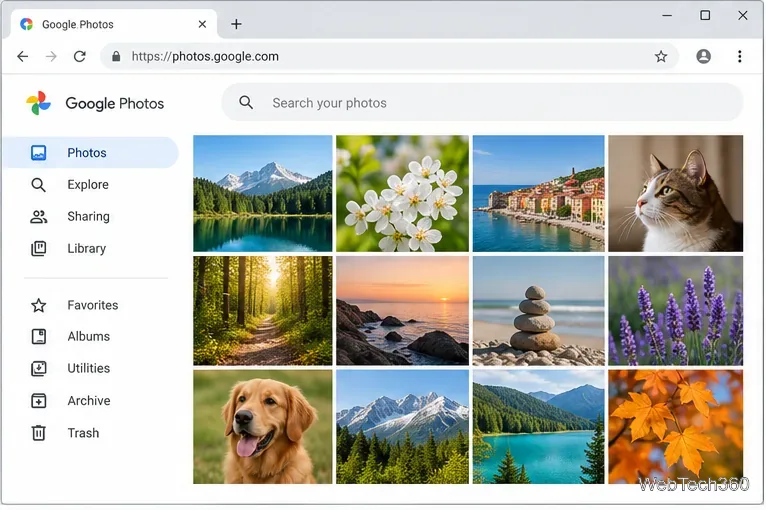
Open Google Photos on Linux in a current browser, then add a Chrome web app or launcher shortcut. Learn how to upload, download, and troubleshoot your photos.
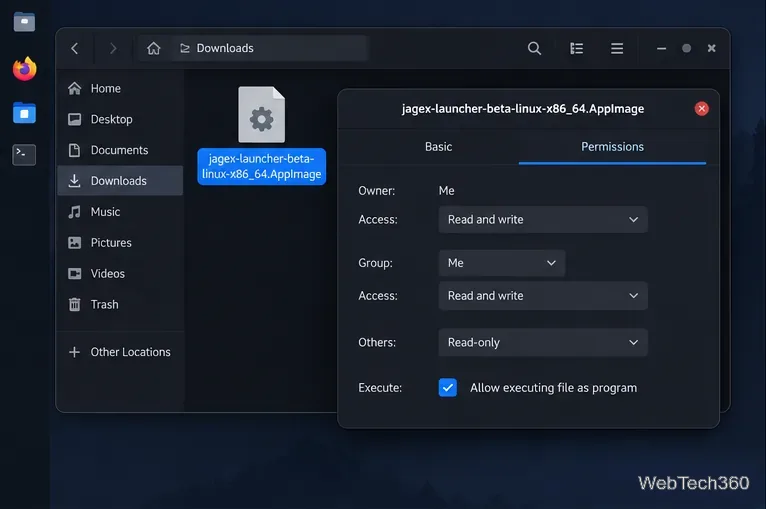
Play Old School RuneScape on Linux with Jagex’s beta AppImage and RuneLite, and see the current support status for the main RuneScape client.
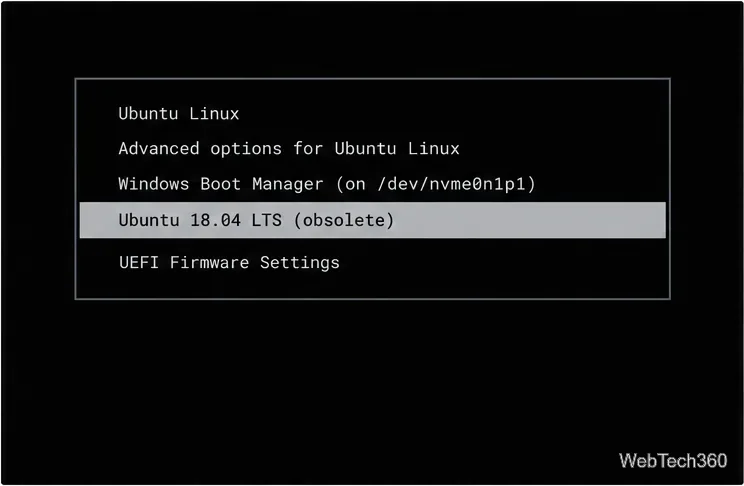
Regenerate GRUB safely, remove stale operating system or custom entries, and tell them apart from UEFI boot records with distro-specific steps.