How to Take a Timed Screenshot from Terminal on macOS
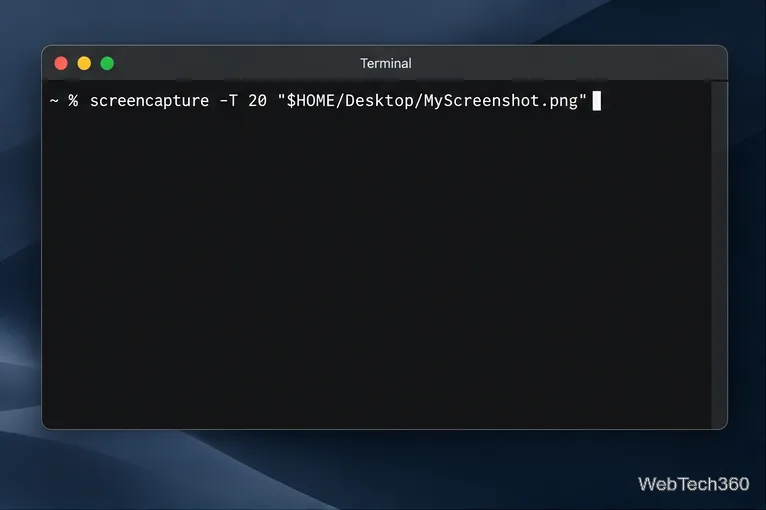
Set a custom delay for a timed screenshot from Terminal on macOS, then choose its filename, save folder, image format, and pointer settings.
Set a custom delay for a timed screenshot from Terminal on macOS, then choose its filename, save folder, image format, and pointer settings.
Restore a solid Catalina-style menu bar on Big Sur with compatible Boring Old Menu Bar v1.27. Follow the install steps, set light and dark styles, and troubleshoot common issues.
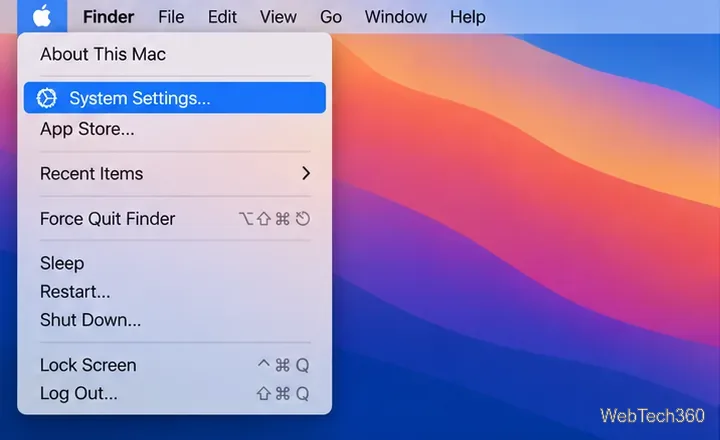
Sign in with your Apple ID (now called an Apple Account) in System Settings, then configure the separate Mac login password recovery option for that user.
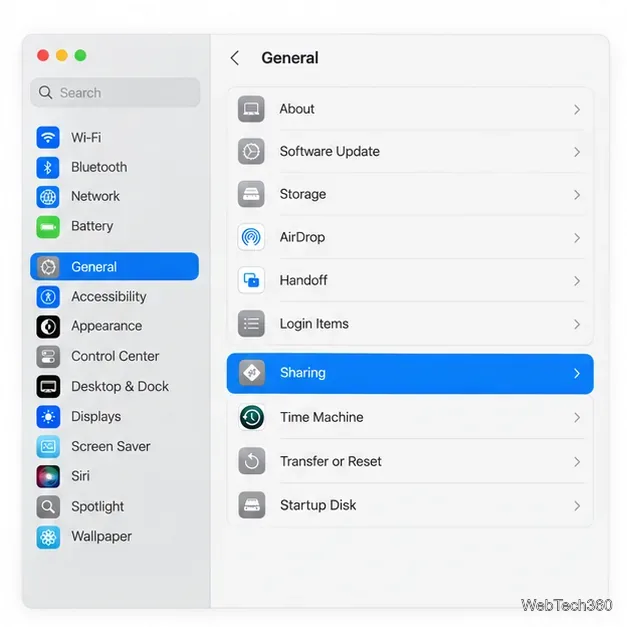
Turn off Mac sharing services and enable Firewall stealth mode to limit local discovery, with clear notes on what your router and other devices can still see.
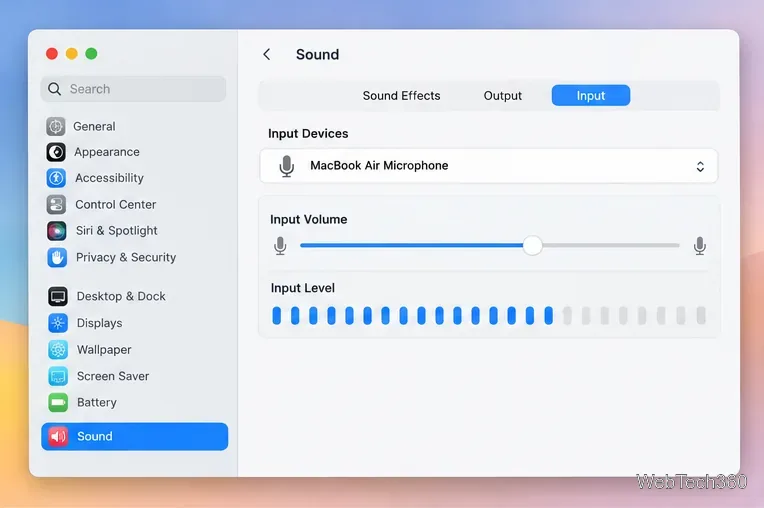
Learn how to check a Mac microphone using Sound settings and QuickTime, choose the right input, verify permissions, and fix common no-input problems.
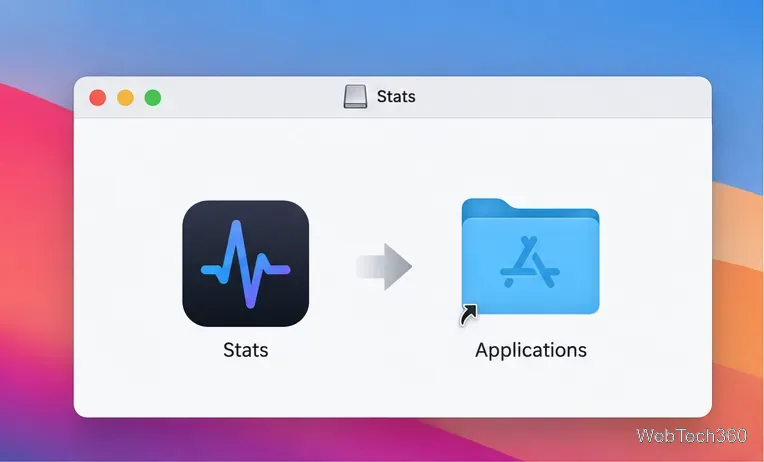
Use the free Stats app to show CPU, memory, disk, and network usage in the macOS menu bar, customize widgets, and fix missing icons on macOS 26.
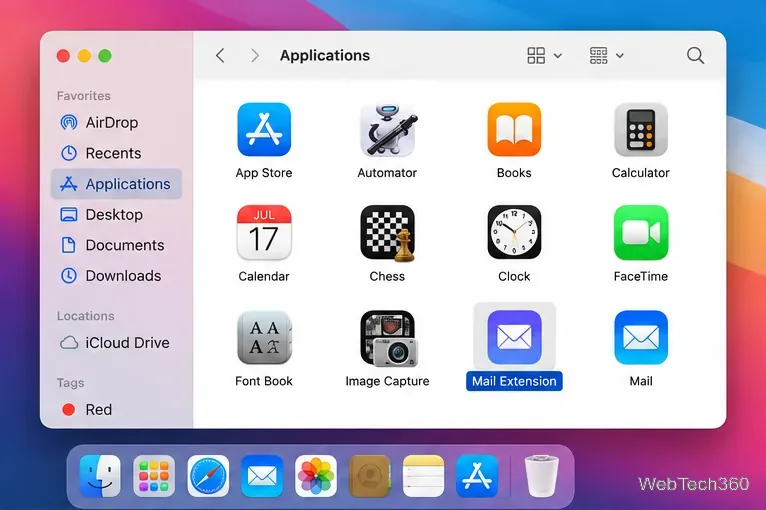
Install a Mail plugin on macOS using the current Mail Extensions workflow, enable it in Mail settings, and handle older .mailbundle plugins safely.
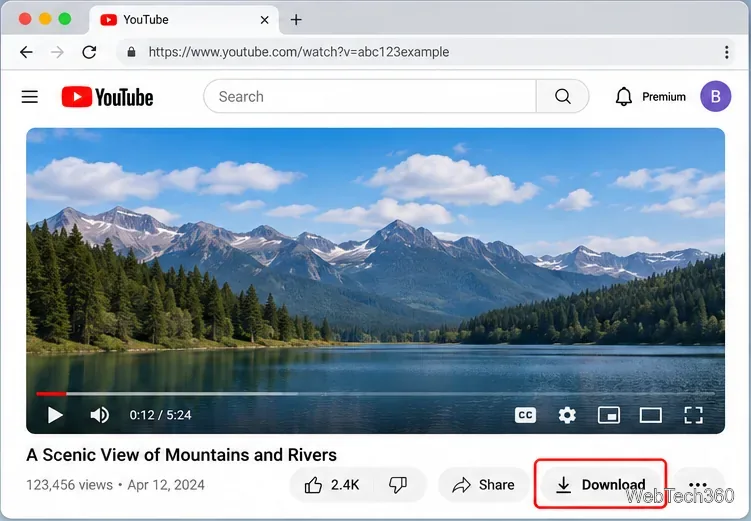
Learn how to download YouTube videos on a Mac with YouTube Premium, save your own uploads as MP4 files, and avoid outdated downloader apps.
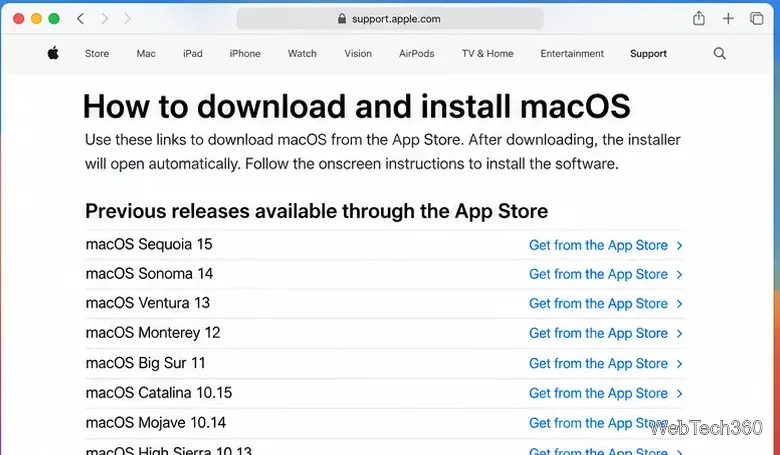
Learn how to download older macOS installers from Apple using the App Store, Terminal, or official DMG links, with compatibility and error tips.
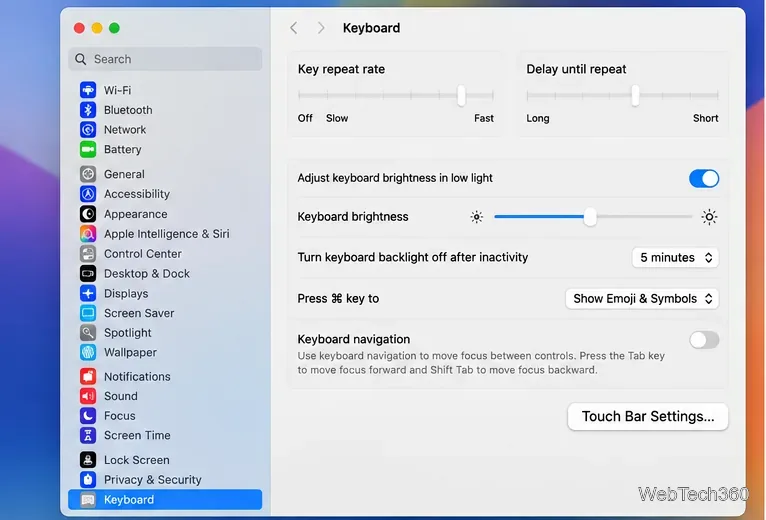
macOS has no built-in Touch Bar off switch. Learn how to change Touch Bar settings and use Hide My Bar to toggle it off and back on.
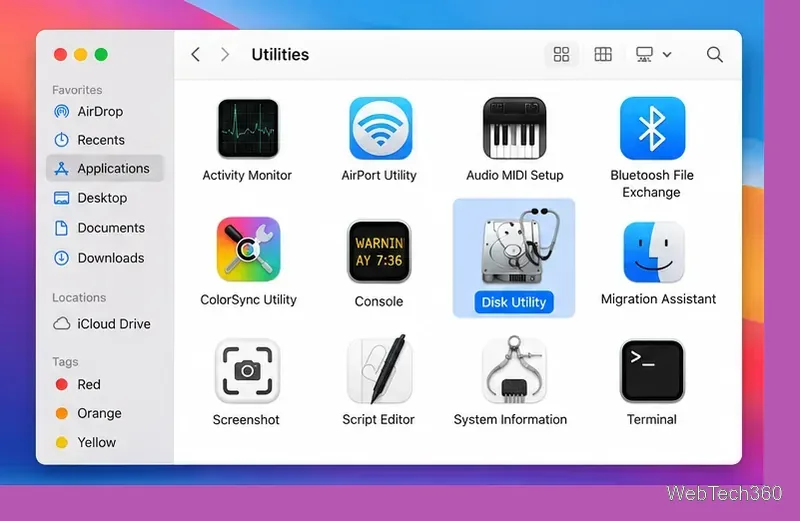
Use Disk Utility First Aid to repair a Mac disk, including the startup disk from macOS Recovery, and learn what to do if First Aid cannot fix it.
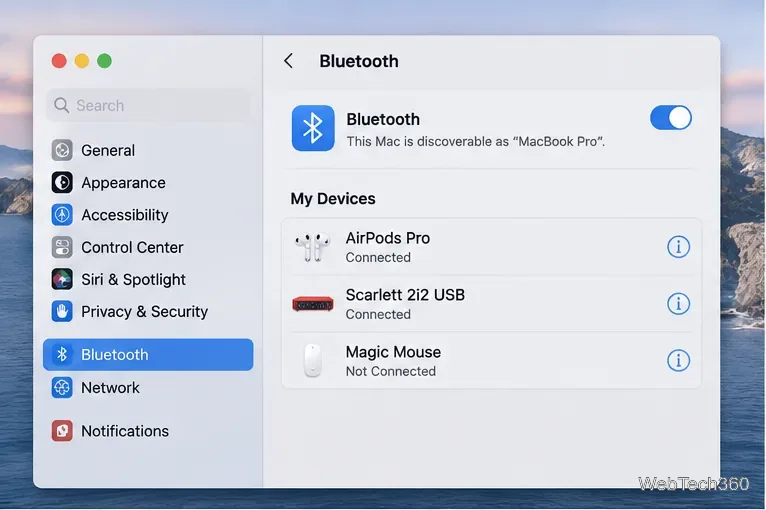
Choose the speakers, headphones, microphone, or AirPlay device your Mac uses, switch output from Control Center, and fix common audio-routing problems.
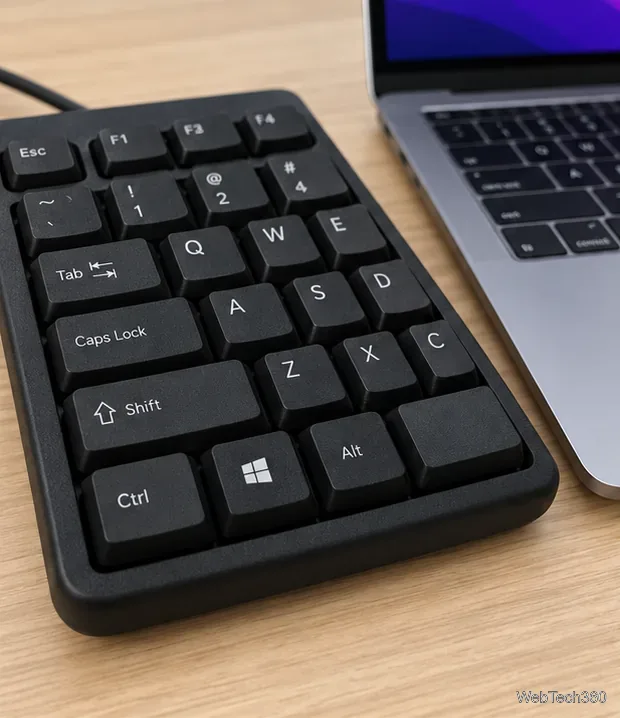
Make the physical Ctrl key send Command on your Mac. Follow the current macOS settings path, choose the right keyboard, and test the remap.
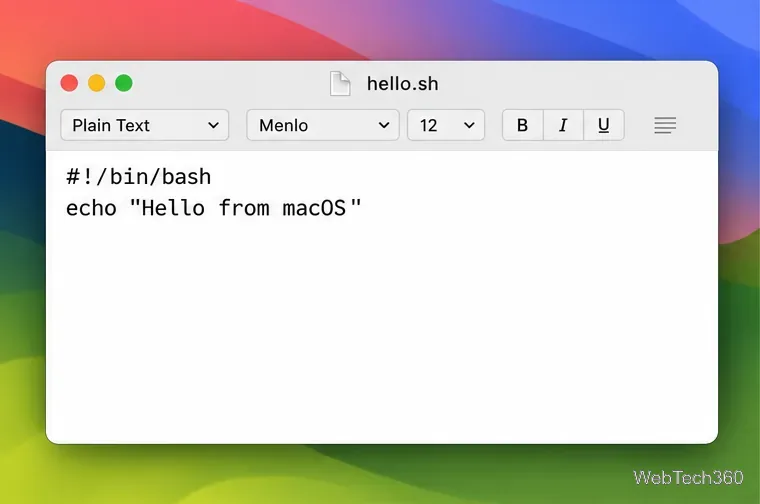
Run a .sh file in Terminal with Bash or launch it directly. Learn how to save a plain-text script, handle permissions, and fix common macOS errors safely.
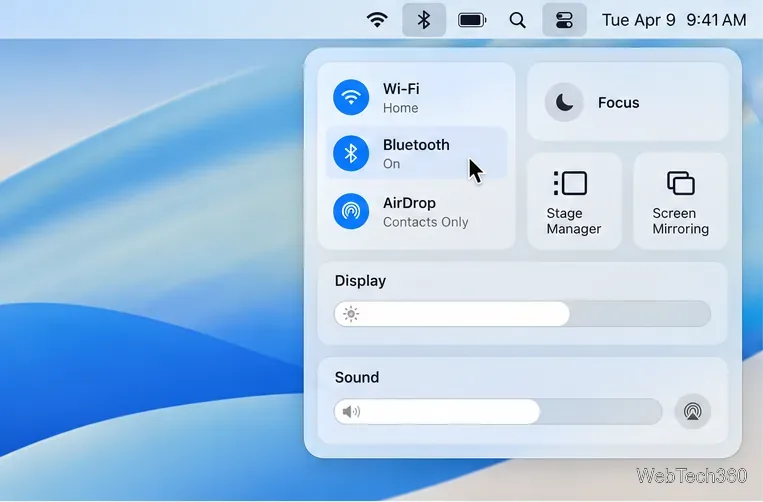
Check AirPods and supported Bluetooth accessories from Control Center, then find out what to try when macOS does not show a battery level.
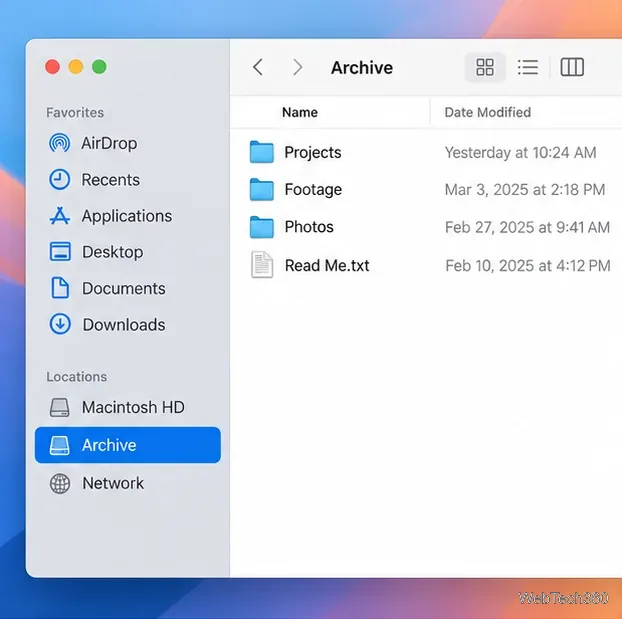
Learn how to rename a disk on macOS in Finder, identify the volume you are changing, and troubleshoot drives that will not accept a new label.
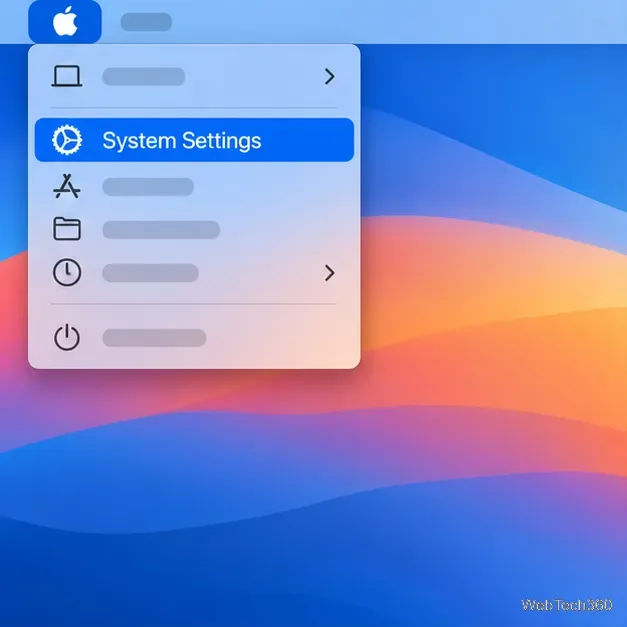
Reset Touch ID on your MacBook by removing a saved print and enrolling it again. Follow current macOS steps and fix common recognition problems.
Unlock the power of macOS with our expert tips and tutorials. From troubleshooting Mac OS X issues to advanced tweaks, get simple, step-by-step guides for seamless Apple computing.