Add a Date and Time Stamp to Photos on Your Android Phone

Learn how to add a visible date and time to new or existing Android photos with your camera's watermark setting or Google Photos Markup.
Learn how to add a visible date and time to new or existing Android photos with your camera's watermark setting or Google Photos Markup.
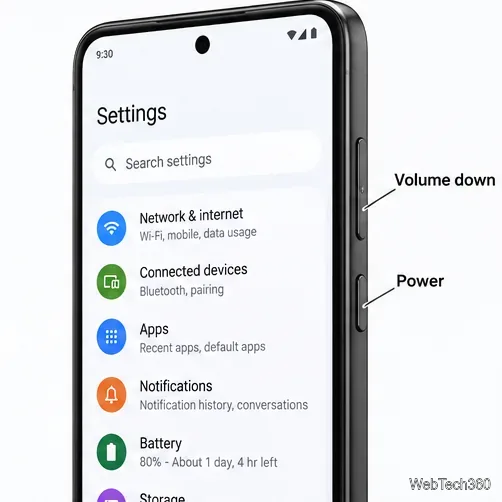
Learn how to screenshot on Android with button shortcuts, scrolling captures, and Pixel, Samsung, and Motorola gestures, plus where to find and share images.
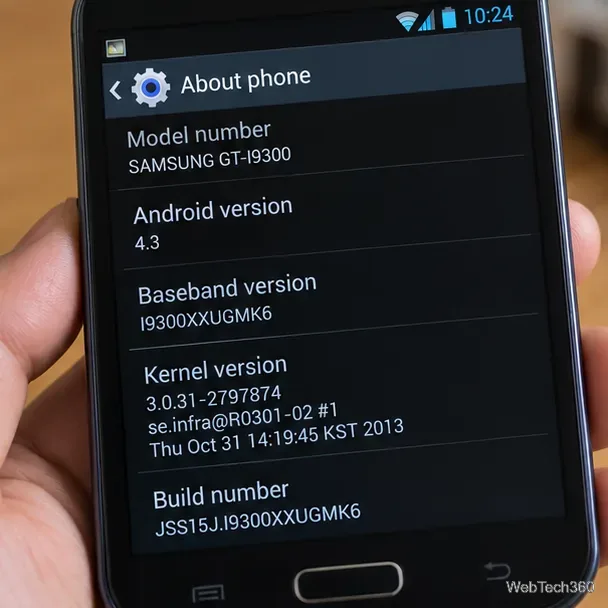
Learn how Framaroot rooted compatible older Android phones, what to check before installing its APK, and why it rarely works on newer devices.
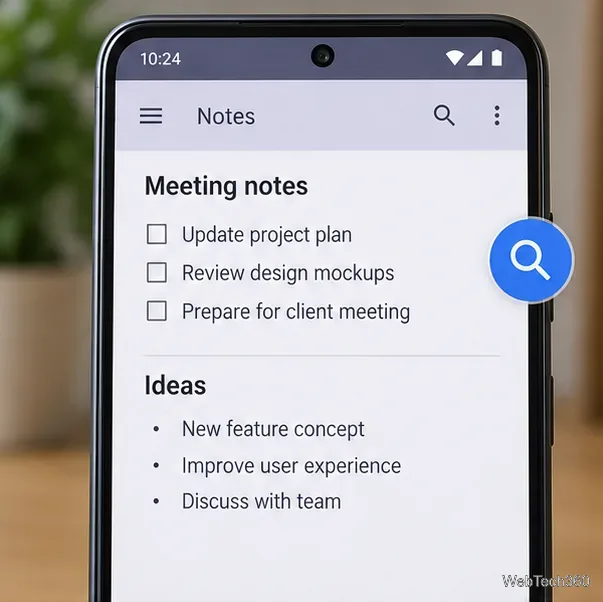
See how the classic Search Now app used a floating search button for on-device and web searches, why its Play Store listing is gone, and what works today.
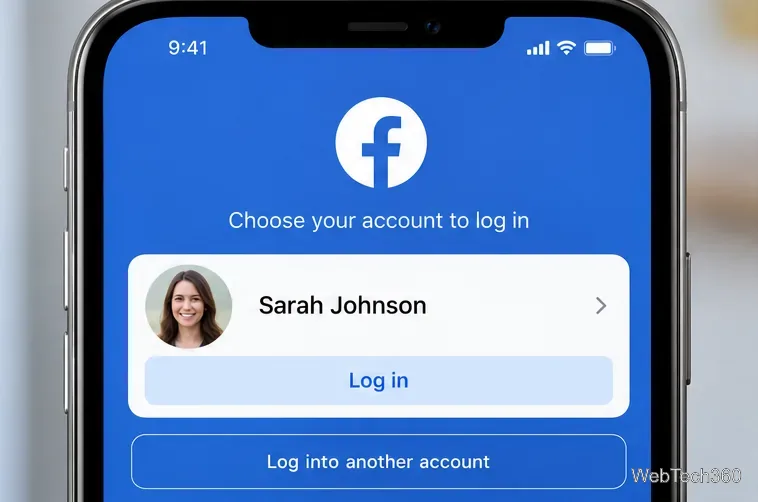
Learn how to turn Facebook profile picture login on or off, remove saved sign-ins on iPhone or Android, and find the current Saved login settings.
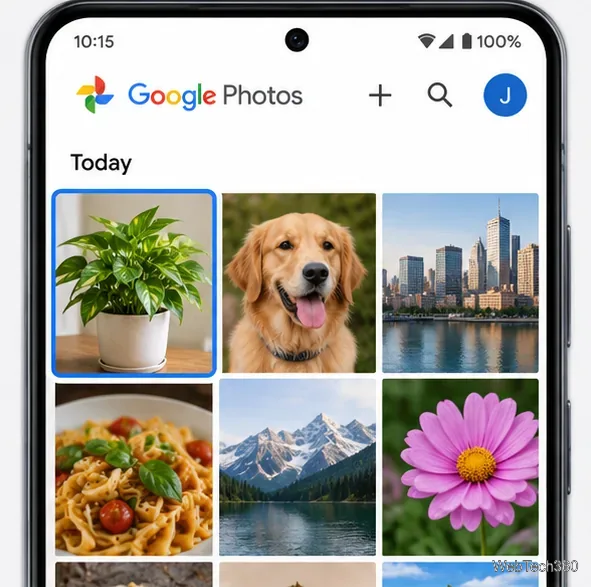
Learn how to identify plants, products, books, and other objects in photos with Google Lens on Android, iPhone, or a computer—and improve uncertain matches.
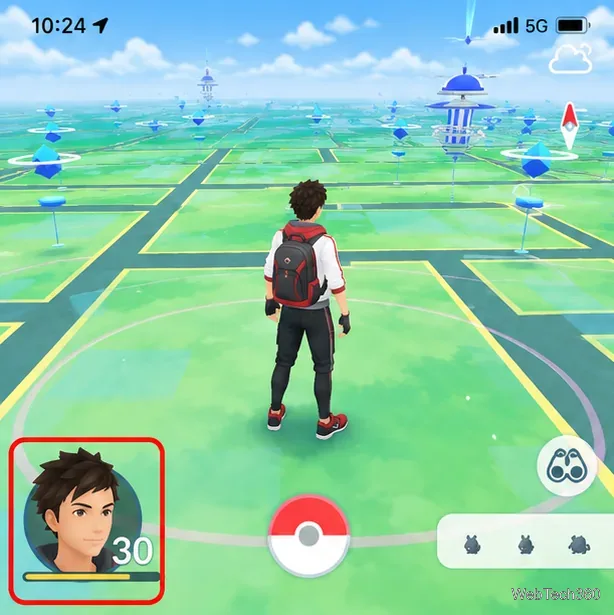
Remove your Pokémon GO avatar’s hat, gloves, and backpack using the Style menu. Follow the steps and fix missing no-item options without spending PokéCoins.

Understand what firmware and ROM mean on Android, how stock and custom ROMs differ, what flashing changes, and which risks to check before installing an image.
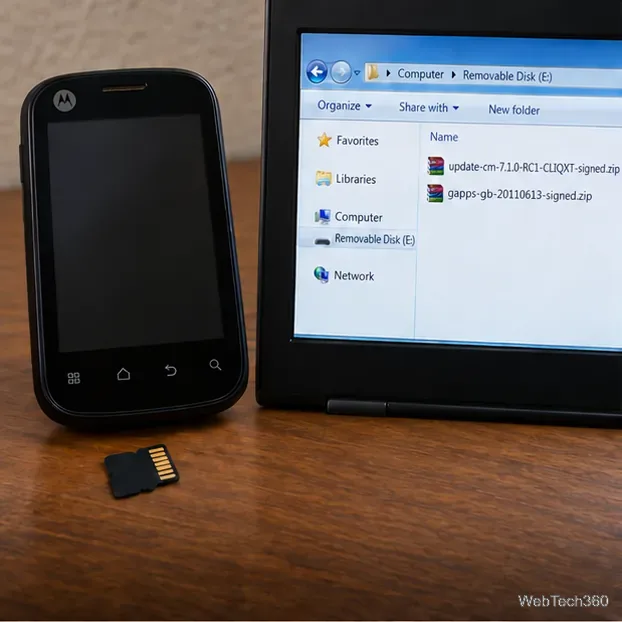
Learn what you need to install CyanogenMod 7.1 RC1 on the Motorola CLIQ XT, back up the MB501, flash the matching ZIPs, and avoid unverified files.
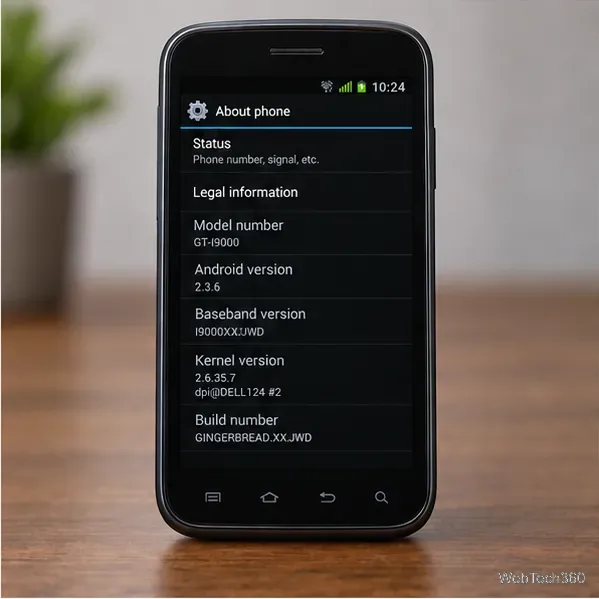
See what Android 2.3 Gingerbread keyboard language packs supported, how to verify a compatible ZIP, back up your phone, and avoid unsafe recovery flashes.
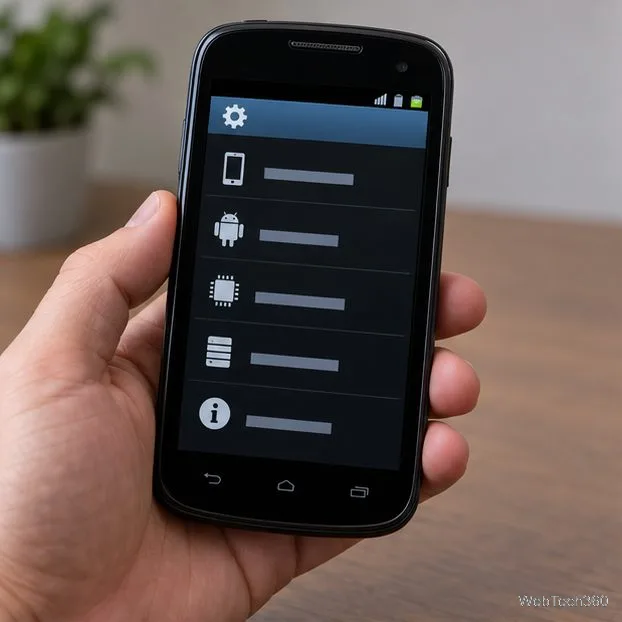
See what the legacy TouchWiz 3.0 QVGA port supports, how to install its APK on a compatible Android phone, and how to restore your original launcher.
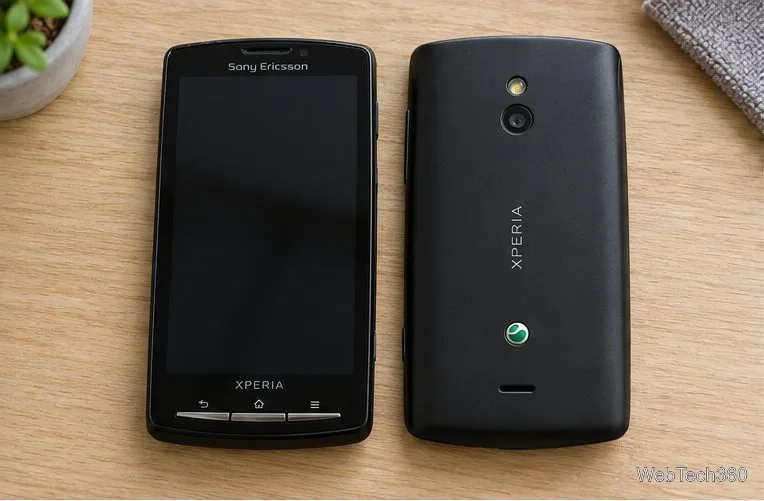
Review the legacy xRecovery steps for the Android 2.3.4 MIUI 1.6.17 Xperia X10 ROM, including compatibility checks, backup steps, and download caveats.
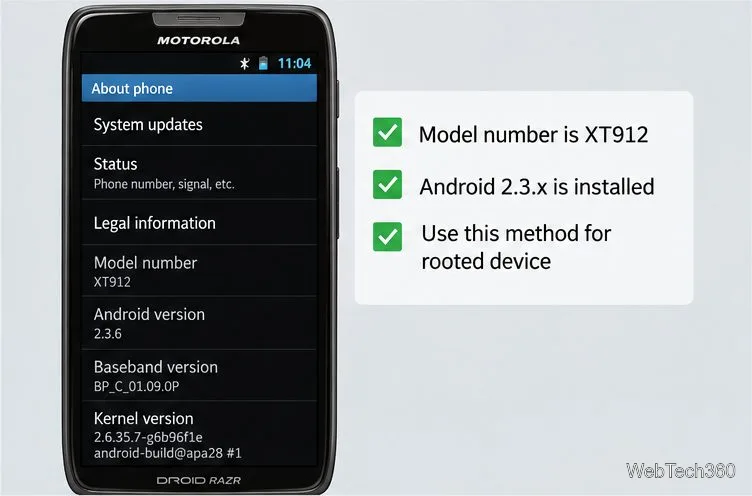
Use the archived Windows unroot script only if your Droid RAZR was rooted with the matching DooMLoRD method. Check compatibility, prepare USB debugging, and verify root access.
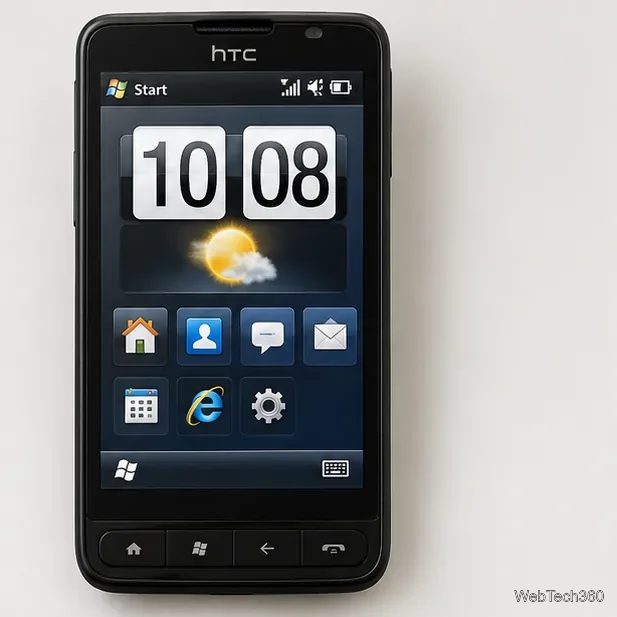
See how the HTC HD2’s old FroyoStone SD-card boot worked, what to verify before running HaRET, and how to avoid unsafe, obsolete downloads.
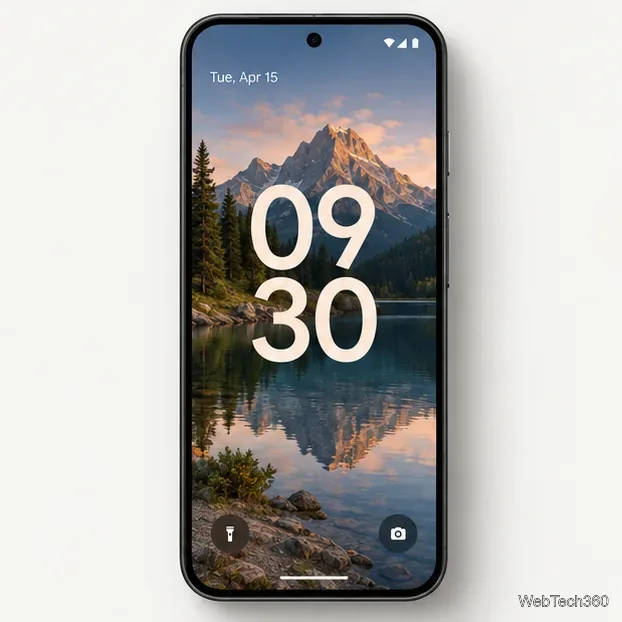
Android usually does not let you remove the lock-screen clock. Learn how to shrink or restyle it on Pixel and Galaxy phones, and turn off Always On Display separately.
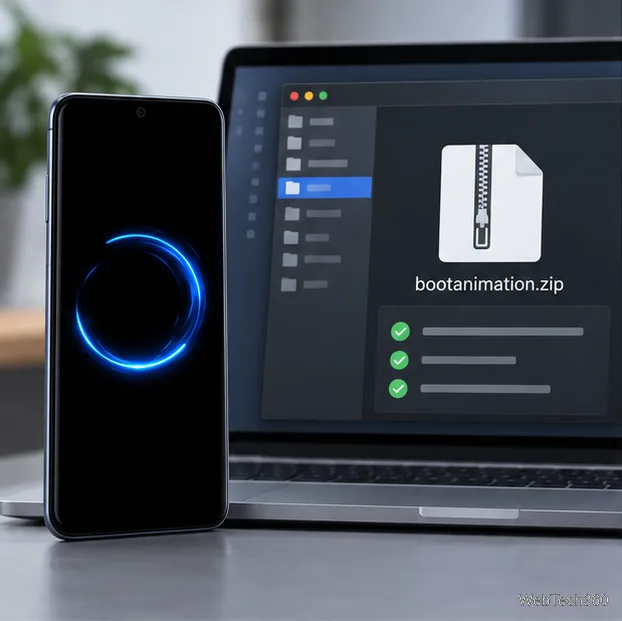
Build a compatible Android bootanimation.zip from PNG frames, set playback in desc.txt, package it correctly, and install or restore it with your ROM’s supported method.
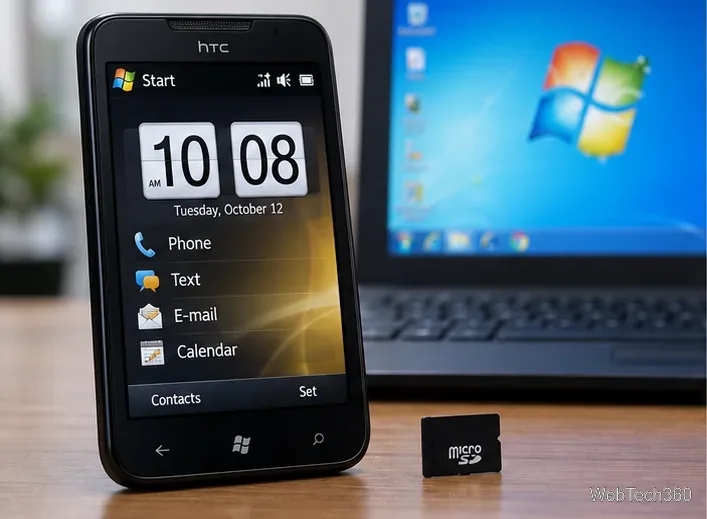
Learn how the HTC HD2 Ubuntu port booted from a microSD card with HaRET, which files it needs, and why this retired build is only suitable for archival experimentation.
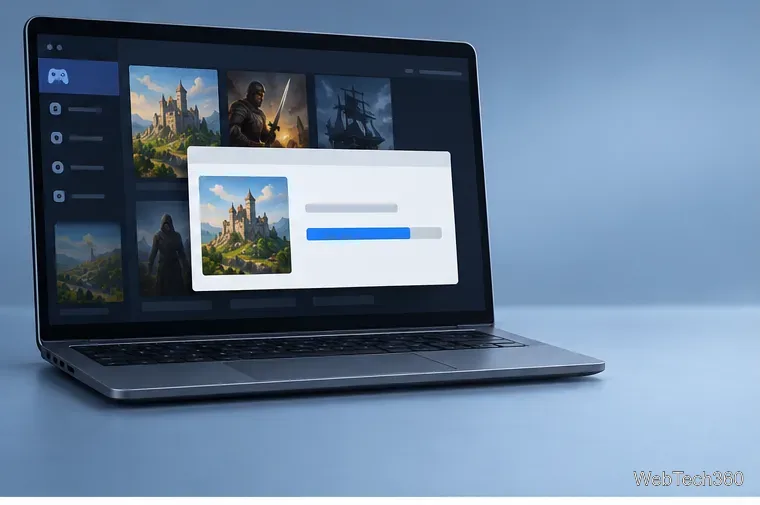
The original Winulator profiles and download links are outdated. Learn what has changed and how to try these classic PC games with current Android options.
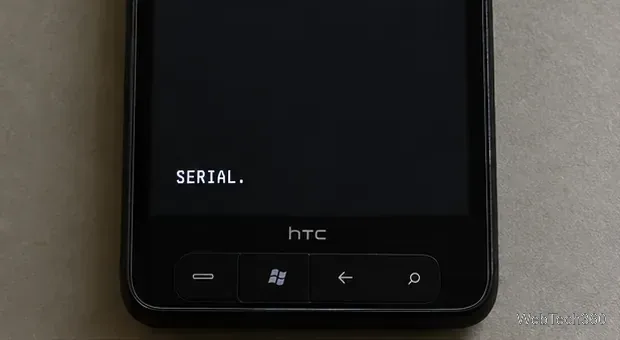
Learn what MAGLDR 1.13 does on the HTC HD2, what to check before flashing, how to install it safely, and how to choose Android, Windows Phone 7, or recovery at boot.
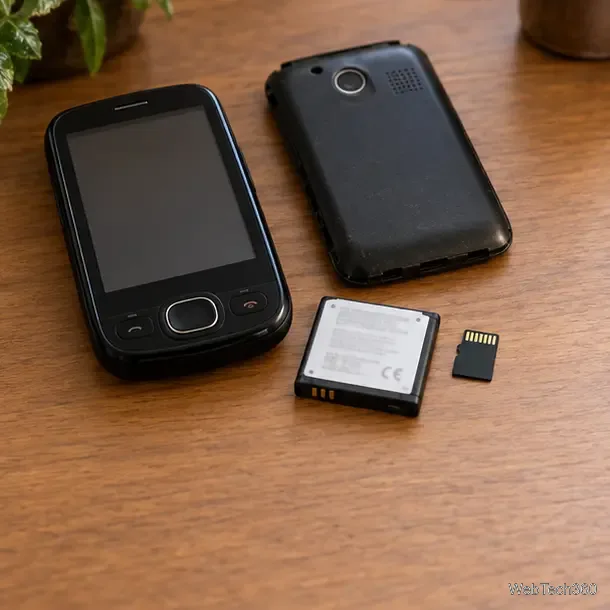
Learn what the HTC Touch CDMA Android 2.2 Froyo ROM included, which files its original SD-card setup required, and how to assess old downloads safely.
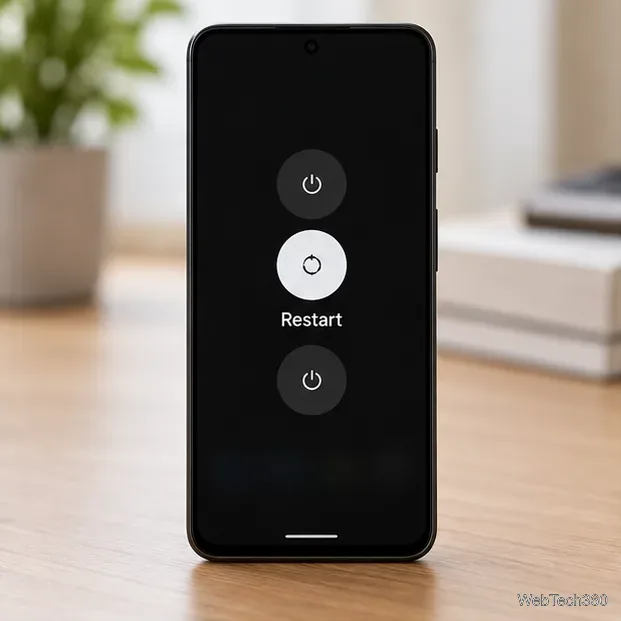
Learn when battery calibration can help an Android battery reading, the Pixel-specific steps Google documents, and why old root apps cannot restore battery capacity.
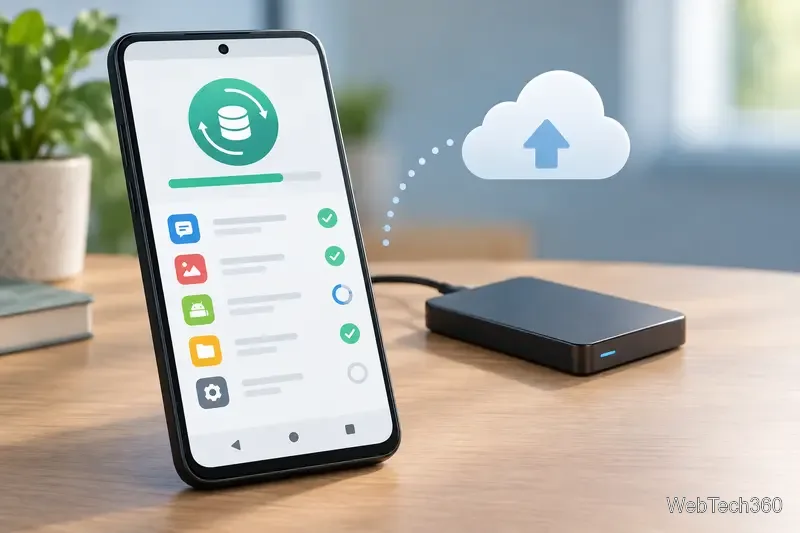
Find current Android root managers, backup tools, firewalls, file utilities, and terminal apps, with compatibility and safety tips for choosing what to install.
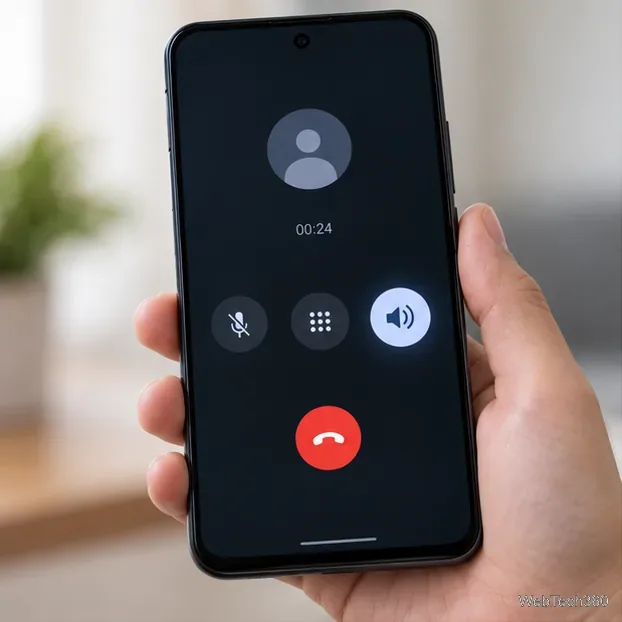
The proximity sensor usually turns the screen off near your ear; it does not provide a universal speakerphone toggle. Learn how to switch call audio and troubleshoot sensor issues.
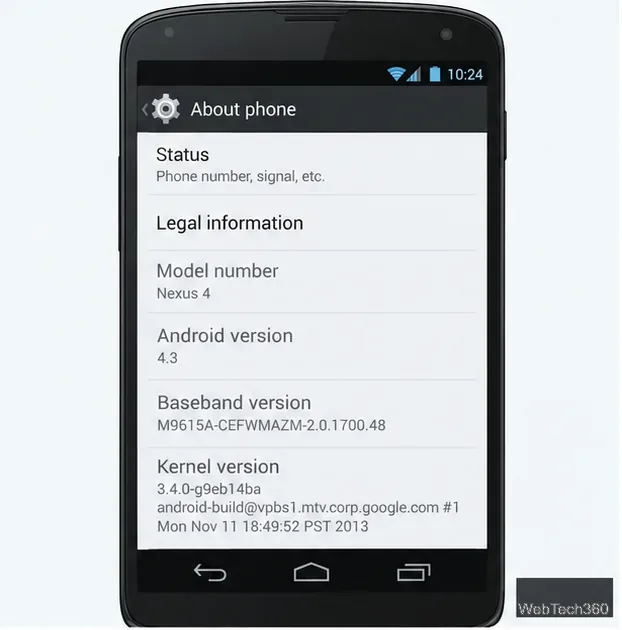
See what still works on Android 4.1–4.3, how to check compatibility, and why old KitKat APK downloads should not be trusted without verification.
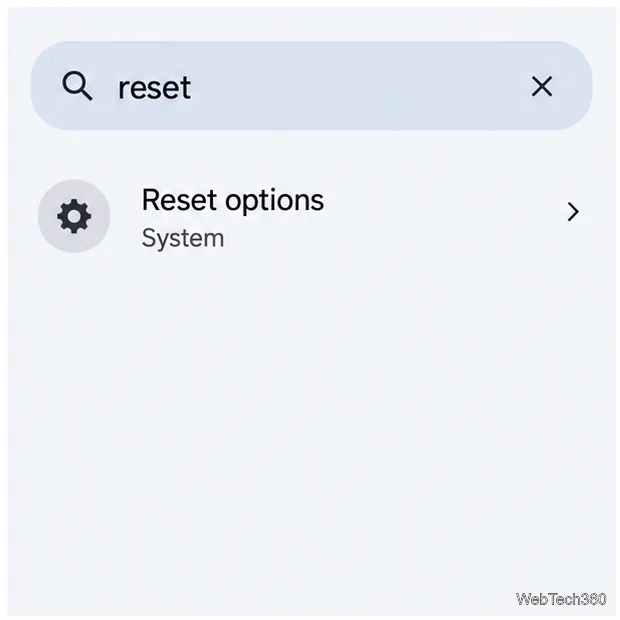
Learn which Android network reset to choose, what it removes, and the current Pixel and Samsung Galaxy steps for restoring Wi-Fi, Bluetooth, or cellular connections.
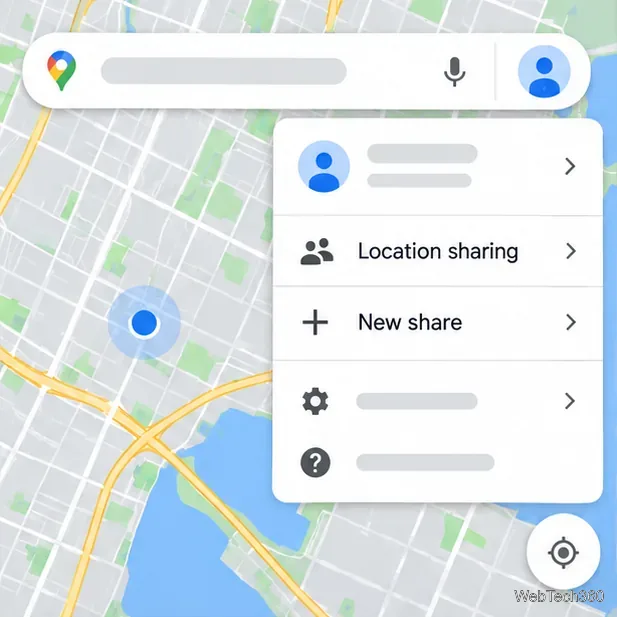
Learn how to track someone’s location with a phone number responsibly: what lookups can show, why they cannot reveal live GPS, and how to share location in Google Maps or Find My.
Find out why your phone says No Service and follow safe iPhone and Android steps to reconnect, check your SIM or eSIM, and know when to contact your carrier.
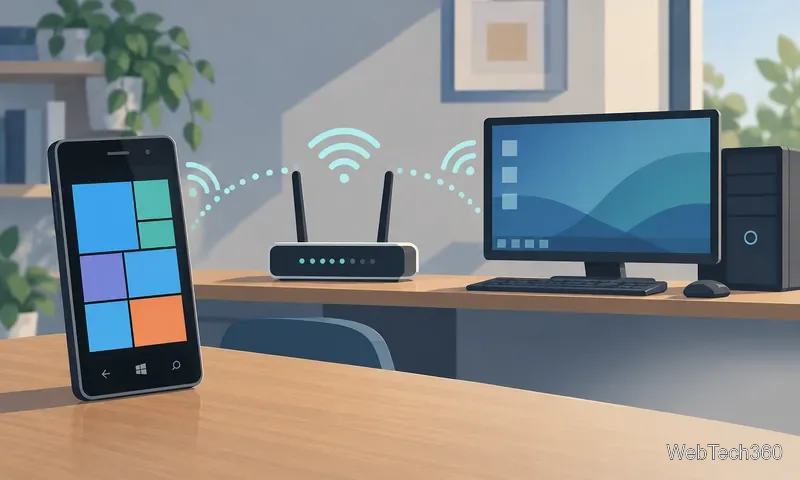
Learn how the Windows Phone 7 Remote app paired with a PC over Wi-Fi, which controls it offered, and why its original setup is now unsupported.
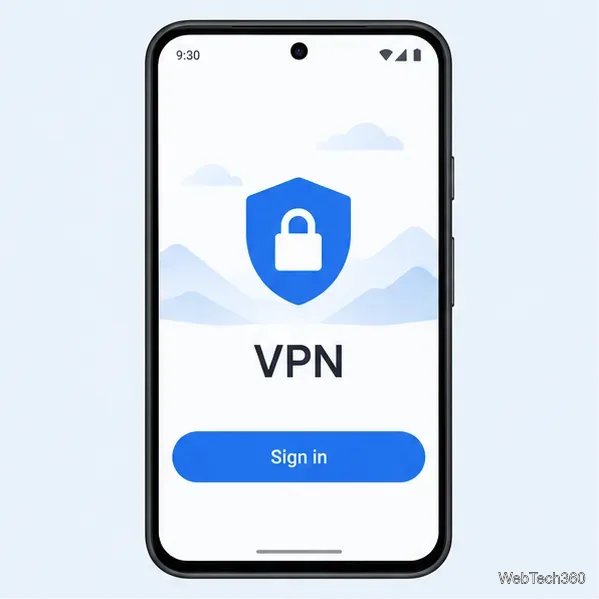
Use a VPN, Tor Browser, or a Wi-Fi proxy to change the IP address Android apps or websites can see. Learn the setup steps and each method’s limits.
Learn how to use an Android phone with a broken power button using supported wake gestures, Android’s Accessibility Menu, backup steps, and repair guidance.
Master your Android device with expert tips, tutorials & guides. Troubleshoot common issues, boost speed, customize settings & explore top apps for seamless performance.