Add a Date and Time Stamp to Photos on Your Android Phone

Learn how to add a visible date and time to new or existing Android photos with your camera's watermark setting or Google Photos Markup.
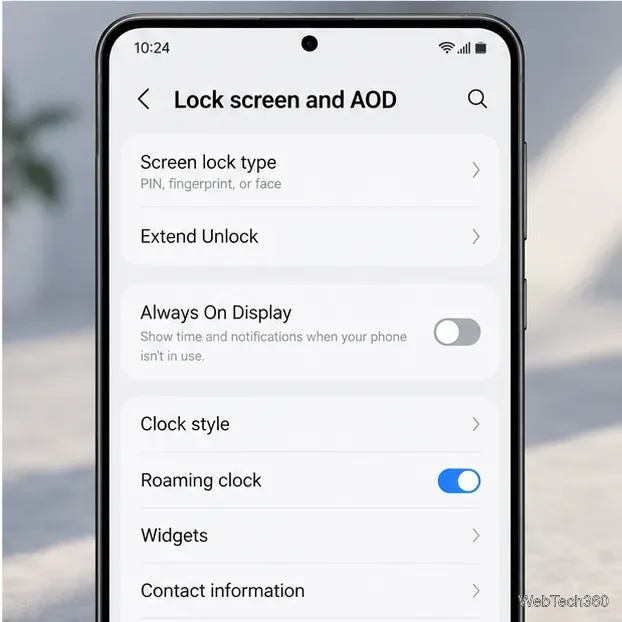
Most current Android phones have no supported switch to fully remove the lock-screen clock. You can usually make it smaller or change its style. If the time remains visible after the display goes dark, you are seeing the separate Always On Display (AOD) feature.
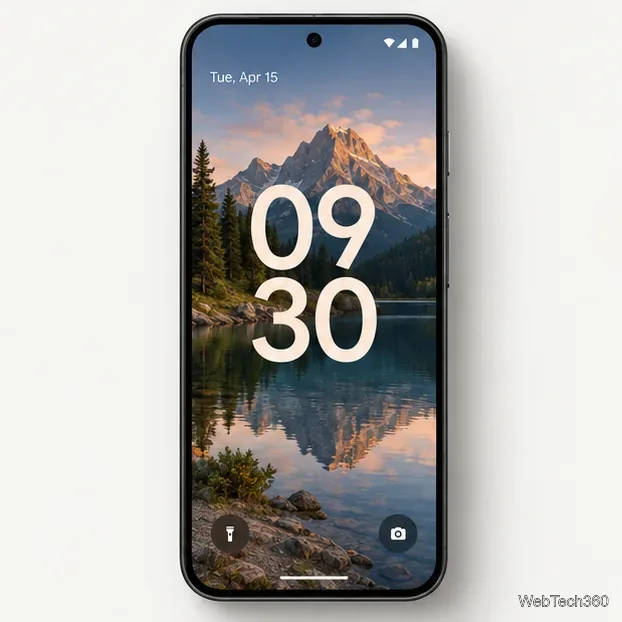
There is no universal Android setting for this because manufacturers control their lock-screen software. Google’s current Pixel instructions list clock style, width, color, and size controls, but no remove-clock control. Samsung’s current guide documents changing the lock-screen clock style, without a hide option. Those official instructions indicate that a fully clock-free lock screen is not a standard option on these supported interfaces. Menus and available styles can vary by device, software version, and region.
If your goal is to keep a live wallpaper’s own clock from colliding with the system clock, try a wallpaper without a second clock or use a still image. The lock-screen time is drawn as part of the system interface, so changing the wallpaper alone will not remove it.
Google documents lock-screen clock customization for Pixel phones running Android 16 and later. The clock remains on screen, but you can reduce its size and adjust its look.
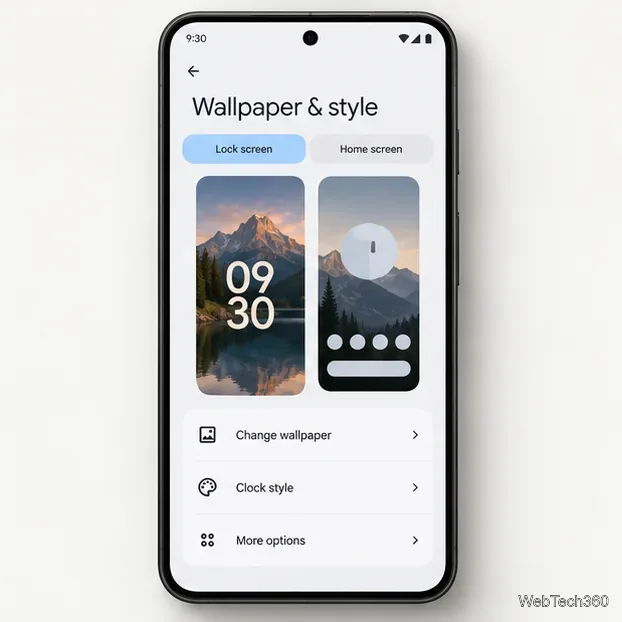
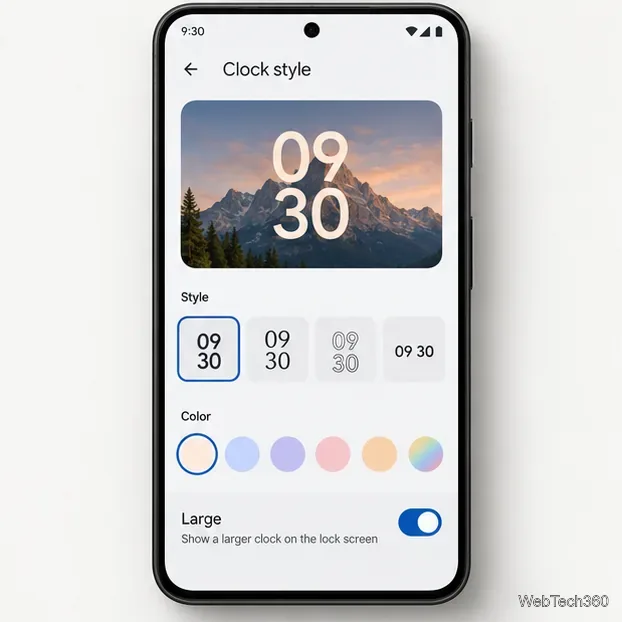
The clock remains visible; this changes its size rather than removing it. Pixel also has a Dynamic clock option that adjusts the clock size based on lock-screen content. See Google’s Pixel lock-screen guide.
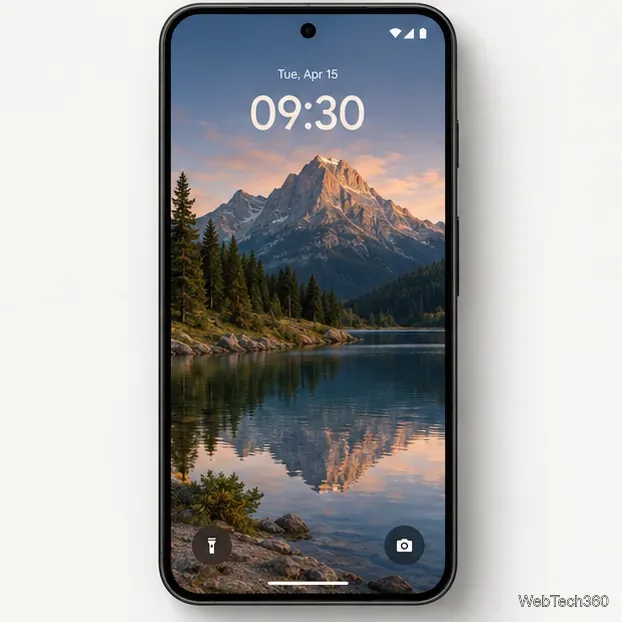
On supported Galaxy models, Samsung’s lock-screen editor lets you select the clock and choose a different style. The design and menu names may vary with One UI and device model.
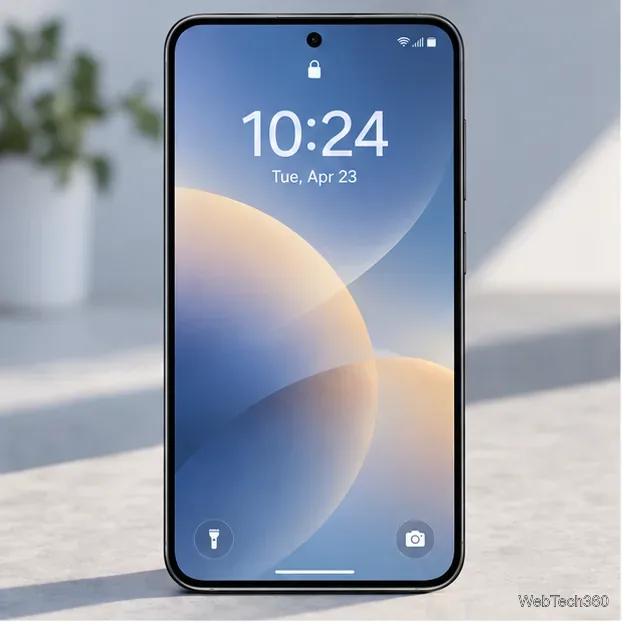
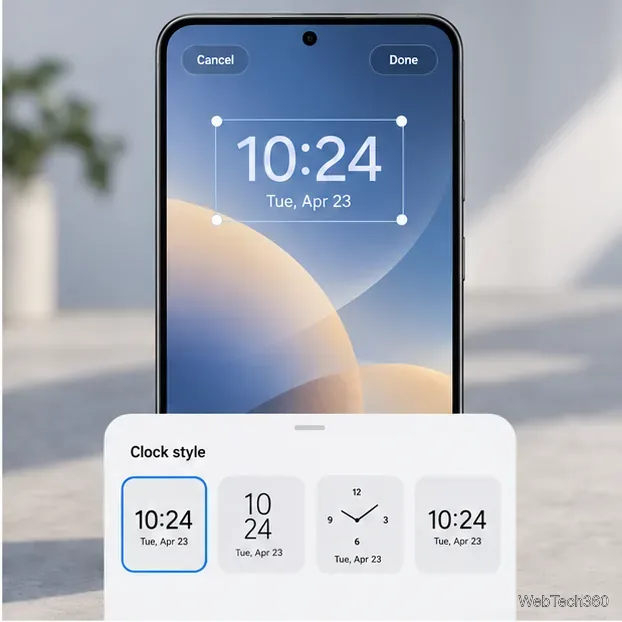
Samsung’s guide documents clock-style changes, not hiding the clock. If your editor has no hide option, choose a smaller style or move the clock over a less important part of the wallpaper.
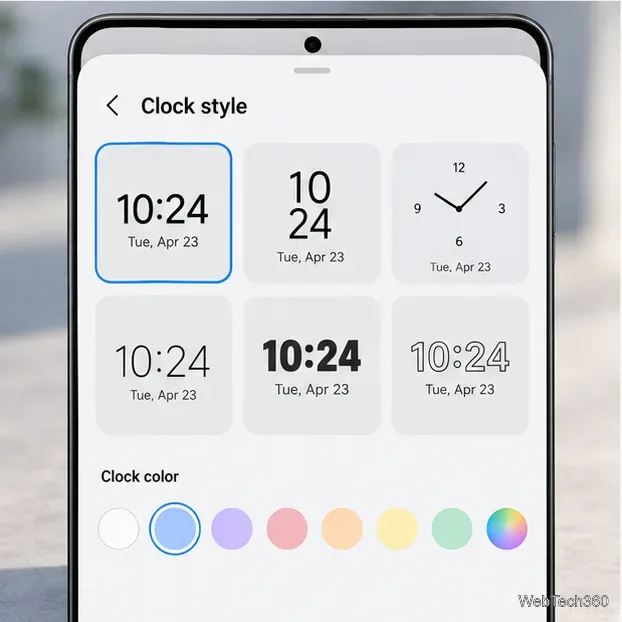
If you see the time on a dim screen even when you are not actively viewing the lock screen, you may mean AOD. Turning AOD off stops that always-visible display, but the regular lock-screen clock will still appear when you wake the phone.
The older version of this guide advised replacing /system/fonts/Clockopia.ttf with a blank font using a rooted file manager. That was a ROM-specific workaround for older Android software. It requires root and changes protected system files; current Pixel and Galaxy support guides do not recommend it. It may not affect the clock on another Android version or manufacturer skin, and system-file changes can cause instability or interfere with updates. Do not root a phone just to try it.
Learn how to add a visible date and time to new or existing Android photos with your camera's watermark setting or Google Photos Markup.
Learn how to screenshot on Android with button shortcuts, scrolling captures, and Pixel, Samsung, and Motorola gestures, plus where to find and share images.
Learn how Framaroot rooted compatible older Android phones, what to check before installing its APK, and why it rarely works on newer devices.
See how the classic Search Now app used a floating search button for on-device and web searches, why its Play Store listing is gone, and what works today.
Learn how to turn Facebook profile picture login on or off, remove saved sign-ins on iPhone or Android, and find the current Saved login settings.
Learn how to identify plants, products, books, and other objects in photos with Google Lens on Android, iPhone, or a computer—and improve uncertain matches.
Remove your Pokémon GO avatar’s hat, gloves, and backpack using the Style menu. Follow the steps and fix missing no-item options without spending PokéCoins.
Understand what firmware and ROM mean on Android, how stock and custom ROMs differ, what flashing changes, and which risks to check before installing an image.
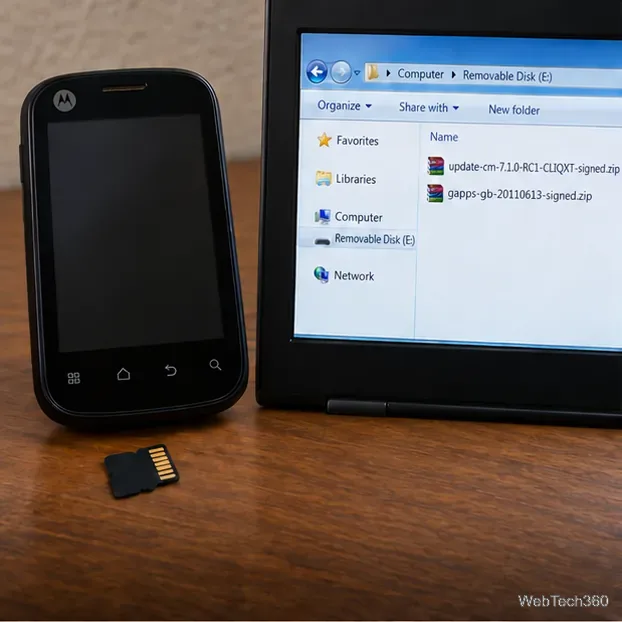
Learn what you need to install CyanogenMod 7.1 RC1 on the Motorola CLIQ XT, back up the MB501, flash the matching ZIPs, and avoid unverified files.
See what Android 2.3 Gingerbread keyboard language packs supported, how to verify a compatible ZIP, back up your phone, and avoid unsafe recovery flashes.