Add a Date and Time Stamp to Photos on Your Android Phone

Learn how to add a visible date and time to new or existing Android photos with your camera's watermark setting or Google Photos Markup.
Firmware is the software that helps a device start and control its hardware. In Android discussions, ROM usually means the installed system build or a package that can replace it; flashing means writing that package or its images to the phone. A stock ROM comes from the device maker, while a custom ROM is built or modified by an independent project. “ROM” is shorthand here: today’s phones generally store software on rewritable flash memory, not literal read-only memory.

Firmware can mean the low-level code that starts a device or helps its hardware work. In consumer phone discussions, people also use “firmware” broadly for the operating system and other device software. The exact meaning depends on context, so the terms are not always interchangeable.
ROM literally stands for “read-only memory,” but the Android community uses it informally for an operating system build, such as a manufacturer’s Android release, or for a downloadable image package. A modern Android phone contains multiple software components: the bootloader starts the device and checks software, while partitions such as boot, system, and vendor serve different roles. Layouts vary by device and Android version. The Android Open Source Project’s bootloader overview and partition documentation explain the components.
A stock ROM is the software build supplied for a particular model by its manufacturer, sometimes with carrier or regional changes. It may include the maker’s interface, apps, drivers, and services. “Stock” does not necessarily mean plain Android or an unmodified AOSP build. The manufacturer is responsible for compatibility and typically distributes updates through its supported channels.
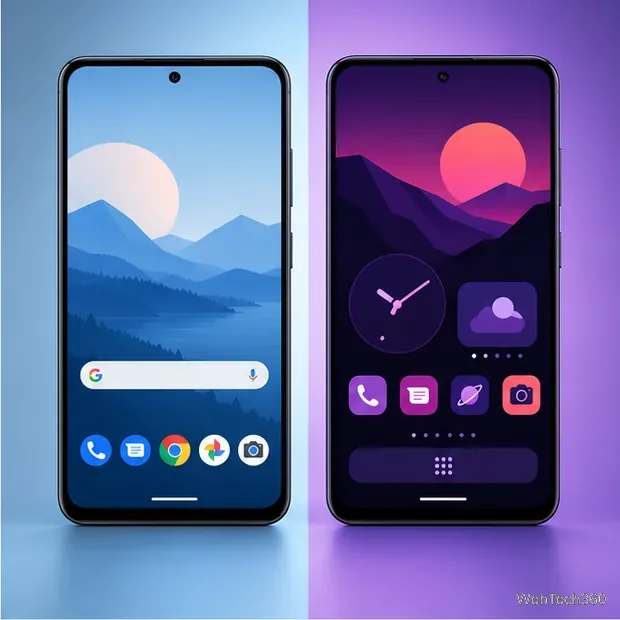
A custom ROM is a community-built or user-modified system image. It may change the interface, bundled apps, privacy choices, or update path. Features and maintenance vary by project and device. A custom ROM is not automatically faster, safer, or newer, and a build for a similar-looking phone may still be incompatible.
| Stock ROM | Custom ROM | |
|---|---|---|
| Maintained by | Device maker or carrier | Independent developers or a community project |
| Typical benefit | Device-specific support and official update channel | More choice over software and features |
| Key trade-off | Updates and features depend on the manufacturer | Support, compatibility, and update quality vary |
Flashing writes firmware or system images to designated areas of a device’s storage. It is different from installing a regular app. Android updates can arrive over the air, while manual flashing commonly uses a recovery or bootloader tool such as Fastboot. The right method depends on the phone and the package; there is no universal set of steps.
Most Android devices ship with a locked bootloader, which restricts writing to protected partitions. Where supported, unlocking can allow new images to be installed, but Android’s documentation warns that unofficial images can cause problems, and the unlock process is designed to trigger a factory reset. Google also warns that factory images erase data and that unlocking reduces device security. A wrong image, interrupted process, or unsupported downgrade can leave a phone unable to start.
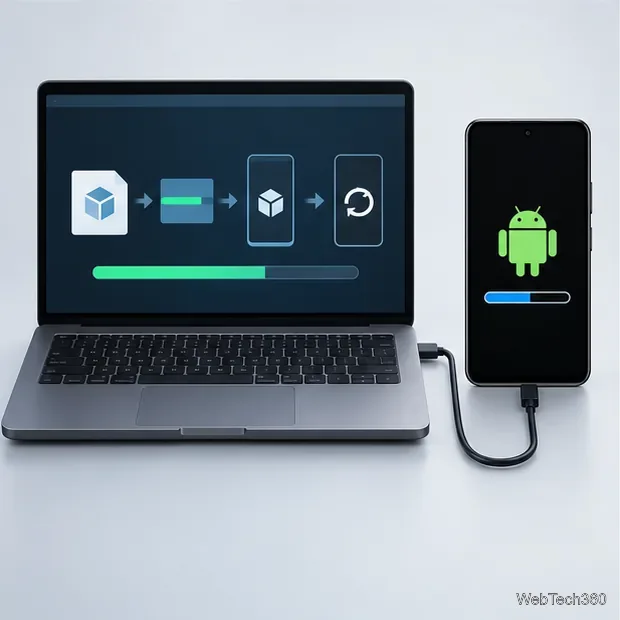

IPSW is an Apple software package file format commonly discussed for iPhone and iPad updates or restores. It is not the same thing as choosing an Android custom ROM. Apple’s supported restore flow uses Finder on Mac or the Apple Devices app on Windows to erase a device and install current software; Apple recommends making a backup first. See Apple’s restore instructions.
Stay with stock software if you rely on the manufacturer’s update channel, device-specific features, or straightforward support. Consider a custom ROM only if your exact model is supported, you have a clear reason to change the software, and you are comfortable with setup and recovery risks. For a Pixel that simply needs official software restored, Google publishes factory images and full OTA packages; follow the current instructions for your model. In short: firmware is the software, a ROM is the community’s shorthand for a system build or image, and flashing is the act of writing it to the device.
Learn how to add a visible date and time to new or existing Android photos with your camera's watermark setting or Google Photos Markup.
Learn how to screenshot on Android with button shortcuts, scrolling captures, and Pixel, Samsung, and Motorola gestures, plus where to find and share images.
Learn how Framaroot rooted compatible older Android phones, what to check before installing its APK, and why it rarely works on newer devices.
See how the classic Search Now app used a floating search button for on-device and web searches, why its Play Store listing is gone, and what works today.
Learn how to turn Facebook profile picture login on or off, remove saved sign-ins on iPhone or Android, and find the current Saved login settings.
Learn how to identify plants, products, books, and other objects in photos with Google Lens on Android, iPhone, or a computer—and improve uncertain matches.
Remove your Pokémon GO avatar’s hat, gloves, and backpack using the Style menu. Follow the steps and fix missing no-item options without spending PokéCoins.
Understand what firmware and ROM mean on Android, how stock and custom ROMs differ, what flashing changes, and which risks to check before installing an image.
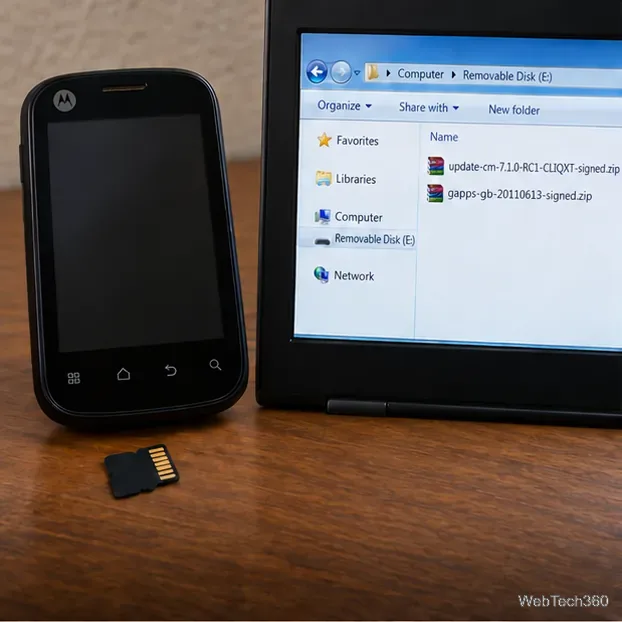
Learn what you need to install CyanogenMod 7.1 RC1 on the Motorola CLIQ XT, back up the MB501, flash the matching ZIPs, and avoid unverified files.
See what Android 2.3 Gingerbread keyboard language packs supported, how to verify a compatible ZIP, back up your phone, and avoid unsafe recovery flashes.