Add a Date and Time Stamp to Photos on Your Android Phone

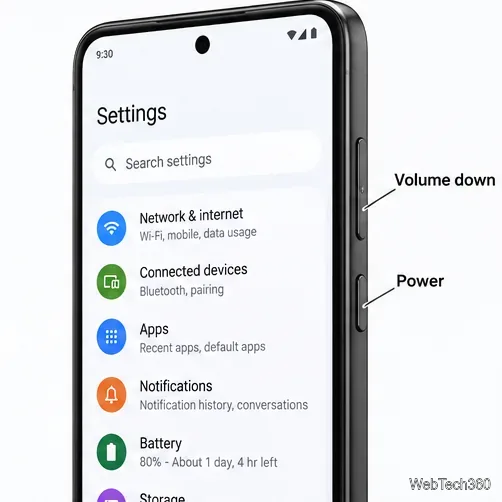
Learn how to add a visible date and time to new or existing Android photos with your camera's watermark setting or Google Photos Markup.
The short answer: Android 2.2 Froyo did run as an unofficial community build on the HTC Touch CDMA, but the original download links in this guide point to Ziddu and I could not verify a safe, working copy or a trusted checksum. There is no download link here that can be recommended as verified. Avoid archives re-uploaded to unfamiliar file-sharing sites; a matching filename does not prove that a ROM or kernel is authentic.
This was a hobbyist project for the CDMA HTC Touch, commonly known by its codename, Vogue. The historical instructions describe starting Android from a storage card with device-specific files. It was not an HTC-issued Android upgrade, and it should not be confused with installing a current Android recovery or flashing a ROM on a newer phone.
The release was credited to XDA forum member casacristo and described as based on Dzo’s Fresh Froyo. The old notes name a 2.6.25 kernel and updated kernel modules, with the modules mentioned as a Wi-Fi fix. The build also listed ADWLauncher 1.3.3, Astro File Manager, and a battery-percentage indicator. A separate archive of removed apps was optional.
The original download list contained four separate files: the Froyo build, the 2.6.25 kernel, updated kernel modules, and optional removed apps. The old guide’s order was ROM, kernel, then modules, using its SD-card method. Keep this list as a historical cross-check only: without the original files and their matching instructions, the names do not establish that any downloaded package is the same release.
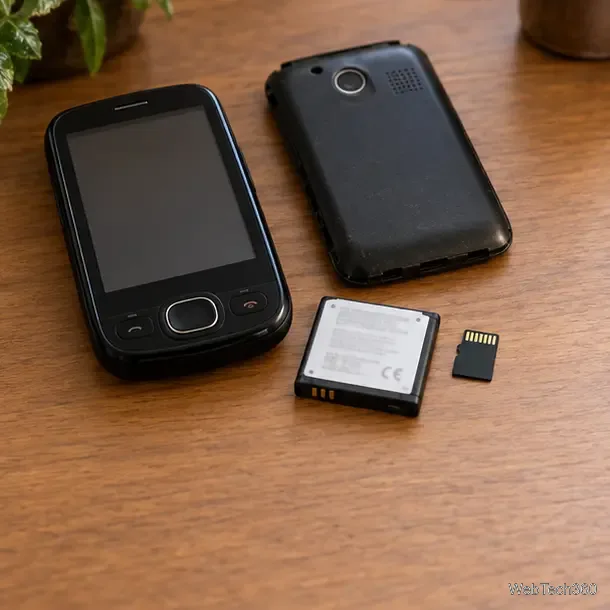
Check the model label and the device’s bootloader information. “HTC Touch” alone is not enough: the CDMA Vogue is different from the GSM HTC Touch (Elf), the Touch Pro, and other phones in the Touch family. The historical Froyo release thread on XDA is the right starting point for confirming the intended variant and matching files. If the thread or files do not clearly identify your model, stop rather than guessing.
Copy photos, contacts, documents, and the contents of any existing storage card to a computer. Keep the original card unchanged. Confirm that the phone can power on, charge reliably, and reach its normal Windows Mobile environment before changing anything. Record the information needed to restore the original system, and do not proceed if you do not have a device-specific recovery route and the files for it.
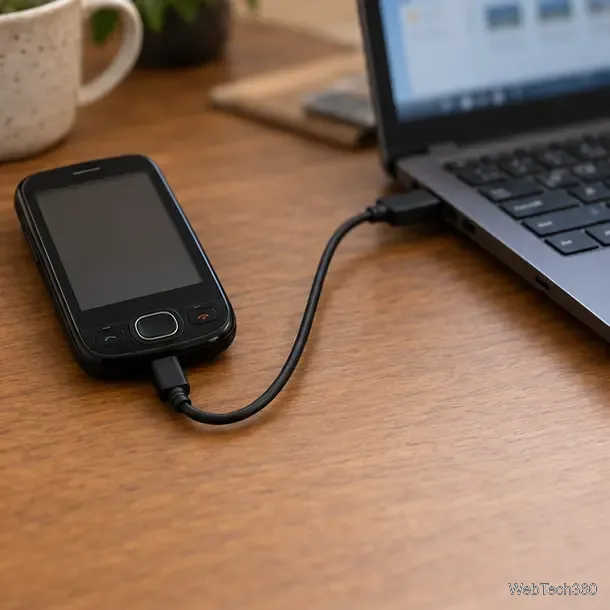
Look for the developer’s original post, exact filenames, compatibility notes, and published hashes. Compare each file’s checksum with a value supplied by the developer, if one exists; scanning a file for malware is not a substitute for checking that it is the intended build. The legacy page does not provide verifiable checksums for the Ziddu downloads. Do not run an old unlocker or boot utility from an untrusted mirror, and do not mix a ROM, kernel, or module package from different releases.
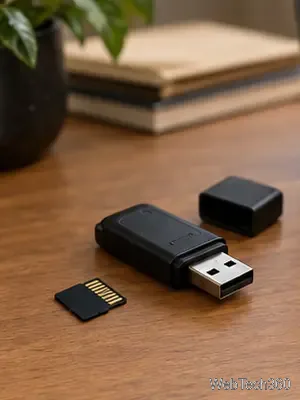
The original article says this setup required 2.31 CoKe HardSPL and then used an SD-card boot method. It points to a separate XDA guide for running Android from the HTC Touch CDMA storage card. Those are instructions from the device’s 2010-era development community, not current HTC support. Do not substitute fastboot, recovery, or bootloader steps written for a different phone. If the matching thread, full directions, or recovery files are missing, do not attempt the setup.
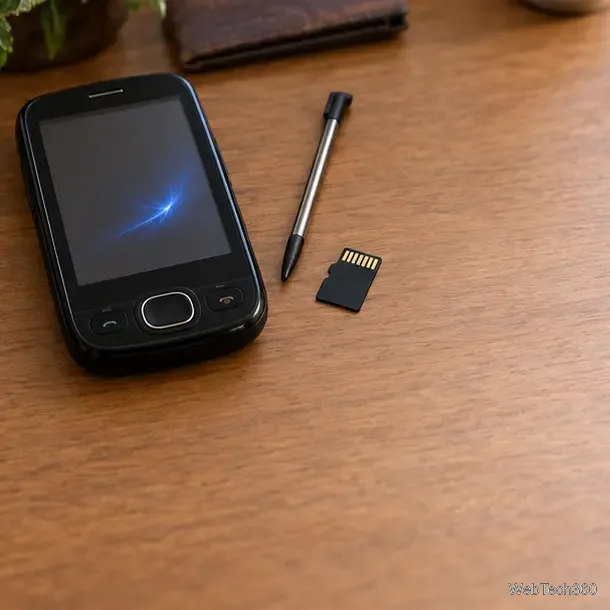
Even with a verified archive, Froyo is obsolete software with no current security updates, and many services or apps from its release era may no longer work. The historical notes specifically call out kernel modules for Wi-Fi, which means compatibility depended on the right combination of files. Treat old feature lists as reports about a particular build, not guarantees for every carrier-branded Vogue handset. Test only nonessential functions first, and do not rely on the device for private accounts, payments, emergency calls, or daily connectivity.
For hardware details such as the microSD slot and PC sync cable, consult the HTC Touch CDMA user manual filed with the FCC. For ROM-specific compatibility, the XDA posts above are the historical primary references. Since the original Ziddu packages cannot be verified here, the safest answer to “where can I download it?” is: only use a copy that the original developer’s thread identifies and whose files can be checked; otherwise, do not install a mirror.
Learn how to add a visible date and time to new or existing Android photos with your camera's watermark setting or Google Photos Markup.
Learn how to screenshot on Android with button shortcuts, scrolling captures, and Pixel, Samsung, and Motorola gestures, plus where to find and share images.
Learn how Framaroot rooted compatible older Android phones, what to check before installing its APK, and why it rarely works on newer devices.
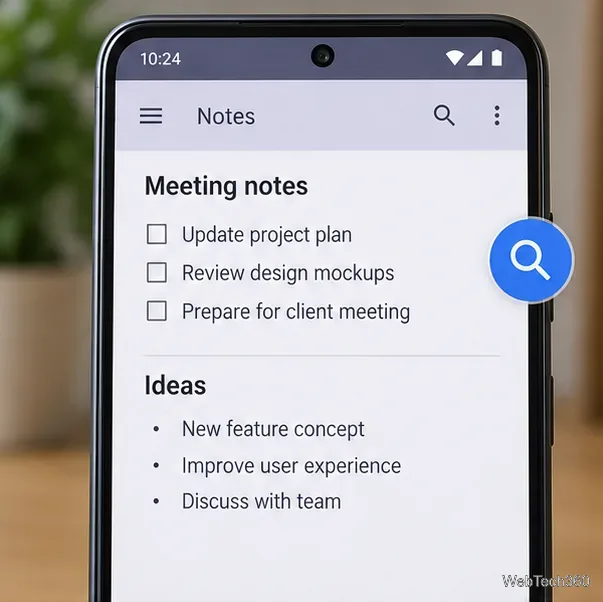
See how the classic Search Now app used a floating search button for on-device and web searches, why its Play Store listing is gone, and what works today.
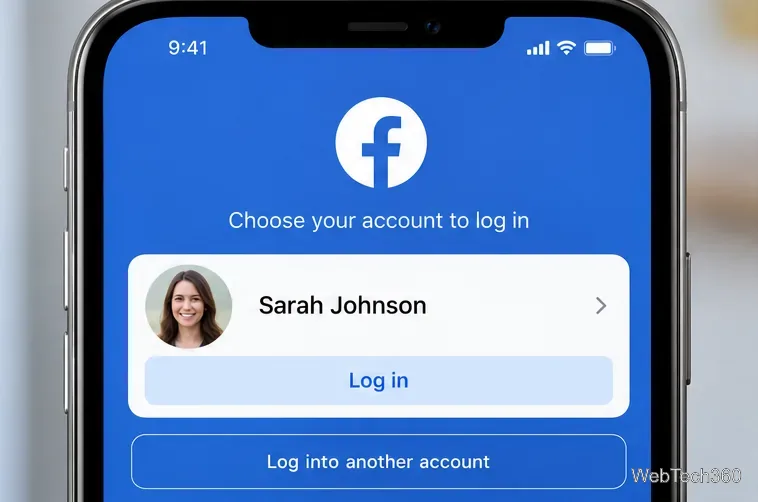
Learn how to turn Facebook profile picture login on or off, remove saved sign-ins on iPhone or Android, and find the current Saved login settings.
Learn how to identify plants, products, books, and other objects in photos with Google Lens on Android, iPhone, or a computer—and improve uncertain matches.
Remove your Pokémon GO avatar’s hat, gloves, and backpack using the Style menu. Follow the steps and fix missing no-item options without spending PokéCoins.
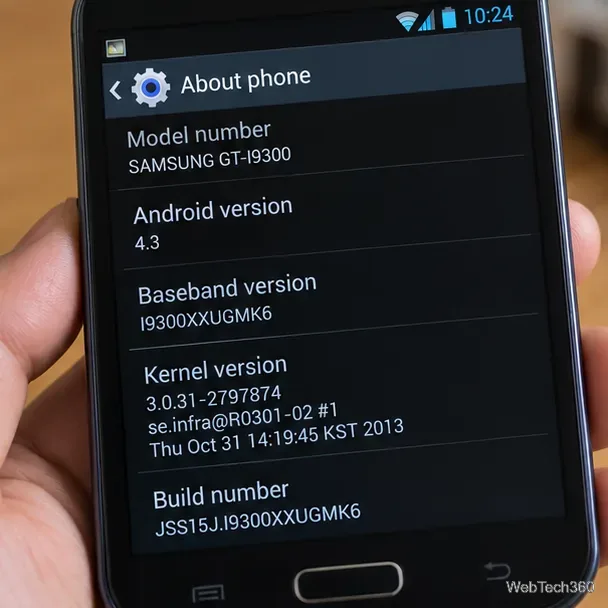
Understand what firmware and ROM mean on Android, how stock and custom ROMs differ, what flashing changes, and which risks to check before installing an image.
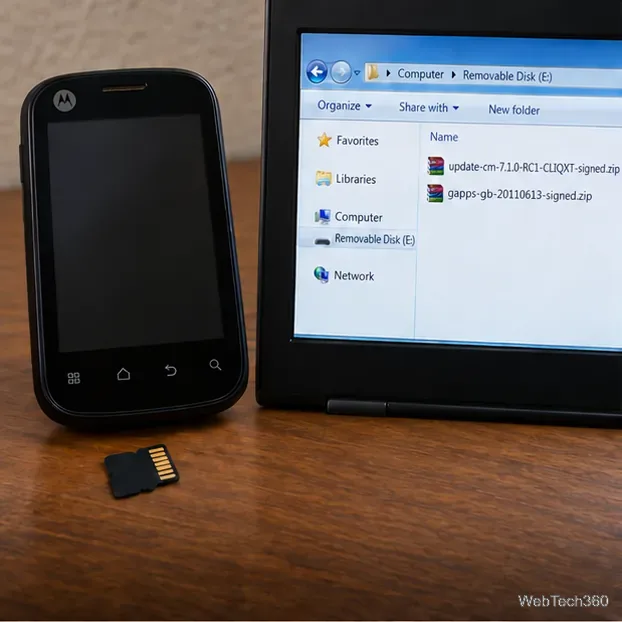
Learn what you need to install CyanogenMod 7.1 RC1 on the Motorola CLIQ XT, back up the MB501, flash the matching ZIPs, and avoid unverified files.
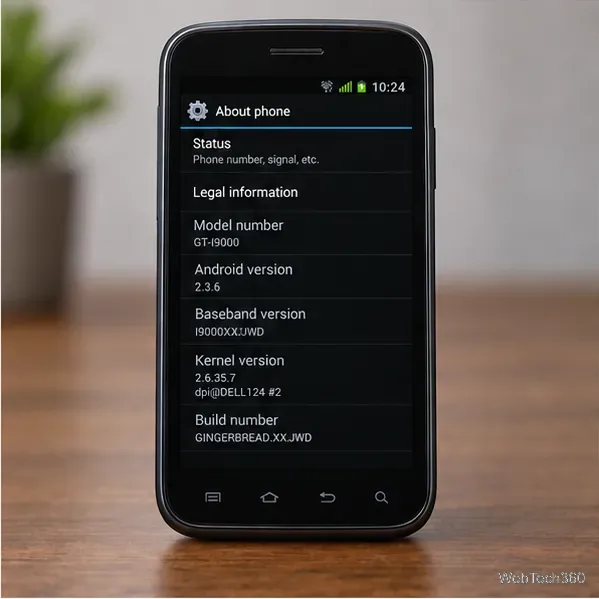
See what Android 2.3 Gingerbread keyboard language packs supported, how to verify a compatible ZIP, back up your phone, and avoid unsafe recovery flashes.