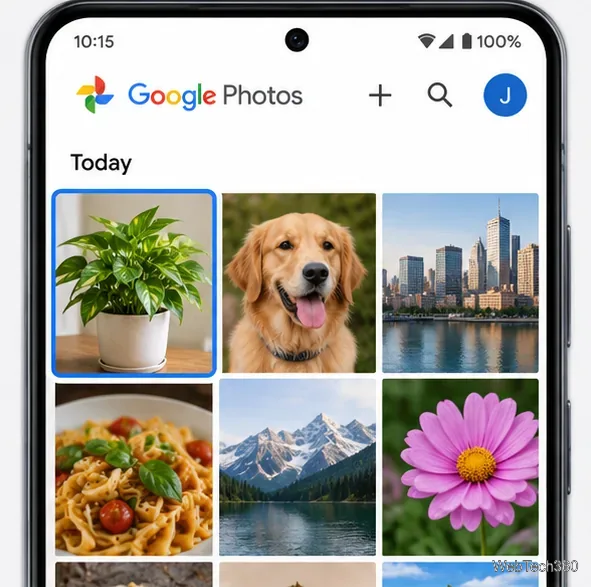
Add a Date and Time Stamp to Photos on Your Android Phone

Learn how to add a visible date and time to new or existing Android photos with your camera's watermark setting or Google Photos Markup.
If all you have is someone’s phone number, you cannot use it alone to see their live GPS location. A reverse lookup may surface a name or public-record address, but it does not ping the phone. For live location, the owner must share it or approve your request in Google Maps or Apple Find My. The steps below cover those consent-based options, plus what to do if you’re trying to recover your phone or screen an unfamiliar call.
A phone number can help you contact someone or find directory information; its area code does not show where the person is now. The FCC notes wireless users can call wherever there is service, so a number may not indicate their location.
People-search reports can combine data-broker records, public social profiles, and government records. The FTC says they may include current or past addresses. Results can be stale or match someone else, and they do not reveal live GPS or route history. Avoid sites that promise secret tracking from a number alone or demand payment for it. An IMEI identifies a handset; an IMEI lookup is not a public live-location map.
Use location sharing only with the device owner’s knowledge. Don’t install hidden tracking software, use another person’s account, or bypass privacy controls. The owner can decline or stop sharing.
The owner must share from their phone or approve your request. Google’s current menu is Profile picture or initial > Location sharing > New share; wording can vary slightly by app version.
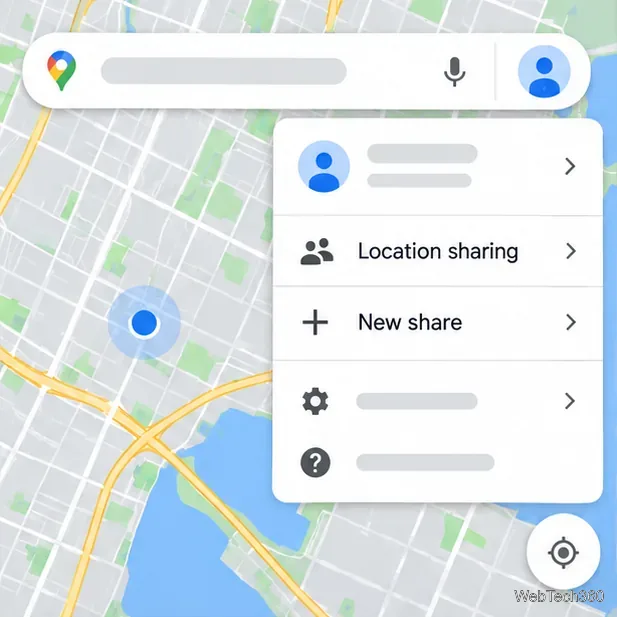
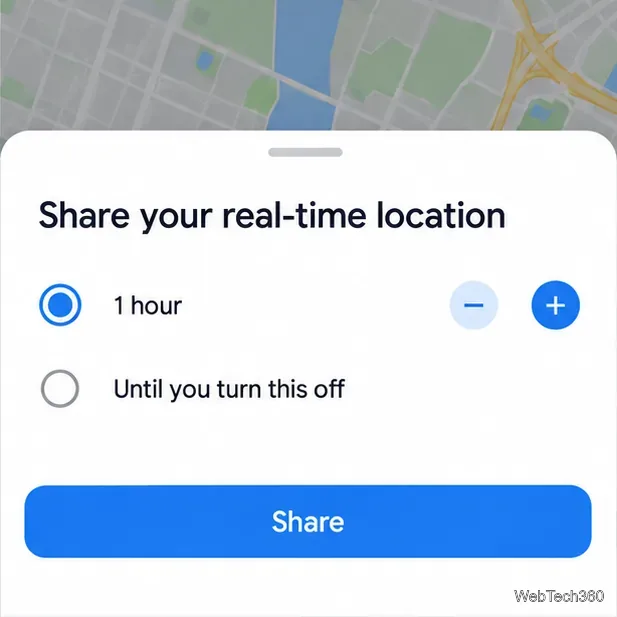
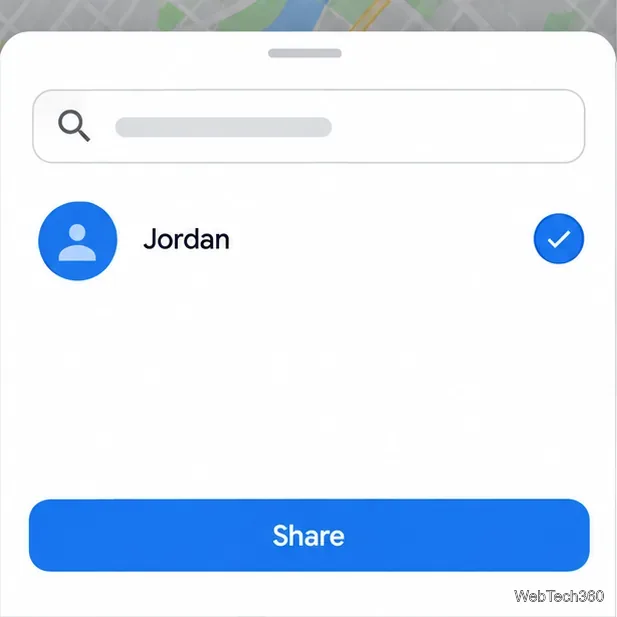
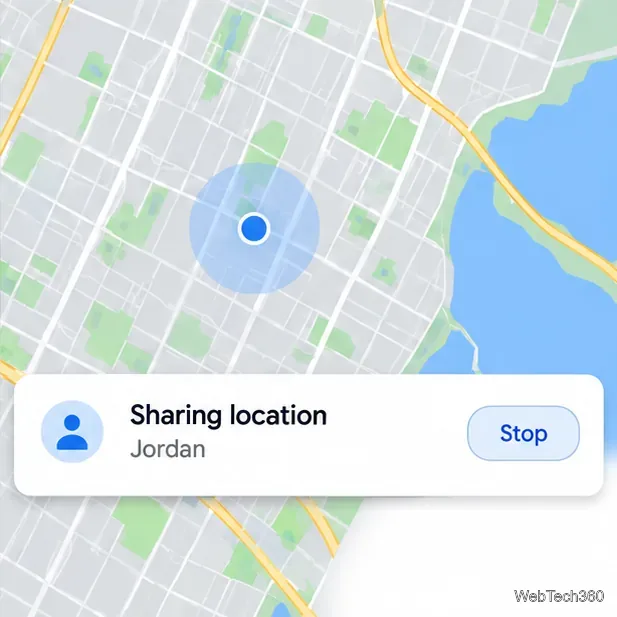
For more details, see Google’s Location Sharing instructions.
For Live Location, Apple says both people need iPhones running iOS 15 or later.
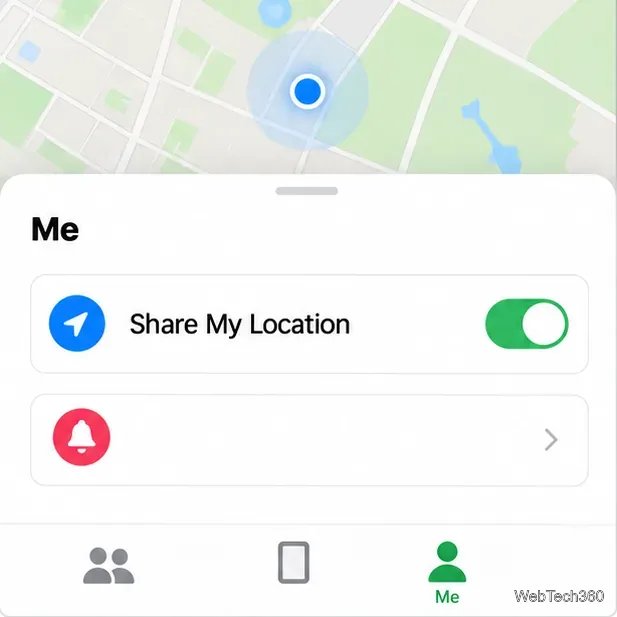
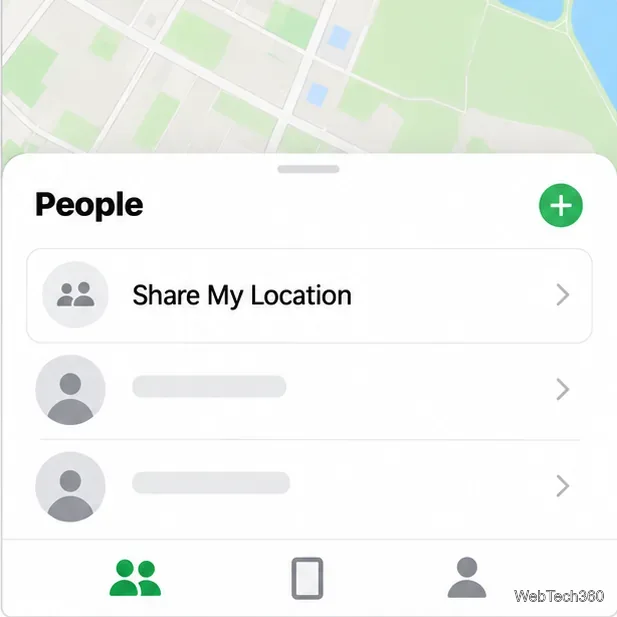
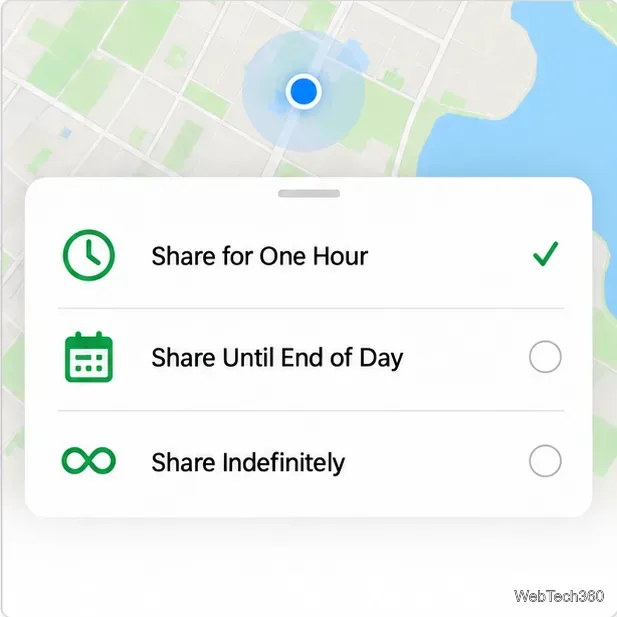
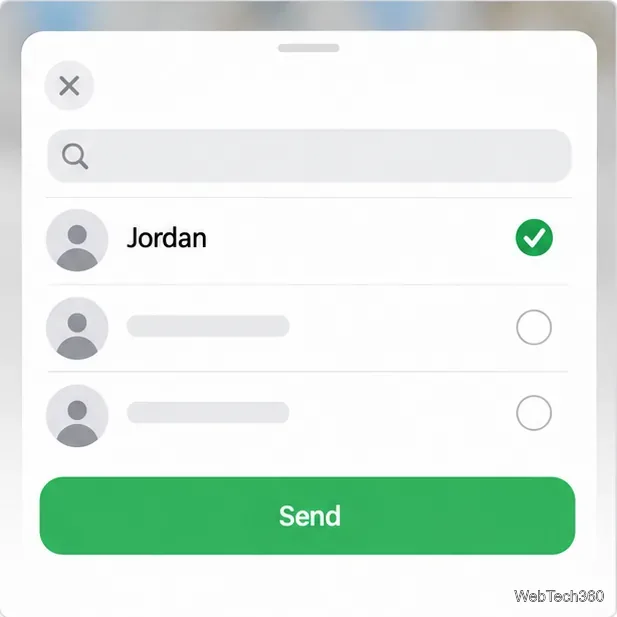
To stop, open Find My > People, select the contact, then choose Stop Sharing My Location. Apple says this also ends the share in its other apps. See Apple’s guide.
To recover a phone, use the account-based service set up for that device. On Android, sign in to Google Find Hub and select it. For iPhone, use Find My or iCloud Find Devices. If you suspect theft, mark or lock it as lost and contact your carrier and local authorities; don’t go to the mapped location alone.
Caller ID can be spoofed, so a reverse lookup may not identify who actually called. The FTC warns that scammers can display someone else’s number. Use your phone or carrier’s tools to block and report unwanted calls. If the caller claims to represent an organization, verify it through a number on the organization’s official website, not the displayed caller ID.
If someone may be in immediate danger, contact them directly or call your local emergency service. A lookup site is not an emergency response.
| What you need | Use | What to expect |
|---|---|---|
| See a friend or family member’s live location | Google Maps or Find My | They share or approve a request |
| Find your own missing phone | Google Find Hub or Apple Find My | Sign in to the account connected to the device |
| Check an unknown call | Call screening, blocking, and official verification | No live location is provided |
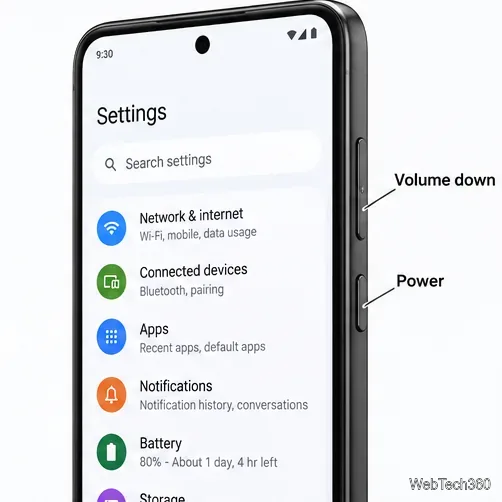
Learn how to add a visible date and time to new or existing Android photos with your camera's watermark setting or Google Photos Markup.
Learn how to screenshot on Android with button shortcuts, scrolling captures, and Pixel, Samsung, and Motorola gestures, plus where to find and share images.
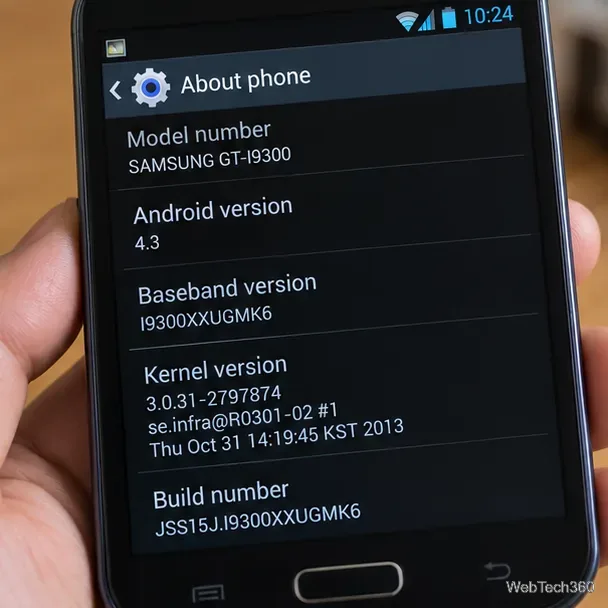
Learn how Framaroot rooted compatible older Android phones, what to check before installing its APK, and why it rarely works on newer devices.
See how the classic Search Now app used a floating search button for on-device and web searches, why its Play Store listing is gone, and what works today.
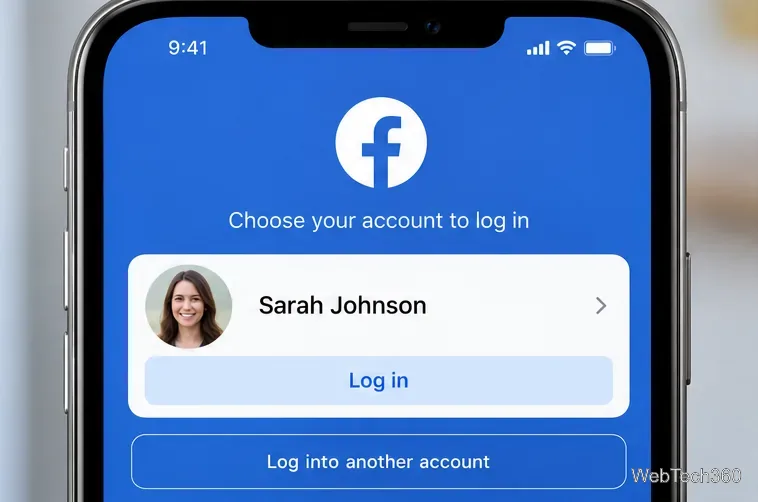
Learn how to turn Facebook profile picture login on or off, remove saved sign-ins on iPhone or Android, and find the current Saved login settings.
Learn how to identify plants, products, books, and other objects in photos with Google Lens on Android, iPhone, or a computer—and improve uncertain matches.
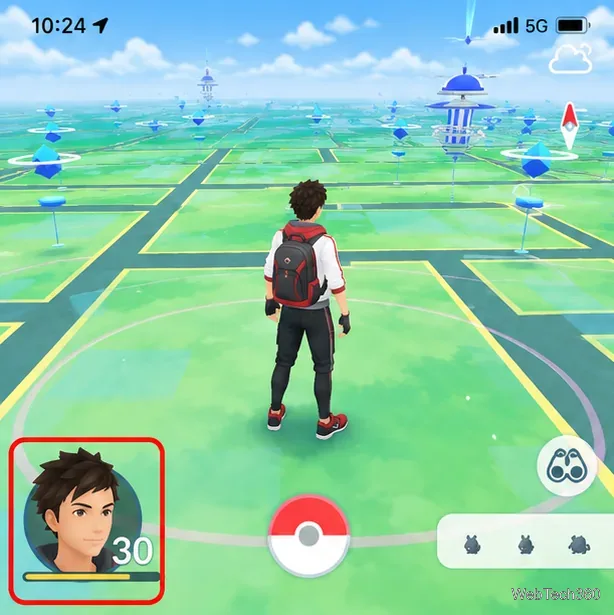
Remove your Pokémon GO avatar’s hat, gloves, and backpack using the Style menu. Follow the steps and fix missing no-item options without spending PokéCoins.
Understand what firmware and ROM mean on Android, how stock and custom ROMs differ, what flashing changes, and which risks to check before installing an image.
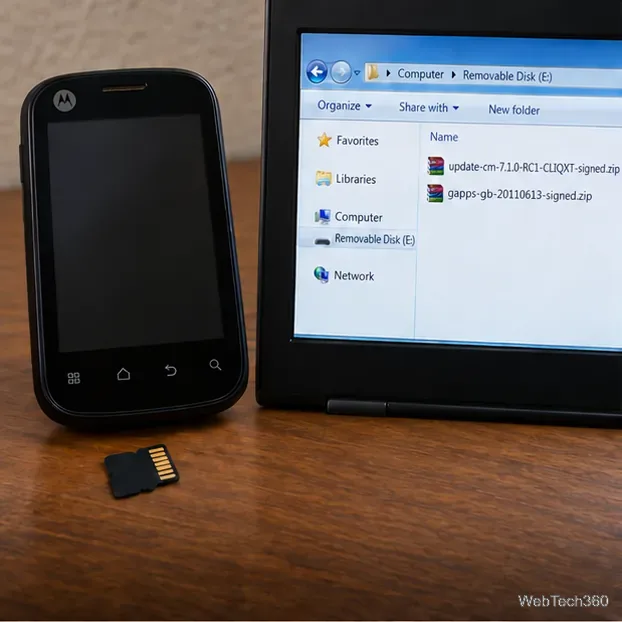
Learn what you need to install CyanogenMod 7.1 RC1 on the Motorola CLIQ XT, back up the MB501, flash the matching ZIPs, and avoid unverified files.
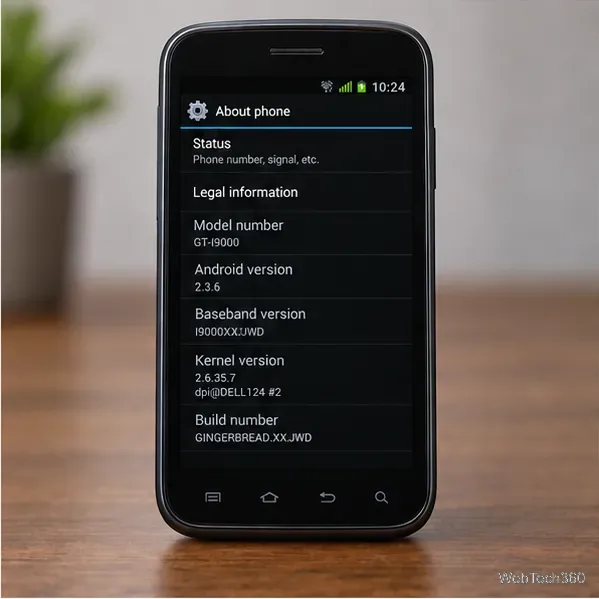
See what Android 2.3 Gingerbread keyboard language packs supported, how to verify a compatible ZIP, back up your phone, and avoid unsafe recovery flashes.