Add a Date and Time Stamp to Photos on Your Android Phone

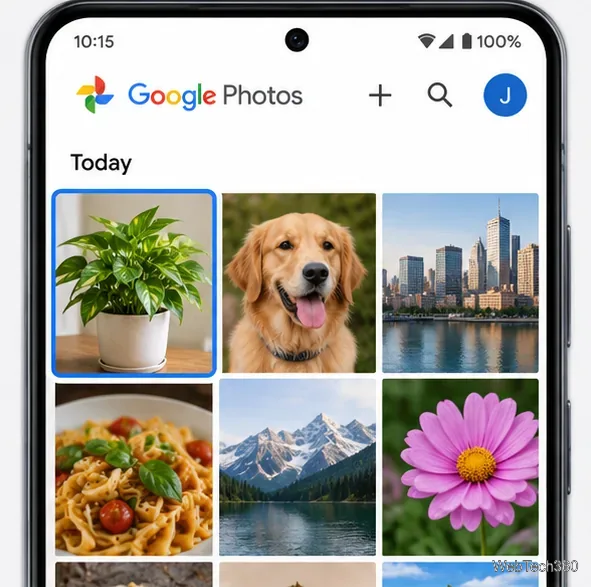
Learn how to add a visible date and time to new or existing Android photos with your camera's watermark setting or Google Photos Markup.
Ubuntu Linux on the HTC HD2 is a legacy community port, not a current Ubuntu installer. The historical method boots phone-specific Linux files from a microSD card with HaRET, launched inside Windows Mobile. It leaves Windows Mobile installed, but is suitable only for archival experimentation. The main hurdle today is finding a complete, trustworthy original package.
The illustrations below are conceptual mockups, not screenshots captured from a working HD2.
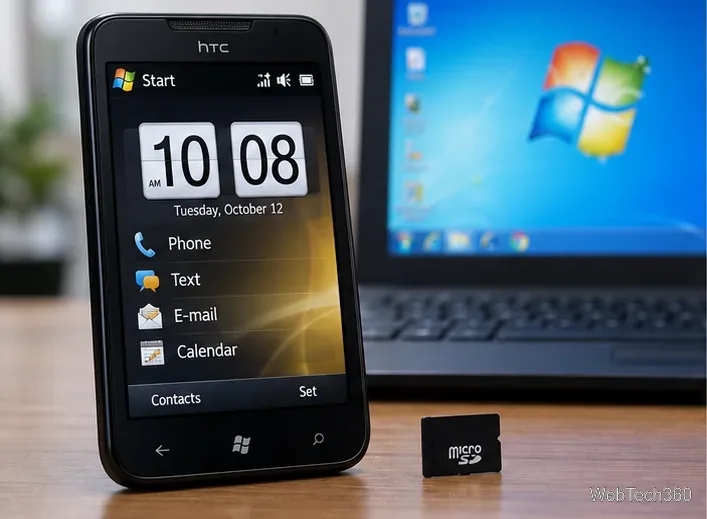
This build depended on an HD2-specific kernel, root filesystem, and startup configuration. A generic Ubuntu image will not boot just because Ubuntu supports ARM processors. Ubuntu’s supported architectures documentation describes maintained CPU architectures; it does not provide an HD2 image. HaRET is a Windows CE/Windows Mobile application that hands off to Linux.
The original XDA v0.3 release thread and the HD2 Linux development thread are the relevant historical references.
This walkthrough covers card-based boot only. Do not combine it with MAGLDR, cLK, NAND-flashing, or Android installation steps from adjacent HD2 threads; those use different boot paths.
I could not verify a currently maintained, trustworthy download of the original bundle. Continue only if the original developer release page still provides an intact package and a checksum you can compare. Do not substitute a random mirror, repack, or torrent for missing files.
The old v0.2 article also lists a Radio ROM requirement. Do not flash or update radio firmware just to try this SD-card boot. Follow such a requirement only if the exact release’s own documentation clearly requires it for your specific HD2 variant.
ubuntu folder; later release instructions use linux. Use the exact folder name and location required by your bundle, historically the storage card’s top level. Keep haret.exe and its startup file where that README specifies.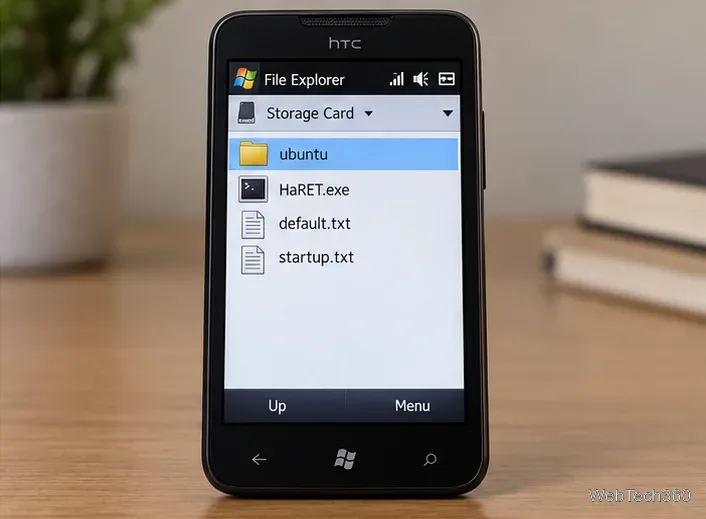
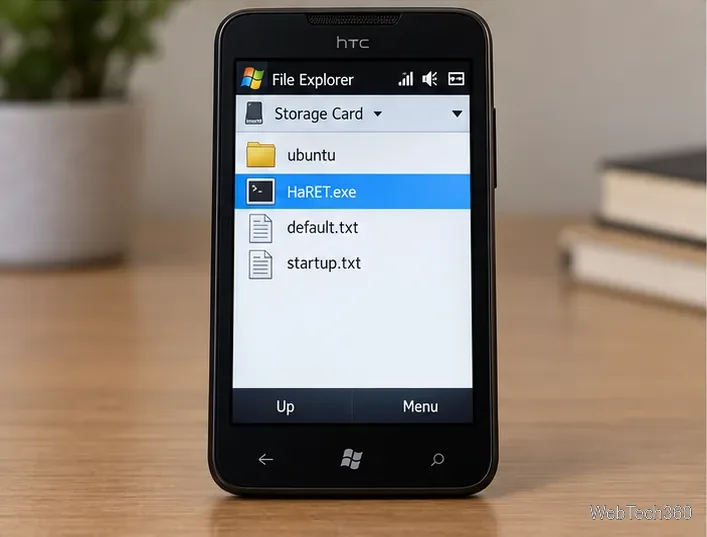
If the desktop appears, the phone is running Linux from the card. Old release notes reported features such as touchscreen input, Wi-Fi, rotation, and mobile data for particular builds; those reports do not guarantee that each feature works on your handset or with current network services.
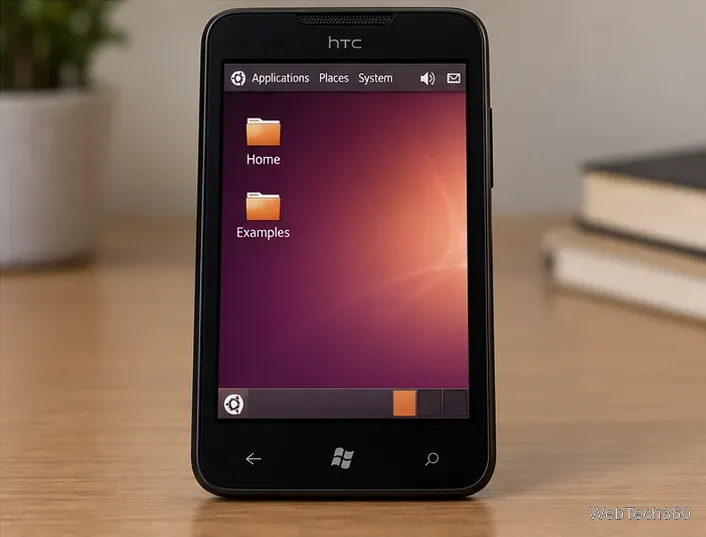
Treat this as a historical demonstration, not a secure daily-use setup. Avoid signing in to accounts or keeping sensitive data in this retired environment. For release-specific details, start with the original XDA release notes before changing any firmware.
Learn how to add a visible date and time to new or existing Android photos with your camera's watermark setting or Google Photos Markup.
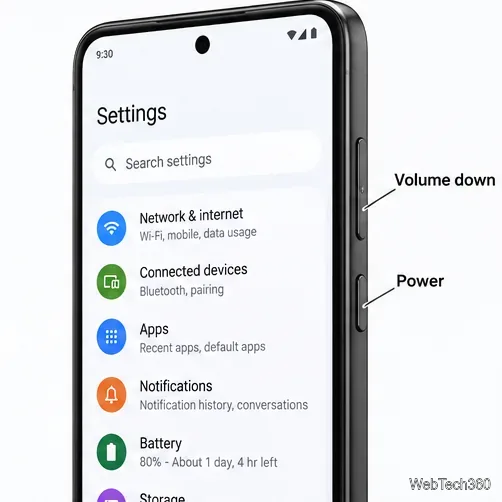
Learn how to screenshot on Android with button shortcuts, scrolling captures, and Pixel, Samsung, and Motorola gestures, plus where to find and share images.
Learn how Framaroot rooted compatible older Android phones, what to check before installing its APK, and why it rarely works on newer devices.
See how the classic Search Now app used a floating search button for on-device and web searches, why its Play Store listing is gone, and what works today.
Learn how to turn Facebook profile picture login on or off, remove saved sign-ins on iPhone or Android, and find the current Saved login settings.
Learn how to identify plants, products, books, and other objects in photos with Google Lens on Android, iPhone, or a computer—and improve uncertain matches.
Remove your Pokémon GO avatar’s hat, gloves, and backpack using the Style menu. Follow the steps and fix missing no-item options without spending PokéCoins.
Understand what firmware and ROM mean on Android, how stock and custom ROMs differ, what flashing changes, and which risks to check before installing an image.
Learn what you need to install CyanogenMod 7.1 RC1 on the Motorola CLIQ XT, back up the MB501, flash the matching ZIPs, and avoid unverified files.
See what Android 2.3 Gingerbread keyboard language packs supported, how to verify a compatible ZIP, back up your phone, and avoid unsafe recovery flashes.