Add a Date and Time Stamp to Photos on Your Android Phone

Learn how to add a visible date and time to new or existing Android photos with your camera's watermark setting or Google Photos Markup.
The archived Windows one-click script is intended only for a Droid RAZR rooted with the matching DooMLoRD method. The original report describes a test on the XT912. It is not a Motorola utility or a universal unroot tool; if you cannot confirm the model and root method, stop.
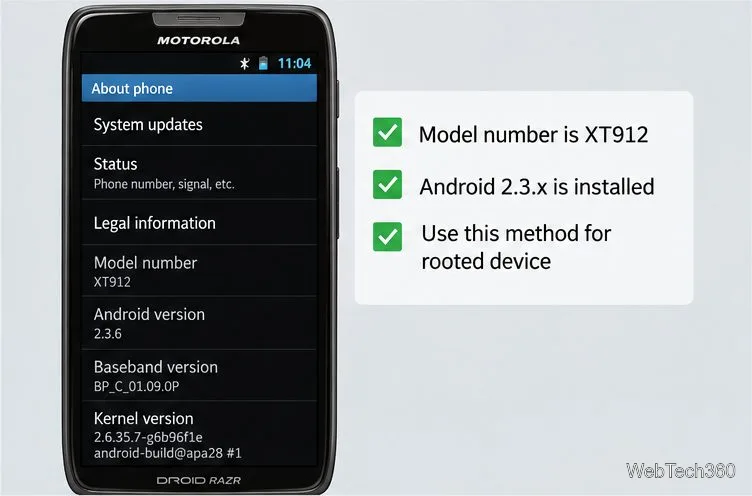
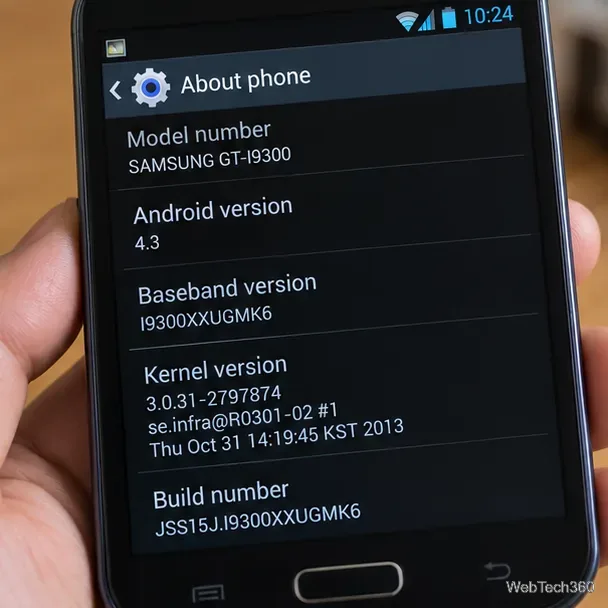
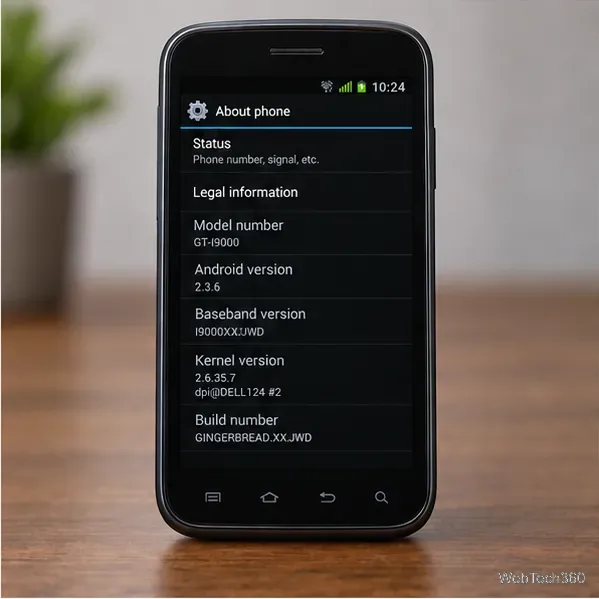
The RAZR name covers different variants. The archived report tested the Verizon Droid RAZR XT912, so do not assume an XT910 or another variant is supported. Check Settings > About phone for the model number.
Enable USB debugging on the phone. For the Android 2.3-era menu in the original directions, open Settings > Applications > Development. Android documents USB debugging as the setting that lets Android Debug Bridge (ADB) communicate with a device; later Android versions may use different menus.
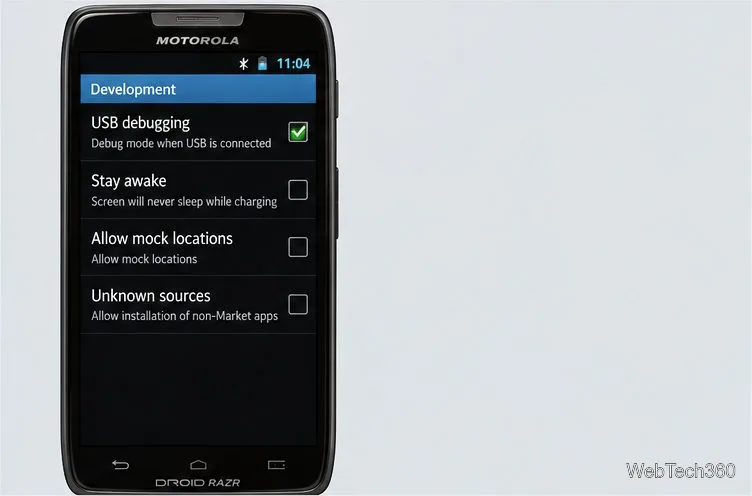
The old guide also enabled Unknown sources, which permits apps from outside the usual app store. ADB communication does not require it, so leave it off unless the verified package explains a specific APK step.
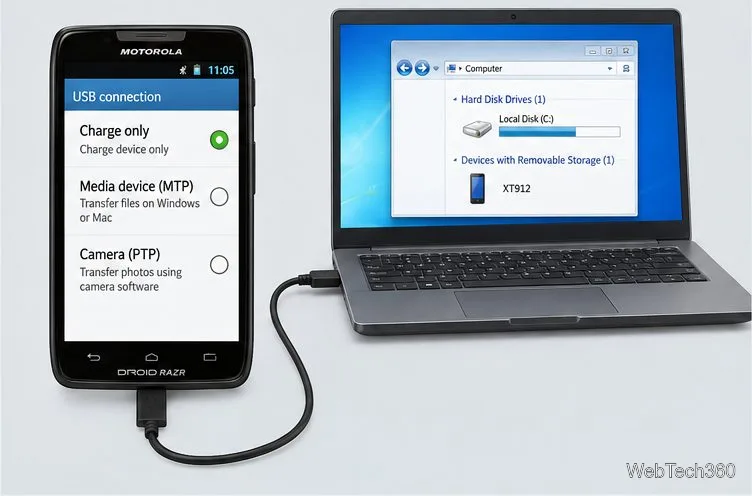
Get drivers from Motorola’s official page, not an old mirror. Its Device Manager lists Windows 7 or later, but may not recognize this legacy phone on every PC. Connect the unlocked phone with a data cable, select Charge only if offered, and accept the USB debugging prompt. Stop if Windows cannot detect it.
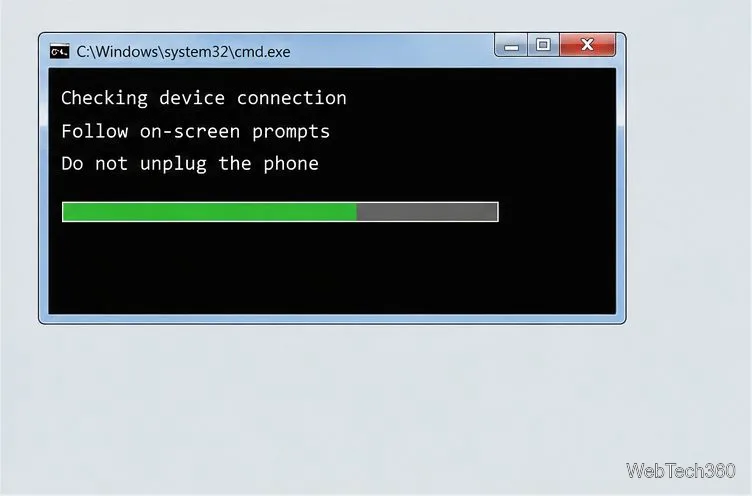
After rebooting, check whether a root-dependent app can still obtain root. If ADB is installed, run adb shell su -c id in Command Prompt; uid=0(root) means root remains available. A missing su command or denied request suggests root is unavailable, but does not prove the phone has factory software. A root app disappearing is not proof by itself.
Unrooting is not the same as restoring stock firmware. The batch file may remove root access while leaving a custom ROM, recovery, or other system changes in place. If you need factory software, use firmware and recovery instructions made for the exact model and carrier; never flash a package for a different RAZR variant. Motorola’s Rescue and Smart Assistant (RSA) documentation describes recovery features and says it supports most Motorola and Lenovo Android devices released since 2015. The Droid RAZR predates that range, so confirm that RSA explicitly recognizes your model before relying on it. Motorola does not document RSA as a one-click unroot tool for this phone.
Try another data cable or USB port, recheck USB debugging, unlock the phone, and accept the prompt. Refresh drivers only through Motorola or Windows Update. If detection or the script fails, stop instead of rerunning it; keep the model number and error text for the original XDA discussion or a legacy-device technician.
Learn how to add a visible date and time to new or existing Android photos with your camera's watermark setting or Google Photos Markup.
Learn how to screenshot on Android with button shortcuts, scrolling captures, and Pixel, Samsung, and Motorola gestures, plus where to find and share images.
Learn how Framaroot rooted compatible older Android phones, what to check before installing its APK, and why it rarely works on newer devices.
See how the classic Search Now app used a floating search button for on-device and web searches, why its Play Store listing is gone, and what works today.
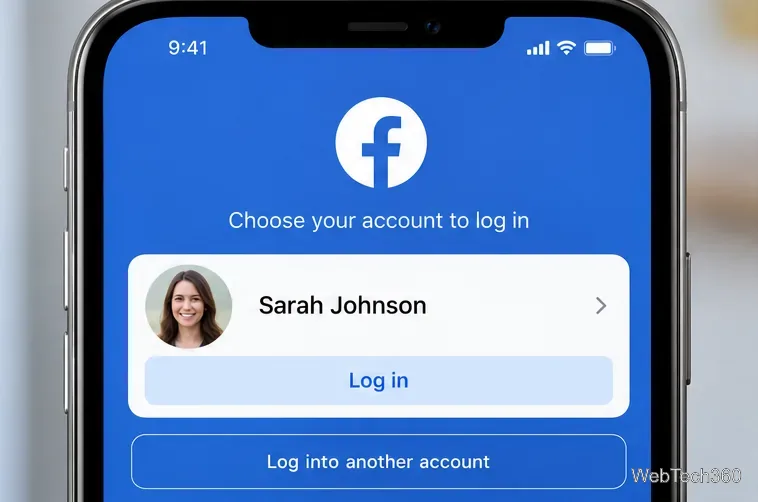
Learn how to turn Facebook profile picture login on or off, remove saved sign-ins on iPhone or Android, and find the current Saved login settings.
Learn how to identify plants, products, books, and other objects in photos with Google Lens on Android, iPhone, or a computer—and improve uncertain matches.
Remove your Pokémon GO avatar’s hat, gloves, and backpack using the Style menu. Follow the steps and fix missing no-item options without spending PokéCoins.
Understand what firmware and ROM mean on Android, how stock and custom ROMs differ, what flashing changes, and which risks to check before installing an image.
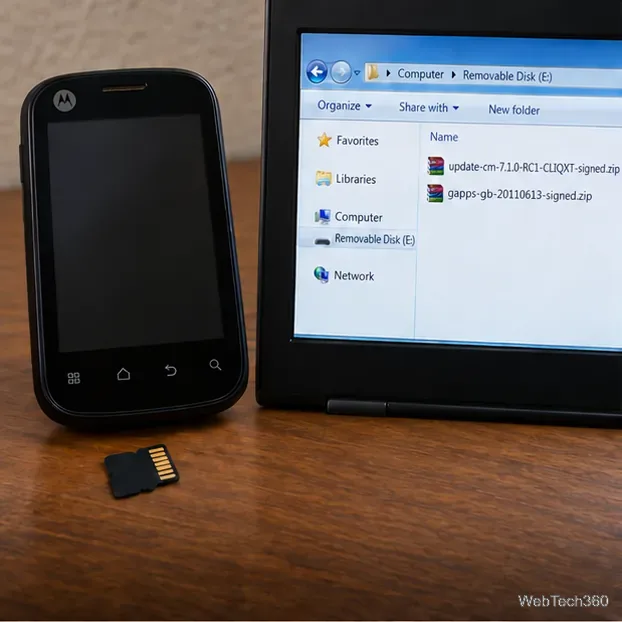
Learn what you need to install CyanogenMod 7.1 RC1 on the Motorola CLIQ XT, back up the MB501, flash the matching ZIPs, and avoid unverified files.
See what Android 2.3 Gingerbread keyboard language packs supported, how to verify a compatible ZIP, back up your phone, and avoid unsafe recovery flashes.