How to Share Files Over Bluetooth on Linux with Blueman
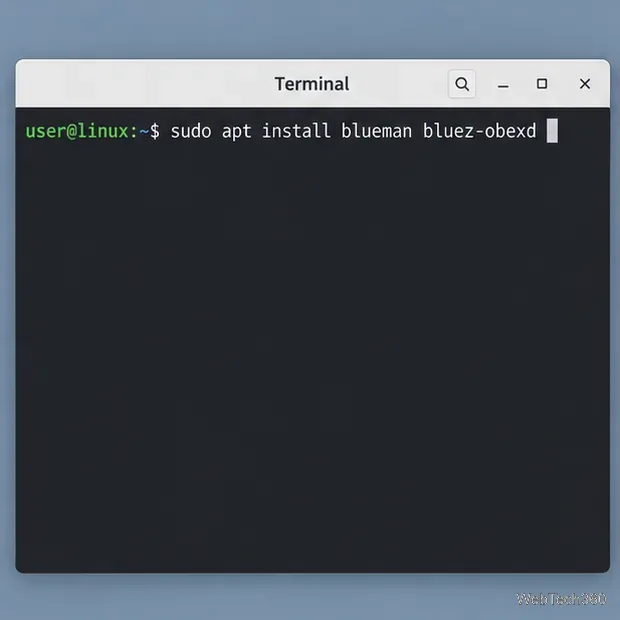
Send and receive files over Bluetooth on Linux with Blueman. Install OBEX support, pair devices, choose a file, accept transfers, and fix common issues.
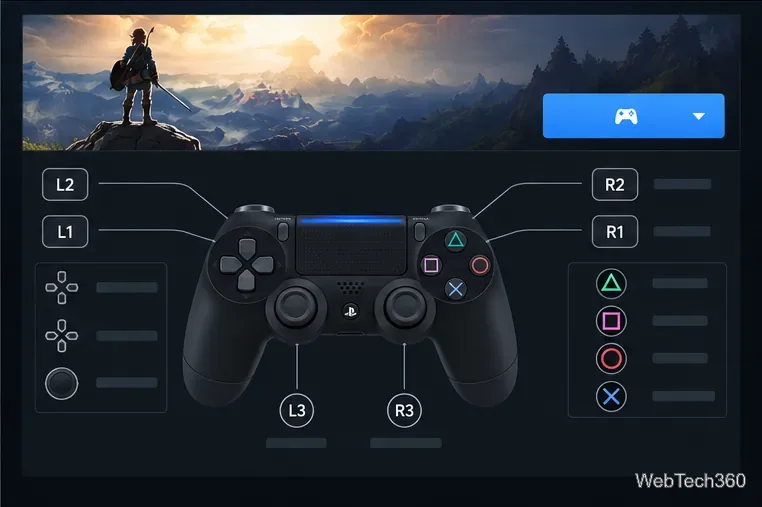
A PS4 controller (DualShock 4) usually works on a current Linux distribution without a separate driver. Connect it with USB or pair it over Bluetooth, then let Linux expose it as a gamepad. If you play through Steam, Steam Input can use a game's built-in controller support or translate the controller's buttons when the game needs help. Start with USB if you want the quickest setup.
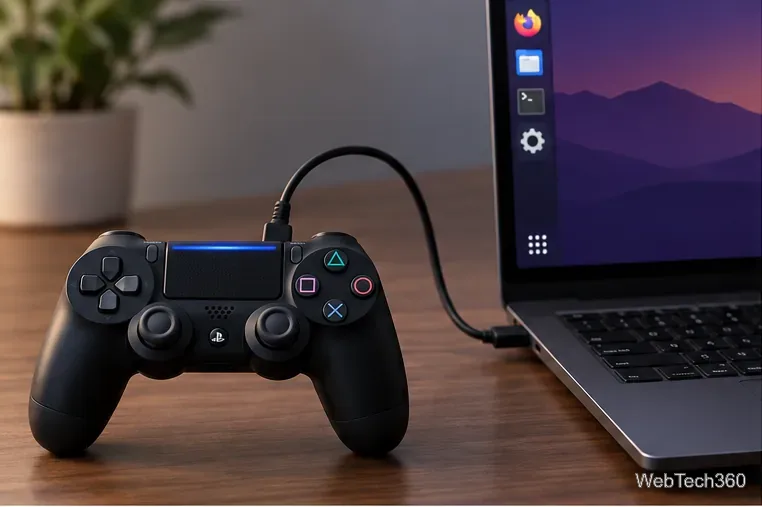
Most mainstream distributions include the Linux kernel's Sony HID support, so you should not need to compile a driver or run a system-wide Python install. If the controller does not appear, try another data cable and USB port before changing drivers.
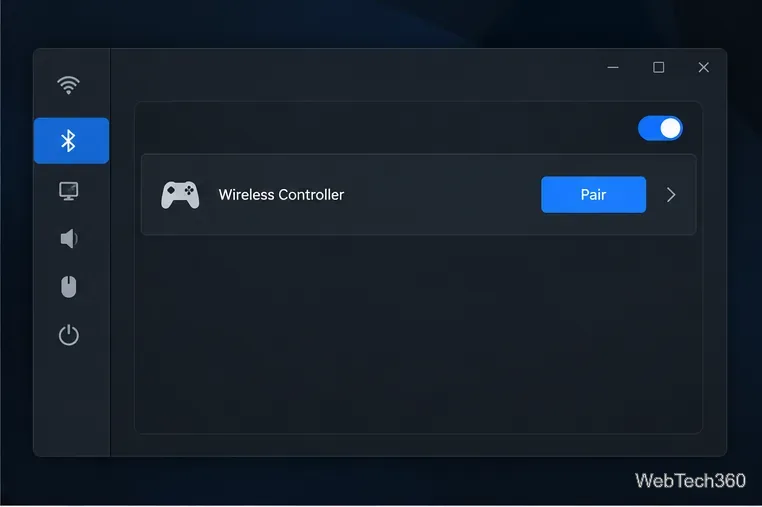
If it does not show up, make sure the controller is not still connected to a console or another computer, then repeat pairing mode. Bluetooth menus differ across GNOME, KDE Plasma, and other desktops, but the controller-side button sequence is the same.
Install Steam from your distribution's software center or supported package repository, or use Valve's official Steam download page. Launch Steam, sign in, and connect the controller before opening a game.
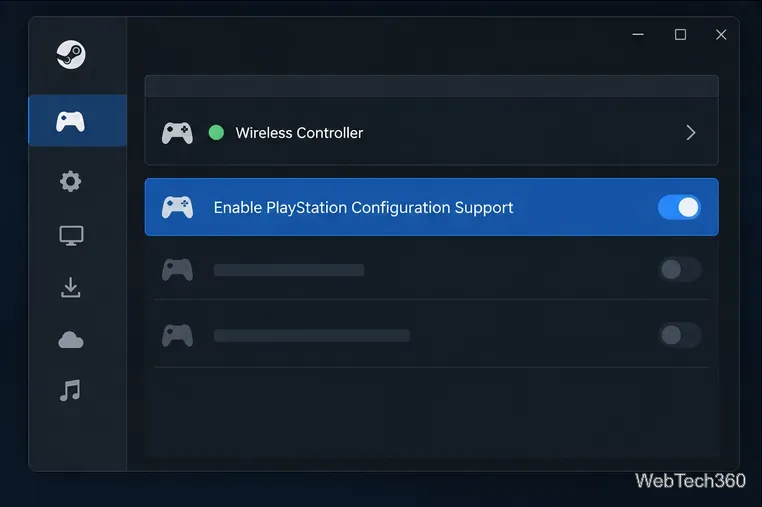
Steam's store and Library pages can also show whether a title lists DualShock support and whether support is USB-only. A controller can be detected by Linux and Steam while a particular game still lacks full controller support. In that case, try Steam Input for that title or use keyboard and mouse for menus the game has not mapped.
A native Linux game may read the gamepad directly, in which case open its own Controls or Input menu and select the controller. For a compatible external game, Steam can also launch it after you choose Games > Add a Non-Steam Game to My Library. Then set or adjust its layout from the Library controller configuration button. This does not make every launcher or game compatible; the game still needs to accept controller input or a usable Steam Input mapping.
Older guides may recommend installing ds4drv with sudo pip. That is not the normal first step on a current Linux system: diagnose USB or Bluetooth detection and the game's controller settings before adding an older third-party driver.
Send and receive files over Bluetooth on Linux with Blueman. Install OBEX support, pair devices, choose a file, accept transfers, and fix common issues.
Connect GNOME Files to SSH/SFTP, FTP, SMB, WebDAV, or NFS with the correct server URI, sign-in details, and fixes for common connection errors.
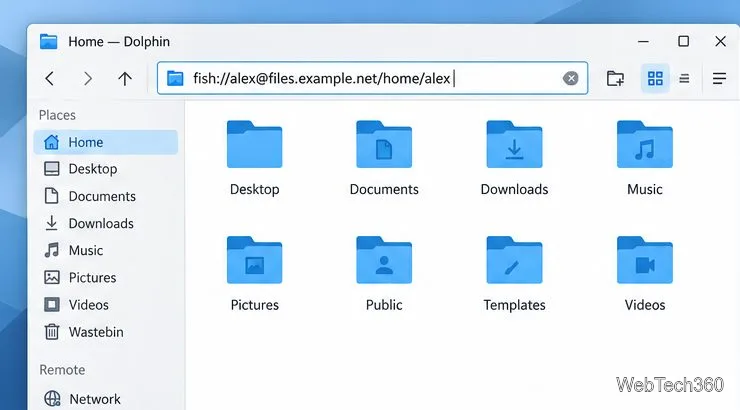
Open SFTP, SSH, SMB, FTP, NFS, and WebDAV locations in Dolphin, sign in safely, transfer files, and save network folders for later.
Connect a DualShock 4 to Linux by USB or Bluetooth, then check controller detection and configure Steam Input only when a game needs it.
Use DNF5 parallel downloads to reduce RPM install waits in GNOME Software, then tell when mirror or Flatpak delays need a different fix.
Access iCloud on Linux in a current browser. Learn how to sign in, use iCloud Drive and other web apps, and understand the limits of browser access.
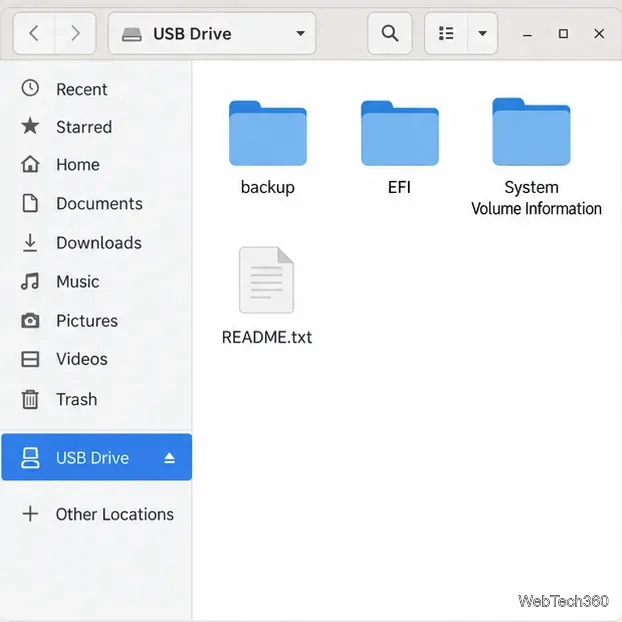
Save GRUB settings, boot files, and UEFI entry details to removable storage, then use rescue media to repair the correct boot path safely.
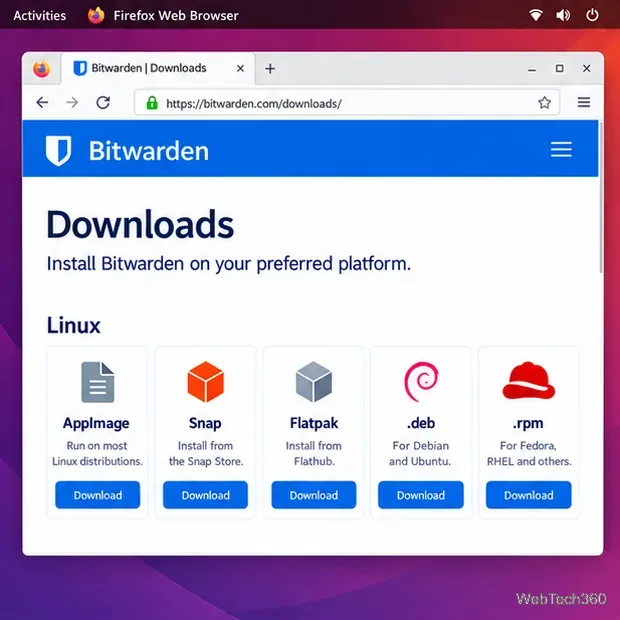
Install Bitwarden on Linux with the right DEB, RPM, Snap, Flatpak, or AppImage package, then sign in and set a secure vault timeout.
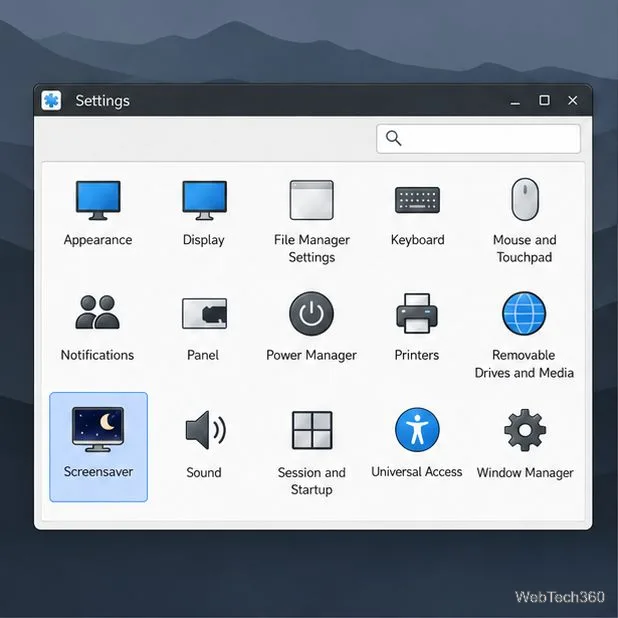
Pick a screensaver theme in Xfce, preview it, choose when it starts, and configure automatic locking in the separate Lock Screen tab.
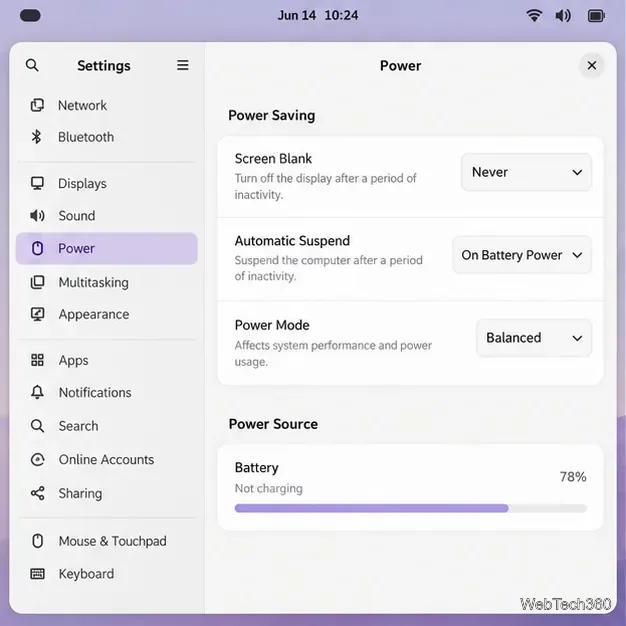
Stop GNOME Shell from blanking or locking your display automatically. Change Power and Screen Lock settings, or use Caffeine for a temporary keep-awake toggle.