How to Move a Picture in Microsoft Word
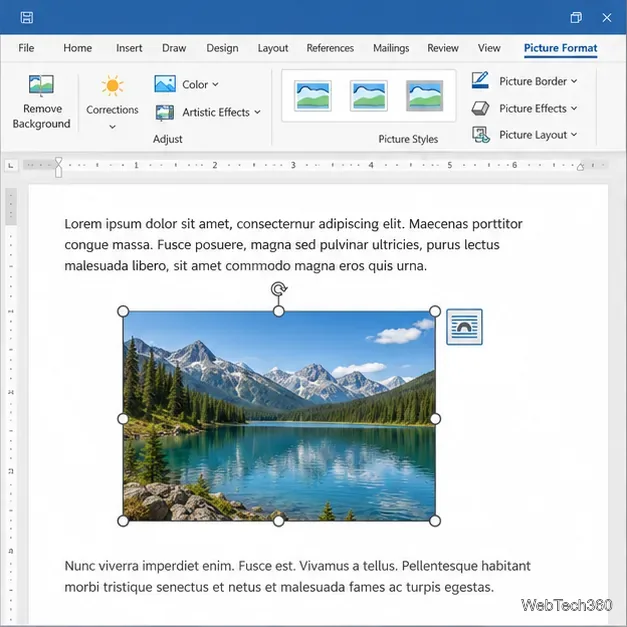
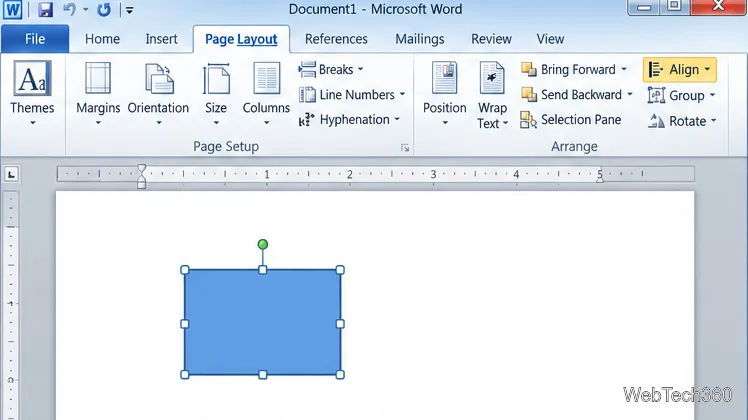
Learn how to drag a picture in Word, choose text wrapping, keep it with a paragraph or fix it on the page, and troubleshoot images that will not move.
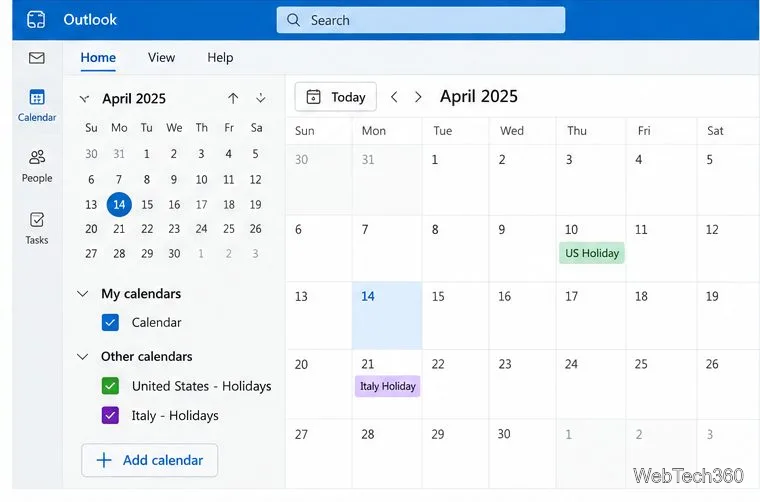
To add national holidays to Outlook, use the option for your version: in new Outlook or Outlook on the web, open Calendar and choose Add calendar > Holidays; in classic Outlook for Windows, choose File > Options > Calendar > Add Holidays. Select a country or region, then check the calendar for the dates.
Newer Outlook versions add a separate holiday calendar; classic Outlook imports events into your calendar. Outlook 2010 is now unsupported, so see the note below before relying on its holiday list.
For a Microsoft 365 work or school account, Microsoft says adding the holiday calendar through Outlook on the web can provide automatic updates when holidays change. Outlook.com uses a similar flow. See Microsoft’s Outlook holiday-calendar instructions.
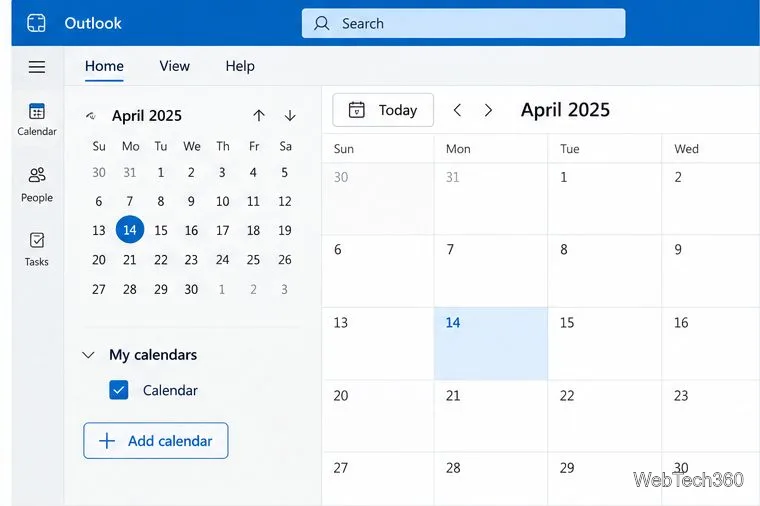
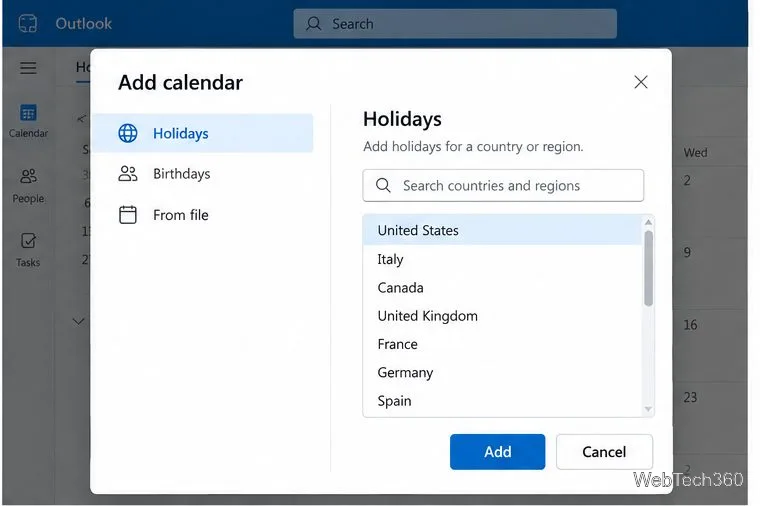
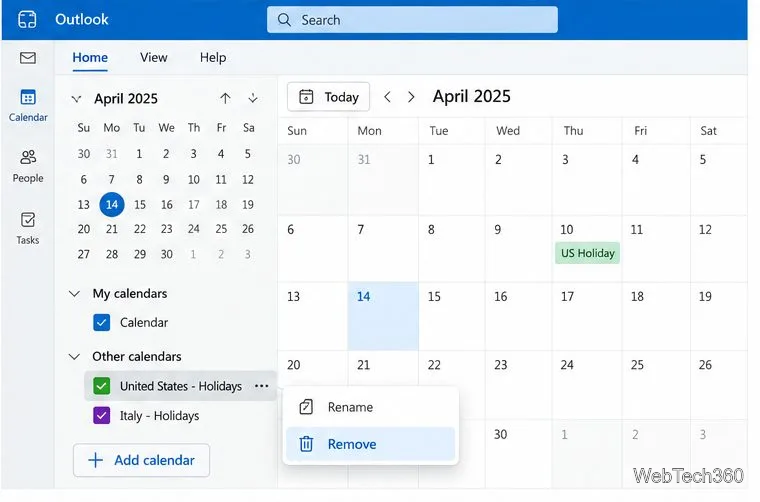
To remove a holiday calendar in new Outlook or on the web, right-click it in the navigation pane or open its More options menu. Select Remove and confirm.
If the country you need is not listed, Microsoft describes importing or subscribing to an .ics calendar. Prefer an official government or trusted organization source and verify its dates; Microsoft does not manage third-party calendar content. See Microsoft’s guide to adding calendars in Outlook.com and Outlook on the web.
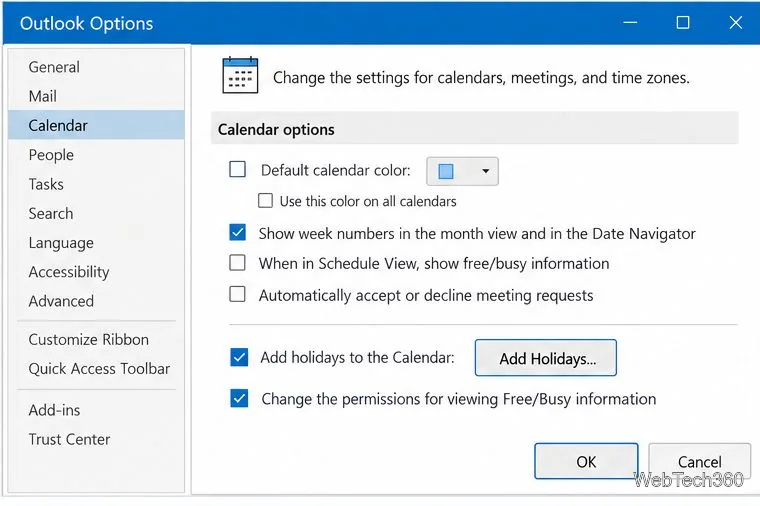
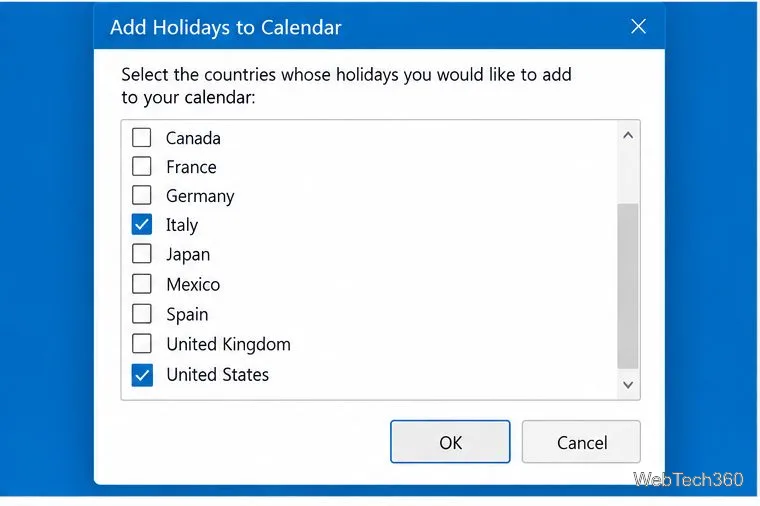
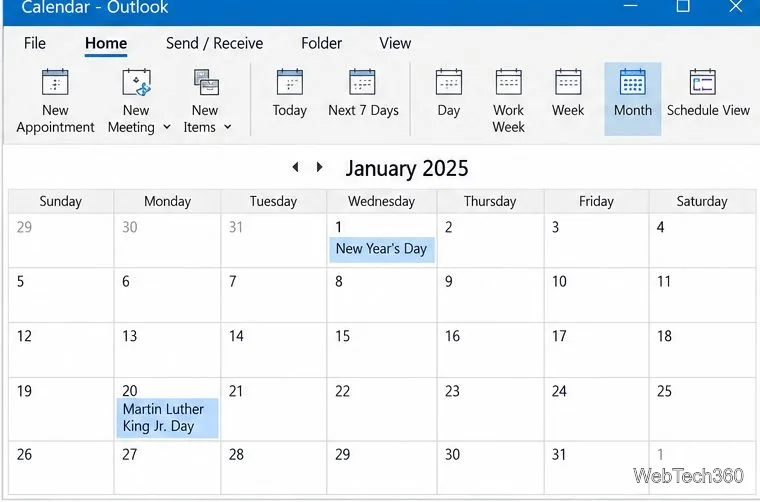
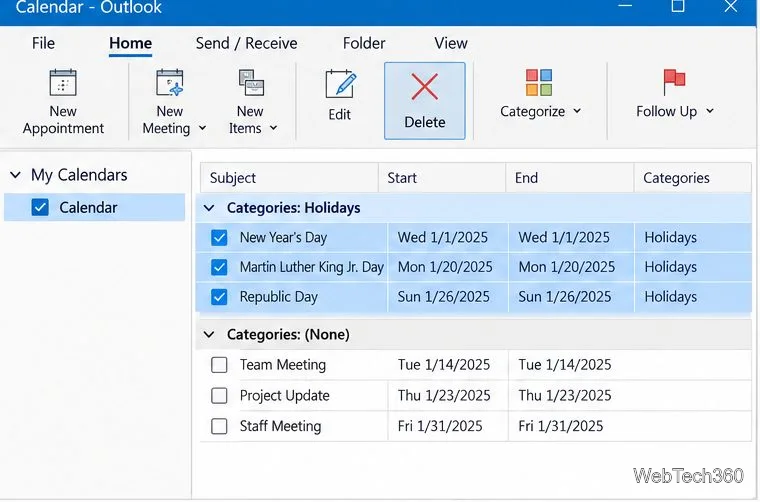
Classic Outlook imports holiday events into the calendar instead of keeping a separate holiday calendar to hide. To remove duplicates or unwanted dates, choose View > Change View > List, then choose Categories in the Arrangement group. Find the Holidays category, select the entries for the country you want to remove, and choose Home > Delete. Holiday entries are grouped by location. Return to the calendar with View > Change View > Calendar.
Microsoft’s current holiday instructions say the built-in holiday information for Outlook for Microsoft 365, Outlook 2019, and Outlook 2016 covers Gregorian years 2016–2026. A separate Microsoft issue notice, last updated September 4, 2026, reports that some public calendars are missing dates in the second half of 2026 or in 2027 across Outlook on the web, new Outlook, and classic Outlook. Reports include the United States, United Kingdom, Japan, India, China, and Singapore, among other regions.
For travel, payroll, school, or business closures, verify important dates against an official government or regional calendar. Microsoft lists organization-maintained calendars and verified third-party .ics subscriptions as workarounds; deleting and re-importing may help an individual calendar but is not a guaranteed fix. Read Microsoft’s notice about missing public-holiday dates.
The classic menu path above may also appear in Outlook 2010, but Office 2010 reached end of support on October 13, 2020. Microsoft’s current holiday guide does not list Outlook 2010 as a supported version. Its Add Holidays button may still work with the data installed on that computer, but the holiday list can be outdated and the application no longer receives Microsoft support or security fixes. Use a current Outlook version or verify dates with an official calendar. Microsoft’s Office 2010 lifecycle notice gives the end-of-support date.
Learn how to drag a picture in Word, choose text wrapping, keep it with a paragraph or fix it on the page, and troubleshoot images that will not move.
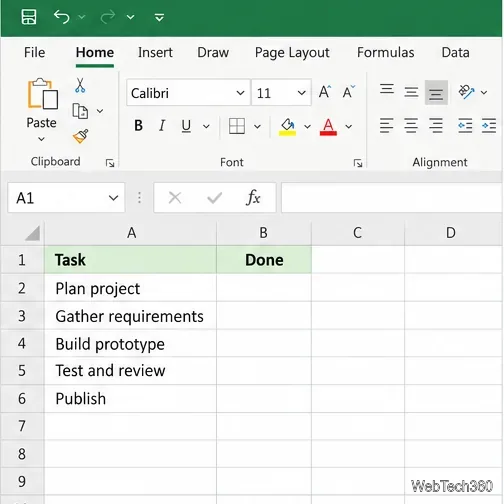
Learn how to insert a checkbox in Excel with the in-cell tool, count checked items with formulas, or add a linked Form Control in older desktop versions.
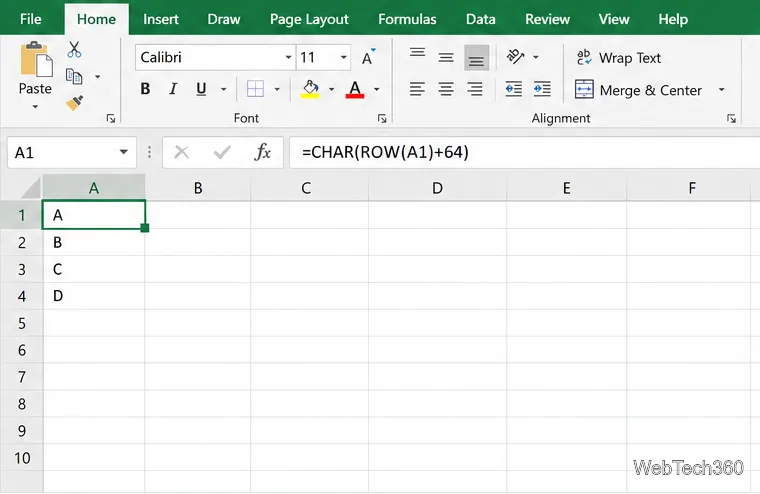
Generate A to Z, lowercase letters, or labels beyond Z in Excel with a fill-handle formula, SEQUENCE, or a reusable custom list.
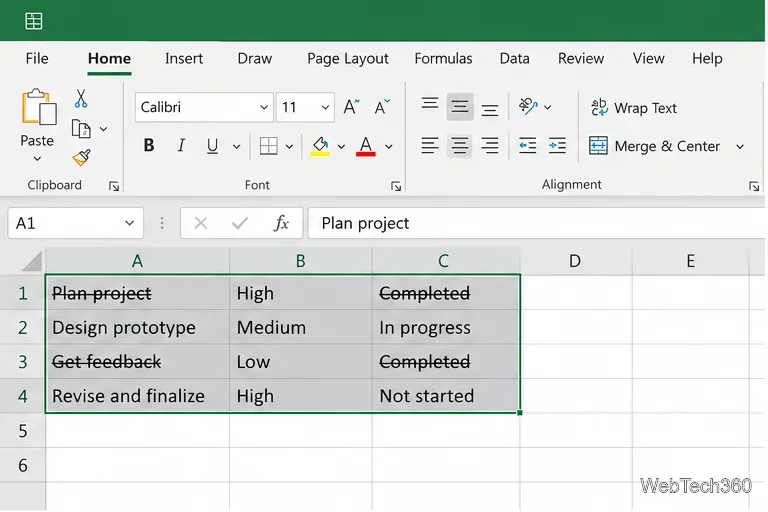
Learn how to strikethrough in Excel on Windows, Mac, and the web, format part of a cell, and remove the line without deleting its value.
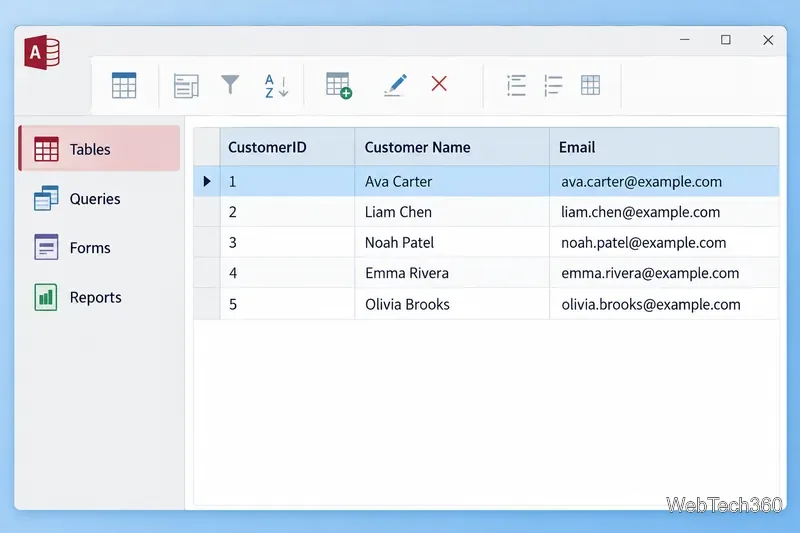
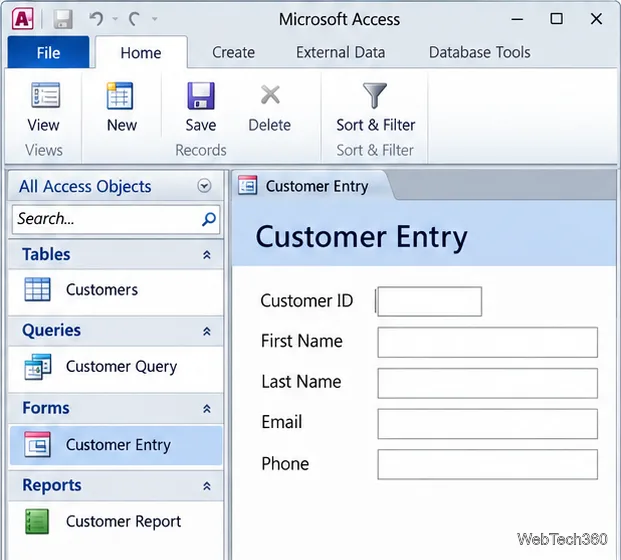
Microsoft Access is a Windows database app for storing related records, building queries, creating data-entry forms, and generating reports. Learn how it works and when it fits.
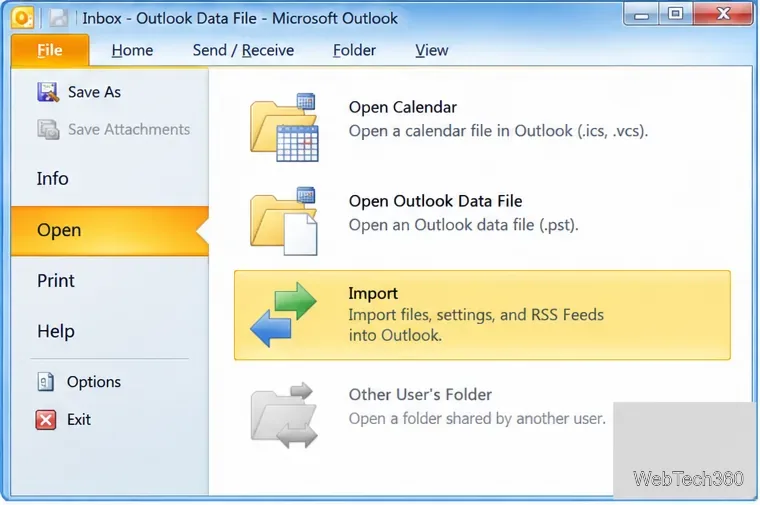
Learn how to import a PST into Outlook 2010 or export mail, contacts, calendar, and tasks. Follow the correct menus and avoid missing folders or duplicates.
Learn how to adjust gridline height and width in Word 2010, change visible line frequency, and set the underlying horizontal and vertical drawing-grid spacing.
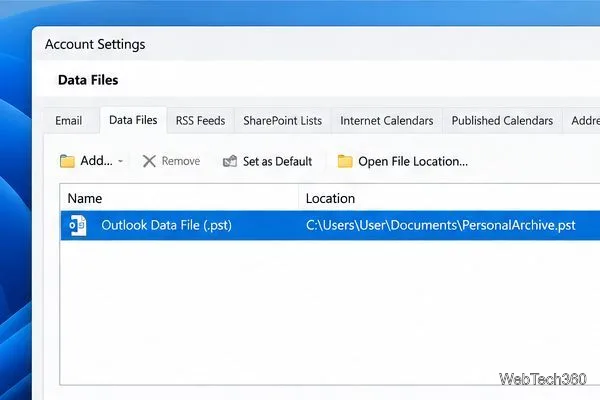
Recover a forgotten Outlook PST password with Kernel’s current steps, including how to identify the right file, make a backup, and check the tool’s limits.
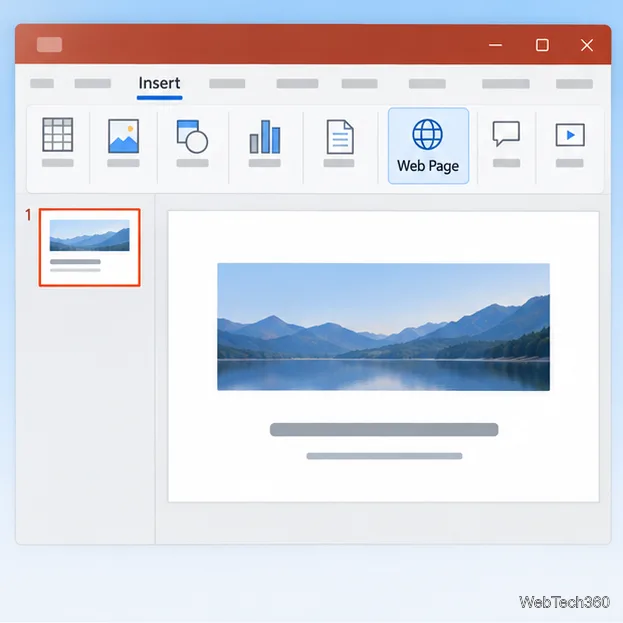
Use the LiveWeb add-in to place a website on a PowerPoint slide, set its size and refresh behavior, and check compatibility before presenting.
Set an Access 2010 database application to open directly to a data-entry form, hide object lists, limit menus, and check the setup before sharing.