How to Move a Picture in Microsoft Word
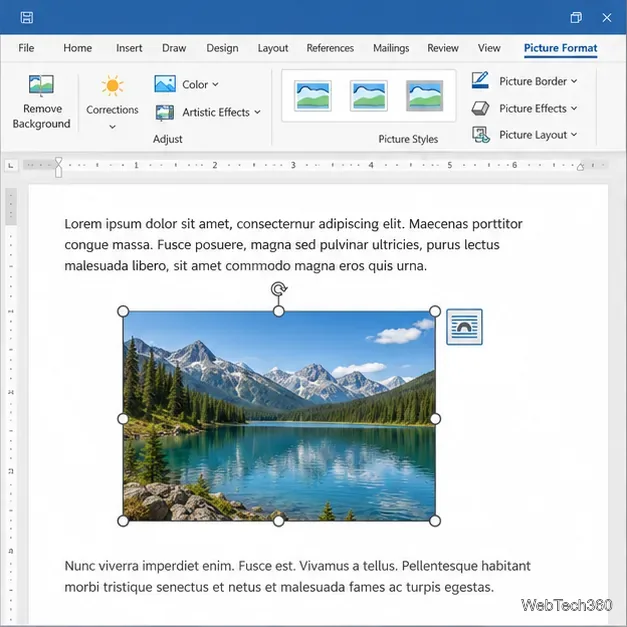
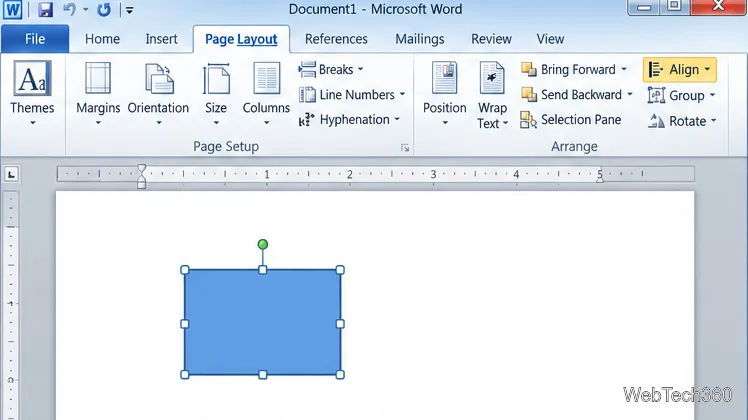
Learn how to drag a picture in Word, choose text wrapping, keep it with a paragraph or fix it on the page, and troubleshoot images that will not move.
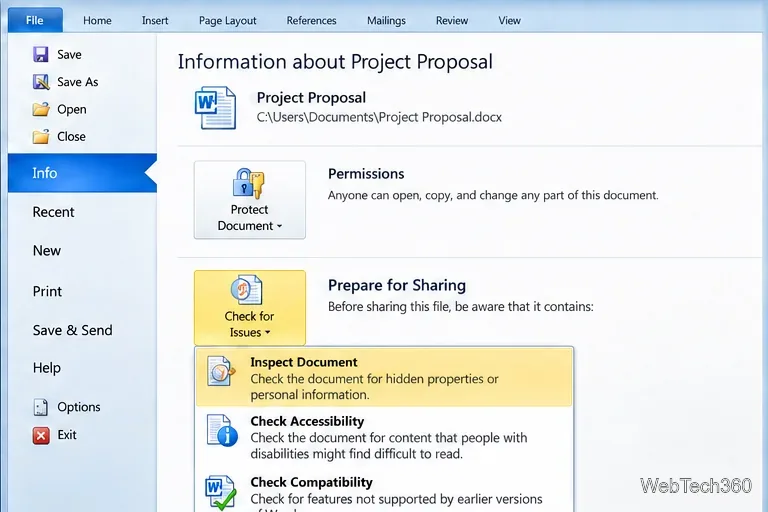
Hidden data in a Word document can include reviewers’ comments, tracked revisions, author properties, hidden text, watermarks, and custom XML. In Word 2010 for Windows, run Document Inspector on a copy, review its findings, and remove only the categories you intend to discard. This reduces accidental disclosure, but it cannot detect every way content may be concealed or every embedded item.
Document Inspector searches for several types of information that may not be obvious on the page. Depending on the document and Word version, its checklist can include:
Read the findings before choosing Remove All. Removing a category may delete information you still need, and Microsoft warns that Inspector changes may not be recoverable with Undo. Keep an untouched original.
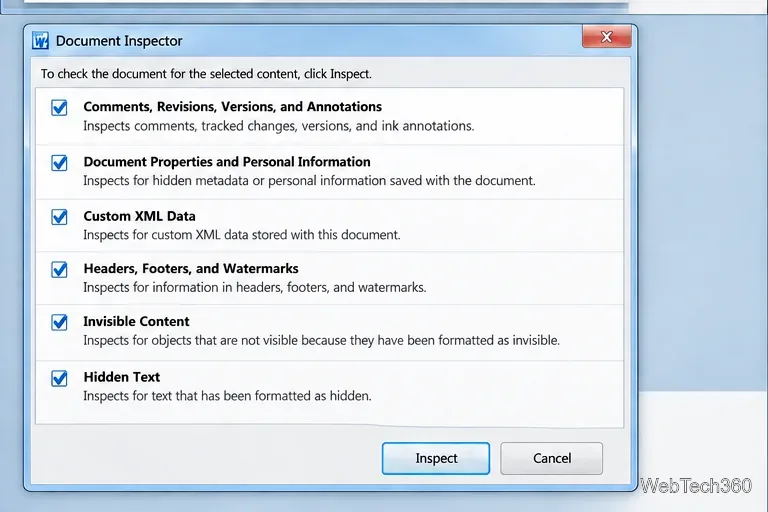
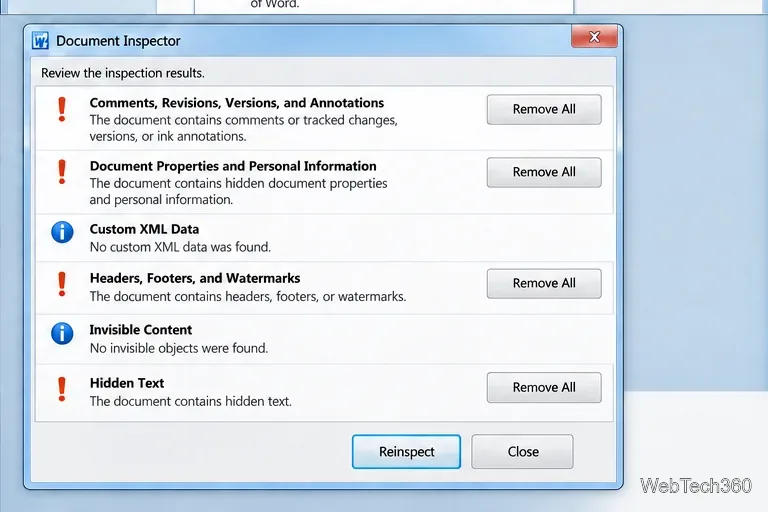
Document Inspector’s Hidden Text check looks for text formatted with Word’s Hidden font effect. Microsoft says it does not detect text concealed by other methods, such as white text on a white background. Its Invisible Content check also does not detect an object that another object covers. Manually review suspicious areas, page margins, headers, footers, and embedded objects when confidentiality matters.
Some embedded files or objects may be reported for manual review instead of being removed automatically. An embedded spreadsheet, chart, or document can contain its own data; decide whether to remove it or replace it with a static image only after checking how that change affects editability and accessibility. See Microsoft’s guidance on embedded files and objects found by Document Inspector.
Handle tracked changes as an editorial decision. Review the edits and accept or reject them before sharing if you need a final clean reading copy. Choosing No Markup only hides the markup in the current view; it does not remove the changes. Comments and revisions can also be reviewed through Document Inspector. Microsoft explains the difference in its tracked-changes instructions.
Finally, inspect the visible document yourself and check any content the automated scan cannot assess. Document Inspector is a useful cleanup step, not a certification that a file is safe to publish. The steps here describe Word desktop for Windows; Microsoft notes that Word for Mac does not include Document Inspector. For the current checklist and removal guidance, see Microsoft’s guide to removing hidden data and personal information and its Inspect Document overview.
Learn how to drag a picture in Word, choose text wrapping, keep it with a paragraph or fix it on the page, and troubleshoot images that will not move.
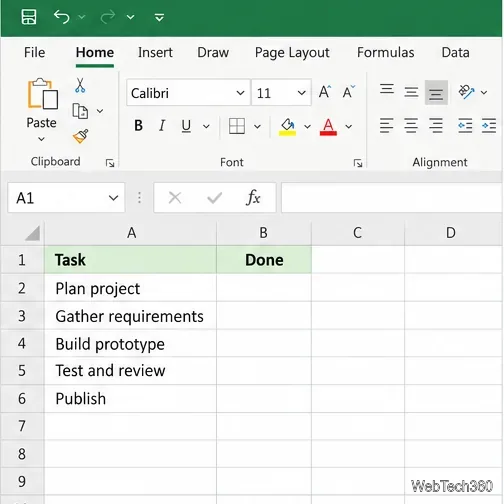
Learn how to insert a checkbox in Excel with the in-cell tool, count checked items with formulas, or add a linked Form Control in older desktop versions.
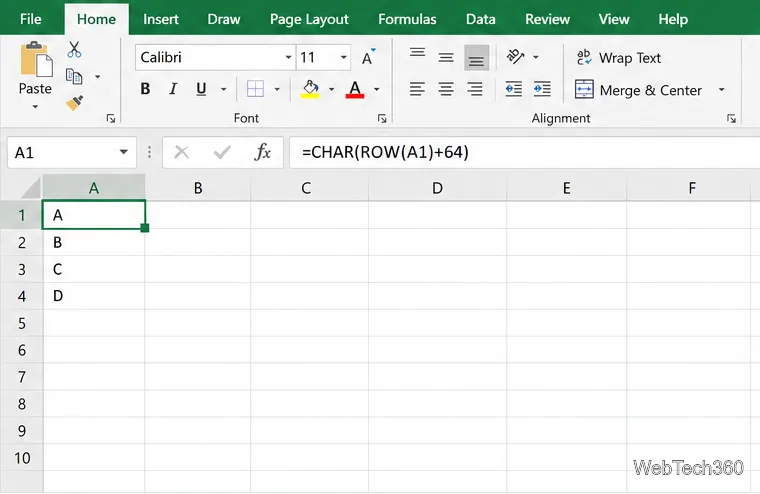
Generate A to Z, lowercase letters, or labels beyond Z in Excel with a fill-handle formula, SEQUENCE, or a reusable custom list.
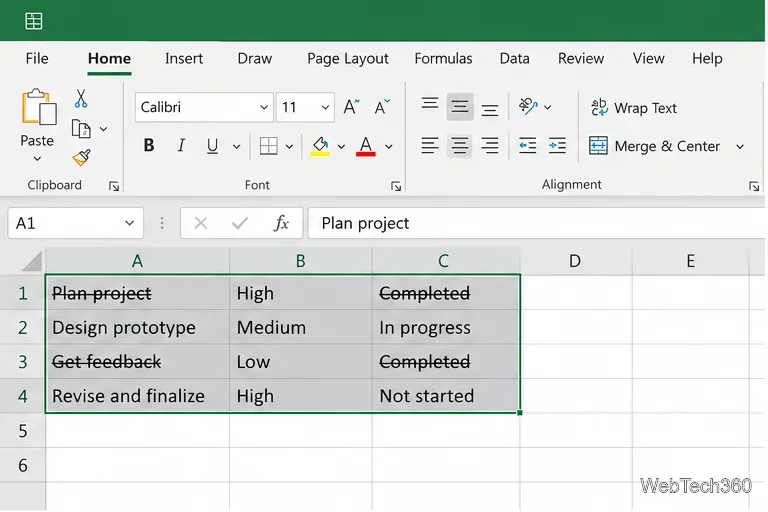
Learn how to strikethrough in Excel on Windows, Mac, and the web, format part of a cell, and remove the line without deleting its value.
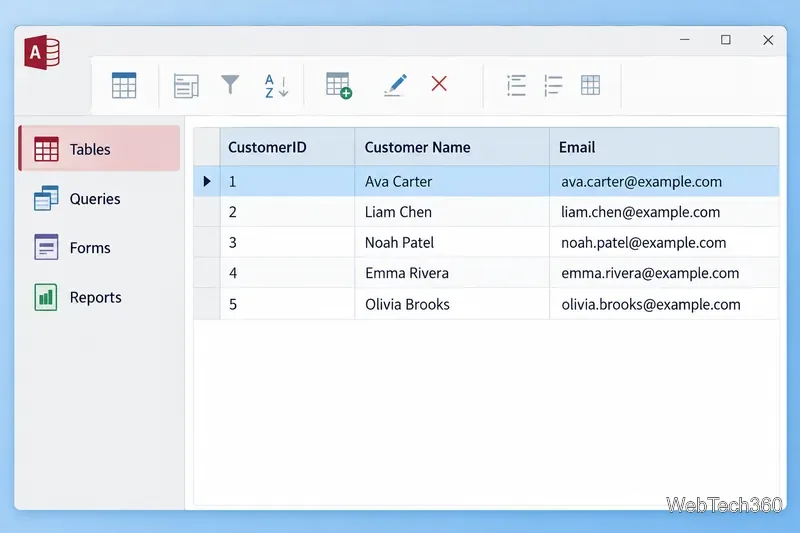
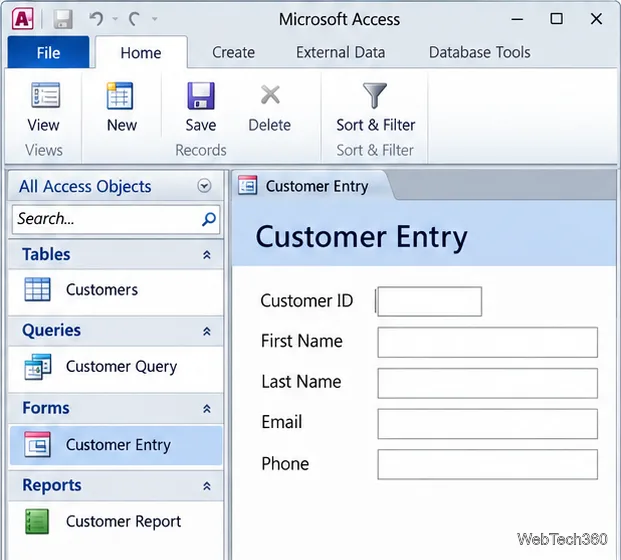
Microsoft Access is a Windows database app for storing related records, building queries, creating data-entry forms, and generating reports. Learn how it works and when it fits.
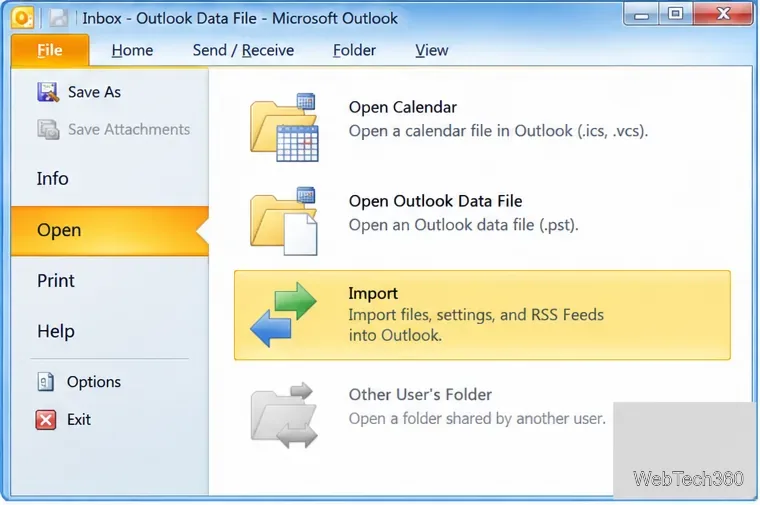
Learn how to import a PST into Outlook 2010 or export mail, contacts, calendar, and tasks. Follow the correct menus and avoid missing folders or duplicates.
Learn how to adjust gridline height and width in Word 2010, change visible line frequency, and set the underlying horizontal and vertical drawing-grid spacing.
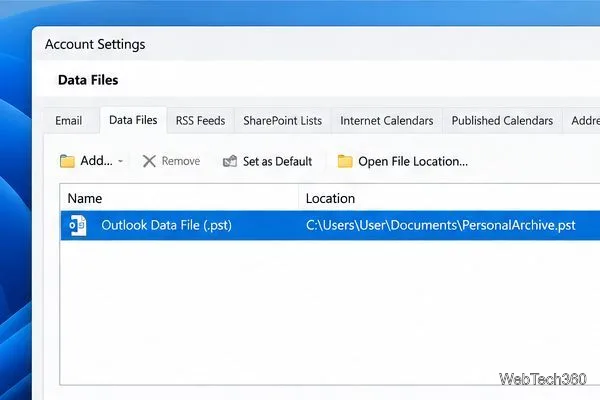
Recover a forgotten Outlook PST password with Kernel’s current steps, including how to identify the right file, make a backup, and check the tool’s limits.
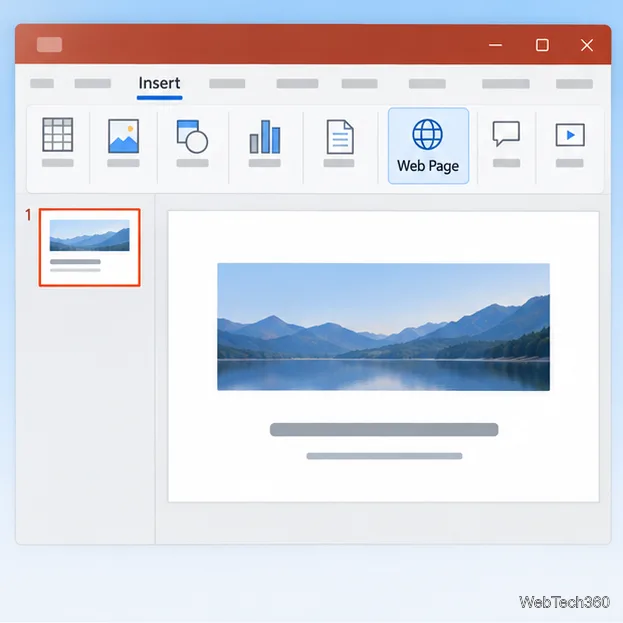
Use the LiveWeb add-in to place a website on a PowerPoint slide, set its size and refresh behavior, and check compatibility before presenting.
Set an Access 2010 database application to open directly to a data-entry form, hide object lists, limit menus, and check the setup before sharing.