DirectX 11 vs. DirectX 12: Which Is Better for Gaming?

Learn how DirectX 11 and DirectX 12 differ in CPU overhead, compatibility, and gaming performance, plus a fair way to test both in a game.
To plant a mushroom in Minecraft, place a red or brown mushroom on a suitable full-top block. In standard releases, mushrooms on ordinary soil need a light level below 13 and protection from direct sky light; podzol, mycelium, and nylium let them stay planted in brighter spots. For a quicker harvest, use bone meal on a small mushroom to try to grow a huge one.
Mushrooms spread slowly to nearby open blocks, but do not become huge on their own: apply bone meal. Mojang’s red mushroom guide describes the method and recommends about 13 blocks of headroom.
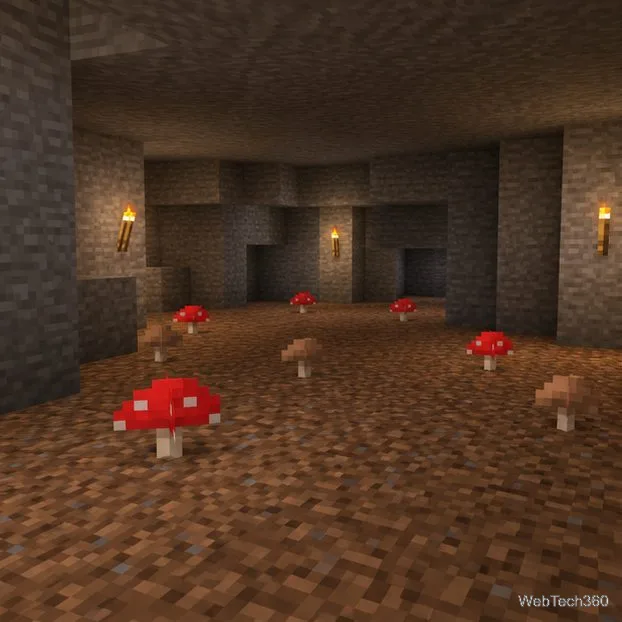
For a simple farm, use a roofed room or a shaded location. In standard releases, place the mushroom on a full block, not farmland, a slab, or a stair. Dirt and grass work in low light; podzol, mycelium, and nylium allow planting in brighter spots. Mojang confirms the mycelium exception in its Mushroom Fields overview.
On ordinary blocks, keep the light at the mushroom below level 13 and block direct sky exposure. The room need not be pitch-black: place torches on walls, far enough away that the planting spot stays within the light limit.
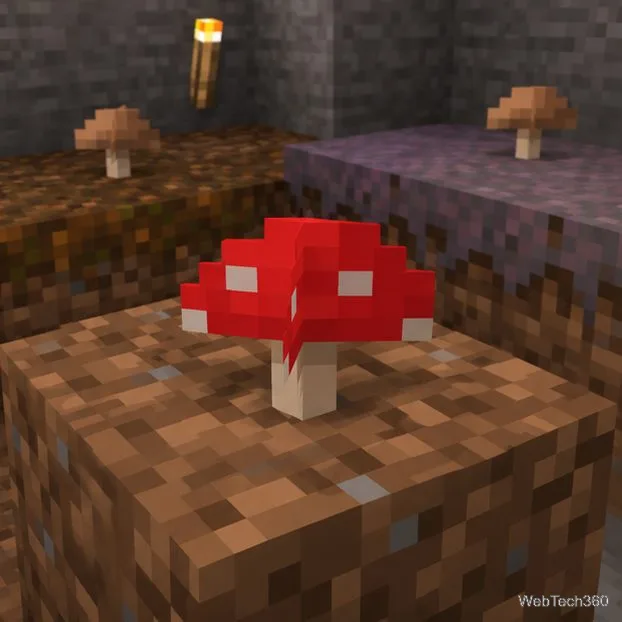
Use the place or interact control on the top of your chosen block. If the mushroom pops off, check the surface and light; roof ordinary dirt or grass if needed. Podzol, mycelium, and nylium avoid the usual light restriction in standard releases.
Leave nearby blocks open for passive spread, but expect it to be slow. For a quicker supply, use bone meal on a starter.
Before using bone meal, clear blocks around and above the starter. Cap shapes need different space, so avoid a low ceiling or tight shaft. Aim for a broad area and roughly 13 blocks of headroom. On ordinary soil, keep light below 13; podzol, mycelium, and nylium bypass that rule.
Use bone meal on the planted mushroom. Growth may fail on the first attempt; check for obstructions and confirm the support and light conditions, then try again. Giant shapes vary.
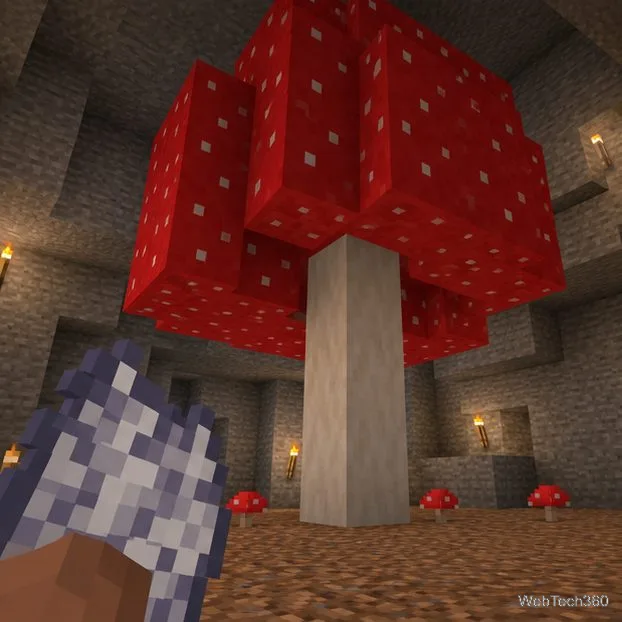
Break the huge mushroom when you are ready to collect it; an axe is a convenient tool for clearing the cap and stem. Pick up the dropped small mushrooms and plant them for another growth cycle. The number of drops is not a fixed 20: it varies with the blocks you break and the edition you play. If you want the mushroom blocks themselves for building, check the tool and drop rules for your edition before harvesting.
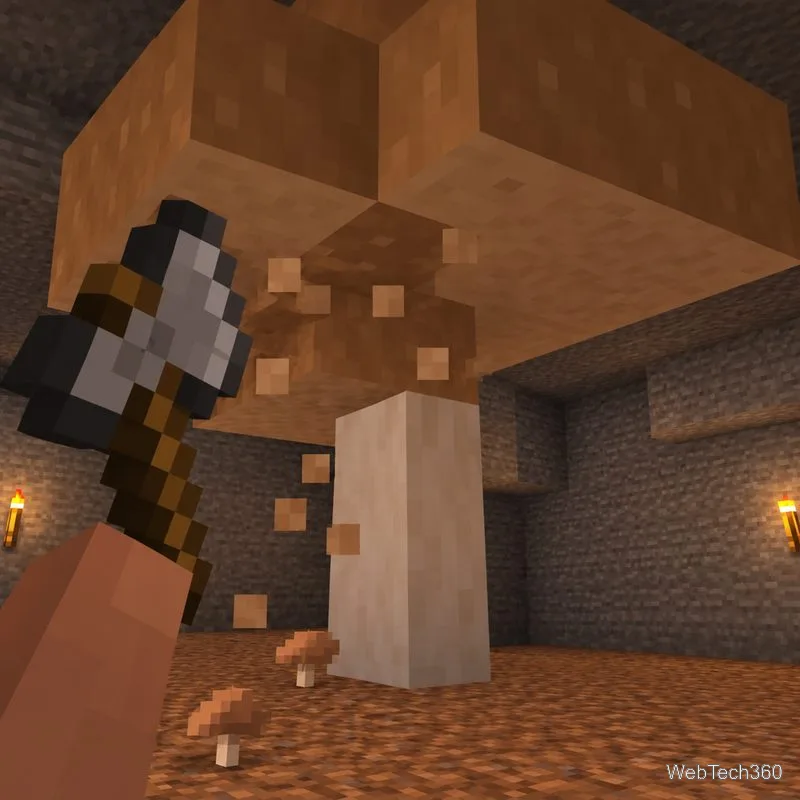
If you play a Java testing snapshot, check its release notes before relying on the standard placement rule. Mojang’s 26.4 Snapshot 1 notes changed red and brown mushroom placement so they can be placed on blocks with a solid top face at any light level, while their spread still depends on brightness or a support block that overrides the light rule. Snapshots are test versions, and later notes may adjust behavior; the guidance above describes the usual released-game rules.
For the detailed block and growth conditions, see the Minecraft Wiki mushroom reference and its huge mushroom growth guide, alongside Mojang’s linked guides.
Learn how DirectX 11 and DirectX 12 differ in CPU overhead, compatibility, and gaming performance, plus a fair way to test both in a game.
Compare seven PC PlayStation emulators by console, compatibility, and setup, with official downloads and game lists to help you choose.
Change your Xbox gamertag from a console or any PC or phone browser. Follow the current steps, check name limits and fees, and confirm the right profile.
Elden Ring has cross-generation play but no cross-platform matchmaking. See which PS4, PS5, Xbox, Steam, and Switch 2 players can join the same session.
Pair a DUALSHOCK 4 with your PS4 using a USB cable, connect additional controllers, and troubleshoot charging or pairing problems with Sony-verified steps.
Get the latest on the Fortnite new season: the official Battle Pass end date, the current theme, and what Epic has—and has not—announced.
Make a cozy decorative dog bed in Minecraft with wool and trapdoors. Follow a compact four-step build and learn how to keep a tamed wolf beside it.
Learn how to plant red and brown mushrooms in Minecraft, choose a growing block, manage light, use bone meal, and harvest giant mushrooms.
Build an underground farm in Minecraft with a water-fed layout, crop-friendly lighting, planting tips, and fixes for stalled growth.
You can’t craft a bell in Minecraft, but you can get one by mining a village bell, trading with a smith villager, or checking a ruined portal chest.