DirectX 11 vs. DirectX 12: Which Is Better for Gaming?
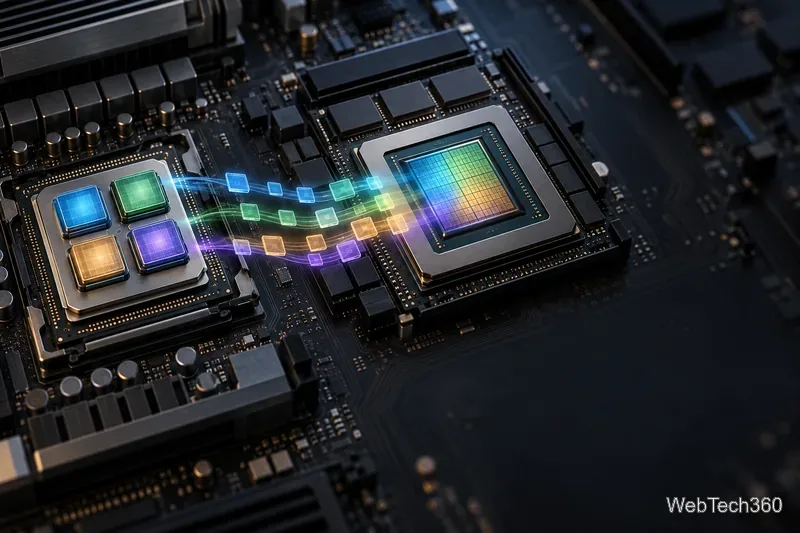
Learn how DirectX 11 and DirectX 12 differ in CPU overhead, compatibility, and gaming performance, plus a fair way to test both in a game.
Short answer: DirectX 12 can deliver better performance when a game is built to use it well, especially when the CPU is limiting frame rates. DirectX 11 can be smoother or more reliable in a particular game or on a particular PC. Neither API is automatically faster, prettier, or more stable. If a game offers both, compare them in that game on your own hardware.
In most gaming discussions, “DirectX 11” and “DirectX 12” mean the Direct3D graphics APIs that a game uses to send rendering work through Windows and the graphics driver to the GPU. The API affects how that work is organized; it does not set a universal quality preset or make the same game scene look better by itself.
Direct3D 11 has a higher-level programming model. The runtime and driver manage more details for the game, which can make it easier for developers to support a broad range of systems. DX11 is not strictly single-threaded: Microsoft documents multithreaded object creation and command-list recording in Direct3D 11.
Direct3D 12 gives the game engine more direct control. The game can record multiple command lists on different CPU threads, then submit them to command queues. It also takes on more responsibility for resource states and CPU/GPU synchronization. That can reduce CPU overhead and improve scaling, but it puts more work on the game’s implementation.
| Area | DirectX 11 | DirectX 12 |
|---|---|---|
| Work submission | More management is handled by the runtime and driver. | The game records and submits command lists with more explicit control. |
| CPU scaling | Supports multithreading, with a more managed model. | Can spread command recording across CPU cores more directly. |
| Player result | Often a useful compatibility or stability fallback. | May improve CPU-limited performance when the game is optimized for it. |
| Guaranteed FPS or visuals? | No. | No. |
Microsoft’s Direct3D 11 feature guide describes its multithreading support. Its Direct3D 11-to-12 comparison explains the shift toward lower-level control and greater application responsibility.
DX12 is most likely to help when a game is CPU-bound: the processor is struggling to prepare work for the GPU, while the graphics card has room to do more. A well-optimized DX12 renderer can use multiple CPU cores more effectively and reduce some driver overhead. Those gains depend on the game engine, its patch, the CPU, the GPU, and the driver.
If the GPU is already the bottleneck, changing APIs may do little. DX12 also does not automatically add ray tracing, mesh shaders, variable-rate shading, or other graphics features; the game must implement a feature, and the hardware and driver must support it. Even a GPU that can run Direct3D 12 may expose different feature levels or capabilities. See Microsoft’s Direct3D hardware feature-level guide for why API support and feature support are not the same thing.
DX11 is a sensible choice if a game does not offer DX12, if the developer recommends DX11 for your setup, or if DX12 produces repeatable stutter, visual glitches, freezes, or crashes. An older GPU or driver may also work more reliably with the game’s DX11 path. Treat this as a game-by-game choice, not a rule that every older PC should use DX11.

A game’s renderer can behave differently after a major patch or driver update. A result reported for Fortnite, Ready or Not, or Path of Exile describes that tested version and PC; it is not a universal recommendation. Check current developer notes and retest if your game changes.
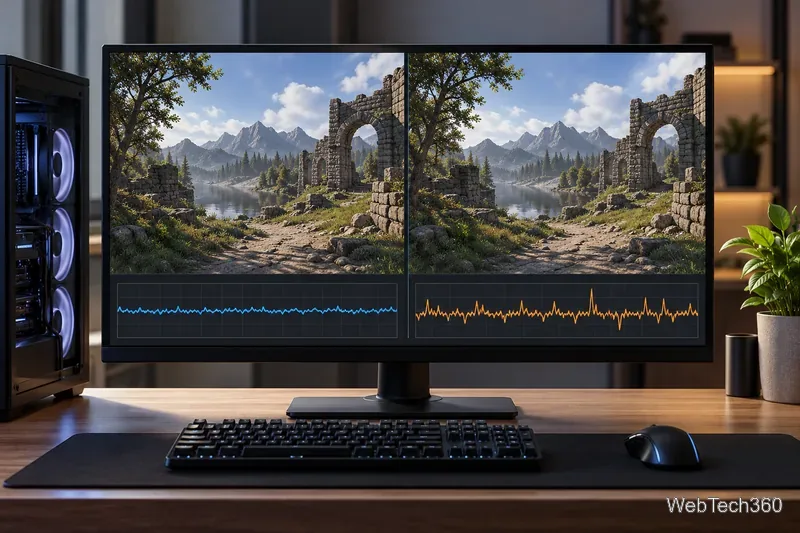
Start with the renderer the game recommends. Try DX12 if it is supported and you want to see whether it improves CPU-limited performance. Switch to DX11 if it is smoother or more stable on your system. If the game offers only one option, use that supported path rather than trying to force another API. The practical winner is the mode that runs your game smoothly and reliably on your PC.
Learn how DirectX 11 and DirectX 12 differ in CPU overhead, compatibility, and gaming performance, plus a fair way to test both in a game.
Compare seven PC PlayStation emulators by console, compatibility, and setup, with official downloads and game lists to help you choose.
Change your Xbox gamertag from a console or any PC or phone browser. Follow the current steps, check name limits and fees, and confirm the right profile.
Elden Ring has cross-generation play but no cross-platform matchmaking. See which PS4, PS5, Xbox, Steam, and Switch 2 players can join the same session.
Pair a DUALSHOCK 4 with your PS4 using a USB cable, connect additional controllers, and troubleshoot charging or pairing problems with Sony-verified steps.
Get the latest on the Fortnite new season: the official Battle Pass end date, the current theme, and what Epic has—and has not—announced.
Make a cozy decorative dog bed in Minecraft with wool and trapdoors. Follow a compact four-step build and learn how to keep a tamed wolf beside it.
Learn how to plant red and brown mushrooms in Minecraft, choose a growing block, manage light, use bone meal, and harvest giant mushrooms.
Build an underground farm in Minecraft with a water-fed layout, crop-friendly lighting, planting tips, and fixes for stalled growth.
You can’t craft a bell in Minecraft, but you can get one by mining a village bell, trading with a smith villager, or checking a ruined portal chest.