DirectX 11 vs. DirectX 12: Which Is Better for Gaming?
Learn how DirectX 11 and DirectX 12 differ in CPU overhead, compatibility, and gaming performance, plus a fair way to test both in a game.
For PC gaming, the best PlayStation emulator depends on which console you want to play. DuckStation and RetroArch are strong PS1 choices; PCSX2 is the established PS2 option; RPCS3 handles PS3; PPSSPP is for PSP; and Vita3K is an experimental PS Vita emulator. Play! is another PS2 option for people willing to check compatibility title by title. No emulator runs every game perfectly, so check the official compatibility information before setting one up.
This roundup focuses on software that runs locally on a Windows, macOS, or Linux computer. It was checked against official project pages in October 2026; emulator features and game compatibility can change with new releases.
| Emulator | PlayStation system | Best fit |
|---|---|---|
| RetroArch | PS1 and other systems through cores | One configurable library for several consoles |
| DuckStation | PS1 | A dedicated, straightforward PS1 app |
| PCSX2 | PS2 | A mature PS2 emulator with graphics options |
| Play! | PS2 | An alternate project to explore and test |
| RPCS3 | PS3 | PS3 emulation, with careful hardware and game checks |
| PPSSPP | PSP | Portable games on a PC, with resolution enhancements |
| Vita3K | PS Vita | Experimental Vita emulation for supported titles |
RetroArch’s PS1 guide explains that PlayStation games run through emulator cores, including Beetle PSX and PCSX ReARMed. That flexibility is useful if you want one interface for several classic systems. The tradeoff is setup: choose a core, then follow that core’s file and firmware requirements. It is a frontend with interchangeable emulators, not a single universal PlayStation emulator.
DuckStation’s official project page describes a PlayStation emulator focused on playability, speed, and long-term maintenance, with PC builds for Windows, Linux, and macOS. It is the simpler starting point if PS1 is your main target and you do not need RetroArch’s multi-system library. Check the project’s current release notes and requirements before installing.
PCSX2 is a free, open-source PS2 emulator for modern desktop systems. Its official site lists features such as custom resolutions, upscaling, virtual memory cards, save states, and patches. Because results differ by game and hardware, search the PCSX2 compatibility database for the exact title you plan to play.
Play! offers builds for desktop and mobile platforms, including Windows, macOS, and Linux. It is a useful alternative to compare, but treat it as a project whose game support varies: its official site and compatibility tracker report per-title progress. For a first PS2 setup, PCSX2 generally has the clearer compatibility reference.
RPCS3’s Quickstart guide covers its Windows, Linux, macOS, and FreeBSD builds, setup, and required PS3 system software. PS3 emulation can be demanding, and a game’s status may depend on the title, CPU, graphics hardware, and settings. Check the official compatibility list first. The project does not provide commercial games.
PPSSPP is a free, open-source PSP emulator with versions for Windows, macOS, Linux, and other platforms. It can render PSP games at higher resolutions and offers graphics and control settings. Its official FAQ says users must supply their own game files; the project does not distribute them.
Vita3K is an experimental open-source emulator with Windows, macOS, and Linux builds. Some commercial games run, but support is not universal. Before downloading, check its compatibility page and read the project’s note that reports may not reflect the latest backend changes. Treat it as an option for specific supported games, not a complete Vita replacement.
Emulators do not automatically include the games they run. Use game files and system software from sources you are authorized to use, and check the rules and license terms that apply where you live. Some emulators or cores require console firmware; follow the project’s instructions rather than downloading files from an unofficial bundle. For RPCS3, Sony provides the official PS3 system software update.
PlayStation Plus on PC is a different route: Sony describes it as cloud streaming for selected games on compatible PCs, subject to plan and availability. It is not a local emulator, so it belongs in a streaming comparison rather than a list of PC emulators.
Quick picks: for most PC users, choose by console generation, then verify your game on the project’s official list. Start with DuckStation for PS1, PCSX2 for PS2, RPCS3 for PS3, PPSSPP for PSP, or Vita3K for a supported Vita title.
Learn how DirectX 11 and DirectX 12 differ in CPU overhead, compatibility, and gaming performance, plus a fair way to test both in a game.
Compare seven PC PlayStation emulators by console, compatibility, and setup, with official downloads and game lists to help you choose.
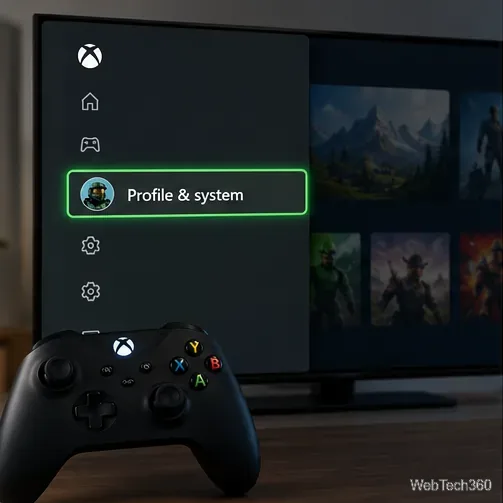
Change your Xbox gamertag from a console or any PC or phone browser. Follow the current steps, check name limits and fees, and confirm the right profile.
Elden Ring has cross-generation play but no cross-platform matchmaking. See which PS4, PS5, Xbox, Steam, and Switch 2 players can join the same session.
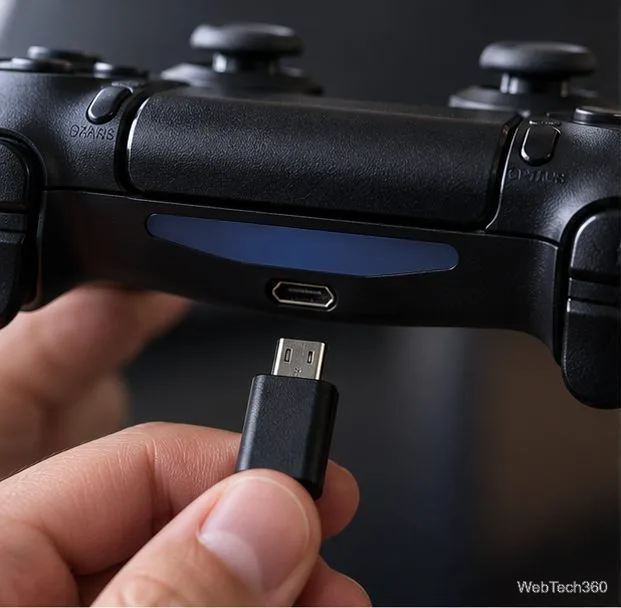
Pair a DUALSHOCK 4 with your PS4 using a USB cable, connect additional controllers, and troubleshoot charging or pairing problems with Sony-verified steps.
Get the latest on the Fortnite new season: the official Battle Pass end date, the current theme, and what Epic has—and has not—announced.
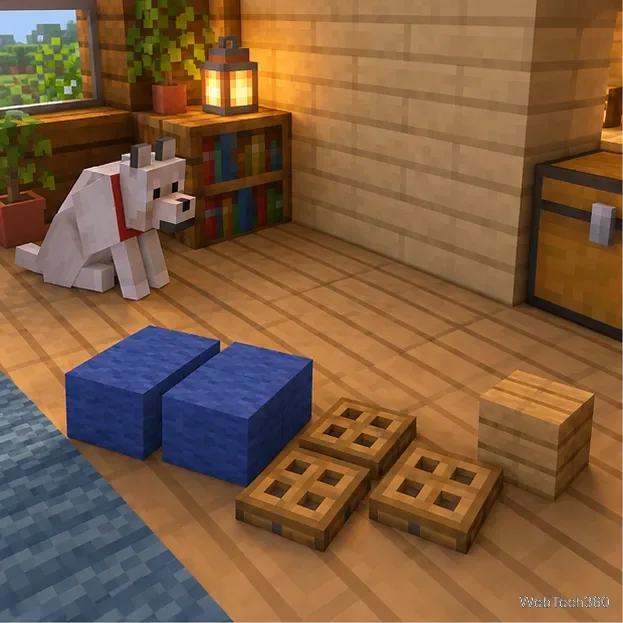
Make a cozy decorative dog bed in Minecraft with wool and trapdoors. Follow a compact four-step build and learn how to keep a tamed wolf beside it.
Learn how to plant red and brown mushrooms in Minecraft, choose a growing block, manage light, use bone meal, and harvest giant mushrooms.
Build an underground farm in Minecraft with a water-fed layout, crop-friendly lighting, planting tips, and fixes for stalled growth.
You can’t craft a bell in Minecraft, but you can get one by mining a village bell, trading with a smith villager, or checking a ruined portal chest.