DirectX 11 vs. DirectX 12: Which Is Better for Gaming?

Learn how DirectX 11 and DirectX 12 differ in CPU overhead, compatibility, and gaming performance, plus a fair way to test both in a game.
Short answer: no. Elden Ring does not support cross-platform multiplayer between PlayStation, Xbox, PC, and Nintendo Switch 2. Its online matchmaking is divided by platform family. You can play across generations within the PlayStation family (PS4 and PS5) or the Xbox family (Xbox One and Xbox Series X|S). Steam players stay with Steam players, and the 2026 Nintendo Switch 2 Tarnished Edition plays online with other Switch 2 players. A multiplayer password cannot bridge those separate networks.
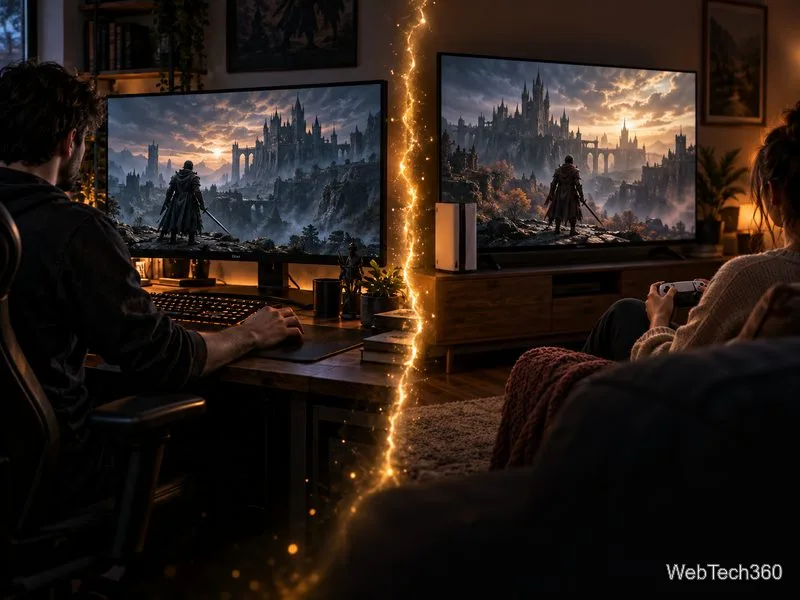
FromSoftware’s support FAQ says the game does not support cross-play across manufacturers, then lists the compatible systems. Its current Switch 2 FAQ is explicit: Nintendo Switch 2 players can play online only with other Switch 2 players. Use this quick guide when you and a friend are deciding whether you can summon each other:
| Your platform | Friend’s platform | Can you play together? |
|---|---|---|
| PS4 | PS5 | Yes |
| Xbox One | Xbox Series X|S | Yes |
| PC via Steam | PC via Steam | Yes |
| Nintendo Switch 2 | Nintendo Switch 2 | Yes |
| PlayStation, Xbox, PC, or Switch 2 | A different platform family | No |
In other words, “cross-generation” is not the same as “cross-platform.” A PS4 player can join a PS5 player, but neither can join an Xbox or PC session. The same rule applies to Xbox One and Series X|S. The original PC release is through Steam; there is no shared matchmaking pool between Steam and consoles.
The Nintendo Switch 2 version is Elden Ring: Tarnished Edition, released in 2026. It brings the game to Nintendo hardware, but it does not create a cross-platform bridge to PlayStation, Xbox, or Steam. If one friend plays on Switch 2 and the other plays elsewhere, they cannot share a co-op session.

Once you confirm you are in the same compatible platform group, use the in-game summon system. For a private co-op session:
Bandai Namco’s multiplayer overview describes the same sign-and-remedy flow and says you can bring in up to two cooperative guests. That means a normal co-op group is the host plus two friends. Keep the game updated as well: Bandai Namco says the current update is required for online play.
Co-op is designed around helping with a particular stretch of the game, not roaming the entire map together without limits. The host cannot ride Torrent or fast-travel while guests are present, and defeating a boss or mini-boss usually ends that session. A summoned guest also has their number of flasks cut in half, rounded down.
A password filters which gold or red summon signs you see; it does not guarantee a private world. Bandai Namco notes that cooperative hosts can still be invaded by random players. So a password helps you find your friend, but it does not disable the game’s invasion system.
No. Bandai Namco offers a free PS5 upgrade to owners of the PS4 version, and Xbox Smart Delivery lets one purchase work on Xbox One and Xbox Series X|S. Those options make it easier to move within the same console family. They do not let a PlayStation copy connect to Xbox, PC, or Switch 2.
Likewise, sharing the game title, downloadable content, or a password does not merge matchmaking pools. Switch 2’s Tarnished Edition includes the base game and Shadow of the Erdtree, while the newer Tarnished Pack content is also sold for PlayStation, Xbox, and Steam. That content availability is separate from online compatibility.
As of October 2026, the official compatibility information still lists only the same-family pairings above; it does not announce cross-platform multiplayer. Plan on matching with friends who use a compatible platform, and check the official support page if a future update changes that rule. If a summon sign is missing, first confirm that both games are updated, that you are in the same area, and that the password matches exactly. A password can solve a matchmaking setup issue, but it cannot make two incompatible platforms connect.
Learn how DirectX 11 and DirectX 12 differ in CPU overhead, compatibility, and gaming performance, plus a fair way to test both in a game.
Compare seven PC PlayStation emulators by console, compatibility, and setup, with official downloads and game lists to help you choose.
Change your Xbox gamertag from a console or any PC or phone browser. Follow the current steps, check name limits and fees, and confirm the right profile.
Elden Ring has cross-generation play but no cross-platform matchmaking. See which PS4, PS5, Xbox, Steam, and Switch 2 players can join the same session.
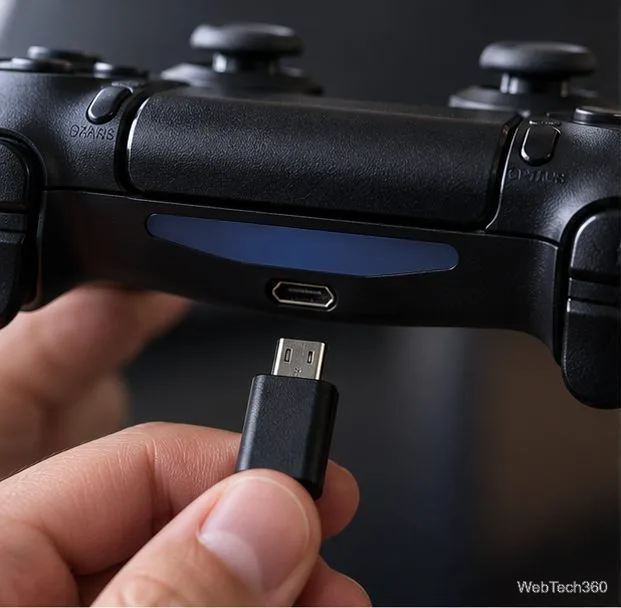
Pair a DUALSHOCK 4 with your PS4 using a USB cable, connect additional controllers, and troubleshoot charging or pairing problems with Sony-verified steps.
Get the latest on the Fortnite new season: the official Battle Pass end date, the current theme, and what Epic has—and has not—announced.
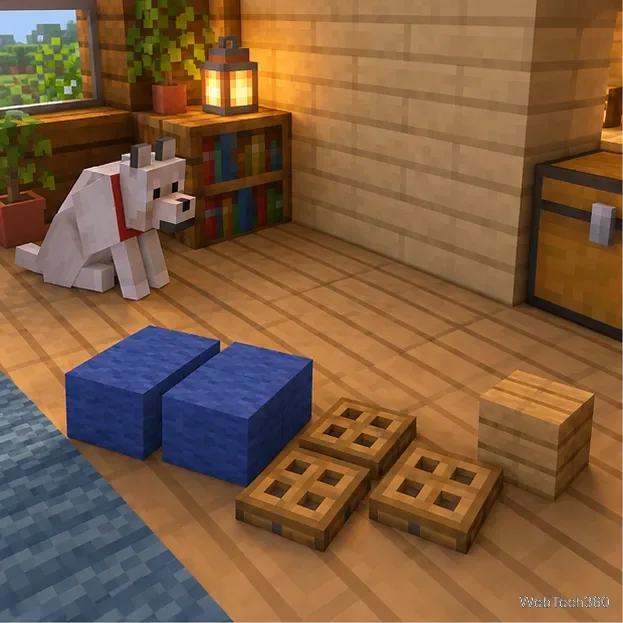
Make a cozy decorative dog bed in Minecraft with wool and trapdoors. Follow a compact four-step build and learn how to keep a tamed wolf beside it.
Learn how to plant red and brown mushrooms in Minecraft, choose a growing block, manage light, use bone meal, and harvest giant mushrooms.
Build an underground farm in Minecraft with a water-fed layout, crop-friendly lighting, planting tips, and fixes for stalled growth.
You can’t craft a bell in Minecraft, but you can get one by mining a village bell, trading with a smith villager, or checking a ruined portal chest.