DirectX 11 vs. DirectX 12: Which Is Better for Gaming?
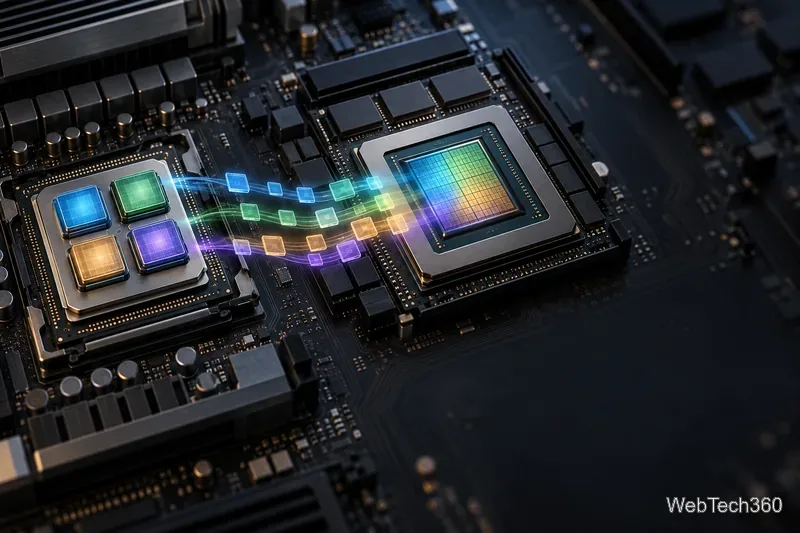
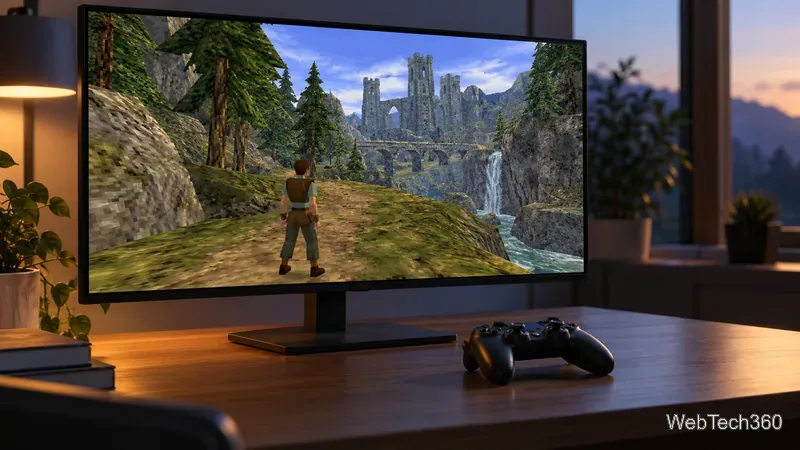
Learn how DirectX 11 and DirectX 12 differ in CPU overhead, compatibility, and gaming performance, plus a fair way to test both in a game.
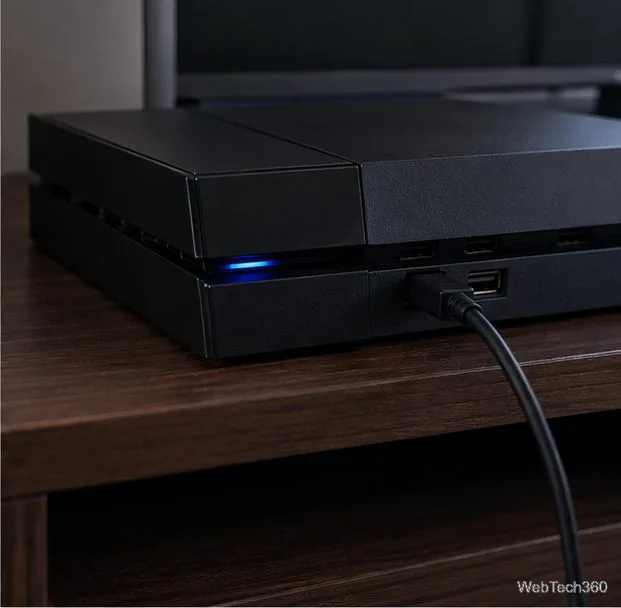
To connect a DUALSHOCK 4 controller to a PS4, turn on the console, plug the controller into it with a micro-USB cable, and press the PS button. The light bar will blink and a player indicator will appear; select a user if the console asks. Once the controller has enough charge, unplug the cable and use it wirelessly. You do not need a second controller for this setup.
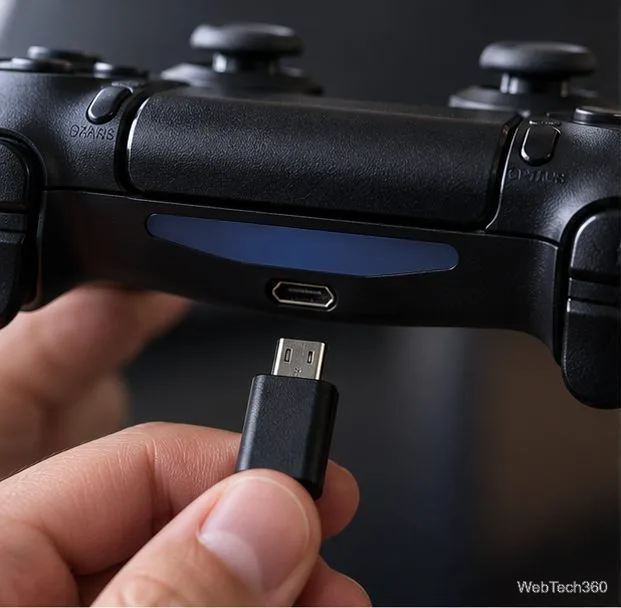
Use a DUALSHOCK 4 wireless controller and a micro-USB cable. The cable supplied with the controller or console is the simplest choice. If it does not pair, try another compatible cable and USB port; a cable that only supplies power may charge the controller without completing a data connection. Keep the cable nearby until you have confirmed that the wireless connection works.
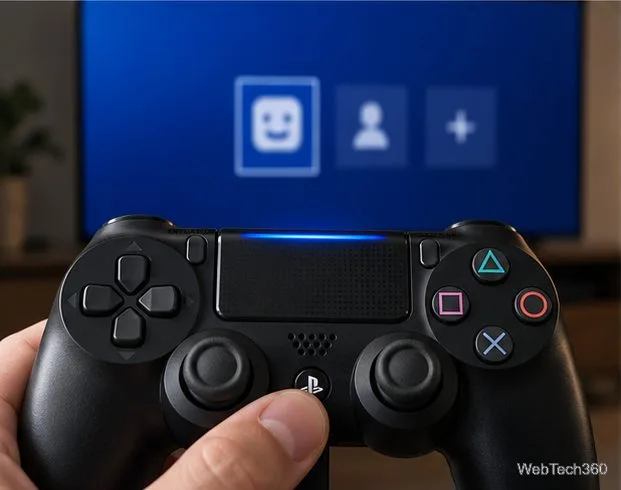
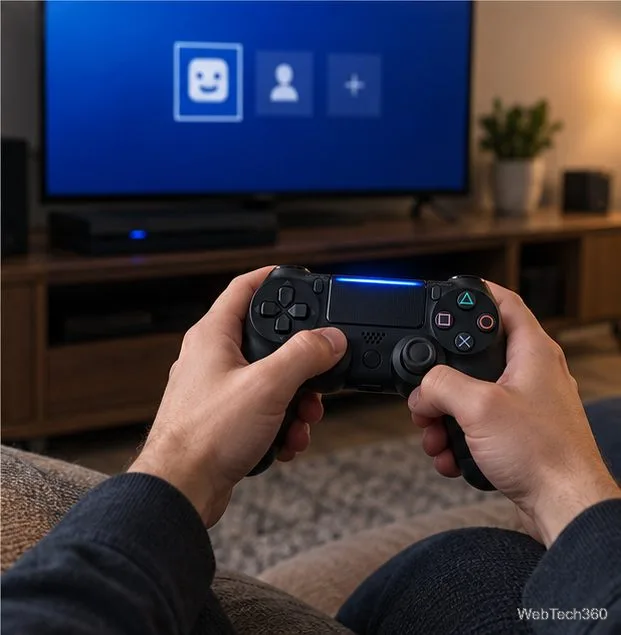
Sony says a DUALSHOCK 4 can pair with only one console at a time, and one PS4 can use up to four controllers. To move a controller to another PS4, pair it to that console with a USB cable and press PS again.
Pair each additional DUALSHOCK 4 separately: connect it to the PS4 with a USB cable, press its PS button, and select a user for that controller. Repeat for other controllers, up to four total. The PS4’s Bluetooth Devices screen can be misleading: Sony’s PS4 guide says to pair controllers by connecting them with a USB cable. The SHARE + PS button combination is Sony’s procedure for pairing a DUALSHOCK 4 with supported devices such as a computer or phone, not the standard PS4 pairing method.
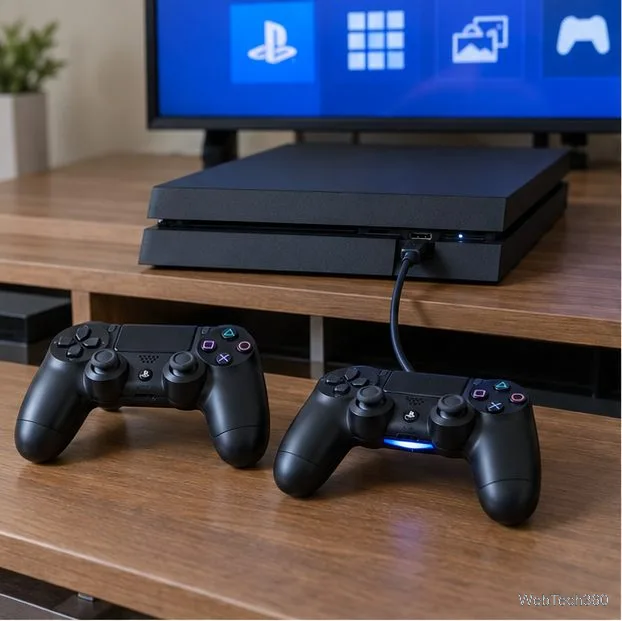
For details, see Sony’s PS4 guide to Bluetooth devices and its instructions for pairing a DUALSHOCK 4 with other supported devices.
Make sure both cable ends are firmly seated. Try another USB port on the console and a different micro-USB cable. If the controller charges but the PS4 does not respond when you press PS, test a cable known to work for data transfer, then repeat the pairing steps with the controller connected directly to the console.
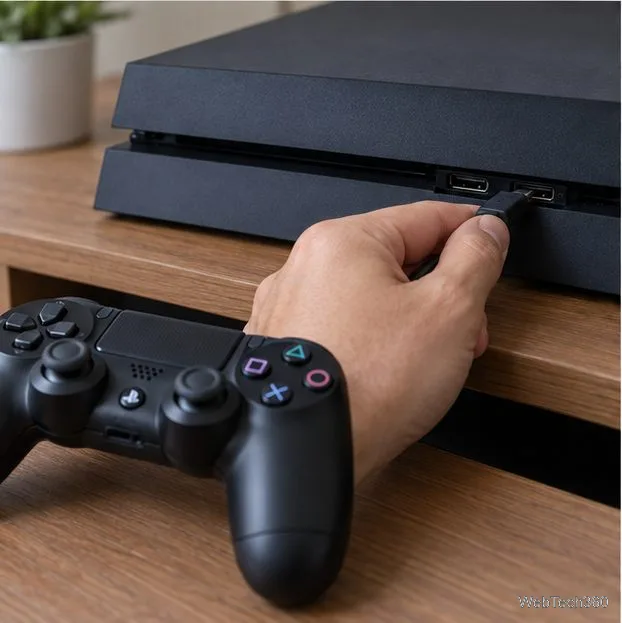
Leave the controller connected to the PS4, then try again. Sony says a DUALSHOCK 4 can charge while the console is on or in Rest Mode, and a fully depleted battery takes about two hours to charge. When charging in Rest Mode, the light bar slowly blinks orange and turns off when charging is complete. If it still will not charge, try a different cable and port.
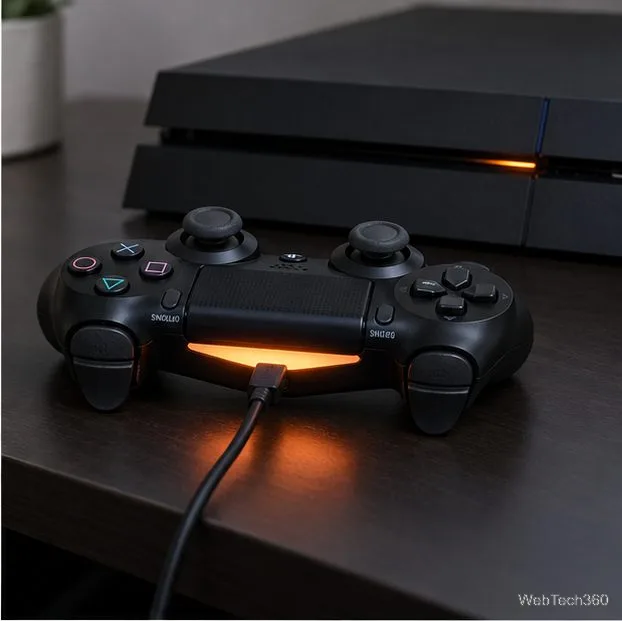
If the controller remains unresponsive, reset it and repeat the USB pairing process:
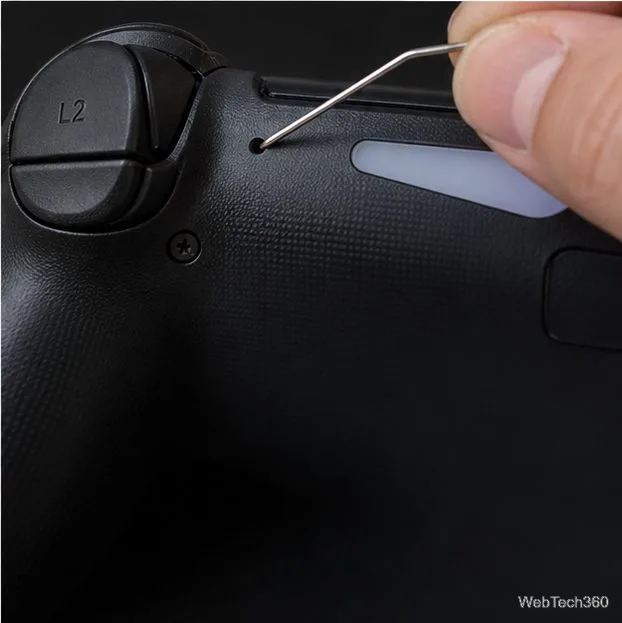
These steps follow Sony’s DUALSHOCK 4 troubleshooting instructions. If the controller pairs but turns off after sitting idle, adjust Settings > Power Save Settings > Set Time Until Controllers Turn Off to a longer interval. A longer interval can use more battery.
Yes. Keep the USB cable connected. On a CUH-ZCT2 series DUALSHOCK 4, the PS4 also offers Settings > Devices > Controllers > Communication Method when the controller is connected by USB; choose Use USB Cable to communicate over the cable. Sony notes that this setting appears only for that controller series. See its PS4 controller settings guide.
If pairing still fails after testing another cable and resetting the controller, use Sony’s DUALSHOCK 4 support and repair options to narrow down a controller or console fault.
Learn how DirectX 11 and DirectX 12 differ in CPU overhead, compatibility, and gaming performance, plus a fair way to test both in a game.
Compare seven PC PlayStation emulators by console, compatibility, and setup, with official downloads and game lists to help you choose.
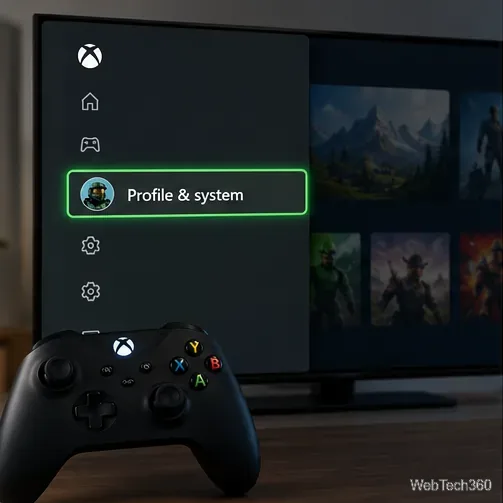
Change your Xbox gamertag from a console or any PC or phone browser. Follow the current steps, check name limits and fees, and confirm the right profile.
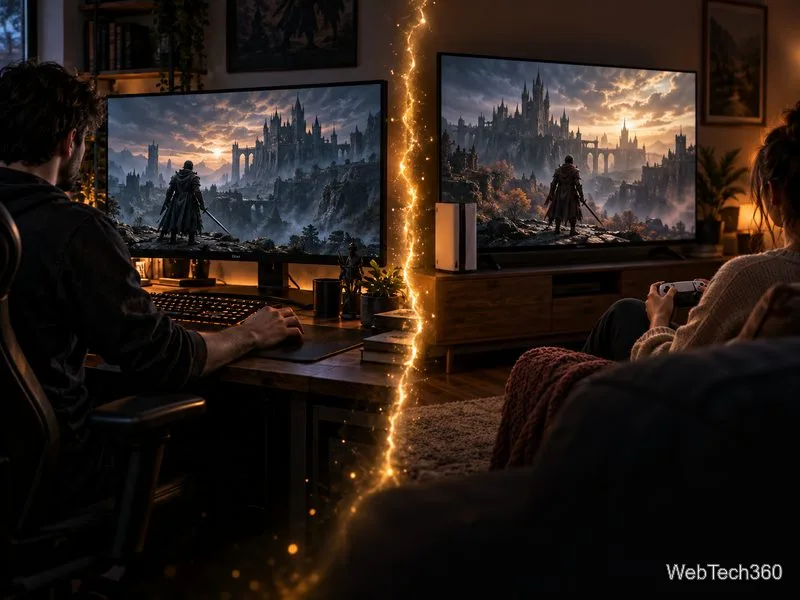
Elden Ring has cross-generation play but no cross-platform matchmaking. See which PS4, PS5, Xbox, Steam, and Switch 2 players can join the same session.
Pair a DUALSHOCK 4 with your PS4 using a USB cable, connect additional controllers, and troubleshoot charging or pairing problems with Sony-verified steps.
Get the latest on the Fortnite new season: the official Battle Pass end date, the current theme, and what Epic has—and has not—announced.
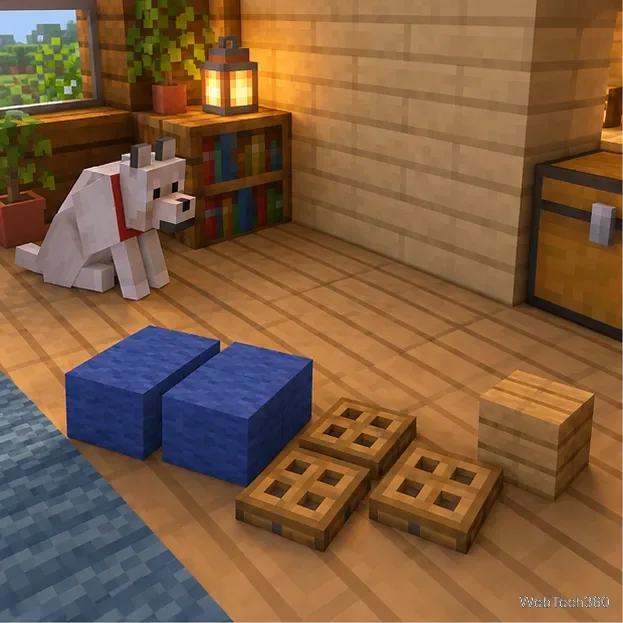
Make a cozy decorative dog bed in Minecraft with wool and trapdoors. Follow a compact four-step build and learn how to keep a tamed wolf beside it.
Learn how to plant red and brown mushrooms in Minecraft, choose a growing block, manage light, use bone meal, and harvest giant mushrooms.
Build an underground farm in Minecraft with a water-fed layout, crop-friendly lighting, planting tips, and fixes for stalled growth.
You can’t craft a bell in Minecraft, but you can get one by mining a village bell, trading with a smith villager, or checking a ruined portal chest.