Home
» GAMING
»
How to Parry in Assassin’s Creed Valhalla: Controls and Timing
How to Parry in Assassin’s Creed Valhalla: Controls and Timing
To parry in Assassin’s Creed Valhalla, tap the block or left-hand action button just before a parryable enemy attack lands. On the default layout, use L1 on PlayStation, LB on Xbox, or Q on PC keyboard and mouse. If you remapped controls, check the action shown in Options > Controls. A successful parry can interrupt the enemy and open a brief chance to counter. Attacks marked with a red warning cue are unblockable, so dodge them instead.
Ubisoft describes a quick tap of the block button during an enemy’s swing as the parry input. You do not need to press R3 after every parry: finishers and stun attacks have their own conditions and on-screen prompts.
Parry an attack in four steps
1. Face one opponent and watch the wind-up
Start with a single nearby enemy so you can see the weapon and the body movement that precede a strike. Stay within melee distance and keep Eivor facing the attacker. Do not press block as soon as the enemy notices you; wait for the actual swing to begin. The first flash or shoulder movement is a warning to prepare, while the weapon’s approach tells you when to tap.
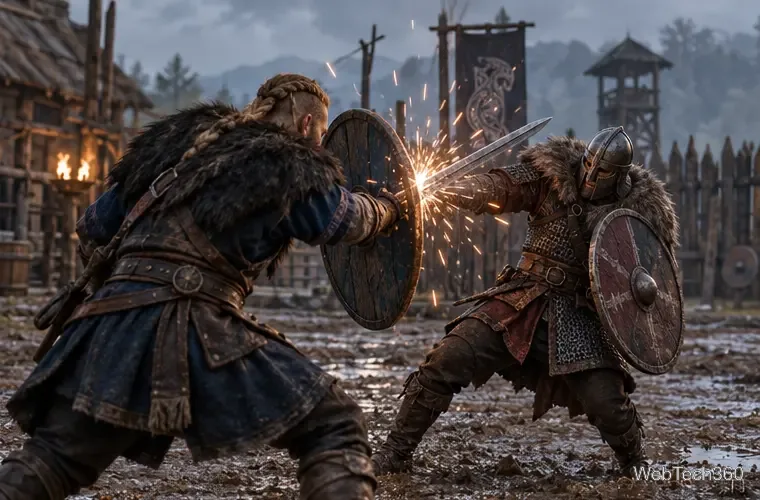
Watch the attacker’s weapon and posture as a regular strike begins.
2. Tap block as the weapon is about to connect
Press and release the block or left-hand action button as the strike is about to land. A quick tap is the important part; holding the input is not the same action. With an empty left hand, Ubisoft notes that holding the button performs a Hidden Blade stab, while tapping it as the enemy swings parries. A shield or weapon in the left hand also gives you a defensive option, but the timing still matters.
The parry happens at contact, when the incoming weapon reaches the shield.
3. Use the opening, then return to defense
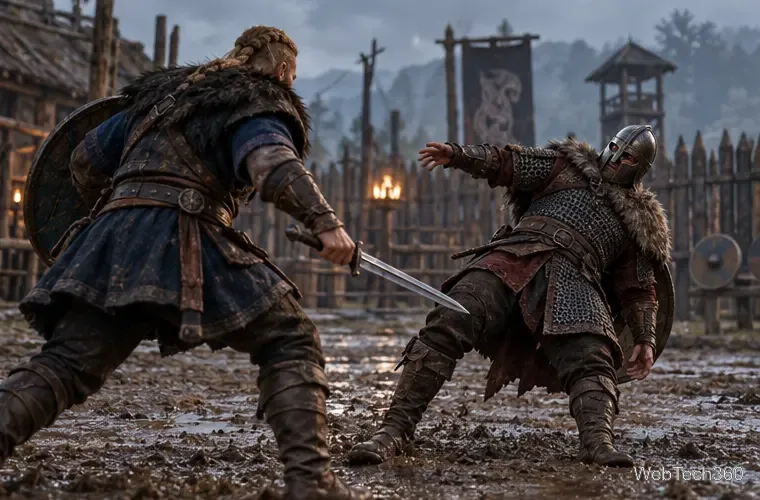
When the parry succeeds, the opponent recoils or becomes briefly vulnerable. Use that short opening for a light attack, a short combo, or a repositioning step, then watch for the next move. A parry is not a guarantee that the enemy is defeated, and there is no universal R3 follow-up after each one. If the game displays a stun-attack prompt, use the control it shows; otherwise, keep attacking only while the opening lasts.
The Perfect Parry skill adds damage when you parry at the right moment. Ubisoft introduced it as a skill that rewards a precisely timed parry; it is a bonus, not a requirement for the basic defensive move.
A stagger creates a moment to counter before the enemy recovers.
4. Dodge the red warning attack
Do not try to block every strike. When an enemy shows the red rune or red warning effect for a heavy, unblockable attack, dodge or roll out of its path. Wait for the swing to pass, then face the enemy again. This is especially useful in boss fights: bosses can mix ordinary attacks with moves that cannot be parried, so learn the sequence instead of relying on one defense every time.
Move clear of the red-marked strike, then re-engage after it passes.
Make the timing easier to learn
Practice against one enemy and focus on one successful tap at a time. If you press too early, the action may become an ordinary block or miss the parry window; if you press too late, the attack can hit. Avoid mashing the button, because repeated inputs make it harder to tell whether the timing or the attack type caused a hit. In a group, use a dodge to create space when you cannot see every attacker.
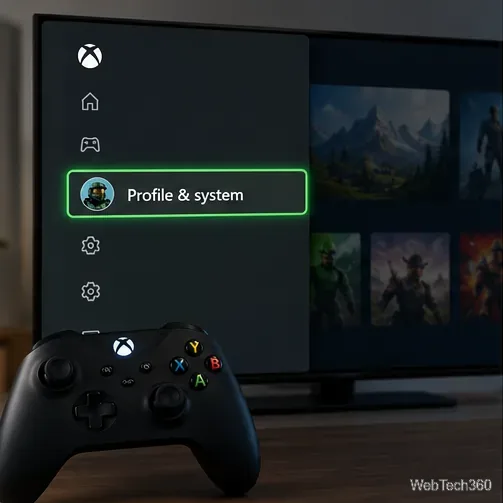
You can widen the timing window in the game’s combat settings. Open Options > Gameplay > Combat and choose a parry timing window of 400, 650, or 800 milliseconds. Ubisoft’s Title Update 1.4.1 notes list these values. Changing the combat settings switches the combat difficulty to Custom, and the game reloads the world after you confirm the change.
Keep some stamina available for dodging, especially when a red attack is likely. If a parry seems not to work, confirm that you are pressing the correct mapped action, that the enemy is using a parryable strike, and that you are close enough for the weapon to reach you. You can replay the game’s tutorials from the pause menu’s Codex tab if you want to review the combat prompts.