Home
» GAMING
»
How to Get Ronaldinho in FIFA 22: Play Him in Kick Off
How to Get Ronaldinho in FIFA 22: Play Him in Kick Off
Short answer: Choose Soccer Aid World XI FC in Kick Off to play as Ronaldinho. You cannot newly obtain his FUT Icon card today: EA retired FIFA 22’s online services and features on November 4, 2024. Soccer Aid is an offline match roster; it does not add him to Ultimate Team.
What “get Ronaldinho” means now
EA’s FIFA 22 Soccer Aid announcement lists Ronaldinho as a forward and confirms the team is playable in Kick-Off mode. Separately, EA’s service update records that FIFA 22 online services and features ended on November 4, 2024. That makes old FUT instructions about packs, the Transfer Market, and live challenges historical guidance rather than current ways to sign him.
How to play as Ronaldinho in FIFA 22
Use this offline match route. Menu labels and controller buttons may vary by platform; follow your game’s on-screen prompts.
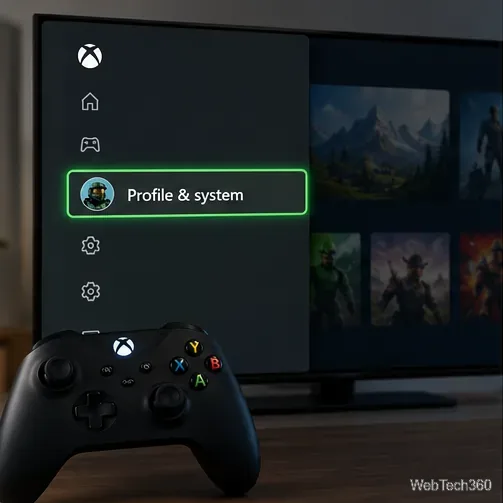
1. Open Kick Off
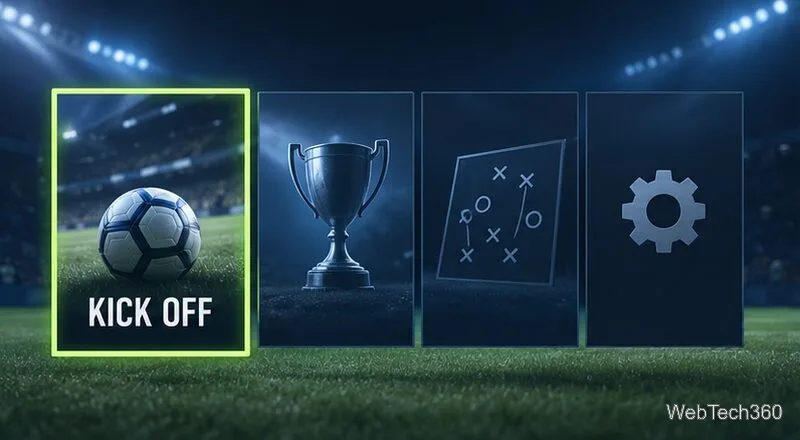
Start FIFA 22 and select Kick Off from the main menu to set up a standalone match. You do not need to enter Ultimate Team or spend coins.
Illustrative menu concept showing Kick Off as the route to a standalone match.
2. Select Soccer Aid World XI FC
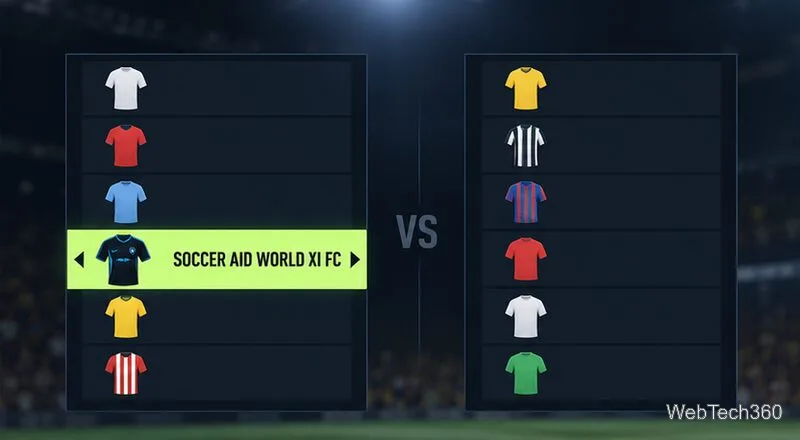
On team selection, choose Soccer Aid World XI FC for the side you want to control, then choose an opponent. EA confirms that Ronaldinho is in this team. Important: EA says Soccer Aid World XI FC is not available in FIFA 22 Legacy Edition on Nintendo Switch.
Illustrative team-selection concept showing Soccer Aid World XI FC.
3. Check the lineup
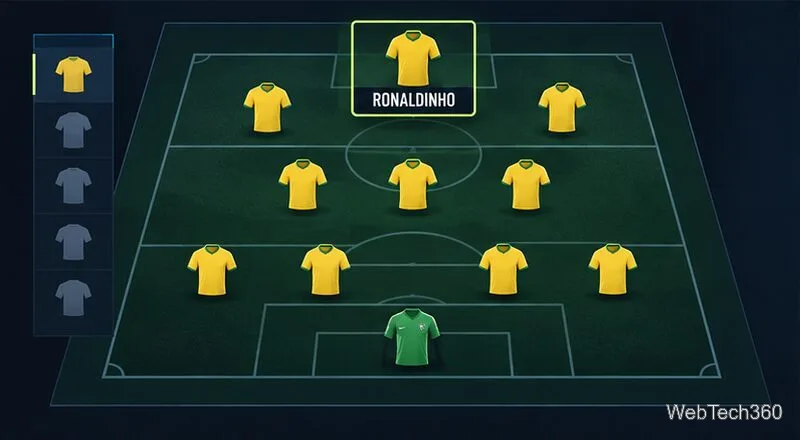
Open the lineup or team-management option before kickoff if you want to choose the starters. Ronaldinho is listed among the forwards. If he is on the bench, move him into a starting position using the controls shown for your platform. The image below is an illustration, not a captured FIFA 22 screen or a statement about ratings or formation.
Illustrative lineup concept identifying Ronaldinho among the forwards.
4. Start the match
Confirm the teams and begin the Kick Off match. You can control Ronaldinho as part of Soccer Aid World XI FC for that match. This does not create a player item or transfer him into a FUT squad.
A number 10 carries the ball toward goal in an illustrative match scene.
Why the old FUT methods are outdated
EA’s archived FUT 22 materials describe these methods from when the mode was online. They are not usable acquisition routes after the service shutdown:
Transfer Market: EA’s starter guide says FUT players could search listings and bid with coins or use a buy-now price. That online market is no longer an available way to sign Ronaldinho. The old claim that you must outbid others by a fixed amount is not an official rule.
Packs: Packs were a historical source of player items, but they did not guarantee a specific Icon. With FIFA 22’s online features retired, pack opening is not a current method to add Ronaldinho to a squad. No verified probability supports the old “under 0.1%” claim.
Icon SBCs and Icon Swaps: EA’s FUT 22 launch notes confirm both were part of that season. They relied on time-limited FUT content and online services; they are not live challenges now. Saving coins or waiting for a new Ronaldinho challenge will not bring them back.
If you cannot find the team
Make sure you selected Kick Off; EA identifies it as the mode for Soccer Aid World XI FC.
Check your edition. The official EA notice excludes FIFA 22 Legacy Edition on Nintendo Switch.
Check the starting lineup and substitutes. Ronaldinho is on the roster as a forward, but he may not be selected among the starters automatically.
If your goal is a FUT Icon card, the Kick Off roster cannot provide one. EA’s online-service notice is the reason the old market, pack, SBC, and Swaps instructions are no longer actionable.
Can I still get Ronaldinho’s FUT Icon card?
There is no current method through FIFA 22’s retired FUT services. Ronaldinho in Soccer Aid World XI FC is playable in Kick Off, but it is not his FUT item. Choose Soccer Aid for an offline match; do not expect that selection to change your Ultimate Team club.