Home
» GAMING
»
How to Become Friends in Animal Crossing: New Horizons: A Step-by-Step Guide
How to Become Friends in Animal Crossing: New Horizons: A Step-by-Step Guide
To become Best Friends in Animal Crossing: New Horizons, first connect with the other player through an online island visit, then use the Best Friends List app on your NookPhone to send a request. They must accept it. You can invite someone for a one-time visit with a Dodo Code, but a code alone does not make you console friends or Best Friends.
Know the difference before you invite anyone
Nintendo Switch friends are people on your console’s Friend List. You can find their open islands through the airport’s friend search. Best Friends is a separate in-game status managed through the Best Friends List app; Best Friends can use certain tools on each other’s islands. A Dodo Code is a temporary way to let someone visit without first adding them to your console Friend List.
For online play, each player needs an internet connection and a Nintendo Switch Online membership. Local wireless play is for people nearby with their own console and copy of the game; it does not require an internet connection. The airport opens on the second in-game day, the day after you arrive.
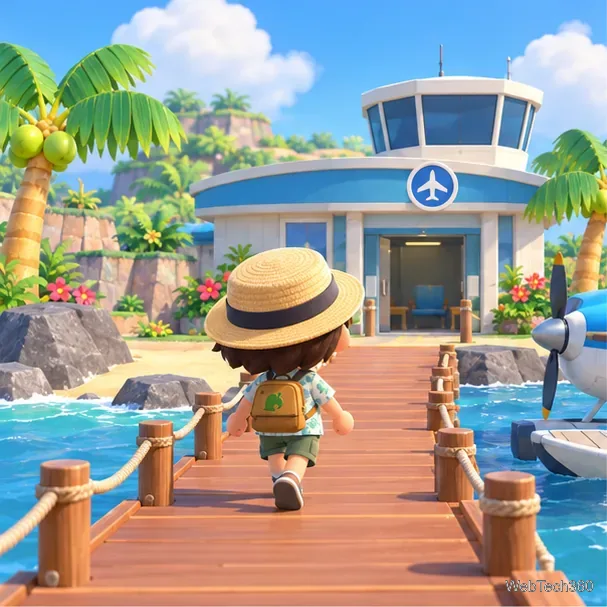
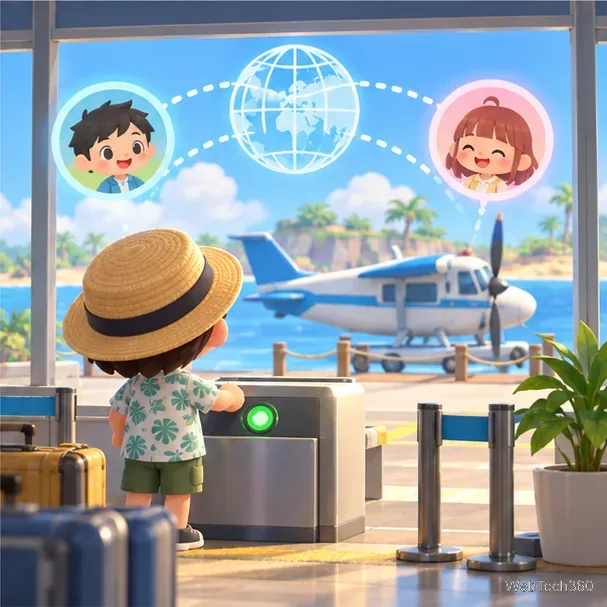
Illustration: the airport is the starting point for island visits.
How to become Best Friends step by step
1. Add each other to your Nintendo Switch Friend Lists
If you want to use the in-game Best Friends feature, make sure you and the other player are Nintendo Switch friends first. Send a friend request from the console’s Friend List using a friend code or another available method, then have the recipient accept it. You can skip this for a one-time Dodo Code visit, but the Best Friends List app is tied to online play with console friends.
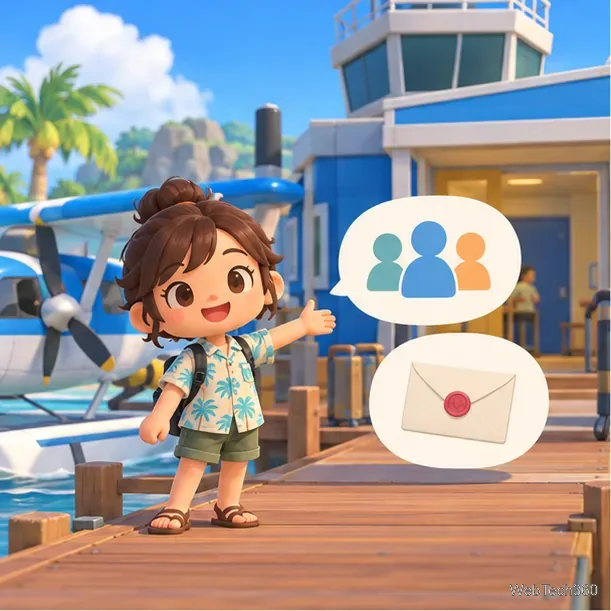
Illustration: a player prepares to connect with friends before opening the island.
2. Choose local wireless or online play
Use local wireless when the other player is physically nearby and both of you have a console and the game. Choose online play for friends in another location. Online sessions require Nintendo Switch Online; a Dodo Code does not bypass that requirement.
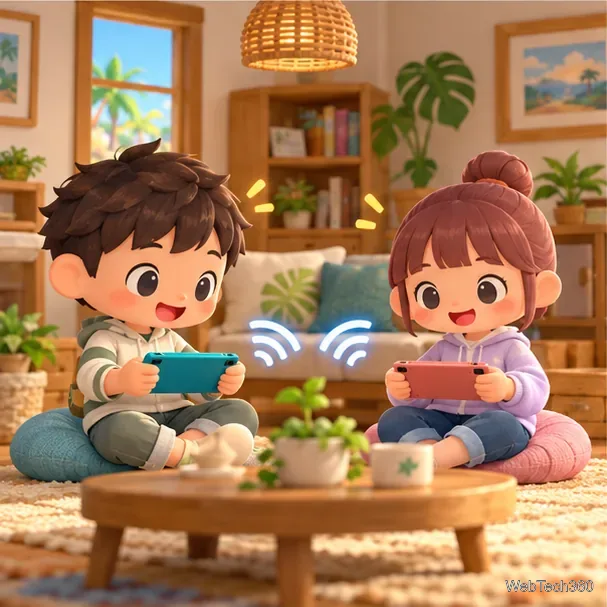
Illustration: nearby players can connect through local wireless play.
3. Open your island as the host
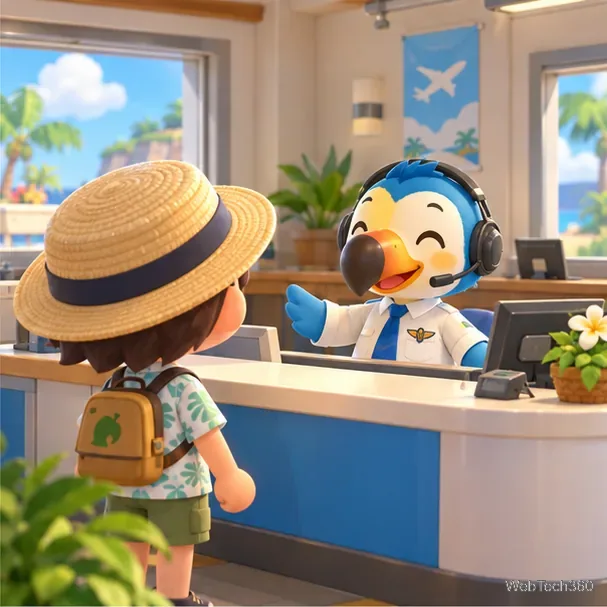
Go to the airport and speak with Orville behind the counter. Select I want visitors, choose Via online play or Via local play, and continue through the confirmation. If you are visiting instead of hosting, choose I wanna fly!.
Illustration: speak with the airport attendant to start a multiplayer session.
4. Decide who can enter
For an online session, select All my friends! to open the gate to people on your Nintendo Switch Friend List. To invite a specific person who is not on that list, choose Invite via Dodo Code and share the five-digit code privately. For local wireless, you can open the gate to nearby players or choose Let’s set a code to create a four-digit code. Keep the gate open while your friend travels over.
Illustration: the host opens an online session for a friend to join.
5. Have your friend fly to the island
Your friend should go to their airport, speak with Orville, select I wanna fly!, then choose the matching local or online option. Online visitors can select Search for a friend or Search via Dodo Code. Local visitors select the host’s island when it appears and enter the four-digit code if the host set one. Confirm the island name and select Let’s fly.
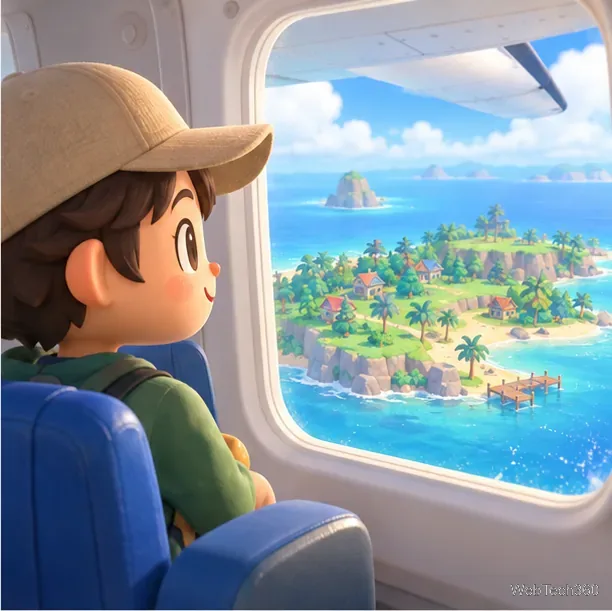
Illustration: a visitor travels by plane to the host’s island.
6. Meet on the island at least once online
Wait for the visitor to arrive and play together. Nintendo’s support guidance says the Best Friends List app is added to the NookPhone during online play with a Nintendo Switch friend. If you used only local wireless or a Dodo Code with someone who is not on your Friend List, add each other on the console and connect online before trying to send a Best Friends request.
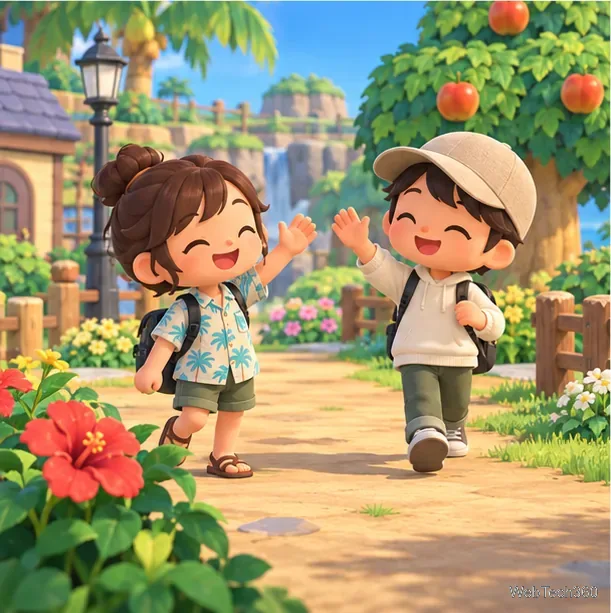
Illustration: both players meet during their shared island visit.
7. Send the Best Friends request
Press ZL to open your NookPhone and select Best Friends List. If you do not see the app, move to the next NookPhone page and confirm you have played online with that console friend. Select the player’s name and choose Ask to Be Best Friends. They must accept the request on their side before the status changes.
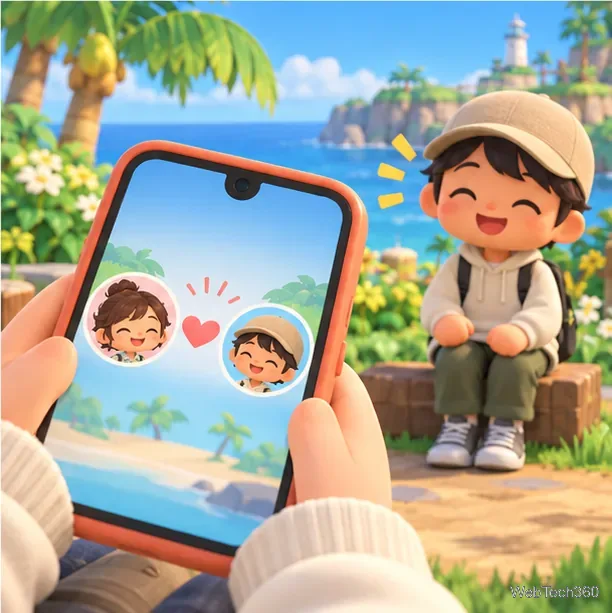
Illustration: the Best Friends app represents a mutual in-game friendship request.
8. Close the gate when the visit is over
When everyone you invited has arrived, speak with Orville and choose Please close the gate to stop new visitors from joining. Guests can return home through the airport. Best Friends can use tools such as axes and shovels on your island, so reserve that status for people you trust. Ask before picking up dropped materials or fossils, and get permission before buying a limited-stock shop item.
If the Best Friends app is missing
Check that you have added the other player to your Nintendo Switch Friend List and that you have connected through online play. Nintendo’s troubleshooting guidance says the app is added when you open your island to friends online. If the app exists but is not visible, switch to another NookPhone page.