Home
» GAMING
»
How to Spawn Villagers in Minecraft: 4 Methods That Work
How to Spawn Villagers in Minecraft: 4 Methods That Work
To get villagers in Minecraft, bring residents from a naturally generated village, breed two adults, use a Creative spawn egg or the /summon command, or cure a Zombie Villager. A house you build yourself will not generate villagers on its own. For Survival, transporting two villagers and giving them enough food and beds is the reliable way to grow a settlement.
Before you start: a player-built village does not create villagers
Villagers appear in villages that generate as the world is created. If an existing settlement is empty, adding houses, doors, beds, or workstations will not make new adults appear. You need to bring at least two villagers there, cure Zombie Villagers, or use Creative tools. The official Minecraft guide to rare structures describes villages as Overworld structures with houses for villagers.
Method 1: Find villagers and move them to your settlement
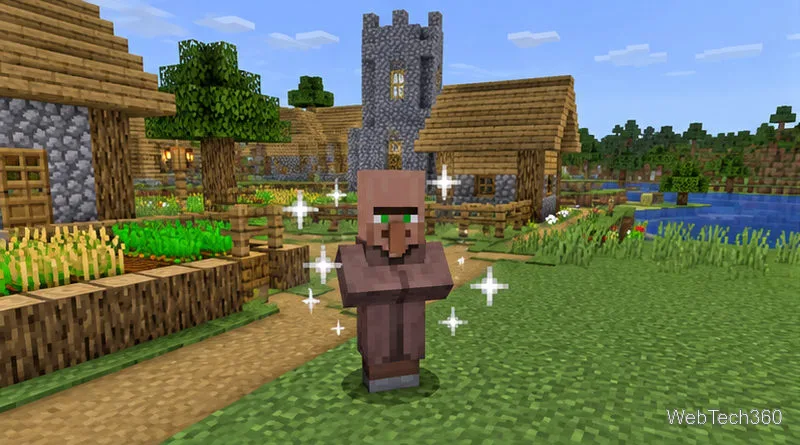
Step 1: Find a naturally generated village
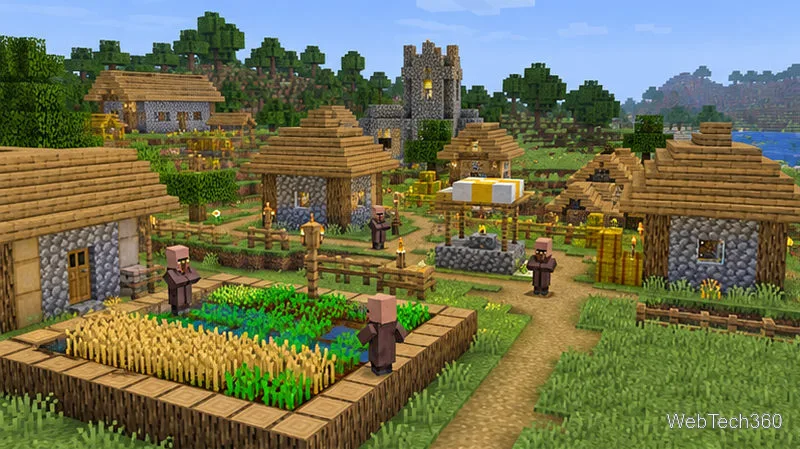
Explore the Overworld until you find a village with living villagers. Choose two adults so you can breed more residents later.
A naturally generated village is the simplest Survival source for your first residents.
Step 2: Transport two villagers safely
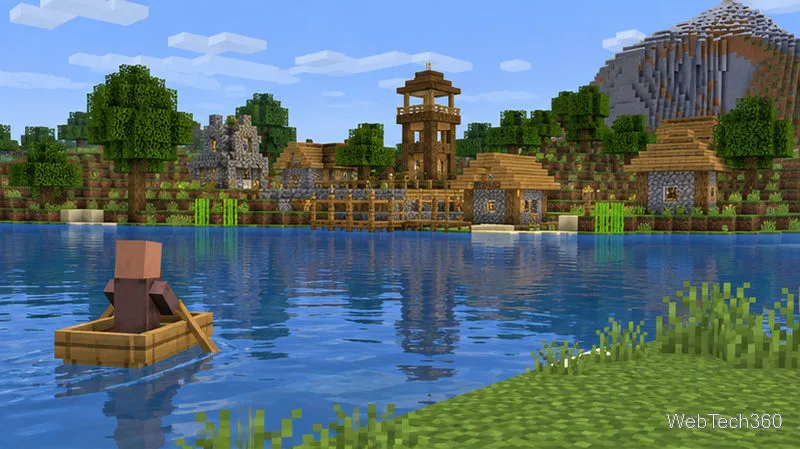
Use a boat on water or a minecart on rails. Move one villager at a time if needed and protect them from hostile mobs. At your destination, enclose them in a lit area with controlled entry and room to reach beds and each other.
A boat can carry a villager along a water route to a new home.
Method 2: Breed villagers with beds and food
Step 3: Prepare a safe breeding area
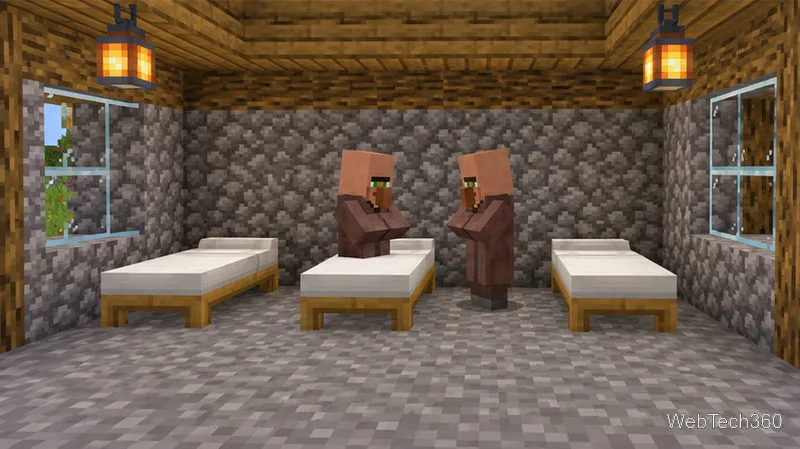
Place two adult villagers in a secure room or fenced area. Add at least three unclaimed, reachable beds: one for each adult and one for the baby. Leave clear space above the beds so villagers can use them, and add another available bed before each additional baby you want to support. Job-site blocks and doors are not required for breeding.
Provide a reachable bed for both adults and at least one extra for a baby.
Step 4: Give both adults food and wait
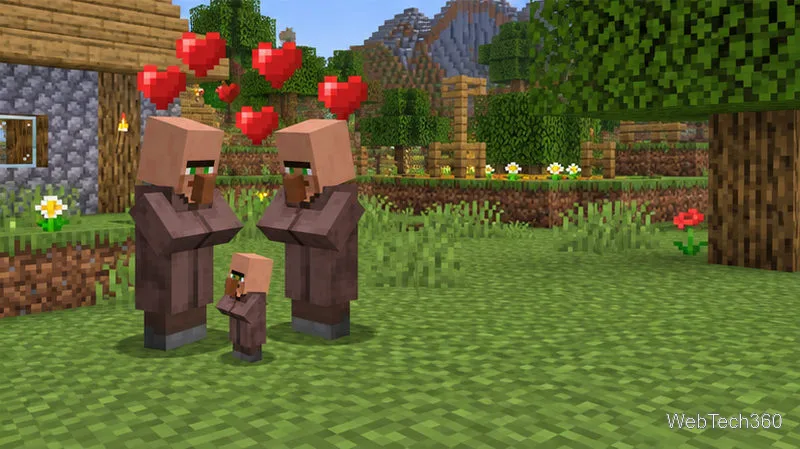
Drop food near the villagers so they can pick it up. Each adult needs either 3 bread or 12 carrots, potatoes, or beetroot in its inventory to become willing to breed. When the conditions are met, hearts appear and a baby villager can arrive. If hearts appear but no baby follows, check for an unclaimed bed with clear space above it; if there are no hearts, make sure both adults have enough food.
Heart particles show the villagers are attempting to breed.
Method 3: Use a spawn egg or summon command
Step 5: Place a Villager Spawn Egg in Creative
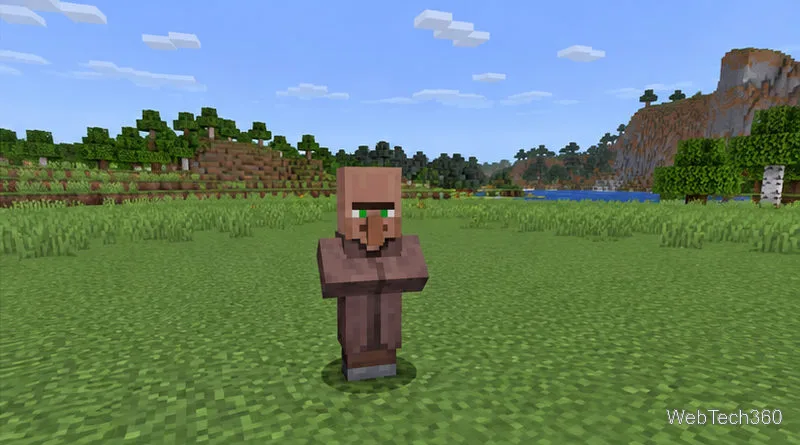
In Creative mode, open the inventory, find a Villager Spawn Egg, and use it on a safe block with room above it. This is the quickest no-command option when you are building or testing. In Survival, a spawn egg is only useful if your world or server has provided one.
A Creative spawn egg places a villager directly where you use it.
Step 6: Summon a villager with a command
Commands require the right permissions. In Bedrock single-player, enable Allow Cheats in the world settings; Minecraft notes that this disables achievements for that world. In Java single-player, enable commands in the world options. On a multiplayer server or Realm, you may need operator permissions.
Open chat and enter the command for your edition. These examples place the villager one block above your current position:
Java Edition:/summon minecraft:villager ~ ~1 ~
Bedrock Edition:/summon villager ~ ~1 ~
The three tilde coordinates are relative to you. Replace them with X, Y, and Z coordinates to choose a specific location. The Minecraft commands guide explains how to enable and enter commands; the Bedrock summon reference lists the current Bedrock syntax.
Choose a clear block so a summoned villager does not appear inside terrain.
Method 4: Cure a Zombie Villager
Step 7: Secure the Zombie Villager and apply Weakness
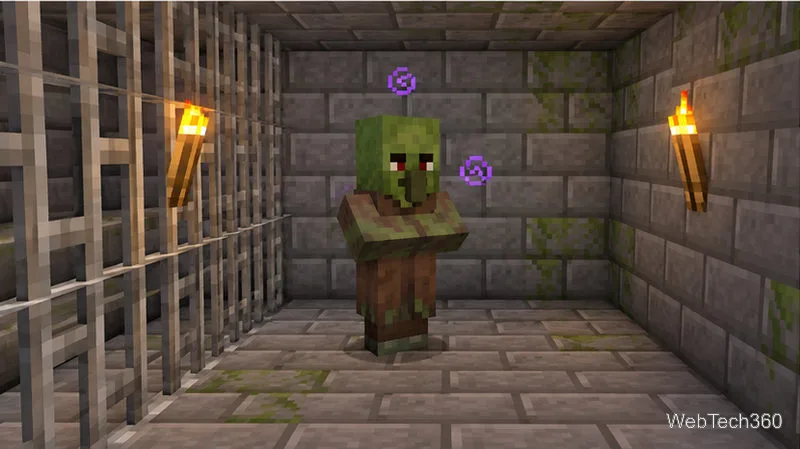
If you find a Zombie Villager, move it into a roofed, well-lit enclosure so it is protected from sunlight and other mobs. Throw a Splash Potion of Weakness at it. A regular drinkable potion will not apply the effect from a distance; use a splash potion you can throw.
Keep the Zombie Villager enclosed while the Weakness effect is active.
Step 8: Use a golden apple and wait for the cure
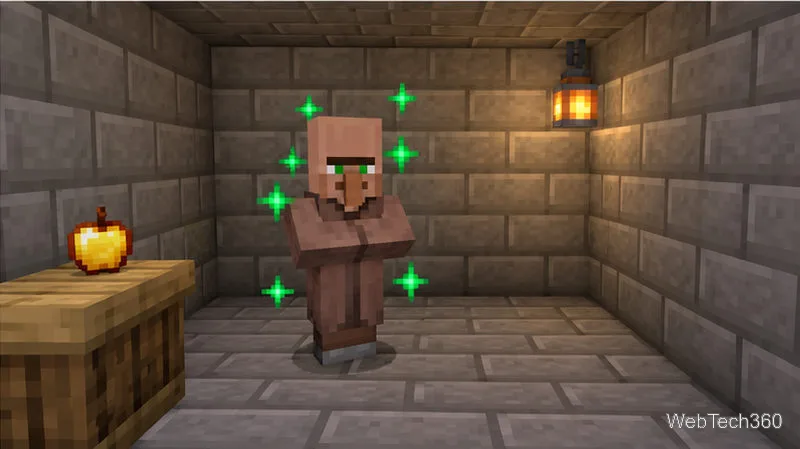
While the Zombie Villager is weakened, use a regular, unenchanted Golden Apple on it. Green particles indicate the cure has started; keep the enclosure closed while it completes. It can take a few minutes. Minecraft’s guides confirm the order: apply Weakness first, then use the golden apple. See the official splash potion instructions and golden apple guide.
Green particles indicate the villager is recovering after the golden apple.
Quick troubleshooting
Empty houses: Bring villagers from an existing village, use a spawn option, or cure a Zombie Villager.
No baby: Check adult status, food, and an extra reachable bed with clear space above it.
Command or cure fails: Check permissions and edition syntax; for a cure, apply Splash Potion of Weakness before the Golden Apple.
For Survival, transport two residents and expand with beds and food. Use Creative spawning or commands for immediate placement, or cure a Zombie Villager when one is available.