MyIPTV Player for Windows 10: How to Set Up and Use It
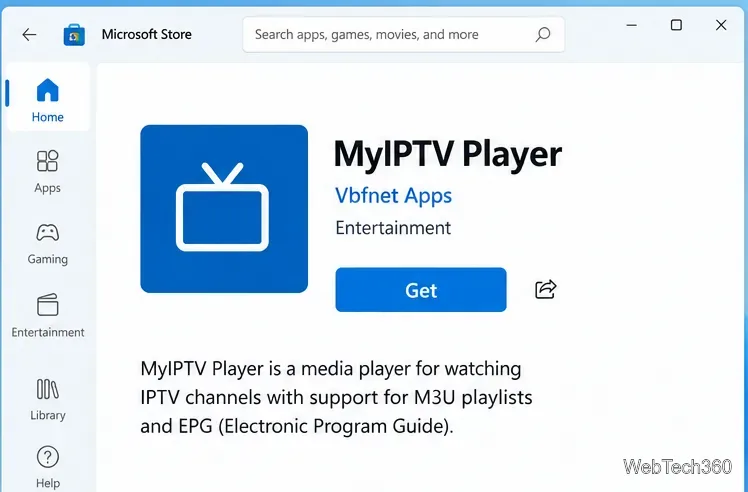
Learn how to install MyIPTV Player on Windows 10, add an M3U playlist and EPG, refresh channels, and fix common setup or playback problems.
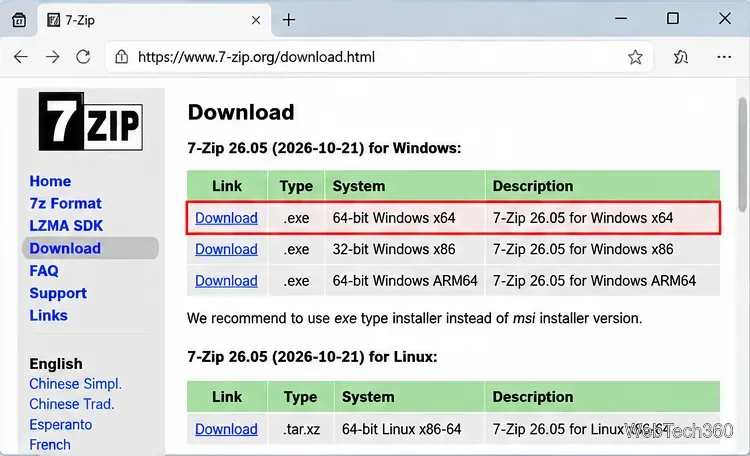
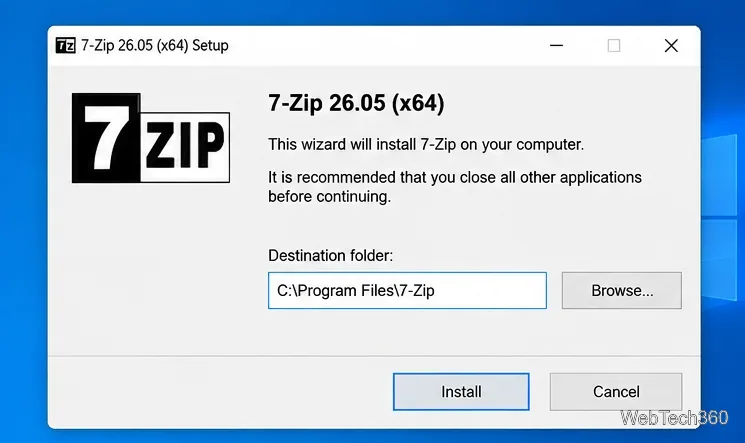
7-Zip for Windows 10 is a free, open-source file archiver for creating and extracting compressed files. The official 7-Zip site still lists Windows 10 as supported, and the current release at the time of this rewrite is 7-Zip 26.05, released October 21, 2026. For most Windows 10 PCs, the 64-bit x64 installer is the right choice.
One important platform note: Microsoft ended free support for Windows 10 on October 14, 2025. Your PC can still run 7-Zip, but an unsupported operating system carries broader security risks. Microsoft explains the status on its Windows 10 support page.
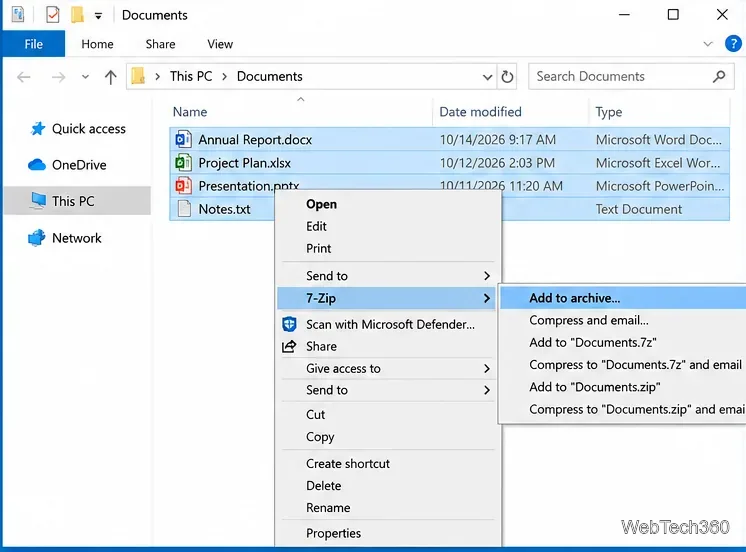
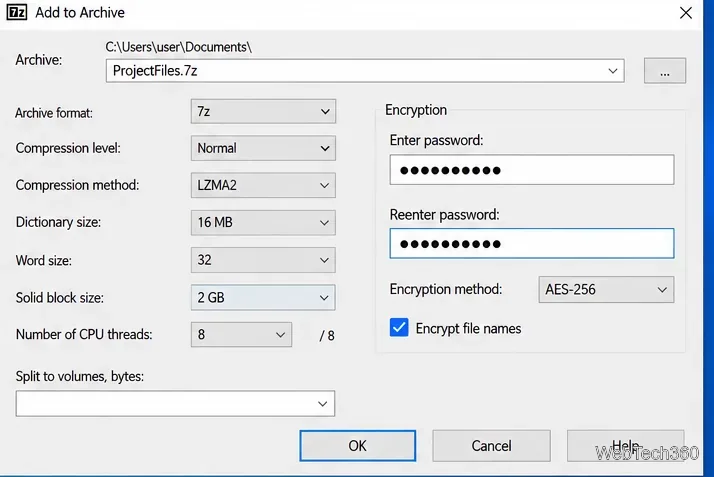
Select the files or folders you want to archive, right-click the selection, open the 7-Zip submenu, and choose Add to archive.... Quick menu commands can also create a .7z or .zip archive directly, but the full dialog gives you control over format, compression level, and encryption.
In the Add to Archive window, choose 7z when you want 7-Zip's native format and features such as solid compression and filename encryption. Choose zip when compatibility with other devices and built-in archive tools matters more. For 7z archives, LZMA2 is a standard choice; higher compression levels can reduce size further but take more CPU time and memory.
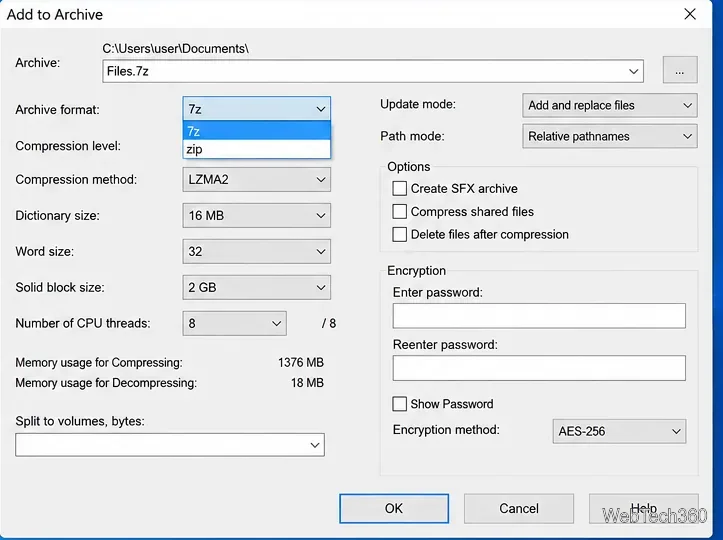
7-Zip supports AES-256 encryption for 7z and ZIP archives. In the Encryption section, enter the password twice. With 7z, you can also enable Encrypt file names so someone cannot browse the archive's file list without the password. Store the password somewhere safe; 7-Zip does not provide a password-recovery service.
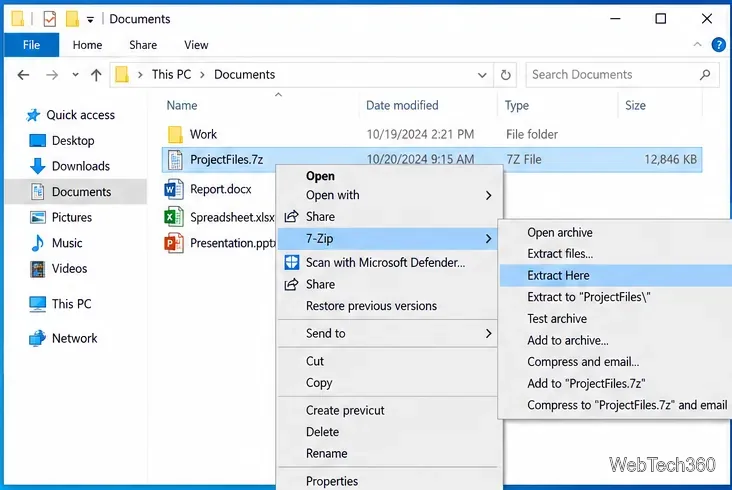
Right-click an archive and open the 7-Zip submenu. Choose Extract Here to place files in the current folder, or Extract to “folder name\” to keep the extracted contents together in a new folder. The second option is usually cleaner when an archive contains many files.
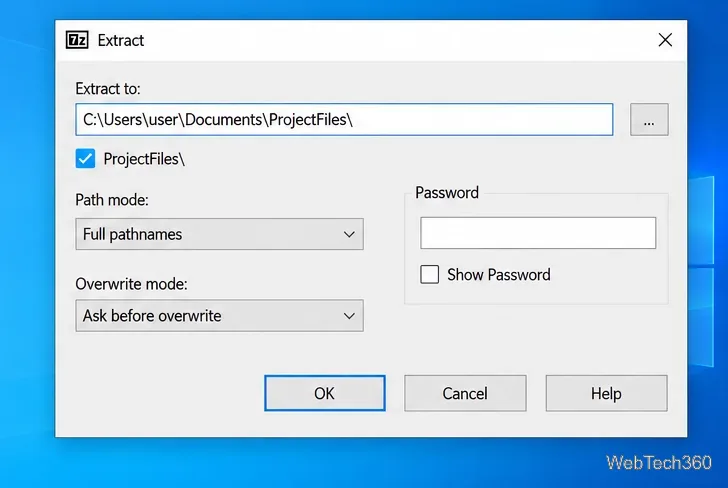
If you choose Extract files..., 7-Zip opens a dialog where you can change the destination, overwrite behavior, and password for an encrypted archive. Review the destination before selecting OK, especially when extracting an unfamiliar archive.
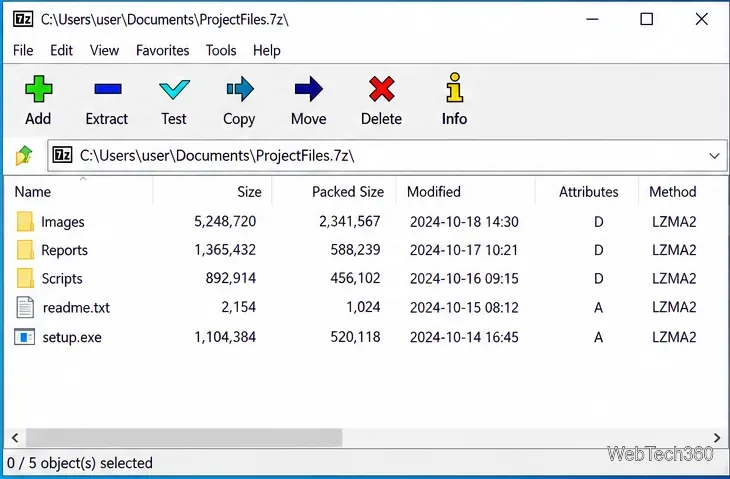
You can open an archive in 7-Zip File Manager to browse its folders and files without extracting everything first. The toolbar also includes a Test command, which checks archive integrity for read or CRC errors. A successful test does not prove that files are malware-free, so treat archives from unknown sources cautiously.
According to the official feature list, 7-Zip can create and extract 7z, XZ, BZIP2, GZIP, TAR, ZIP, and WIM archives. It can also extract many additional formats, including RAR, ISO, DMG, VHD, VHDX, VMDK, RPM, and several disk or filesystem images. The 7z format documentation describes its open architecture, LZMA/LZMA2 compression, solid compression, and AES-256 encryption.
7-Zip is legitimate open-source software when downloaded from the official site. The better safety practice is to keep it updated rather than rely on an old malware-scan result for a previous installer. 7-Zip's own release notes show that recent versions have included security-related fixes, including changes to symbolic-link handling and fixes for bugs and vulnerabilities. If you are troubleshooting an archive, the official 7-Zip FAQ also recommends using the latest version and the correct x64 build on 64-bit Windows.
For everyday use, the simplest setup is: install the current x64 build on a typical 64-bit Windows 10 PC, use ZIP when broad compatibility matters, use 7z when you want stronger archive features or better compression options, and update 7-Zip when a new stable release is available.
Learn how to install MyIPTV Player on Windows 10, add an M3U playlist and EPG, refresh channels, and fix common setup or playback problems.
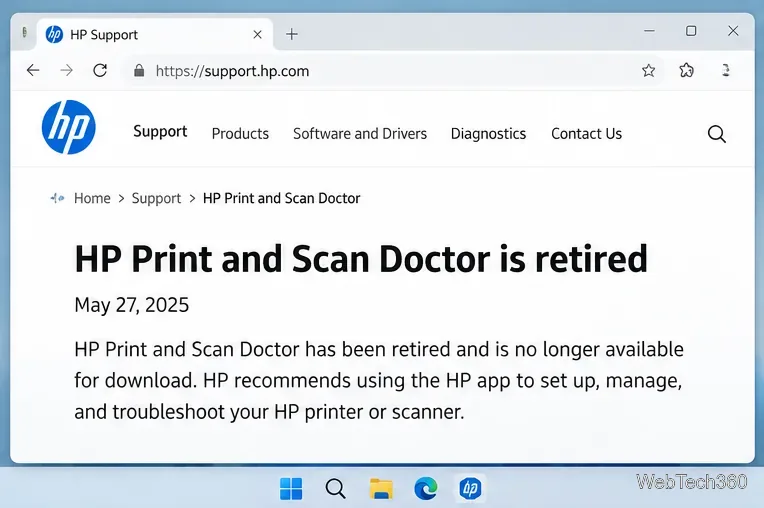
HP Print and Scan Doctor was retired by HP on May 27, 2025. Learn what replaced it, how to run Diagnose & Fix, and how to remove old copies safely.
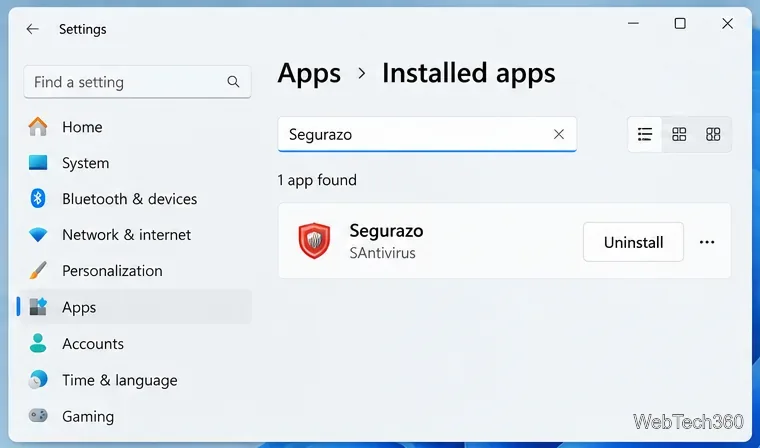
Is Segurazo a virus? Learn how to remove Segurazo or SAntivirus safely, scan for leftovers, and avoid risky registry-cleanup advice.
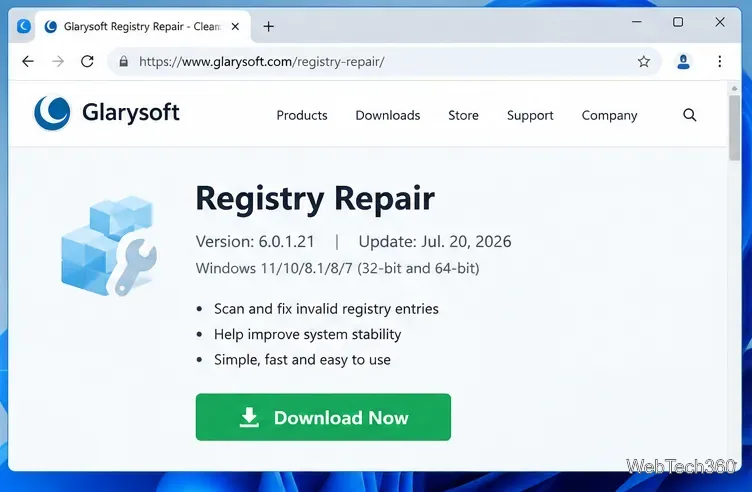
Learn what Glarysoft Registry Repair does, how to use its scan and backup tools, and why Microsoft recommends caution with registry cleaners.
Download Wise Registry Cleaner safely from the official site, learn the safest scan settings, backup options, and whether this free Windows tool is worth using.
Download and install 7-Zip for Windows 10, then learn how to compress, extract, test, and password-protect archives safely.
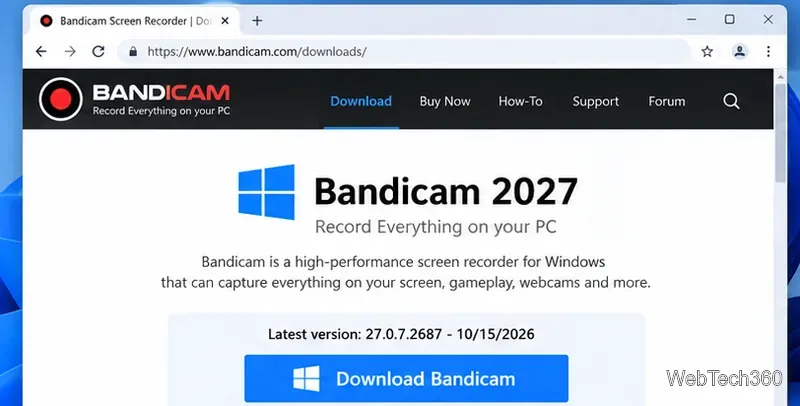
Learn how to download and install Bandicam 2027, record your screen, find saved videos, adjust key settings, and understand the free version limits.
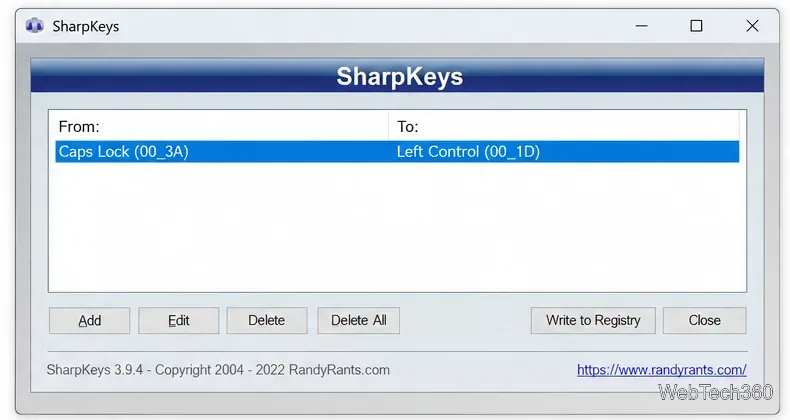
Download and install SharpKeys on Windows 10, then remap, disable, swap, or restore keyboard keys safely using the Windows Scancode Map.
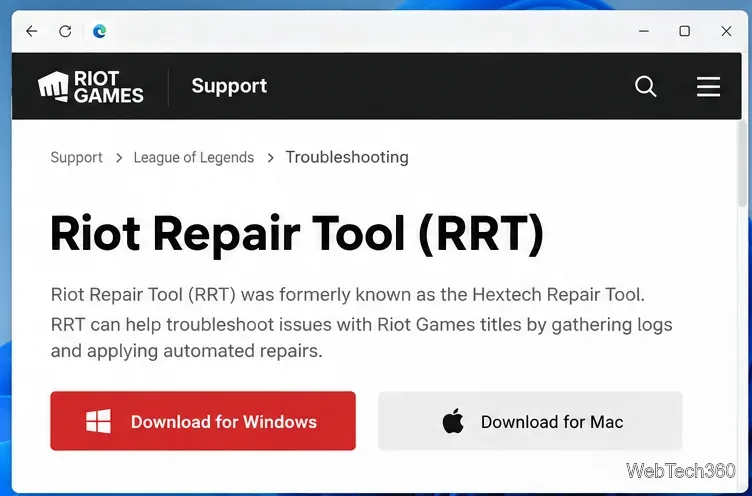
Hextech Repair Tool is now Riot Repair Tool. Learn where to download it safely, collect League of Legends logs, run repairs, and contact Riot Support.
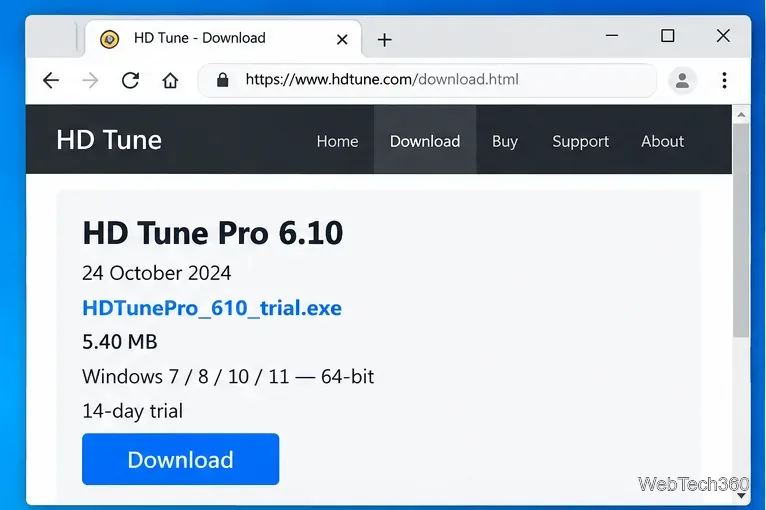
Download and install HD Tune Pro on Windows 10, choose the supported version, run benchmarks, check S.M.A.R.T. health, and scan drives for errors.