MyIPTV Player for Windows 10: How to Set Up and Use It
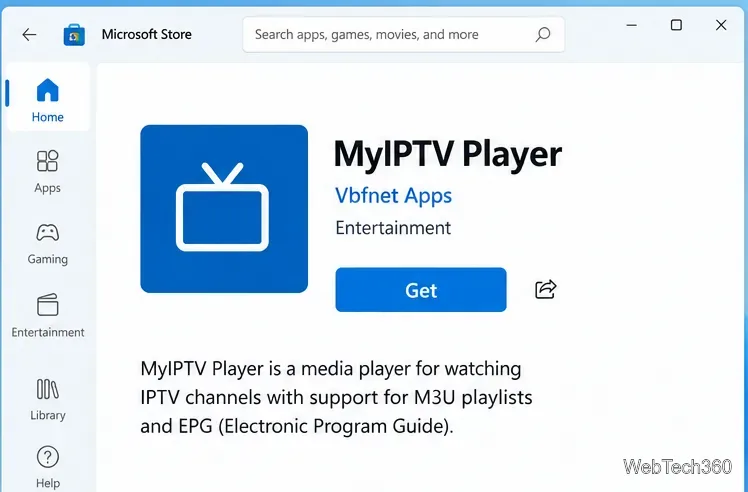
Learn how to install MyIPTV Player on Windows 10, add an M3U playlist and EPG, refresh channels, and fix common setup or playback problems.
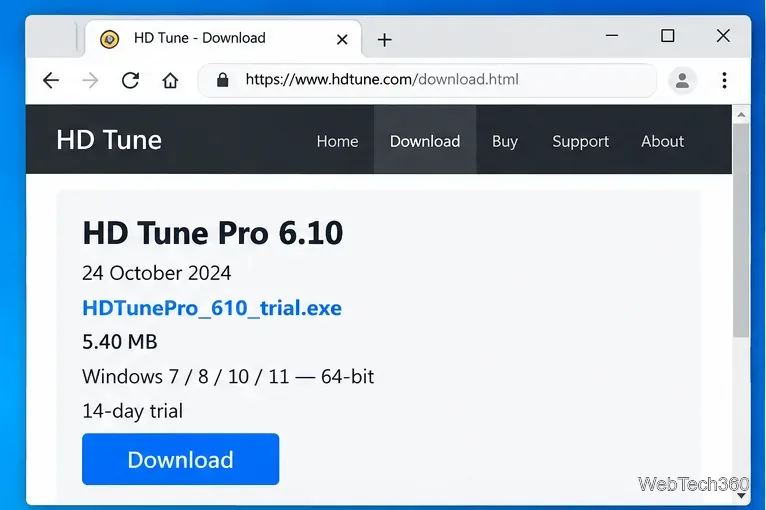
If you want to download HD Tune for Windows 10, use the current HD Tune Pro release rather than the old free edition. The developer lists HD Tune Pro 6.10, released October 24, 2024, as compatible with 64-bit Windows 10 and Windows 11. The older free HD Tune 2.55 is still available, but its official compatibility list stops at Windows 7, so it is not the recommended choice for a Windows 10 PC.
The official HD Tune download page currently provides two main editions:
| Edition | Current official listing | Best choice for Windows 10? |
|---|---|---|
| HD Tune Pro | Version 6.10, 5.40 MB installer, 14-day trial, 64-bit Windows 7/8/10/11 | Yes |
| HD Tune | Version 2.55 from 2008, free for personal use, officially listed for Windows 2000 through Windows 7 | No; it is a legacy release |
HD Tune Pro supports internal and external hard drives, SSDs, USB storage, and memory card readers, although some functions depend on what the drive or USB bridge exposes to Windows.
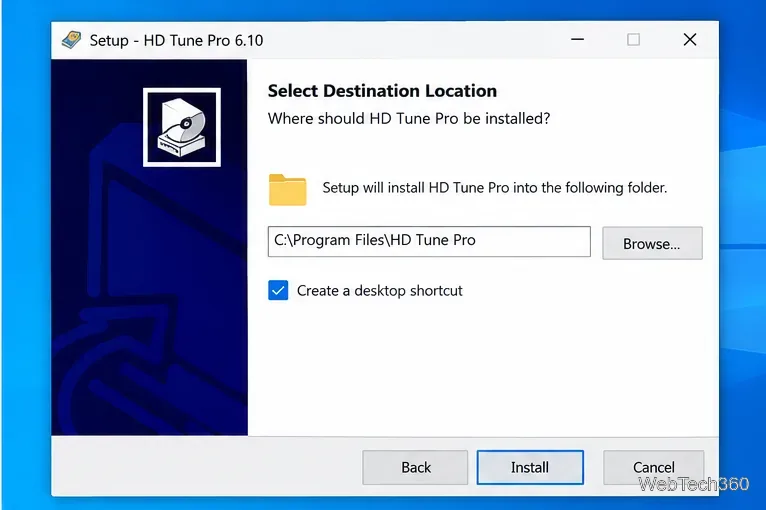
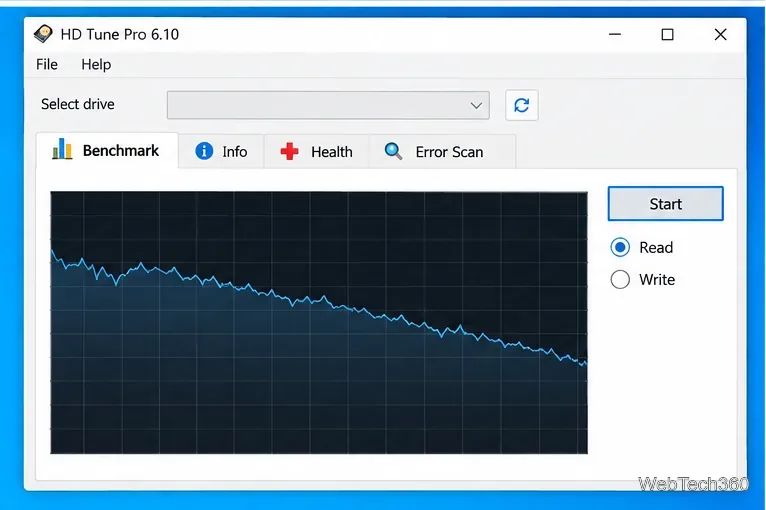
Open Benchmark, select Read, and start the test. HD Tune Pro graphs transfer performance across the tested range. A benchmark is useful for spotting unusually inconsistent performance, but one result alone does not prove that a drive is healthy or failing. Close heavy disk activity first if you want a cleaner comparison.
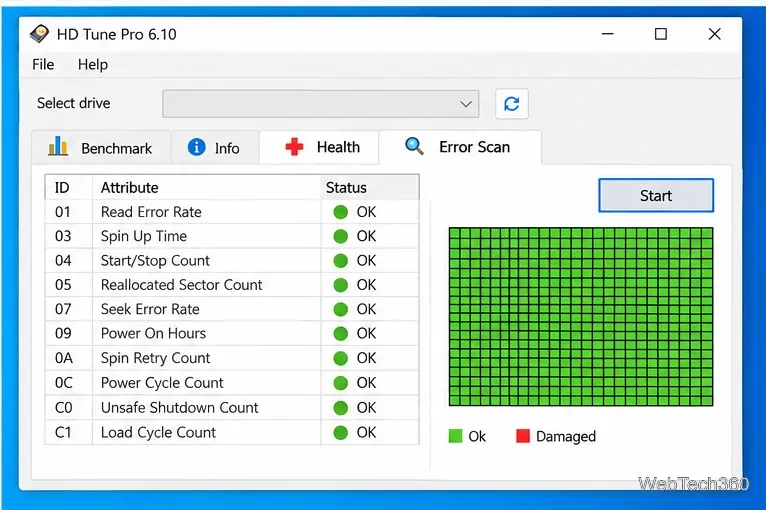
Use Health to review S.M.A.R.T. information reported by the drive. HD Tune Pro 6 added NVMe health support, but the exact attributes available still depend on the hardware and connection. External USB enclosures may not pass every health or temperature value through to the program.
Next, open Error Scan and start a scan to look for unreadable areas. If the scan reports damaged blocks or the Health page shows a serious warning, back up important files before doing more testing. A disk utility can help identify symptoms, but it is not a substitute for a current backup.
According to the HD Tune developer, the Pro edition includes read and write benchmarks, detailed drive information, S.M.A.R.T. health data, error scanning, file benchmarks, folder-usage analysis, extra tests, disk monitoring, temperature statistics, S.M.A.R.T. self-tests, and secure erase.
Be careful with write and erase features. A read benchmark and normal health checks are the safer starting point when the drive contains important data. Secure erase is intentionally destructive, so never use it on a drive whose files you need to keep.
HD Tune Pro is commercial software with a 14-day trial according to the current download page. The developer currently lists a single-user license at $29.95 USD or €24.95. The legacy HD Tune 2.55 edition is free for personal use, but it is not officially listed as supporting Windows 10.
HD Tune Pro still lists Windows 10 as a supported operating system, but Microsoft ended standard Windows 10 support on October 14, 2025. If you continue using Windows 10, review Microsoft's Windows 10 end-of-support guidance and consider Windows 11 or an applicable Extended Security Updates option.
Learn how to install MyIPTV Player on Windows 10, add an M3U playlist and EPG, refresh channels, and fix common setup or playback problems.
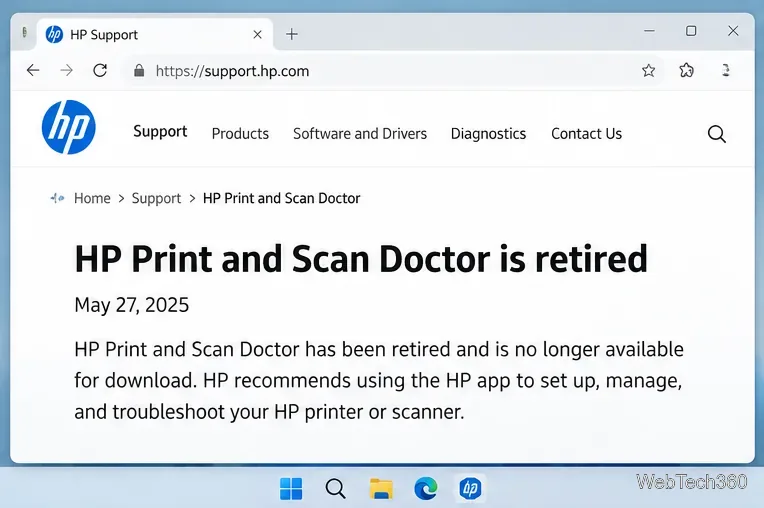
HP Print and Scan Doctor was retired by HP on May 27, 2025. Learn what replaced it, how to run Diagnose & Fix, and how to remove old copies safely.
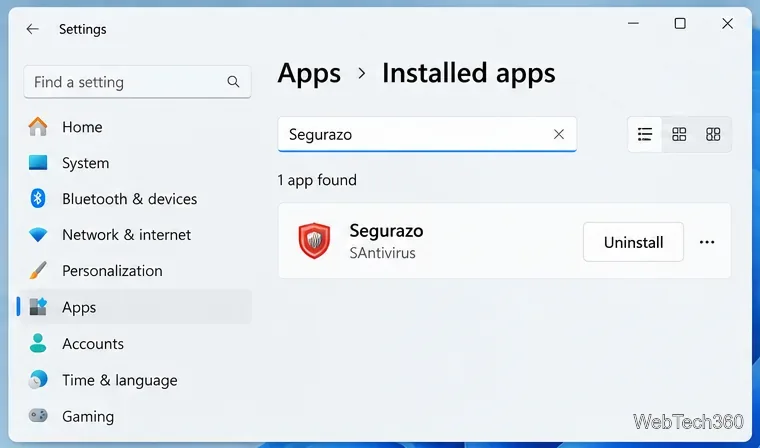
Is Segurazo a virus? Learn how to remove Segurazo or SAntivirus safely, scan for leftovers, and avoid risky registry-cleanup advice.
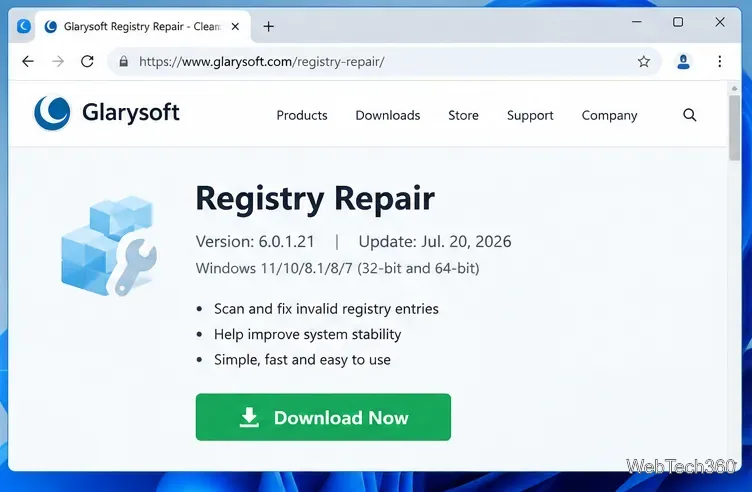
Learn what Glarysoft Registry Repair does, how to use its scan and backup tools, and why Microsoft recommends caution with registry cleaners.
Download Wise Registry Cleaner safely from the official site, learn the safest scan settings, backup options, and whether this free Windows tool is worth using.
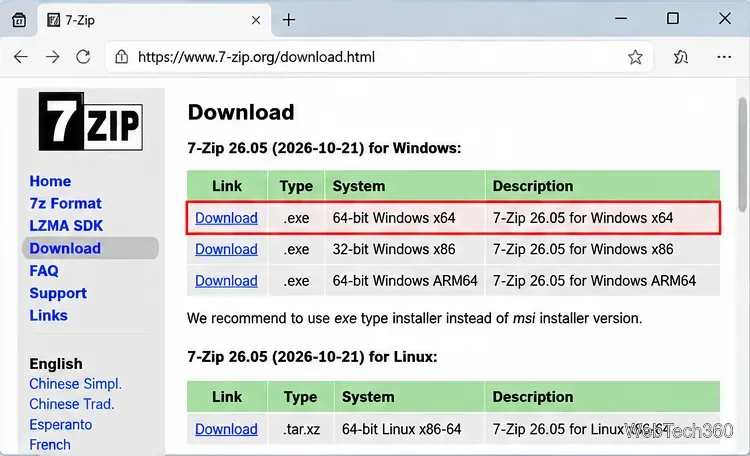
Download and install 7-Zip for Windows 10, then learn how to compress, extract, test, and password-protect archives safely.
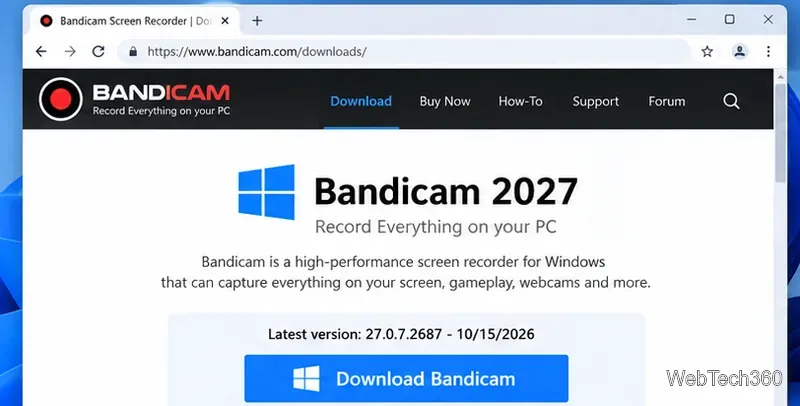
Learn how to download and install Bandicam 2027, record your screen, find saved videos, adjust key settings, and understand the free version limits.
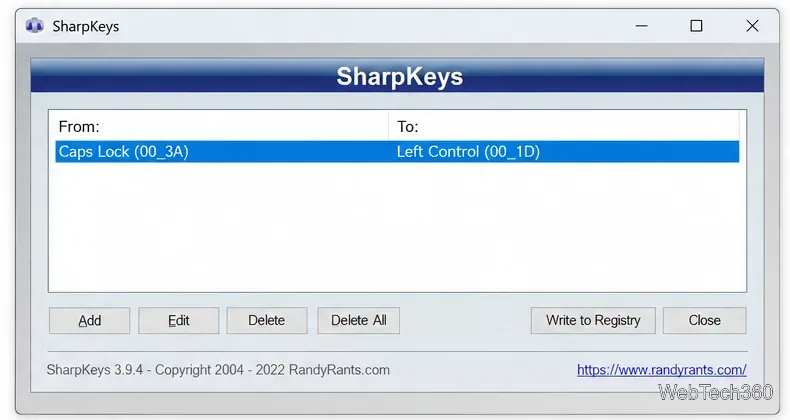
Download and install SharpKeys on Windows 10, then remap, disable, swap, or restore keyboard keys safely using the Windows Scancode Map.
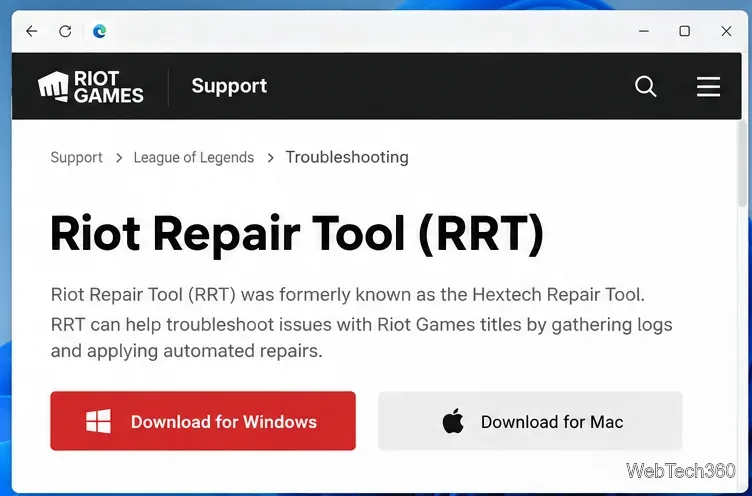
Hextech Repair Tool is now Riot Repair Tool. Learn where to download it safely, collect League of Legends logs, run repairs, and contact Riot Support.
Download and install HD Tune Pro on Windows 10, choose the supported version, run benchmarks, check S.M.A.R.T. health, and scan drives for errors.