How to Fix Thunderbird High RAM Usage and Slow Performance

Diagnose Thunderbird memory use and sluggishness with safe, step-by-step checks for add-ons, indexing, profiles, and system bottlenecks.
Diagnose Thunderbird memory use and sluggishness with safe, step-by-step checks for add-ons, indexing, profiles, and system bottlenecks.
Connect Thunderbird to an LDAP directory, choose secure server settings, enable address autocomplete, and troubleshoot common lookup problems.
Troubleshoot Thunderbird and Nextcloud CalDAV sync problems by checking calendar selection, server URLs, credentials, certificates, permissions, and DAV access.
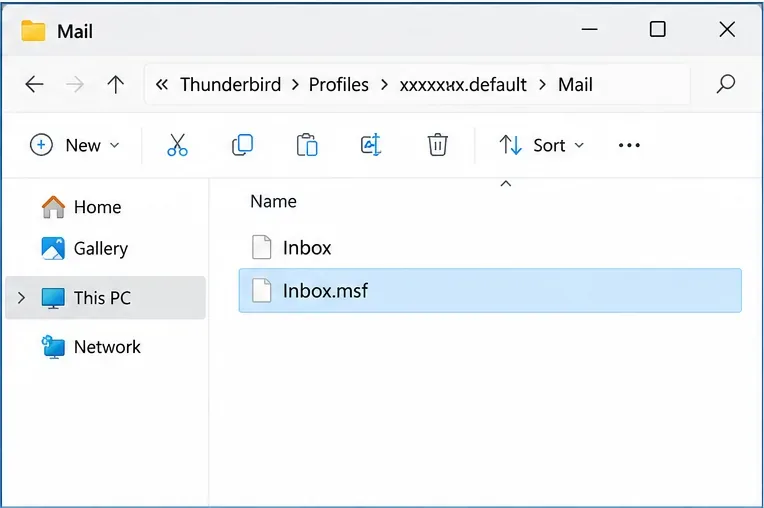
Fix a corrupted Thunderbird Inbox index by rebuilding the .msf file safely. Learn when to use Repair Folder, when to delete Inbox.msf, and what not to remove.
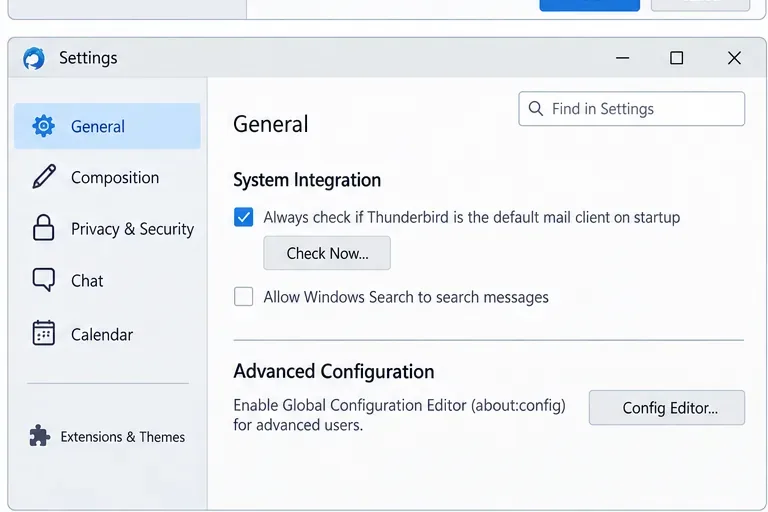
Fix Thunderbird’s “Server does not support TLS 1.2” warning by checking mail server security settings, ports, provider support, and safe legacy options.
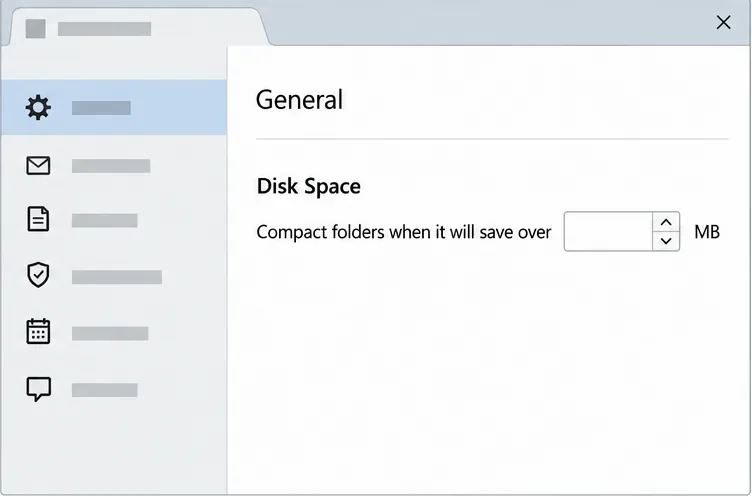
Troubleshoot Thunderbird freezing during folder compacting. Learn when to wait, back up your profile, repair a folder index, and test Troubleshoot Mode.
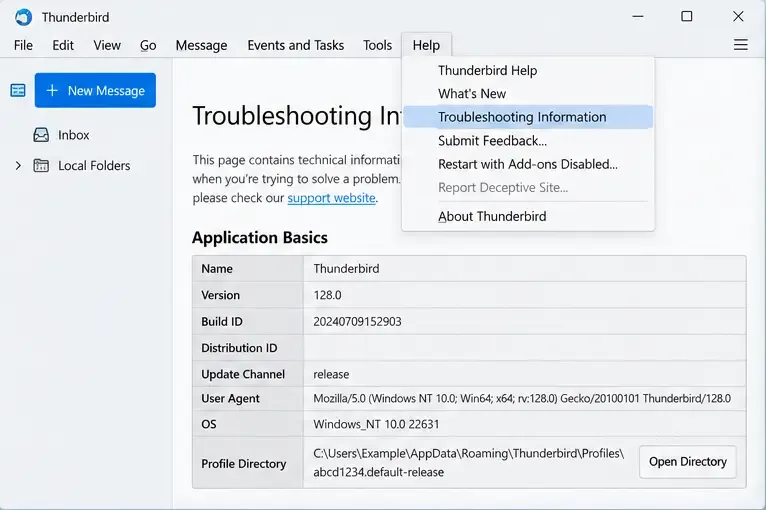
Set up automatic Thunderbird profile backups with PowerShell and Task Scheduler. Protect local email and address books, verify snapshots, and test a restore.
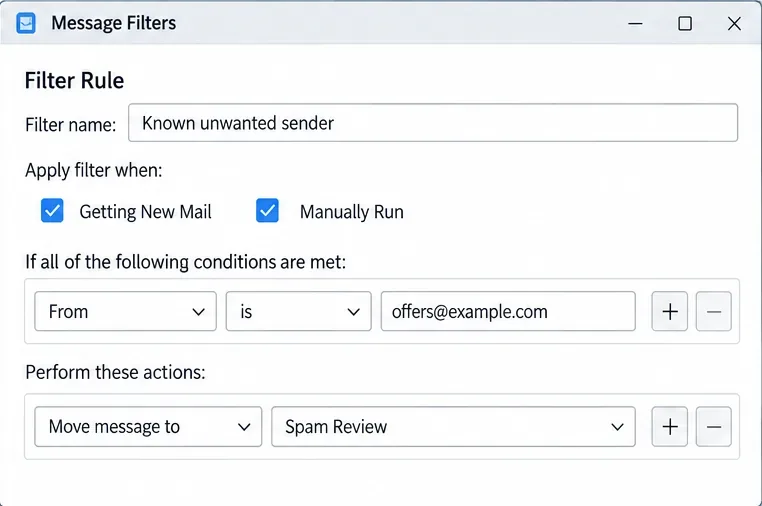
Set up Thunderbird’s adaptive spam controls, train its filter, and create precise message rules that move unwanted email to a review folder.
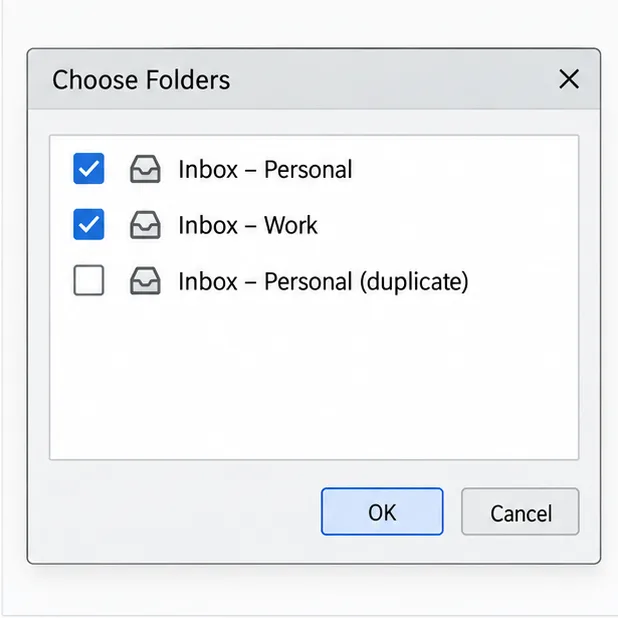
Stop duplicate-looking messages in Thunderbird’s Unified Inbox. Check folder membership, repair a stale Inbox index, and tell display issues from real mailbox copies.
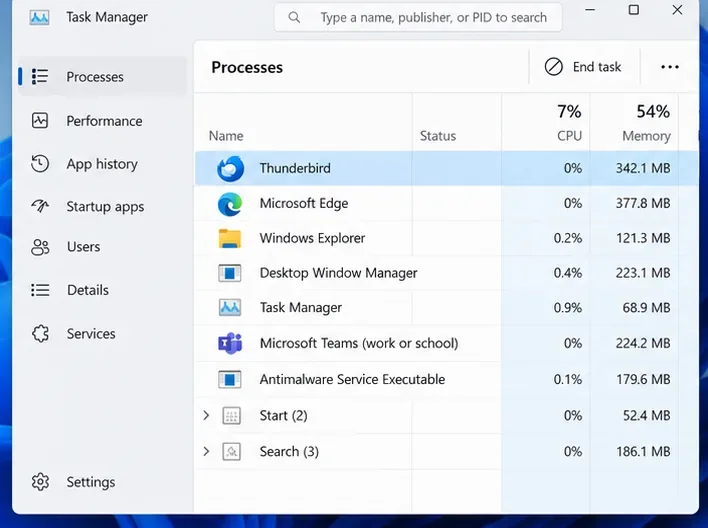
Fix Thunderbird auto-update failures on Windows 11 by checking update settings, closing stuck processes, resolving permissions, and safely reinstalling over the existing copy.
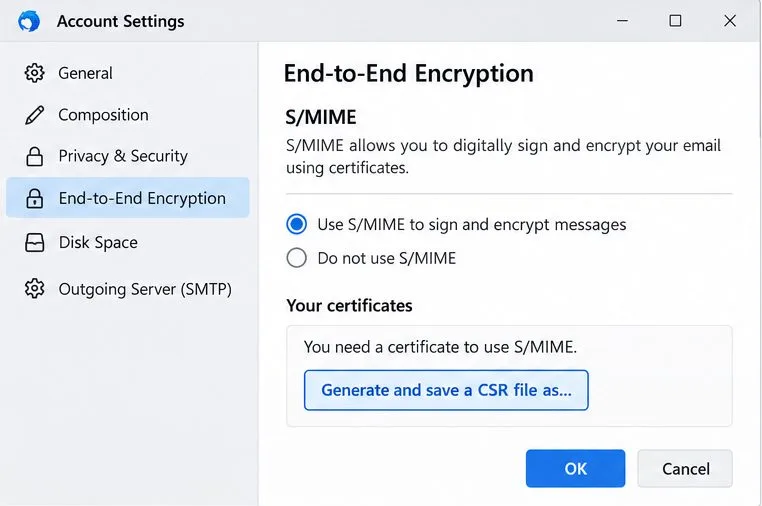
Import your S/MIME certificate into Thunderbird, assign it for signing and encryption, back it up safely, and verify that it works.
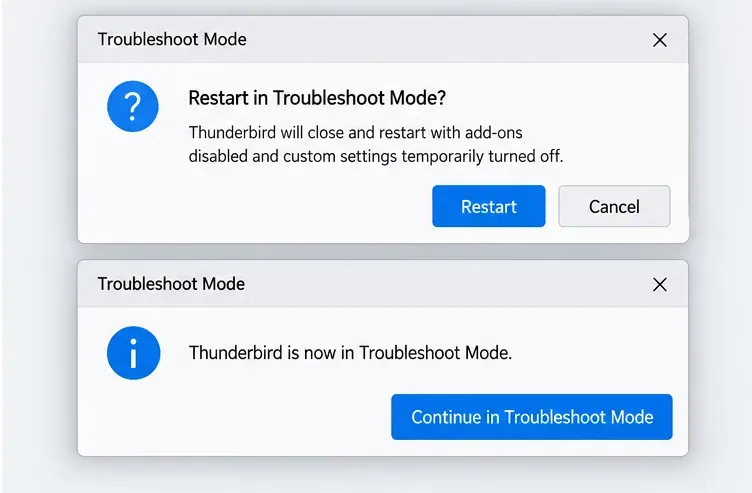
Fix Thunderbird IMAP disconnects by checking provider settings, lowering cached connections, testing network filters, and isolating add-ons.
Learn how to install Linux on a supported Chromebook using ChromeOS’s built-in Debian environment, plus apps, files, backups, troubleshooting, and limits.
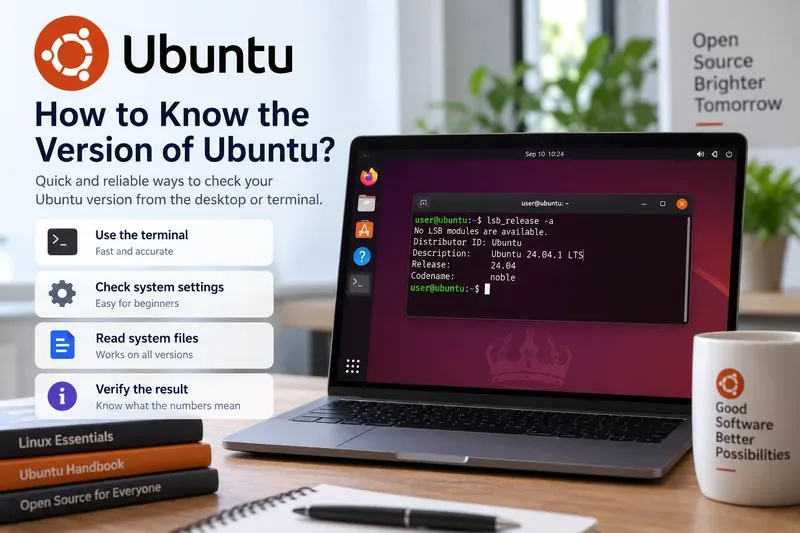
Learn how to check your Ubuntu version from Settings or the terminal, understand release versus kernel versions, fix common command issues, and verify the result.