MyIPTV Player for Windows 10: How to Set Up and Use It
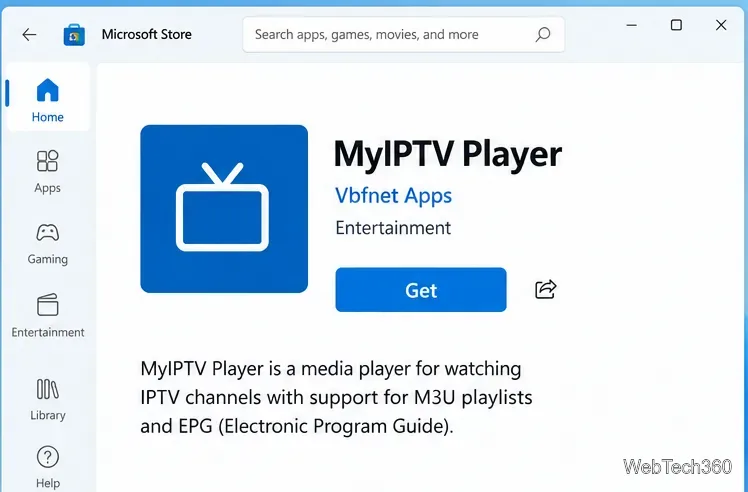
Learn how to install MyIPTV Player on Windows 10, add an M3U playlist and EPG, refresh channels, and fix common setup or playback problems.
A digital signature option that stays unavailable, or an encryption warning when you try to send a message, usually means Thunderbird does not yet have the right personal certificate connected to the email identity you are using. S/MIME setup has two parts: import a certificate that includes your private key, then assign it to the correct account. This guide walks through both the common certificate-file method and Thunderbird’s newer certificate-signing-request route.
S/MIME means Secure/Multipurpose Internet Mail Extensions. It is a standard for signing and encrypting email. A digital signature lets recipients check that a message was signed with your certificate and has not been altered after signing. Encryption scrambles message contents so only intended recipients with matching private keys can read them. These are separate actions: setting a certificate does not automatically mean every message is encrypted.
A personal S/MIME certificate binds an email identity to a public key. Its matching private key is what lets you sign messages and decrypt mail sent to you. A certificate authority (CA) issues or validates the certificate. Thunderbird needs the certificate and its private key for your own account; a public certificate by itself is not enough to sign or decrypt.
For work email, check your organization’s certificate policy first. Use a certificate issued for the exact email address or identity you plan to configure. If you have a smart card or hardware token, follow your organization’s instructions; do not import a private key file if the key is meant to remain on that device.
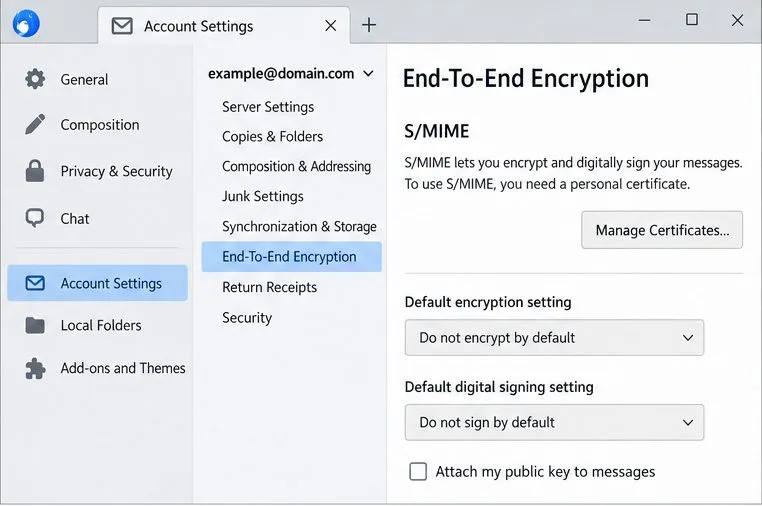
This is the shortest route when your provider gave you a personal certificate package containing its private key. Menu wording may vary slightly by operating system and Thunderbird release, but the certificate manager is available from account settings and from Thunderbird’s certificate settings.
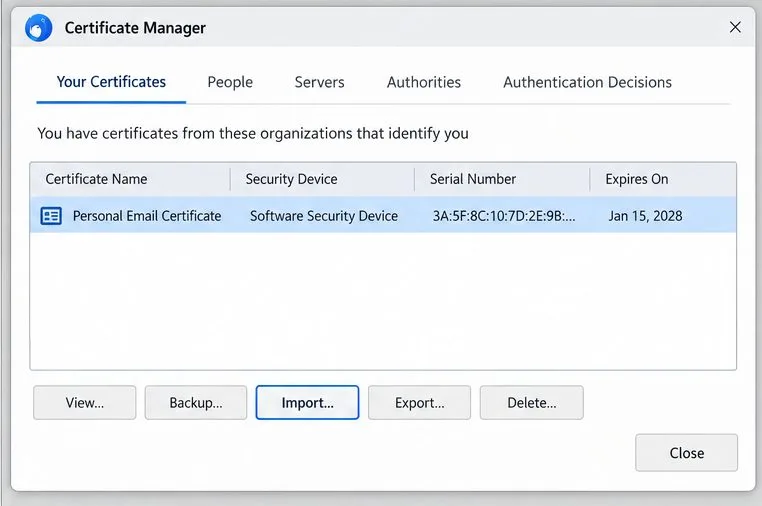
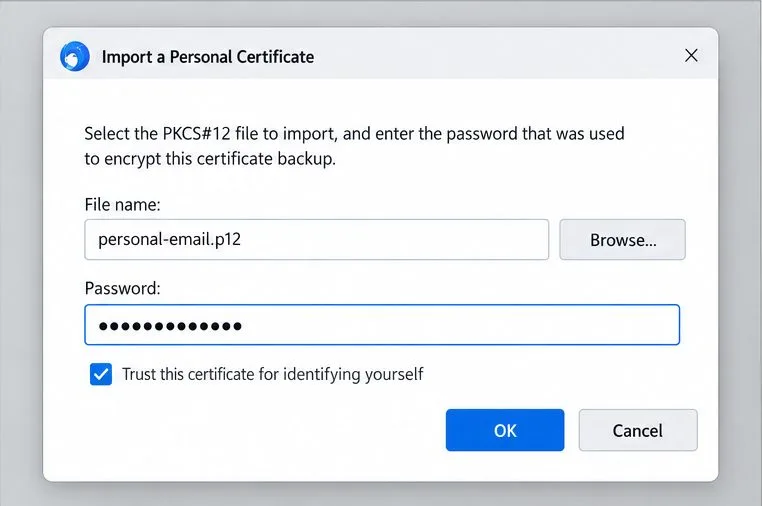
In Your Certificates, select the certificate and choose Backup or Export to create a protected backup. Store the backup in a secure location separate from the computer, and save its password in a password manager. A backup that contains your private key must be treated like a sensitive credential: do not attach it to email, place it in a public cloud folder, or share it with a recipient. Losing the private key can make older encrypted messages unreadable.
Use this route when you want Thunderbird to create the key pair and your CA accepts a CSR. Mozilla’s current instructions say this feature is available starting with Thunderbird 128. Thunderbird creates the private key locally and saves a request file containing the public key; the CA issues a certificate based on that request. Mozilla does not recommend a particular CA, so choose one appropriate for your personal or organizational requirements.
-----BEGIN CERTIFICATE REQUEST-----. Follow the CA’s verification steps and download the issued certificate.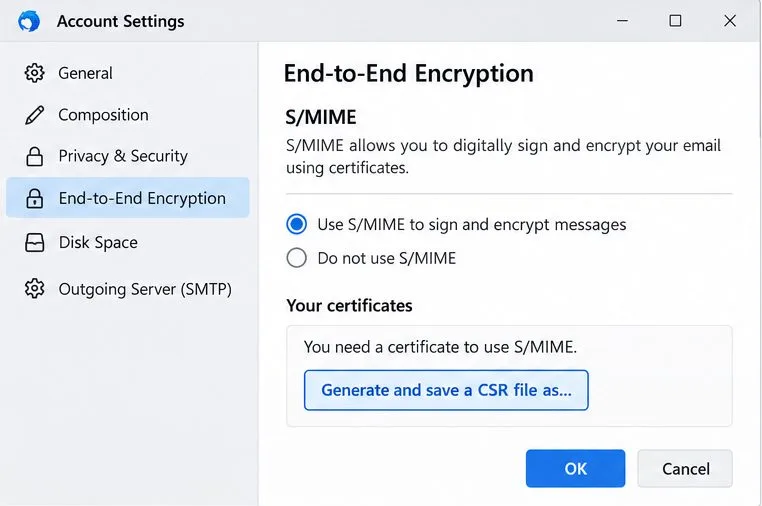
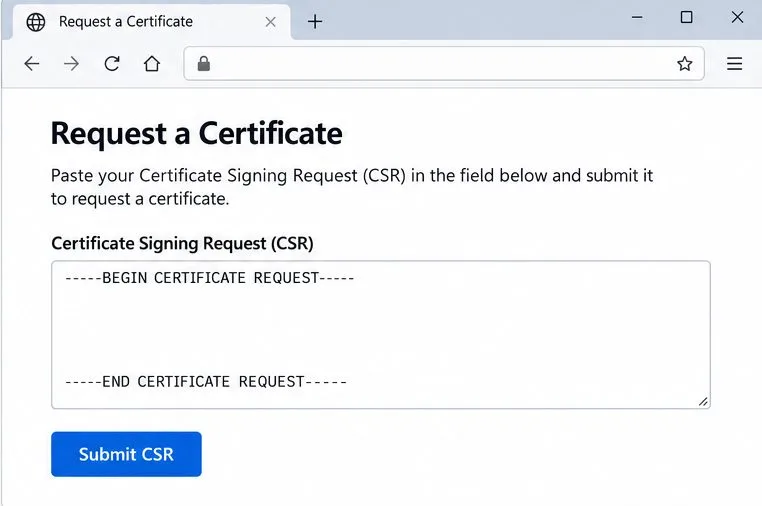
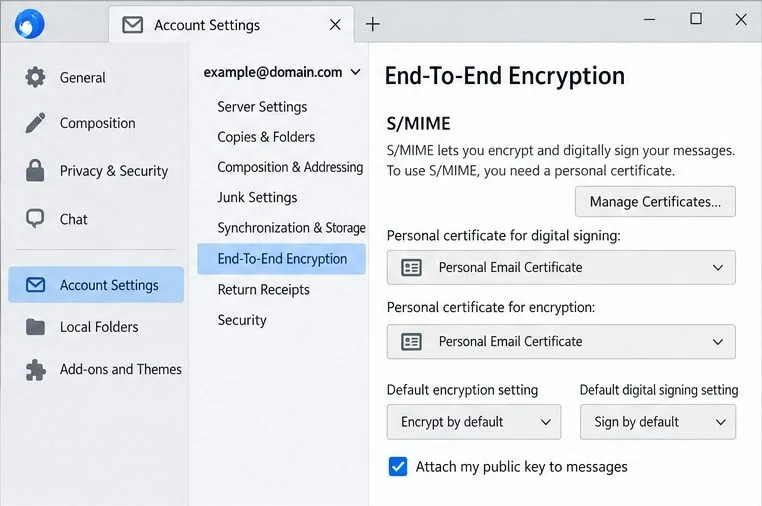
Go back to Account Settings > the matching account or identity > End-To-End Encryption. In the S/MIME section, use Select… beside Personal certificate for digital signing, choose your certificate, and confirm. Repeat for Personal certificate for encryption. If Thunderbird asks whether to use the same certificate for both, confirm only if the certificate is intended for both purposes and your organization’s policy allows it.
Leave the default signing and encryption behavior at the setting that matches your needs. Many people begin with “do not sign by default” and “do not encrypt by default,” then choose the action for each message. For a signed test, open a new message and use the Security menu to select Digitally Sign this message. Send a low-risk message to an account you can check, and verify that the received message is marked as signed. Do not send confidential content during this test.
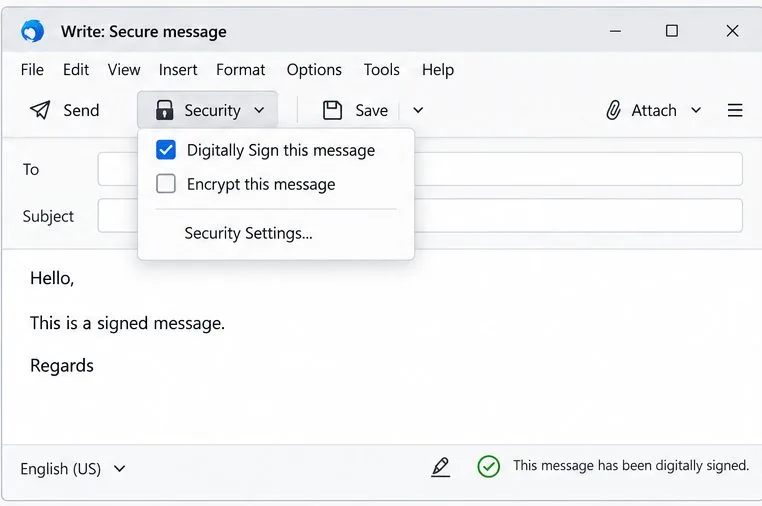
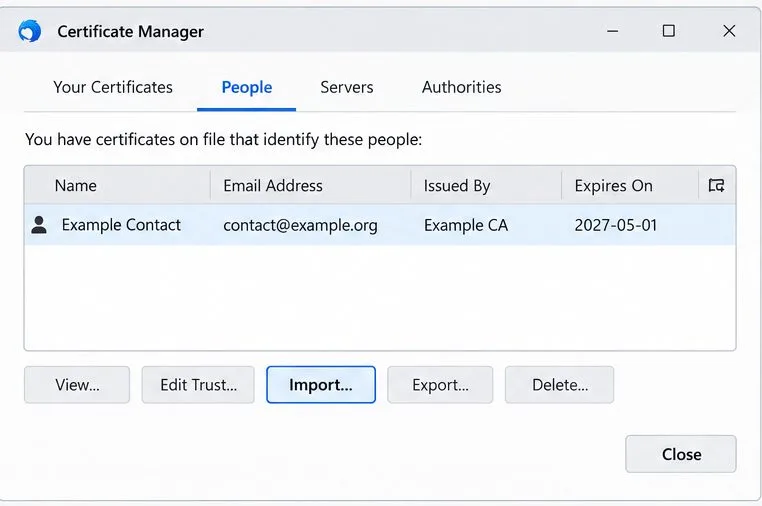
Your own certificate alone does not let you encrypt to every contact. Thunderbird needs a valid public S/MIME certificate for each recipient in the message, including copied recipients. A common way to obtain a contact’s public certificate is to receive a digitally signed email from that person; you can also import a certificate they share with you through the People tab. For a private exchange, verify that the certificate belongs to the intended address before using it. If a certificate is expired, revoked, untrusted, or issued to a different address, stop and resolve that with the issuer or recipient rather than bypassing the warning.
Setup is ready for signing when the correct certificate appears in Your Certificates, is selected for the matching account’s digital-signing field, and a test message arrives with a valid signature indicator. Setup is ready for encryption to a particular person only when Thunderbird also has that recipient’s valid public certificate and allows you to encrypt a message addressed to them. Keep the private-key backup safe, note the certificate’s expiration date, and renew or replace the certificate before it expires.
Learn how to install MyIPTV Player on Windows 10, add an M3U playlist and EPG, refresh channels, and fix common setup or playback problems.
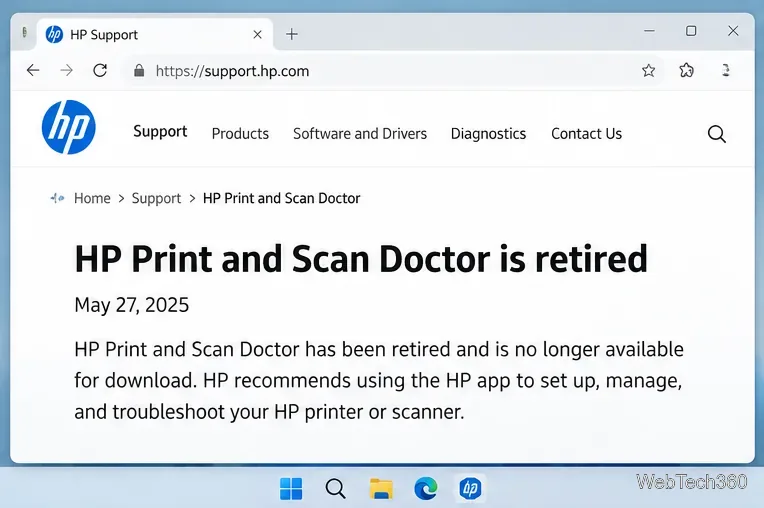
HP Print and Scan Doctor was retired by HP on May 27, 2025. Learn what replaced it, how to run Diagnose & Fix, and how to remove old copies safely.
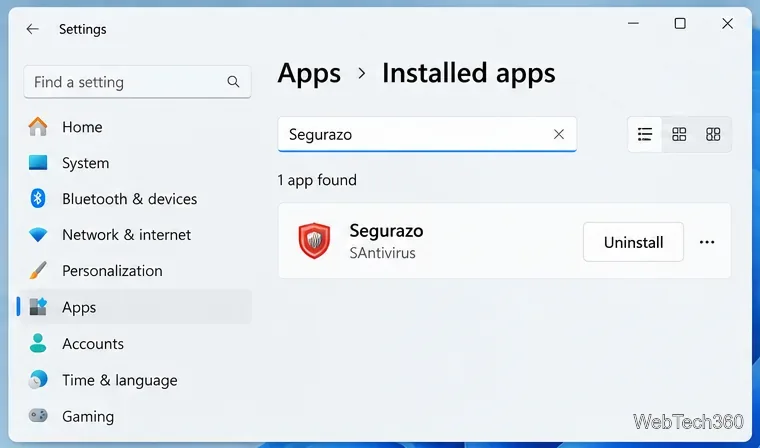
Is Segurazo a virus? Learn how to remove Segurazo or SAntivirus safely, scan for leftovers, and avoid risky registry-cleanup advice.
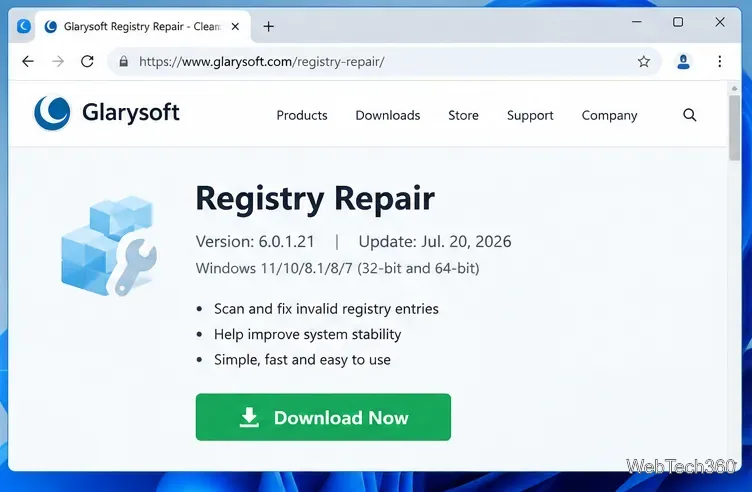
Learn what Glarysoft Registry Repair does, how to use its scan and backup tools, and why Microsoft recommends caution with registry cleaners.
Download Wise Registry Cleaner safely from the official site, learn the safest scan settings, backup options, and whether this free Windows tool is worth using.
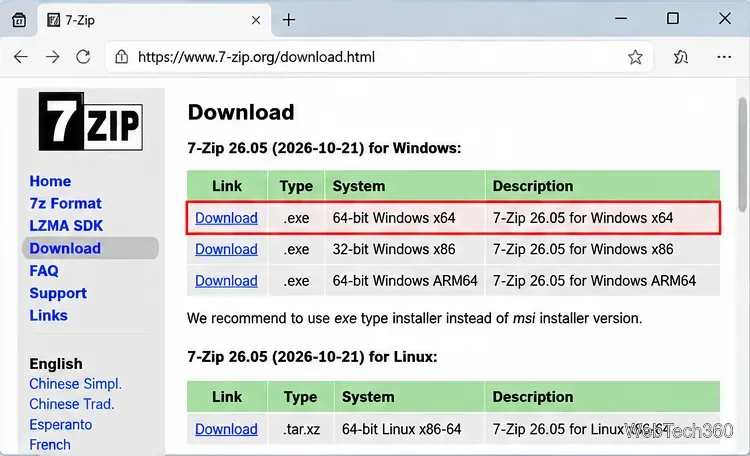
Download and install 7-Zip for Windows 10, then learn how to compress, extract, test, and password-protect archives safely.
Learn how to download and install Bandicam 2027, record your screen, find saved videos, adjust key settings, and understand the free version limits.
Download and install SharpKeys on Windows 10, then remap, disable, swap, or restore keyboard keys safely using the Windows Scancode Map.
Hextech Repair Tool is now Riot Repair Tool. Learn where to download it safely, collect League of Legends logs, run repairs, and contact Riot Support.
Download and install HD Tune Pro on Windows 10, choose the supported version, run benchmarks, check S.M.A.R.T. health, and scan drives for errors.