MyIPTV Player for Windows 10: How to Set Up and Use It
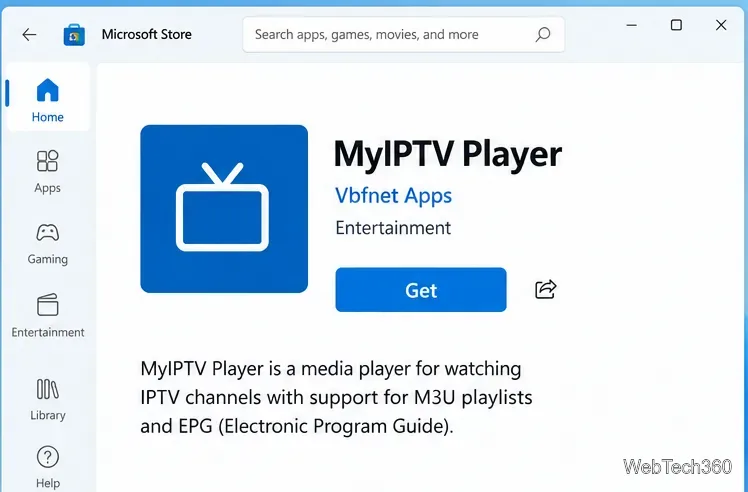
Learn how to install MyIPTV Player on Windows 10, add an M3U playlist and EPG, refresh channels, and fix common setup or playback problems.
If you are searching for the Hextech Repair Tool, the most important update is that Riot has renamed it Riot Repair Tool (RRT). The old Hextech download page is no longer the current destination. Riot's current support page provides RRT for Windows and Mac and describes it as the official way to gather diagnostic logs for League of Legends and other Riot games.
That change matters because many older guides show options and menus from the Hextech-era interface. Use the current Riot download instead of a third-party mirror, and follow the options shown by the version you install.
Riot's current documentation says that Riot Repair Tool was formerly called Hextech Repair Tool. The dedicated RRT page focuses on collecting logs that can be attached to a support ticket. Riot's current League troubleshooting documentation also refers to the repair tool for repatching or reinstalling League when needed.
In other words, the utility still belongs in the League troubleshooting workflow, but you should not expect every old Hextech feature or screen to look the same today.
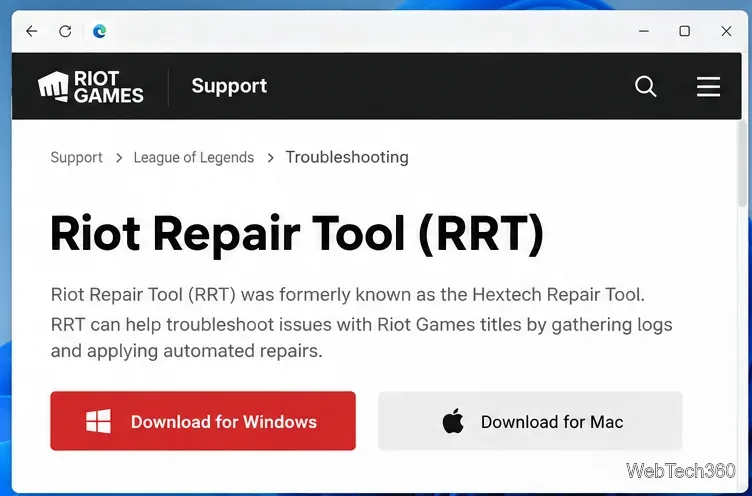
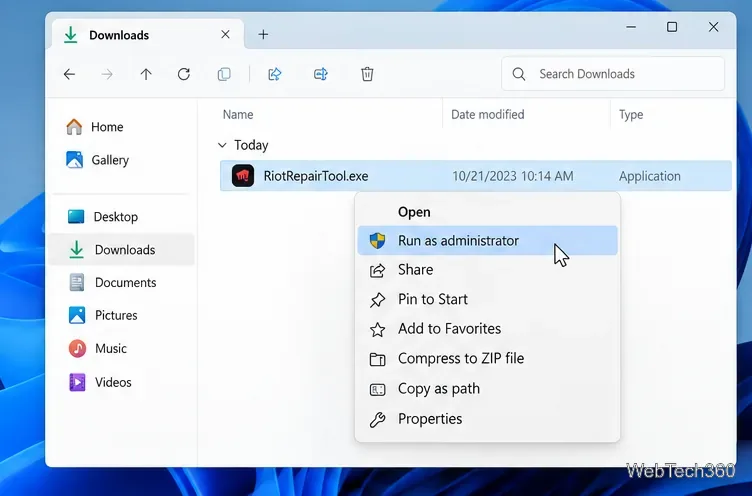
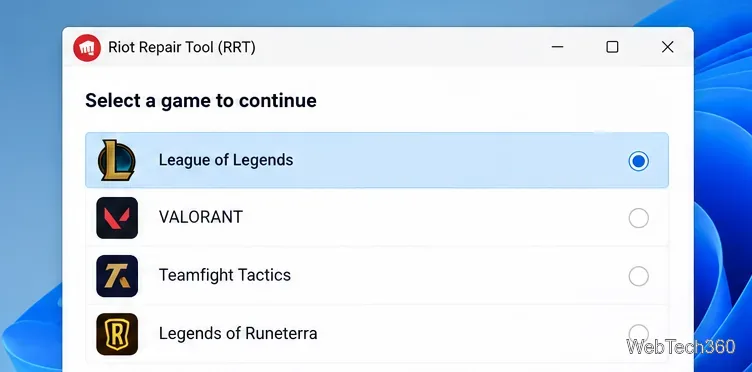
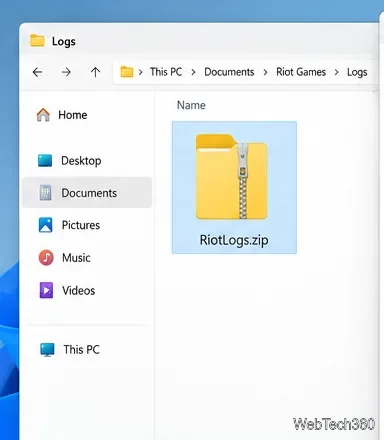
RRT is useful when League will not launch correctly, patching fails, the client repeatedly crashes, or support needs more information about a connection or system problem. Logs do not automatically fix every fault, but they give Riot Support detailed evidence that is much more useful than a generic error description.
For patch corruption, Riot also documents the League launcher's built-in repair process. Its current Patching Issues guide recommends opening League, clicking the settings gear, and using Initiate Full Repair to replace corrupted game files. This is a sensible first step before a full reinstall.
| Problem | Best first step |
|---|---|
| Patch will not finish or files appear corrupted | Use League's built-in Full Repair, then RRT if you still need logs. |
| League crashes or refuses to start | Restart the PC, update the OS and drivers, then collect RRT logs if the issue persists. |
| Login or connection problems | Check Riot service status and your network first; use RRT logs for unresolved cases. |
| Repeated problems after repair | Attach the RRT ZIP file to a Riot Support ticket. |
The current replacement is a Riot utility, so the safest approach is simple: download Riot Repair Tool only from Riot's official support site. Avoid unofficial mirrors, repacked installers, and old download pages that claim to host the Hextech version.
Administrator access on Windows is expected because Riot explicitly tells users to run RRT that way. Even so, only approve the prompt when the file came from Riot's support page. There is no need to disable Windows Firewall just because an old Hextech guide tells you to do so. Riot's broader Fix My League guide treats firewall changes as a specific troubleshooting step, not a default requirement.
Do not keep repeating repairs indefinitely. Check whether Riot is reporting a service incident, test without a VPN or proxy, update your network and graphics drivers, and use a wired connection when possible. If the problem remains, collect fresh RRT logs and submit them with a clear description of the error, when it started, and what you already tried.
The key takeaway is that the Hextech Repair Tool name is outdated. The current official utility is Riot Repair Tool, and pairing it with League's built-in repair options gives you the most useful modern troubleshooting path.
Learn how to install MyIPTV Player on Windows 10, add an M3U playlist and EPG, refresh channels, and fix common setup or playback problems.
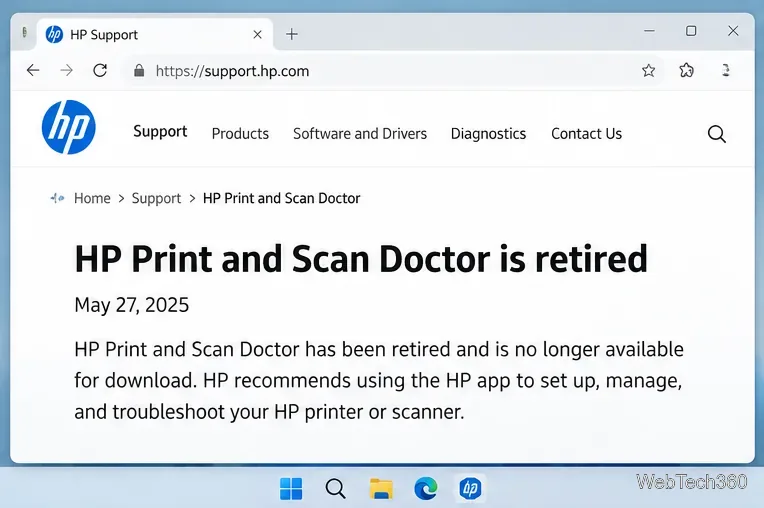
HP Print and Scan Doctor was retired by HP on May 27, 2025. Learn what replaced it, how to run Diagnose & Fix, and how to remove old copies safely.
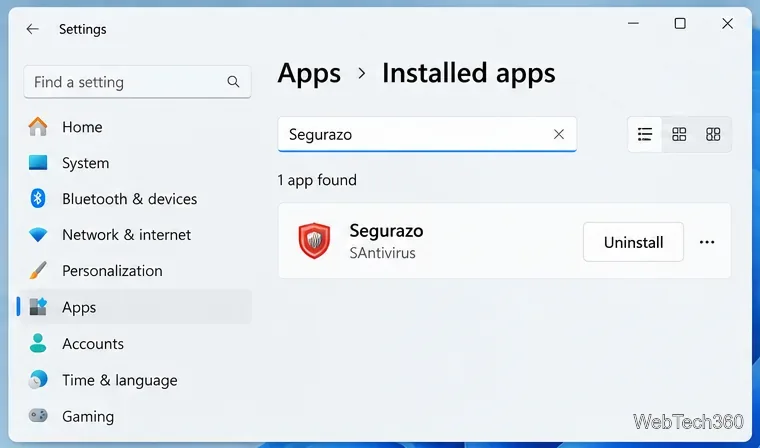
Is Segurazo a virus? Learn how to remove Segurazo or SAntivirus safely, scan for leftovers, and avoid risky registry-cleanup advice.
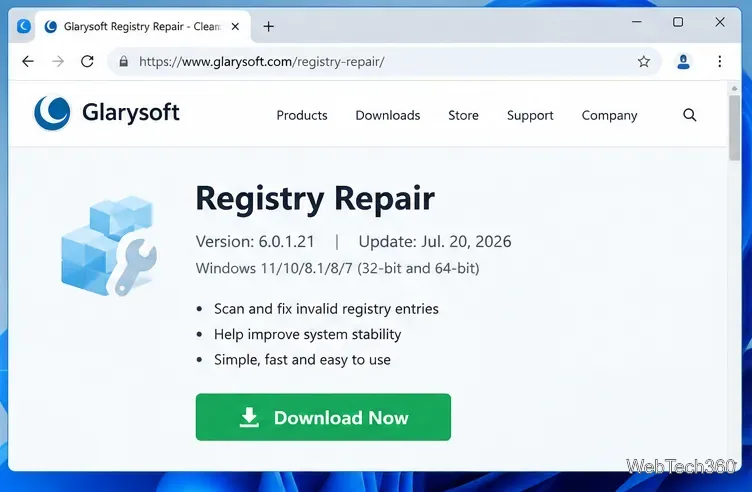
Learn what Glarysoft Registry Repair does, how to use its scan and backup tools, and why Microsoft recommends caution with registry cleaners.
Download Wise Registry Cleaner safely from the official site, learn the safest scan settings, backup options, and whether this free Windows tool is worth using.
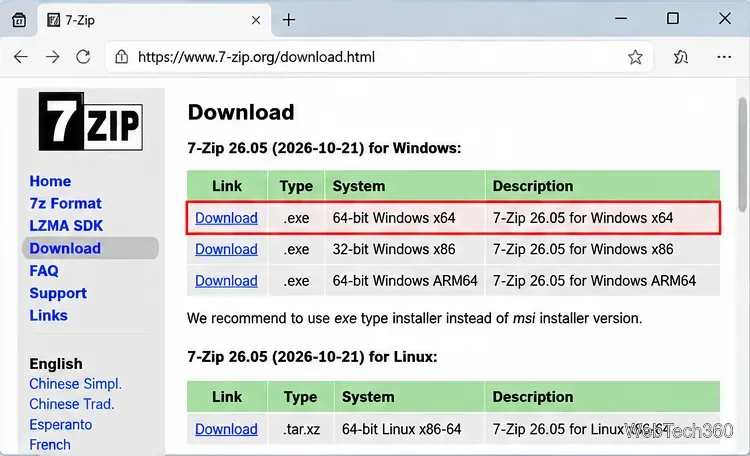
Download and install 7-Zip for Windows 10, then learn how to compress, extract, test, and password-protect archives safely.
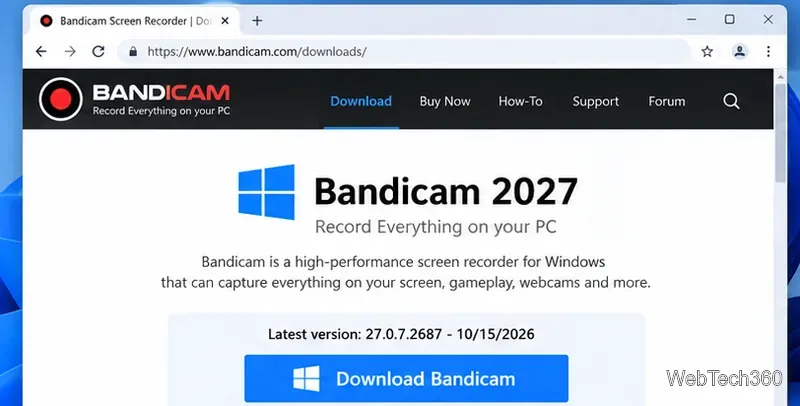
Learn how to download and install Bandicam 2027, record your screen, find saved videos, adjust key settings, and understand the free version limits.
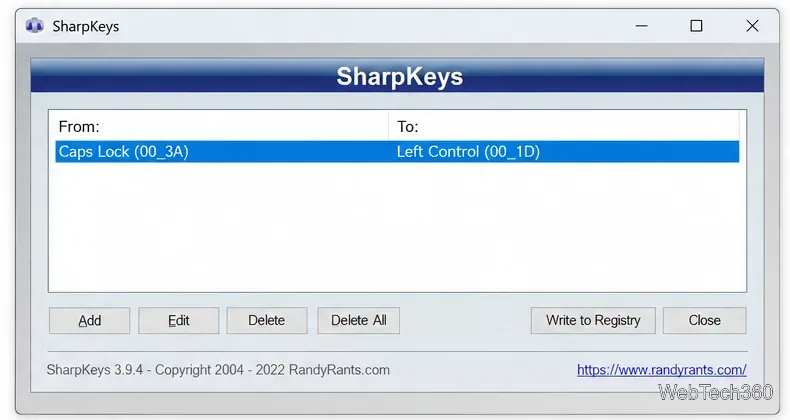
Download and install SharpKeys on Windows 10, then remap, disable, swap, or restore keyboard keys safely using the Windows Scancode Map.
Hextech Repair Tool is now Riot Repair Tool. Learn where to download it safely, collect League of Legends logs, run repairs, and contact Riot Support.
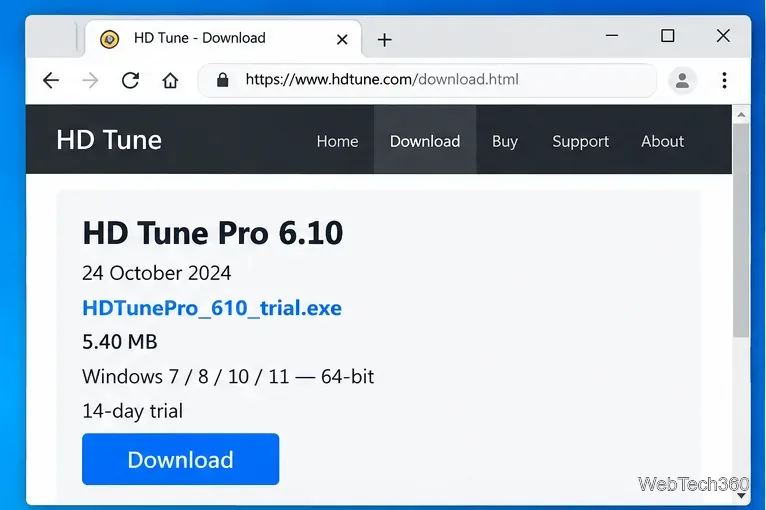
Download and install HD Tune Pro on Windows 10, choose the supported version, run benchmarks, check S.M.A.R.T. health, and scan drives for errors.