MyIPTV Player for Windows 10: How to Set Up and Use It
Learn how to install MyIPTV Player on Windows 10, add an M3U playlist and EPG, refresh channels, and fix common setup or playback problems.
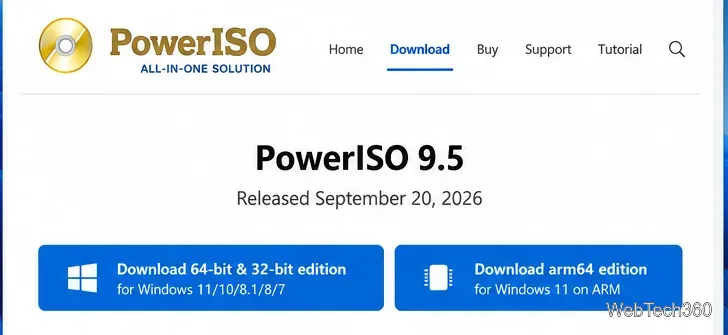
PowerISO is a disc-image utility for creating, opening, editing, extracting, converting, mounting, and burning image files such as ISO. If you need more than simply opening an ISO, it combines many optical-disc and image-management tasks in one Windows application. The current Windows release is PowerISO 9.5, released September 20, 2026.
PowerISO is designed around disc images: files that store the contents and structure of a CD, DVD, Blu-ray disc, or other disk media. According to the developer's official feature list, it can create and edit ISO images, extract files, burn image files, convert between image formats, mount images in virtual drives, and work with several virtual-disk formats.
That makes it useful when you need to archive a disc to an image file, inspect an image without burning it, create a data disc, convert a less common image format to ISO, or prepare bootable media. It is not a substitute for a complete backup strategy, and important files should still be kept in more than one location.
The safest place to get the installer is the official PowerISO download page. As of October 2026, the Windows download is version 9.5 and is offered as a combined 64-bit/32-bit edition plus a separate ARM64 edition.
The same page also links separate Linux downloads. PowerISO provides a Linux GUI build as well as a Linux command-line utility, while the macOS/OS X option listed by the developer is a command-line utility rather than the Windows-style desktop application.
PowerISO is commercial software with an unregistered evaluation version. The developer currently states that the trial shows a registration prompt and cannot create or edit image files larger than 300 MB. That is an important correction to older guides that listed a 3,000 MB limit.
The official purchase page listed PowerISO 9.5 at US$39.95 when checked in October 2026. Pricing can change, so confirm the current amount before buying.
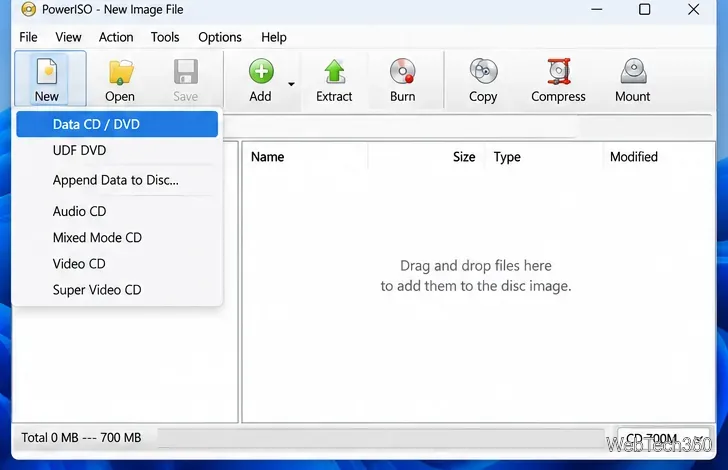
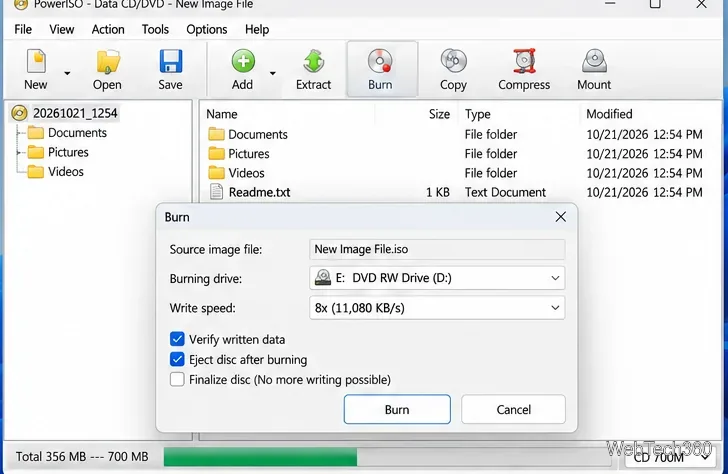
The basic workflow is straightforward. You need a writable optical drive and a compatible blank disc.
You can also use PowerISO's virtual drive to access an image as though a disc were inserted. From PowerISO, choose Mount, select a virtual drive, and then choose the ISO file. The developer also documents a File Explorer method: right-click a supported image and choose Mount image to drive when the PowerISO shell integration is available.
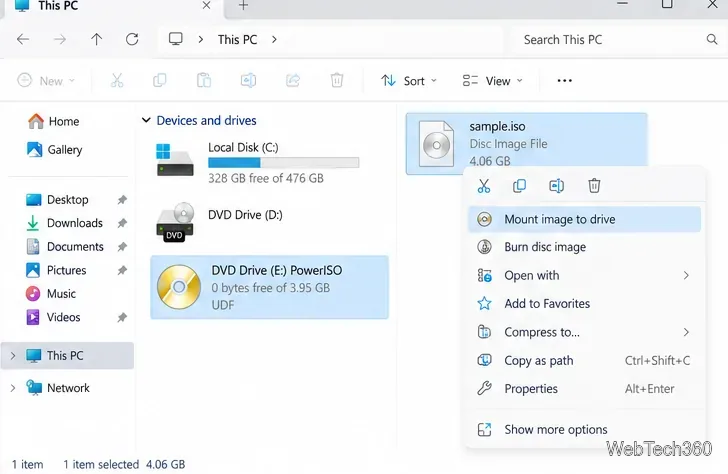
Once mounted, the image appears as a drive in File Explorer and you can browse its contents without writing a physical disc. See the official ISO mounting instructions for the supported methods.
Download PowerISO directly from the developer rather than an unofficial mirror, and keep normal Windows security protections enabled. Avoid treating any third-party installer as automatically safe simply because it has a familiar filename. For operations that write to a USB drive or optical disc, double-check the destination before starting.
Whether PowerISO is worth buying depends on what you need. If you regularly edit images, convert formats, create bootable media, mount multiple image types, or burn discs, its all-in-one workflow can be convenient. If you only open an ISO occasionally, a dedicated paid suite may be more than you need. The trial is useful for checking the interface and features first, but remember the current 300 MB create/edit limitation.
Learn how to install MyIPTV Player on Windows 10, add an M3U playlist and EPG, refresh channels, and fix common setup or playback problems.
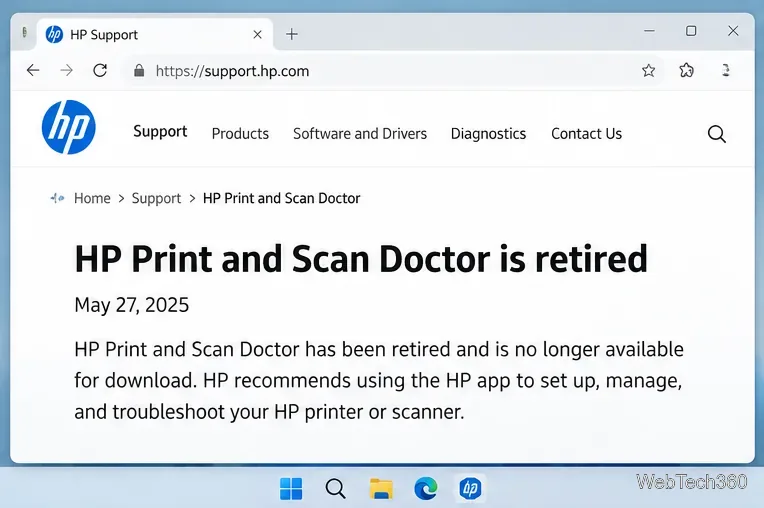
HP Print and Scan Doctor was retired by HP on May 27, 2025. Learn what replaced it, how to run Diagnose & Fix, and how to remove old copies safely.
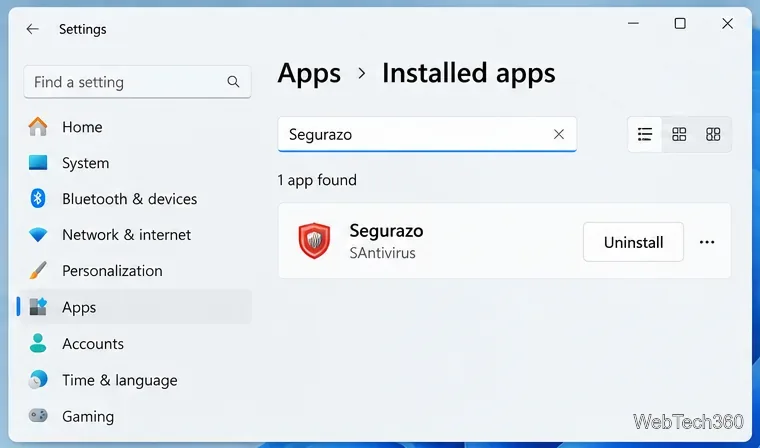
Is Segurazo a virus? Learn how to remove Segurazo or SAntivirus safely, scan for leftovers, and avoid risky registry-cleanup advice.
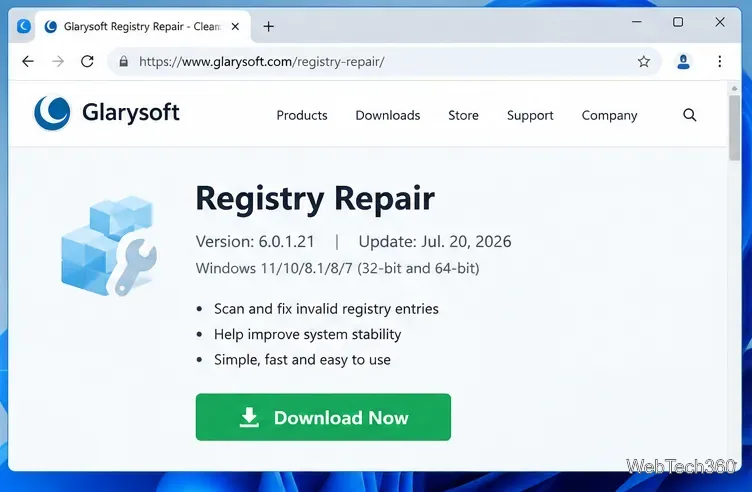
Learn what Glarysoft Registry Repair does, how to use its scan and backup tools, and why Microsoft recommends caution with registry cleaners.
Download Wise Registry Cleaner safely from the official site, learn the safest scan settings, backup options, and whether this free Windows tool is worth using.
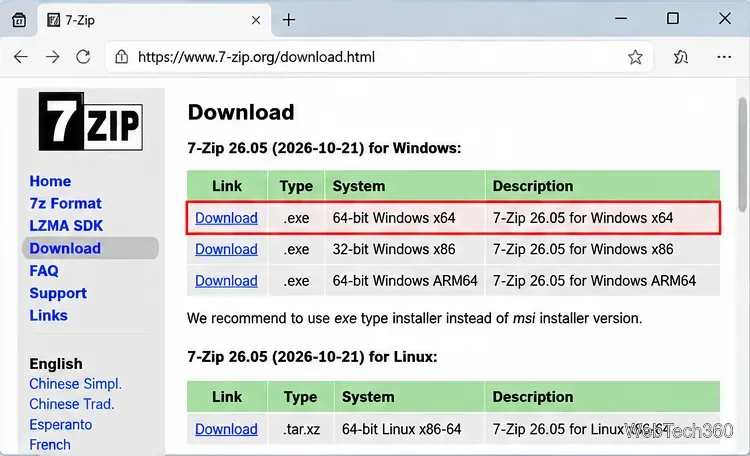
Download and install 7-Zip for Windows 10, then learn how to compress, extract, test, and password-protect archives safely.
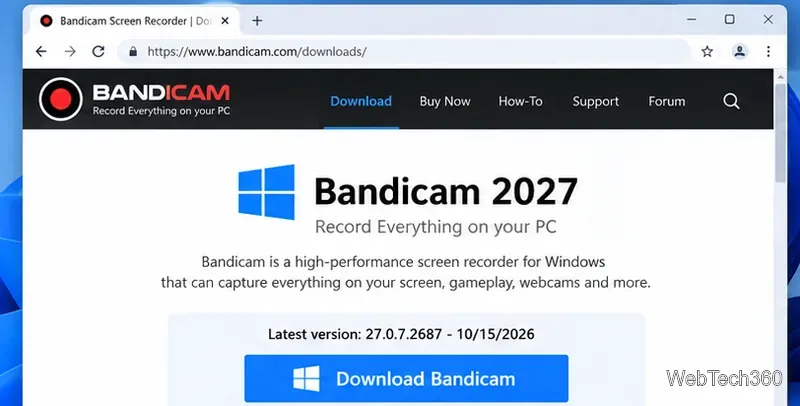
Learn how to download and install Bandicam 2027, record your screen, find saved videos, adjust key settings, and understand the free version limits.
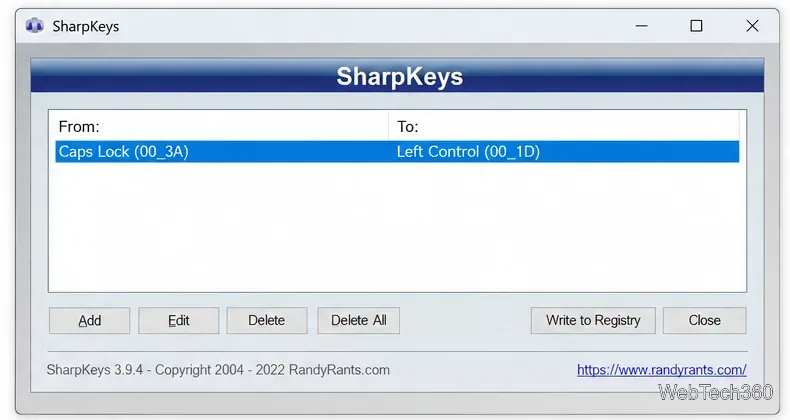
Download and install SharpKeys on Windows 10, then remap, disable, swap, or restore keyboard keys safely using the Windows Scancode Map.
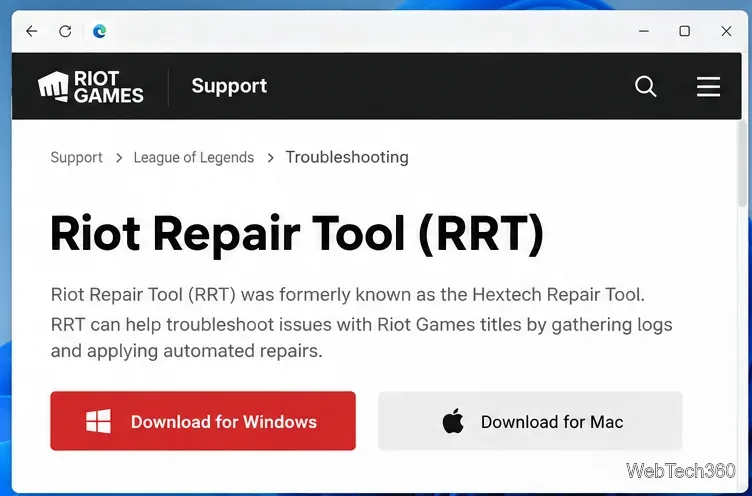
Hextech Repair Tool is now Riot Repair Tool. Learn where to download it safely, collect League of Legends logs, run repairs, and contact Riot Support.
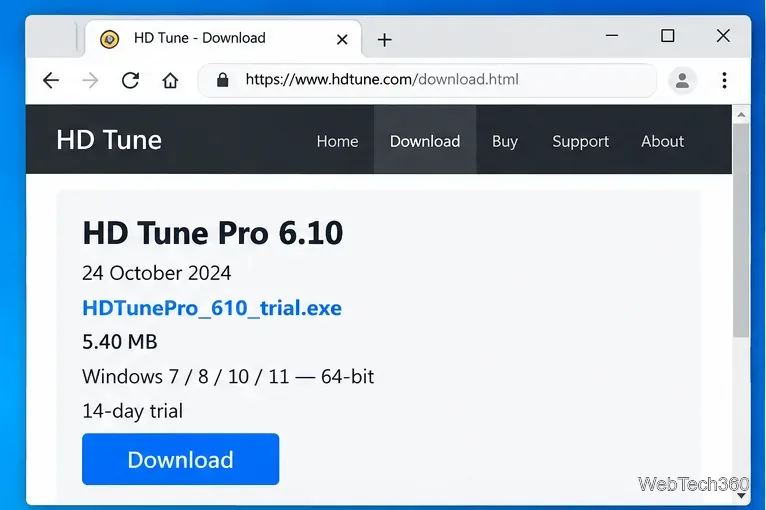
Download and install HD Tune Pro on Windows 10, choose the supported version, run benchmarks, check S.M.A.R.T. health, and scan drives for errors.