MyIPTV Player for Windows 10: How to Set Up and Use It
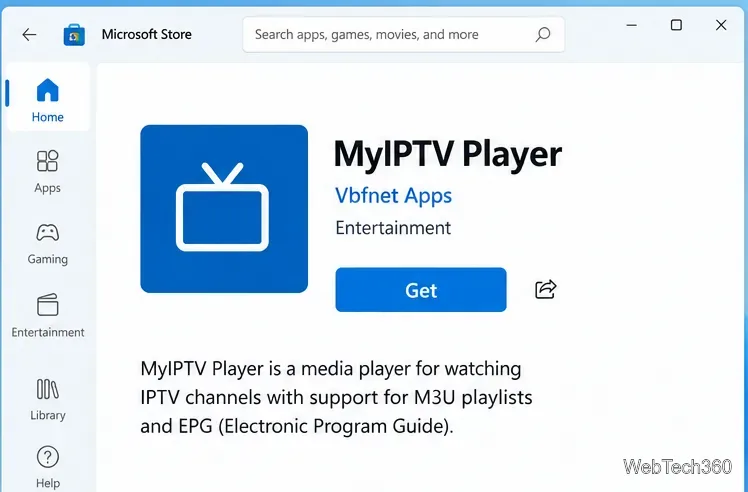
Learn how to install MyIPTV Player on Windows 10, add an M3U playlist and EPG, refresh channels, and fix common setup or playback problems.
To export Thunderbird contacts, open Address Book, select the specific address book you want, and choose Export from that book’s menu. Save as CSV if you need a spreadsheet or an importer that explicitly asks for comma-separated values; choose vCard (.vcf) if the destination accepts contact cards. Do not select “All Address Books” for a direct export: it is a combined view, not a real address book. Menu labels can vary by Thunderbird version.
Choose the format based on what you will do with the file. CSV is usually the practical choice for Excel, spreadsheets, or systems that map contact fields into columns. VCF (vCard) is intended for exchanging contact records with address-book apps and phones. Neither format guarantees a perfect transfer into every destination: applications support different fields and versions, so keep the original export and test-import a copy before deleting or replacing contacts.
| Format | Use it when | What to check |
|---|---|---|
| CSV (.csv) | You need rows and columns for a spreadsheet, database, or an importer that specifically requests CSV. | Confirm the required column names, delimiter, character encoding, and which fields the receiving app maps. CSV is a flat table, so richer contact structure may not transfer as expected. |
| vCard (.vcf) | You are moving contacts to another address book, phone, or service that accepts vCard files. | Check that the destination supports the vCard version and fields in the export. A VCF file can contain one or more contact cards, depending on the export. |
vCard is a standardized format for exchanging address-book information; its specification describes contact data as one or more text cards. CSV is more convenient to inspect as a table, but a CSV exported for one application may not match another application's expected field mapping. If a destination supports both, try VCF first for contact-to-contact migration and CSV when you need to review or transform columns.
In Thunderbird, open Address Book from the toolbar or application menu. Make sure the contacts you need appear in the address-book pane. This procedure exports an address book, rather than the full mail profile or an arbitrary search result.
Choose the named book that contains the contacts, such as Personal Address Book or a book you created. Do not choose All Address Books when exporting: Mozilla support guidance explains that it is a virtual combined view rather than a book of its own, and the export option may be unavailable or behave differently for it.
If your contacts are spread across several books, export each named book separately and give each file a distinct name, such as personal-contacts.csv and work-contacts.vcf. This keeps the source organization clear and helps you avoid accidentally merging duplicate contacts.
In recent Thunderbird versions, select or hover over the address book in the left pane and use its three-dot menu, then choose Export. Depending on your version and layout, you may be able to right-click the book or find the command under an Address Book menu. Mozilla Support users running Thunderbird 128 reported the three-dot menu next to the selected book; older versions may show a different menu arrangement.
If you only see a ZIP export option, you may have opened Thunderbird’s profile backup tool rather than the address-book export. The profile export creates a ZIP backup of accounts, messages, address books, and settings; it is useful for a full migration or backup, but it is not a CSV or VCF contact file. Return to Address Book and open the menu attached to the specific book.
Enter a descriptive file name and select the destination folder. In the file-type or “Save as type” selector, choose a comma-separated CSV option or a vCard option. Thunderbird may label the latter as vCard while the saved file uses the .vcf extension. Confirm the extension and format before saving; changing a filename extension alone does not convert a file.
.vcf extension. vCard uses UTF-8 as specified by the standard.Save the exported file somewhere you can find, such as a dedicated migration folder or an external backup location. Exporting creates a file; it does not require deleting the address book. Keep the source book and the untouched export until you have confirmed that the destination imported the contacts correctly.
The export command is associated with an address book. If you need only a subset, the most reliable approach is to place the selected records in a separate temporary address book first, then export that book. Before doing so, verify how your Thunderbird version copies or moves selected contacts; avoid dragging records if you are unsure whether that action will move them out of the original book. After export and a successful test import, you can remove the temporary book if you no longer need it.
Open a copy of the file, not the only export. For CSV, inspect the header and a few rows in a plain-text editor or spreadsheet. Confirm names, email addresses, phone numbers, and non-English characters. If you use a spreadsheet, avoid saving over the original until you have checked that it did not alter leading zeros, dates, punctuation, or encoding. For example, a phone number such as 001-555-0100 can be changed by spreadsheet software that treats it as a number.
For VCF, open the file in a text editor or import it into a test address book. A vCard file commonly contains repeated BEGIN:VCARD and END:VCARD blocks; check that the number of cards is plausible and spot-check names and contact details. Do not judge the number of contacts by counting lines, because each card has several property lines and long lines can be folded.
Finally, import the file into the destination app’s test account or an empty test address book. Compare a few records, including one with multiple email addresses or an international name if you have one. If fields are missing, test the other format or consult the destination app’s import requirements before repeating the migration.
.csv.Thunderbird’s menus change over time, so use the labels shown in your installed version. The three-dot export route is documented in Mozilla’s support forum for Thunderbird 128, while Mozilla’s current Help article describes the separate full-profile ZIP export. Thunderbird’s developer documentation notes the use of vCard for most contacts in local address books since Thunderbird 102. The vCard format itself is defined by RFC 6350.
Learn how to install MyIPTV Player on Windows 10, add an M3U playlist and EPG, refresh channels, and fix common setup or playback problems.
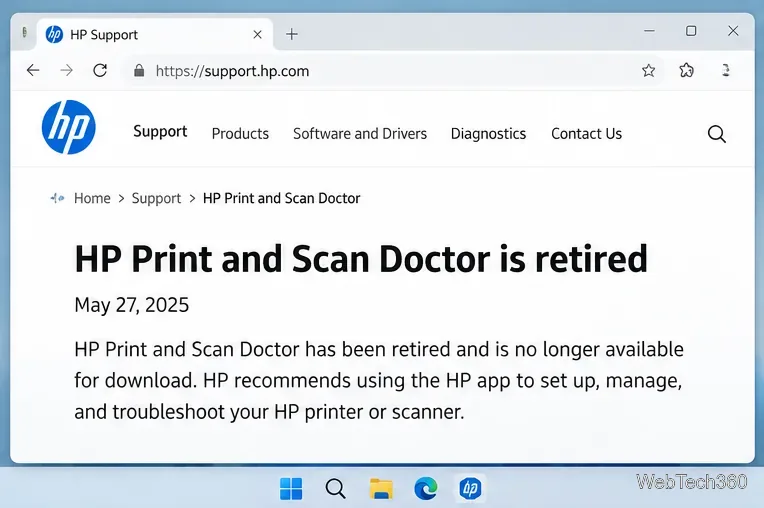
HP Print and Scan Doctor was retired by HP on May 27, 2025. Learn what replaced it, how to run Diagnose & Fix, and how to remove old copies safely.
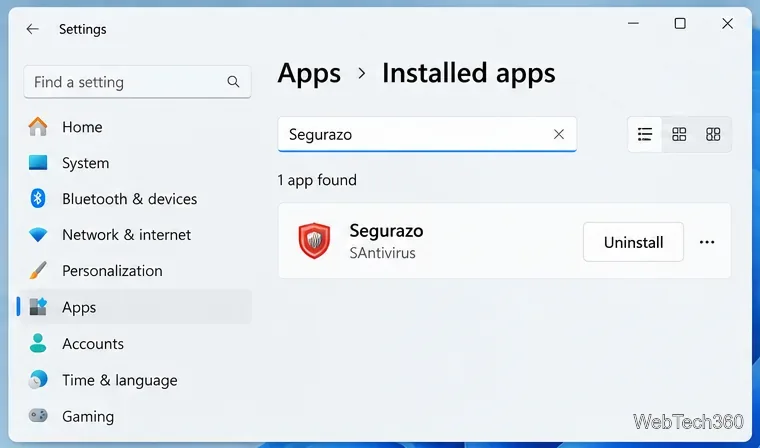
Is Segurazo a virus? Learn how to remove Segurazo or SAntivirus safely, scan for leftovers, and avoid risky registry-cleanup advice.
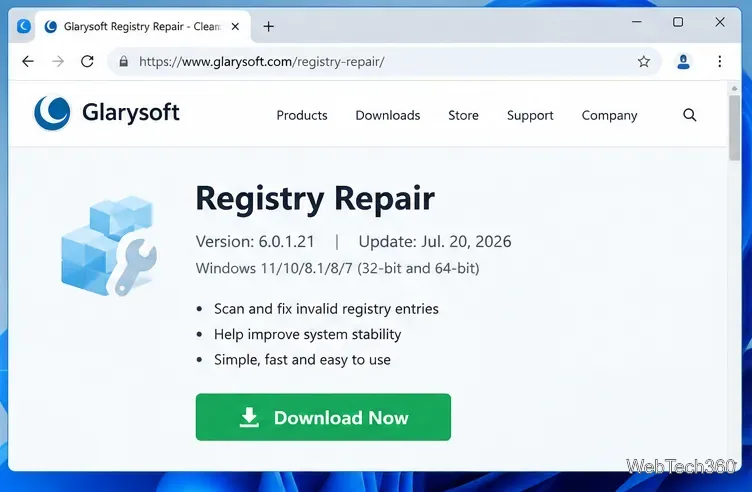
Learn what Glarysoft Registry Repair does, how to use its scan and backup tools, and why Microsoft recommends caution with registry cleaners.
Download Wise Registry Cleaner safely from the official site, learn the safest scan settings, backup options, and whether this free Windows tool is worth using.
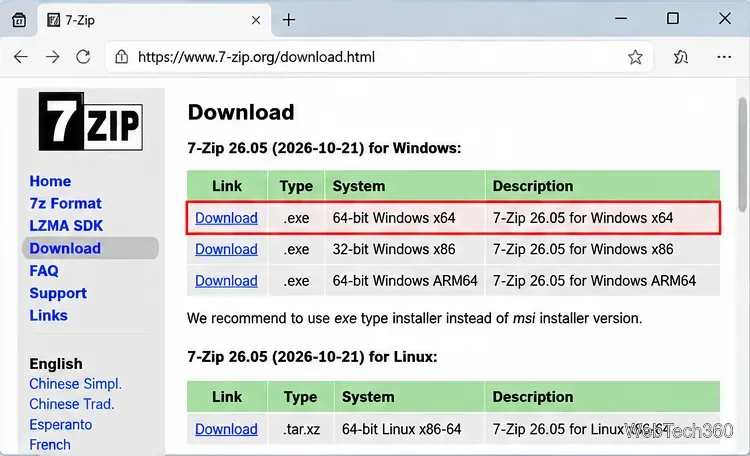
Download and install 7-Zip for Windows 10, then learn how to compress, extract, test, and password-protect archives safely.
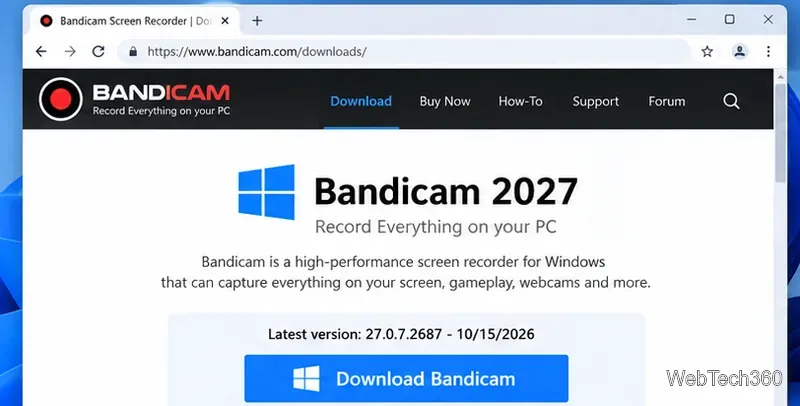
Learn how to download and install Bandicam 2027, record your screen, find saved videos, adjust key settings, and understand the free version limits.
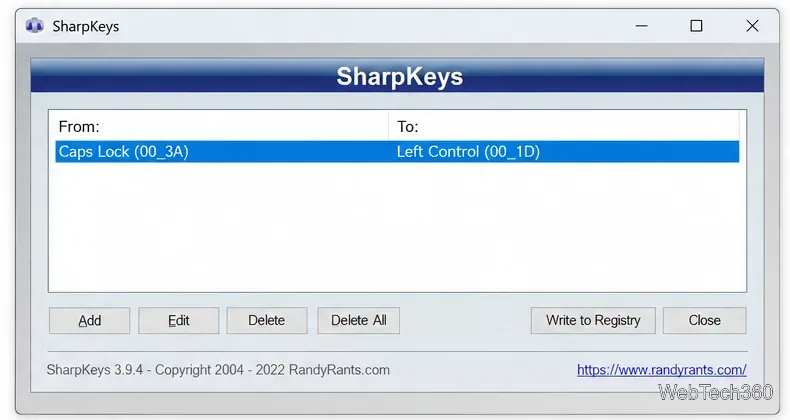
Download and install SharpKeys on Windows 10, then remap, disable, swap, or restore keyboard keys safely using the Windows Scancode Map.
Hextech Repair Tool is now Riot Repair Tool. Learn where to download it safely, collect League of Legends logs, run repairs, and contact Riot Support.
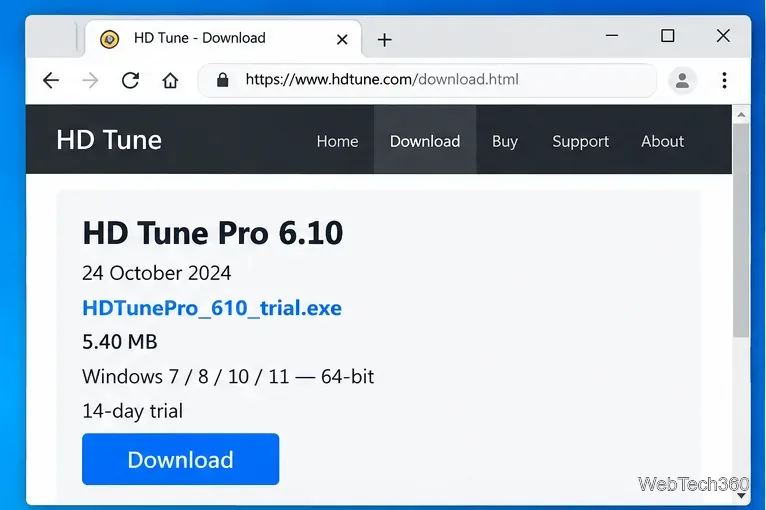
Download and install HD Tune Pro on Windows 10, choose the supported version, run benchmarks, check S.M.A.R.T. health, and scan drives for errors.