MyIPTV Player for Windows 10: How to Set Up and Use It
Learn how to install MyIPTV Player on Windows 10, add an M3U playlist and EPG, refresh channels, and fix common setup or playback problems.
Yes—Recuva is generally safe to use when you download it from CCleaner's official website. It is a legitimate Windows file-recovery utility designed to find deleted files on hard drives, USB drives, memory cards, and other rewritable storage. The bigger risk is not the app itself: continuing to use the drive after deleting a file can overwrite the data you are trying to recover.
For the best chance of recovery, stop writing new data to the affected drive as soon as possible. If practical, download and install Recuva to a different drive, and always save recovered files somewhere other than the source drive.
Recuva is a Windows recovery tool from CCleaner. It can search for deleted pictures, documents, music, videos, archives, emails, and other files, then estimate whether each item is still recoverable. CCleaner's current release history lists Recuva v1.55.133, released on June 22, 2026. You can verify the current build on the official Recuva version history.
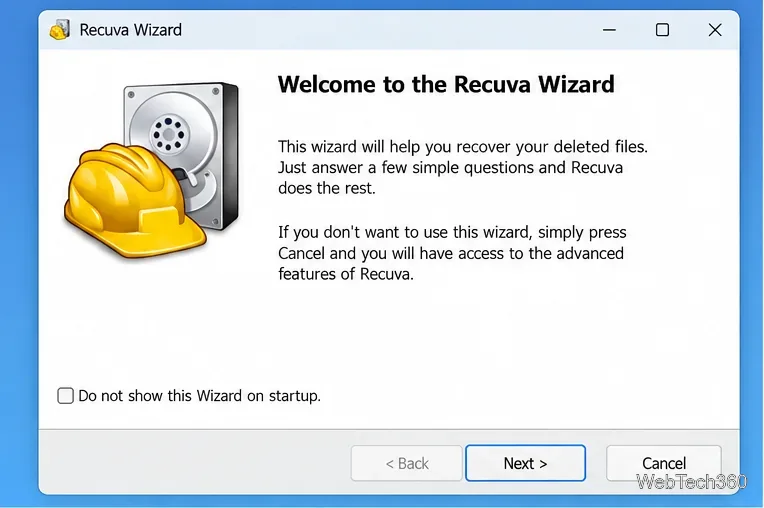
Use the official Recuva download page rather than third-party download mirrors. CCleaner offers Recuva Free and Recuva Professional for home use. The Professional edition adds virtual hard drive support, automatic updates, and premium support; business use requires a business license.
Recuva is a Windows-only application. CCleaner's support documentation lists Windows 11, Windows 10, Windows 8/8.1, Windows 7, and several older Windows editions, and notes that the installer uses the 64-bit version on 64-bit Windows. It supports NTFS, FAT, and exFAT file systems. See the official system requirements for the full compatibility list.
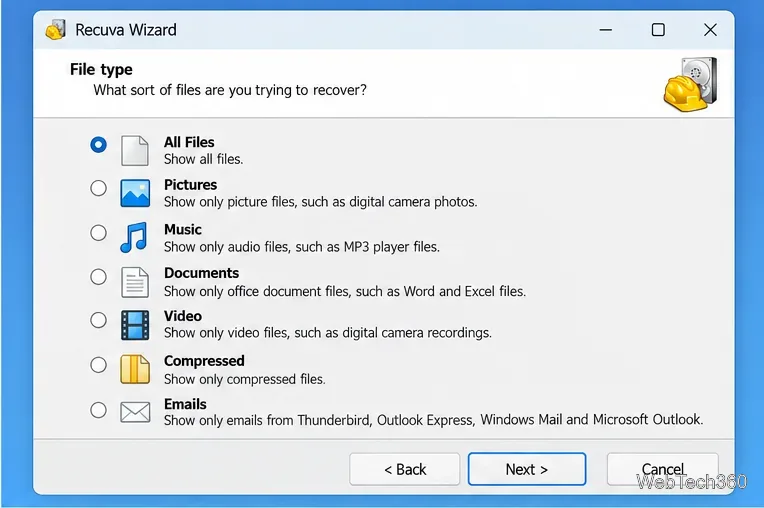
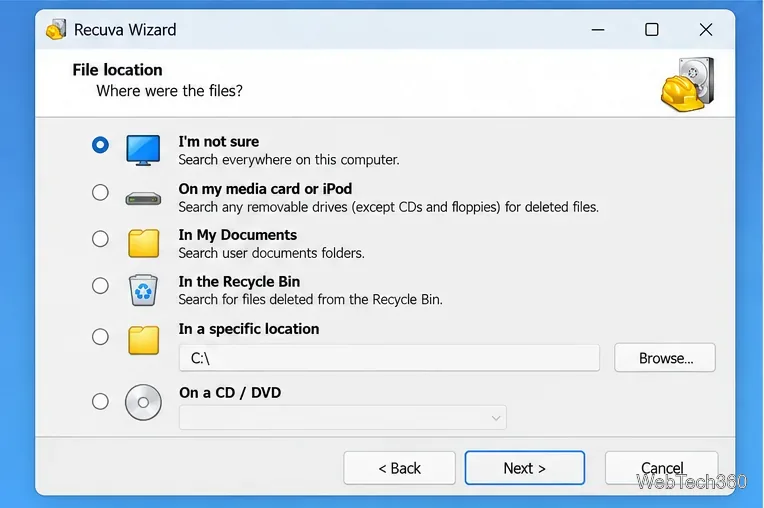
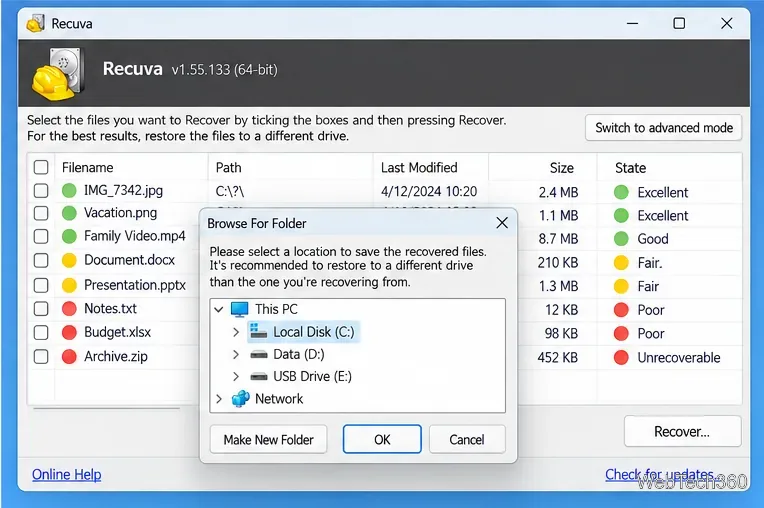
CCleaner specifically recommends recovering files to another drive. Its official recovery instructions also note that no recovery tool can guarantee a usable result: data may already be partially or completely overwritten.
Recuva can scan hard drives, USB flash drives, memory cards, and other directly connected storage. It can also search damaged or newly formatted drives when configured to scan for non-deleted files. However, it cannot recover every deleted file, and securely deleted or overwritten data is generally unrecoverable.
Recovery success depends on factors such as the file system, fragmentation, how long ago the file was deleted, and how much the drive has been used since deletion. Recuva also cannot recover files from macOS or Linux file systems, and it is not designed to recover data from modern Android devices connected only through MTP or from iPhones. CCleaner summarizes these limits in its Recuva capabilities guide.
You can use Recuva to scan an SSD, but recovery may be limited if deleted data has already been removed or overwritten. One feature deserves extra caution: do not use Recuva's Secure Overwrite function on an SSD. CCleaner states that secure overwriting is ineffective on SSDs and may unnecessarily wear the drive. The company's Secure Overwrite documentation explicitly warns against using that function on solid-state storage.
Recuva is a sensible first tool to try for accidentally deleted Windows files, especially when you act quickly. Download it only from CCleaner, minimize activity on the affected drive, start with a normal scan, use Deep Scan only when necessary, and restore recovered files to a different drive. Those steps matter more to recovery success than simply choosing between the Free and Professional editions.
Learn how to install MyIPTV Player on Windows 10, add an M3U playlist and EPG, refresh channels, and fix common setup or playback problems.
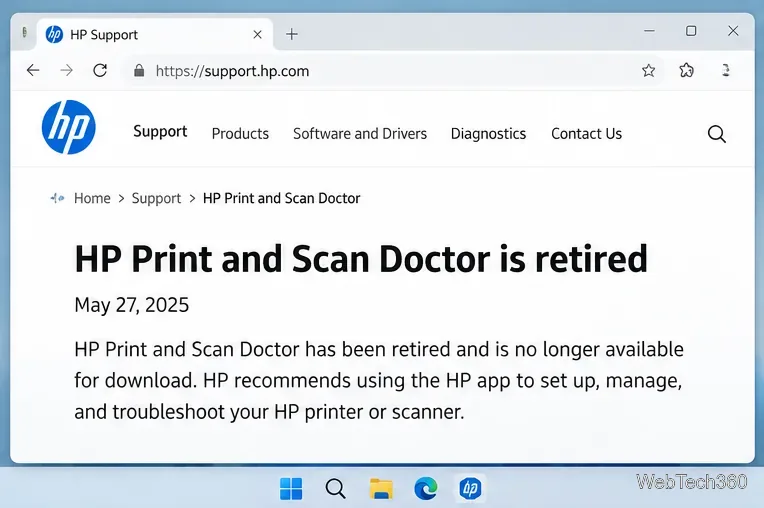
HP Print and Scan Doctor was retired by HP on May 27, 2025. Learn what replaced it, how to run Diagnose & Fix, and how to remove old copies safely.
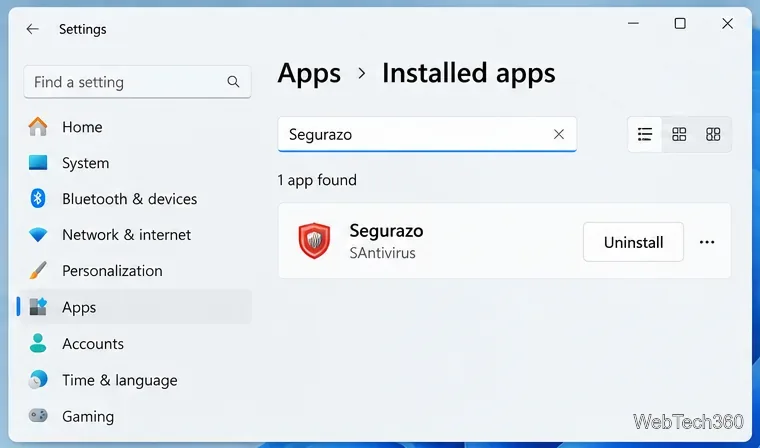
Is Segurazo a virus? Learn how to remove Segurazo or SAntivirus safely, scan for leftovers, and avoid risky registry-cleanup advice.
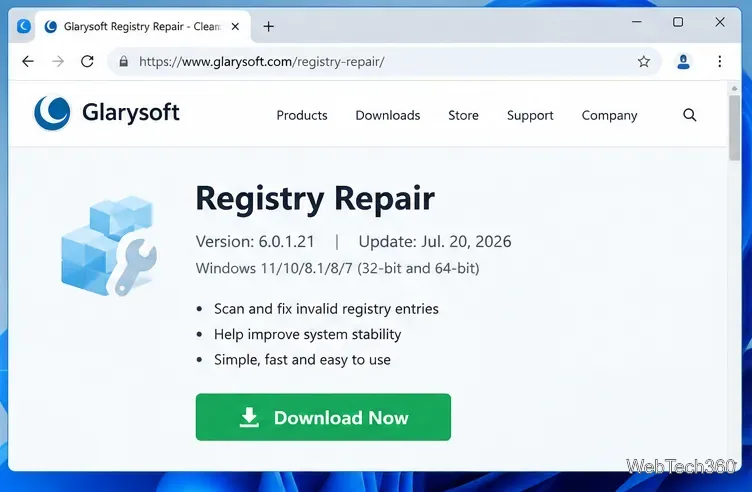
Learn what Glarysoft Registry Repair does, how to use its scan and backup tools, and why Microsoft recommends caution with registry cleaners.
Download Wise Registry Cleaner safely from the official site, learn the safest scan settings, backup options, and whether this free Windows tool is worth using.
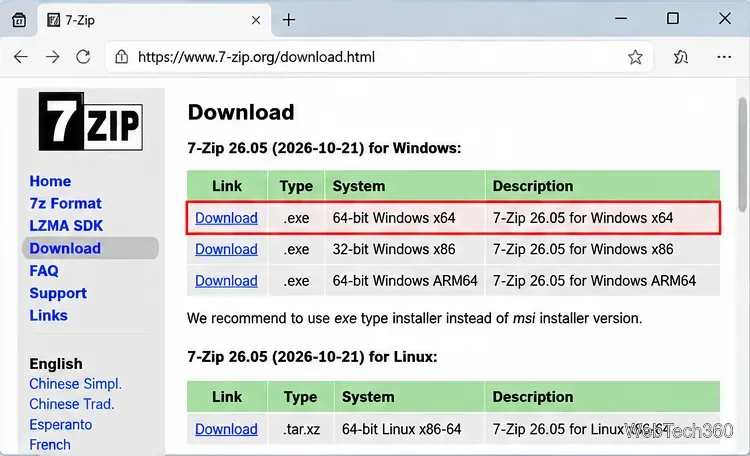
Download and install 7-Zip for Windows 10, then learn how to compress, extract, test, and password-protect archives safely.
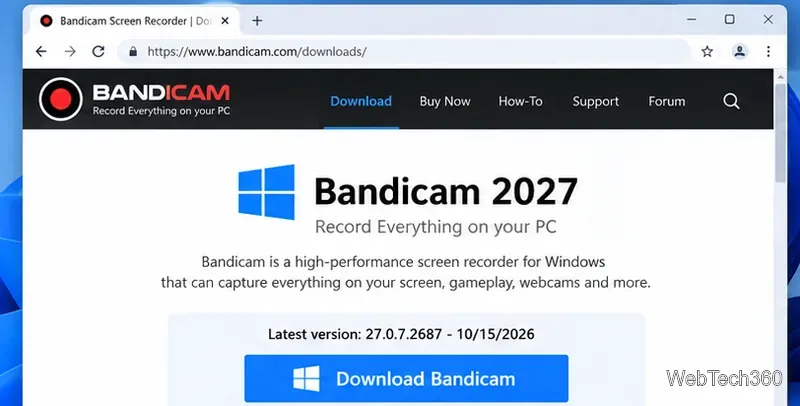
Learn how to download and install Bandicam 2027, record your screen, find saved videos, adjust key settings, and understand the free version limits.
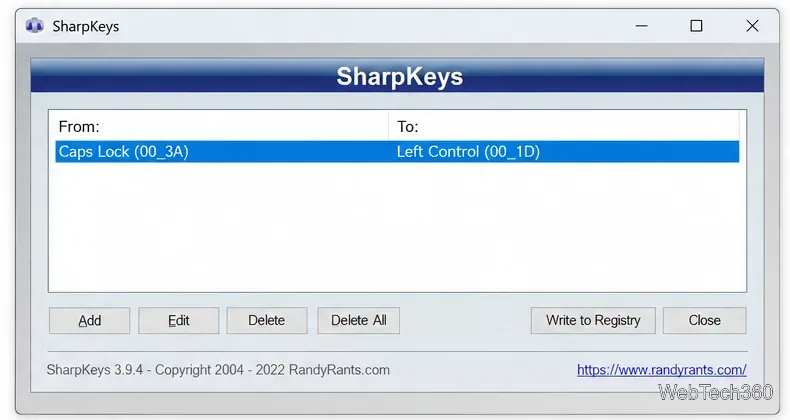
Download and install SharpKeys on Windows 10, then remap, disable, swap, or restore keyboard keys safely using the Windows Scancode Map.
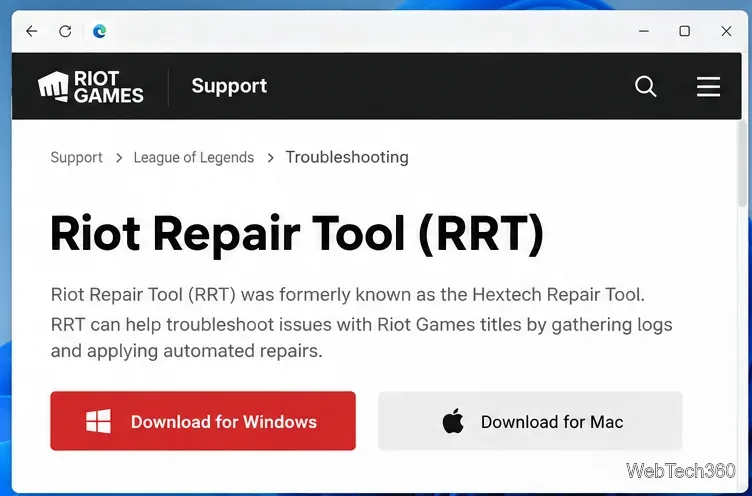
Hextech Repair Tool is now Riot Repair Tool. Learn where to download it safely, collect League of Legends logs, run repairs, and contact Riot Support.
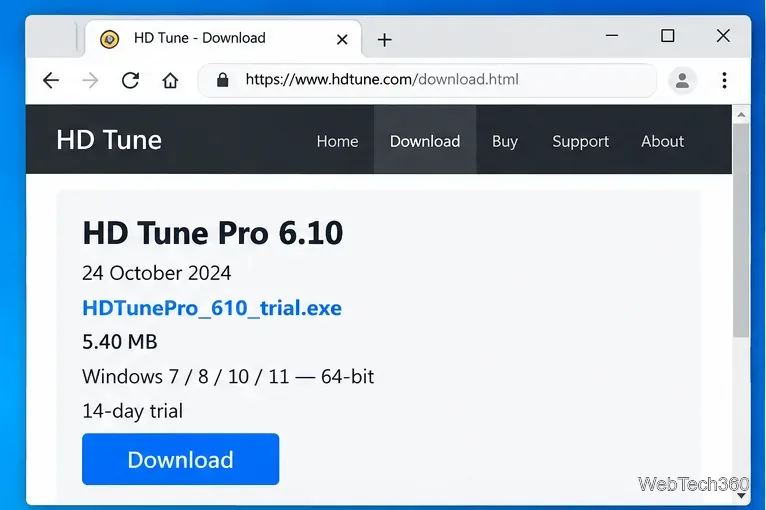
Download and install HD Tune Pro on Windows 10, choose the supported version, run benchmarks, check S.M.A.R.T. health, and scan drives for errors.