MyIPTV Player for Windows 10: How to Set Up and Use It
Learn how to install MyIPTV Player on Windows 10, add an M3U playlist and EPG, refresh channels, and fix common setup or playback problems.
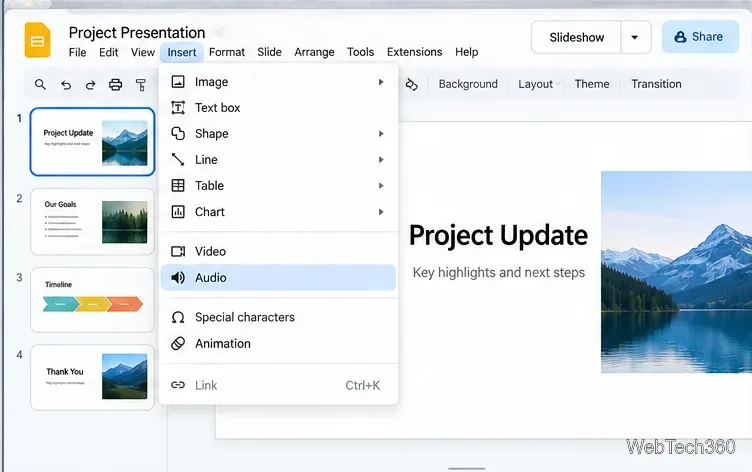
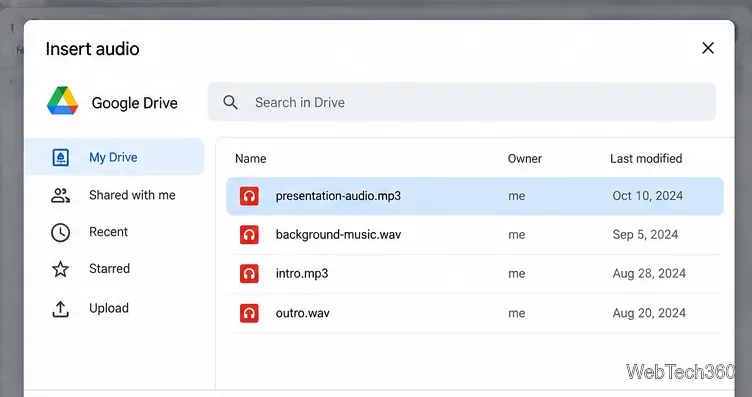
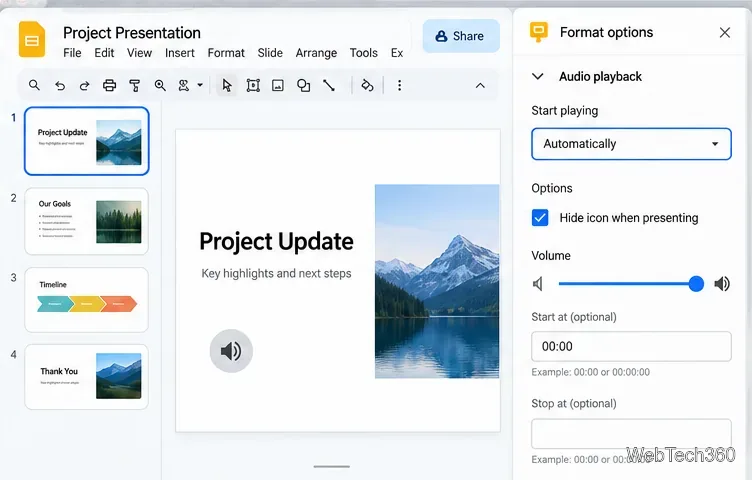
To add audio to Google Slides, first save the sound file in Google Drive, then open the presentation on a computer and choose Insert > Audio. Google currently supports MP3 and WAV files for this workflow. After the file is inserted, you can choose whether it starts on click or automatically, adjust playback, and decide whether it should continue across slides.
Google's current Slides help confirms that audio is inserted from Drive and supports .mp3 and .wav files. See the official Google Slides insert-media instructions.
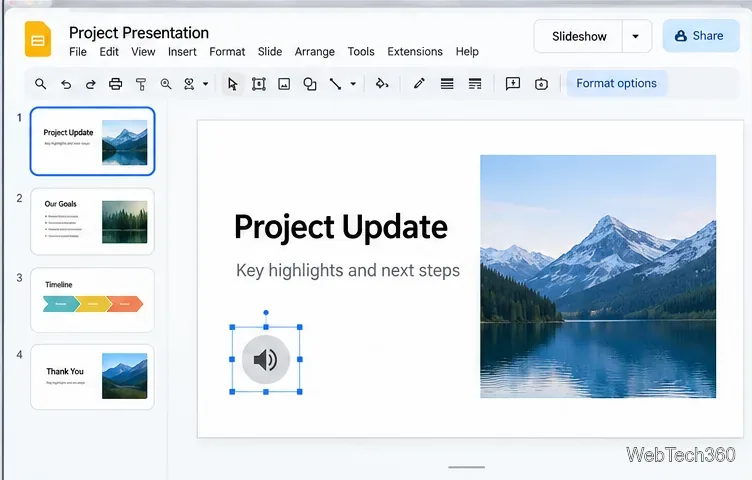
Finally, click Slideshow and test the slide from the beginning of the section where the audio is used. Testing in presentation mode is important because browser permissions, file access, and playback settings can behave differently from edit mode.
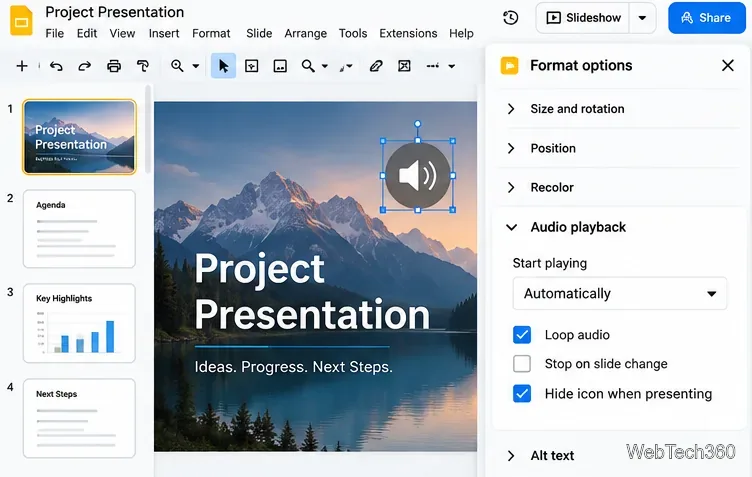
For background music, insert the track on the slide where you want it to begin and set it to play automatically. In Audio playback, leave Stop on slide change unchecked so the track can continue when you advance. Turn on Loop audio if you want the file to restart after it reaches the end. If you do not want the speaker symbol visible during the presentation, enable Hide icon when presenting when that option is available.
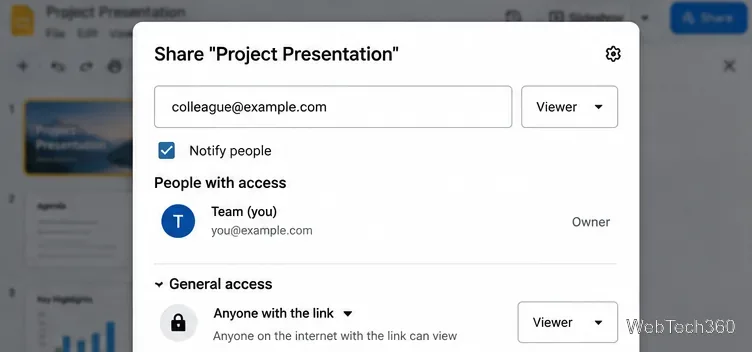
The audio file remains a Drive-hosted file, so sharing matters. Google says Slides uses an access checker that can suggest permission changes when a presentation contains audio or video. When you share the deck, add the people or groups who need access and confirm any recommended permission updates. Google's Drive sharing guide explains Viewer, Commenter, and Editor access.
Yes, but that is different from inserting an audio file. For YouTube, use Insert > Video; Google Slides currently lets you search YouTube, paste a YouTube URL, or choose a video from Google Drive. You can then use Format options > Video playback to control how the video starts. If you only add a Spotify or other streaming-service link, it remains a hyperlink and may open another browser tab instead of playing as embedded slide audio.
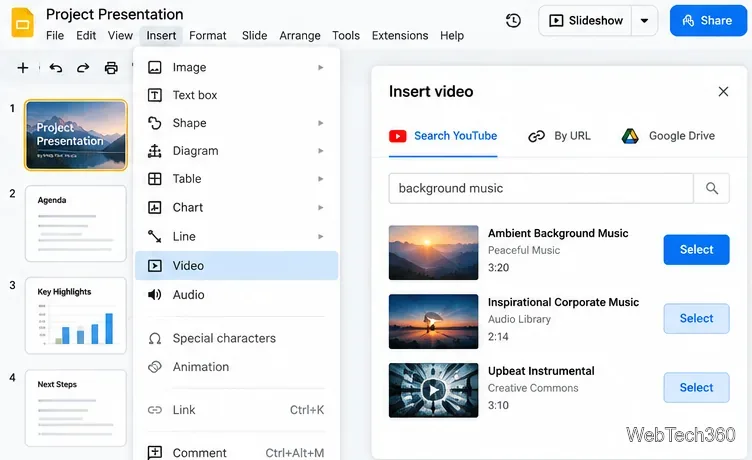
For most presentations, the Drive-based MP3 or WAV method is the cleanest option because playback stays inside Google Slides and you can control when the audio starts, whether it continues across slides, and whether the icon is shown to the audience.
Learn how to install MyIPTV Player on Windows 10, add an M3U playlist and EPG, refresh channels, and fix common setup or playback problems.
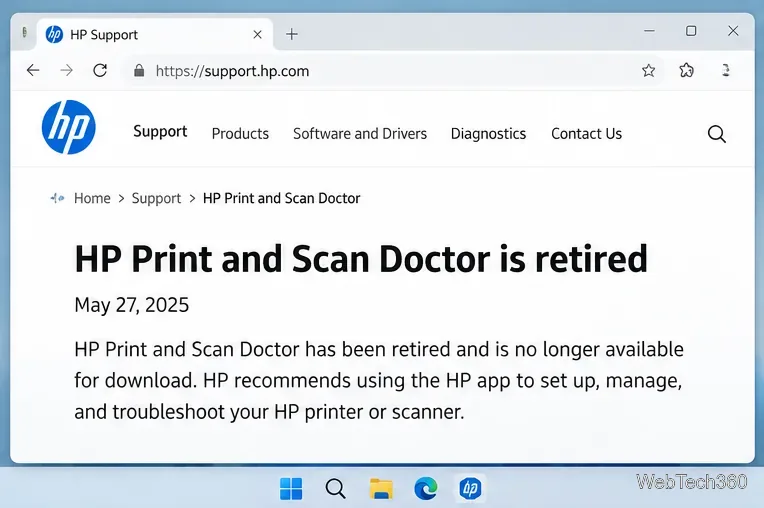
HP Print and Scan Doctor was retired by HP on May 27, 2025. Learn what replaced it, how to run Diagnose & Fix, and how to remove old copies safely.
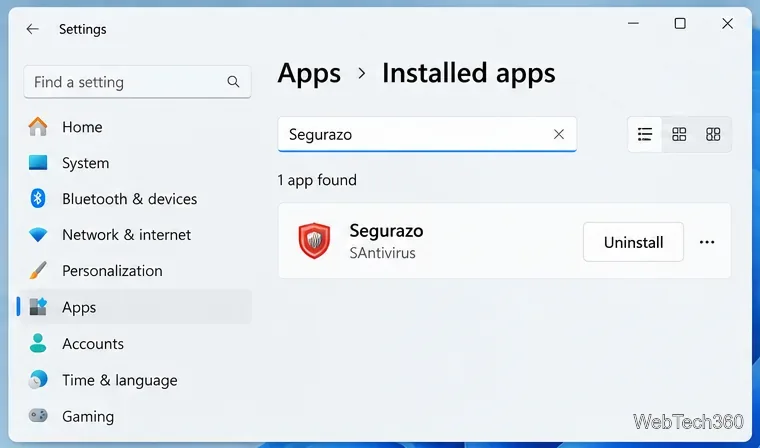
Is Segurazo a virus? Learn how to remove Segurazo or SAntivirus safely, scan for leftovers, and avoid risky registry-cleanup advice.
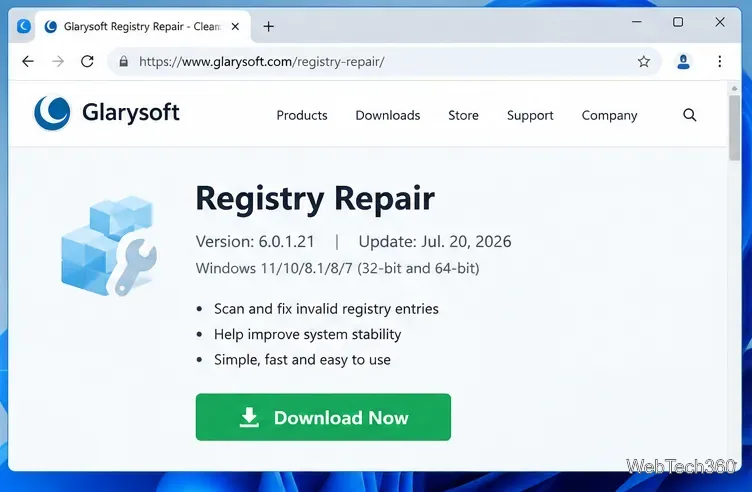
Learn what Glarysoft Registry Repair does, how to use its scan and backup tools, and why Microsoft recommends caution with registry cleaners.
Download Wise Registry Cleaner safely from the official site, learn the safest scan settings, backup options, and whether this free Windows tool is worth using.
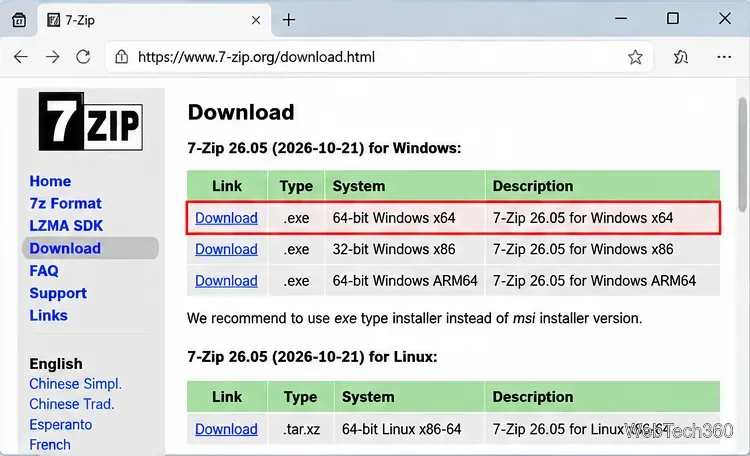
Download and install 7-Zip for Windows 10, then learn how to compress, extract, test, and password-protect archives safely.
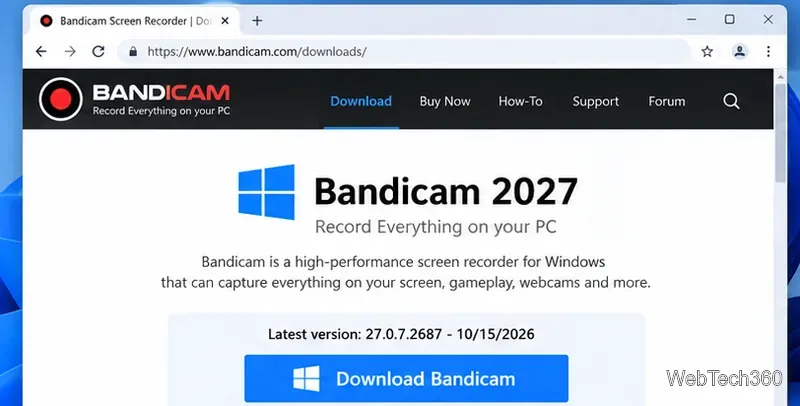
Learn how to download and install Bandicam 2027, record your screen, find saved videos, adjust key settings, and understand the free version limits.
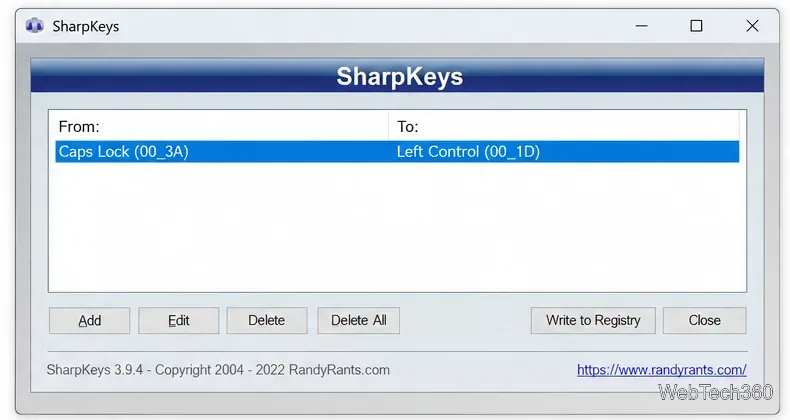
Download and install SharpKeys on Windows 10, then remap, disable, swap, or restore keyboard keys safely using the Windows Scancode Map.
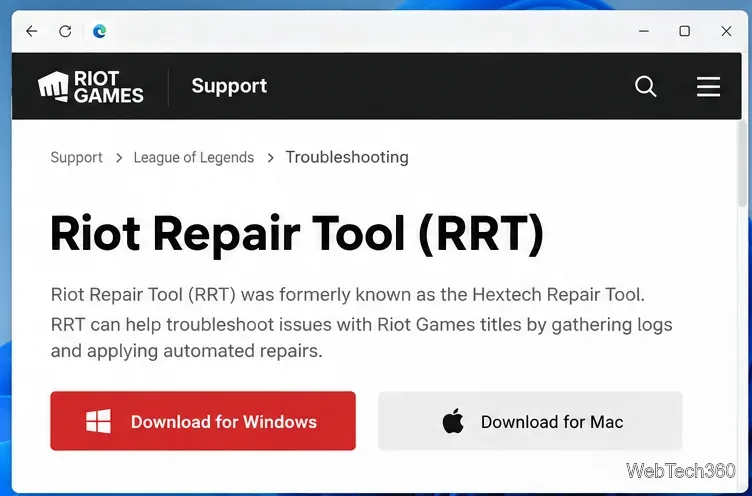
Hextech Repair Tool is now Riot Repair Tool. Learn where to download it safely, collect League of Legends logs, run repairs, and contact Riot Support.
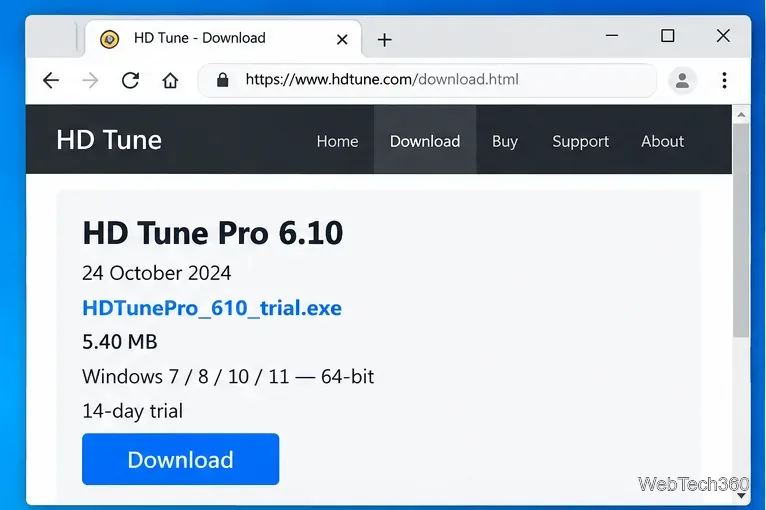
Download and install HD Tune Pro on Windows 10, choose the supported version, run benchmarks, check S.M.A.R.T. health, and scan drives for errors.