MyIPTV Player for Windows 10: How to Set Up and Use It
Learn how to install MyIPTV Player on Windows 10, add an M3U playlist and EPG, refresh channels, and fix common setup or playback problems.
DriverPack Solution is still available for Windows, but it should not be your first choice for routine driver updates. Microsoft recommends Windows Update first, followed by the hardware manufacturer when Windows cannot find the driver you need. If you still want DriverPack—especially for an offline repair or a PC with missing network drivers—download it only from the official site, keep Windows security enabled, and review every selection in Expert Mode before installing anything.
DriverPack is a portable driver-detection and installation tool. According to the official DriverPack FAQ, there is no traditional setup process: you download the version you need and run it. The project currently advertises support for Windows 11, Windows 10, Windows 8.1, Windows 8, Windows 7, and Windows XP.
For most current PCs, however, Windows Update is Microsoft's recommended source for driver updates. DriverPack is more useful when Windows cannot identify older hardware, when you are rebuilding several machines, or when a computer has no working network driver.
Use the official DriverPack website or its For system admins page. As checked on October 22, 2026, the official page lists these builds:
| Version | Listed size | Best for |
|---|---|---|
| DriverPack Online 17.11.108 | 8.42 MB | Internet-connected PCs; downloads the drivers it needs |
| DriverPack Offline Network 17.10.14-25091 | 888 MB | Restoring LAN or Wi-Fi without an Internet connection |
| DriverPack Offline Full 17.10.14-25060 | 47 GB | Technicians who need a broad offline driver library |
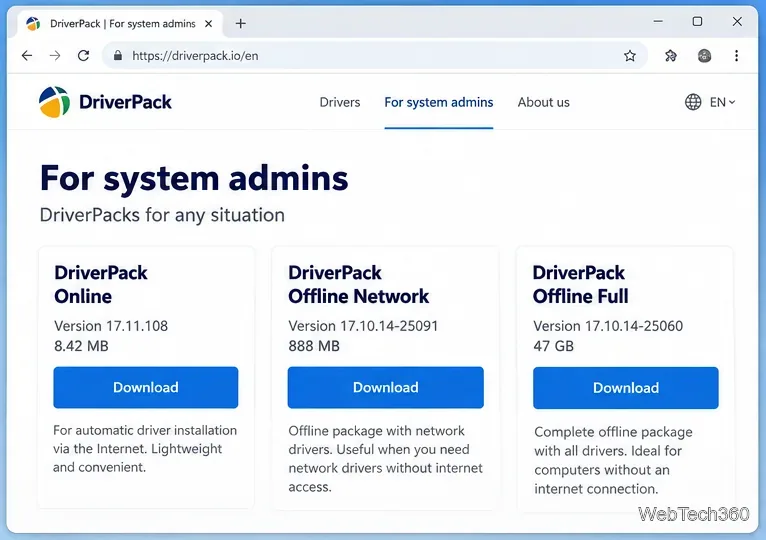
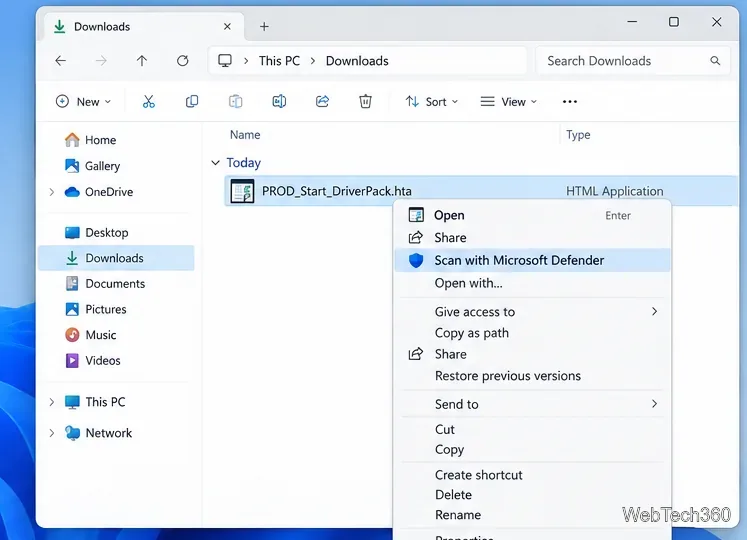
The current Online download endpoint may deliver an HTA launcher rather than a conventional EXE file. File names and delivery methods can change, so confirm that the download came directly from the official DriverPack domain before opening it.
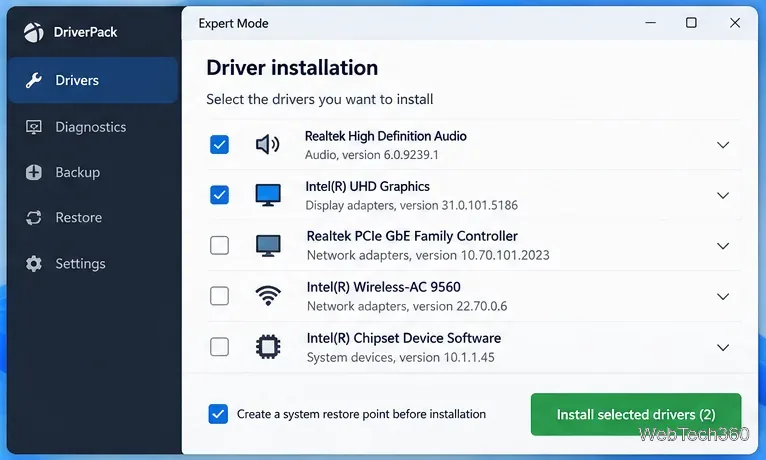
DriverPack is a real, long-running project with an active official website, but that does not make every installation choice risk-free. Its published Terms of Use state that the platform is supported by advertising and may present offers for third-party software, mobile apps, or changes such as a home page or default search provider. The terms also say approved offers can be installed once the user has given permission through the provided opt-in or opt-out mechanism.
That is why Expert Mode and careful review matter. Do not assume that every preselected software item is required for your hardware. DriverPack's own FAQ also says antivirus products can report false positives and suggests whitelisting the program; a safer approach is to stop and verify the source and file rather than overriding a security warning automatically.
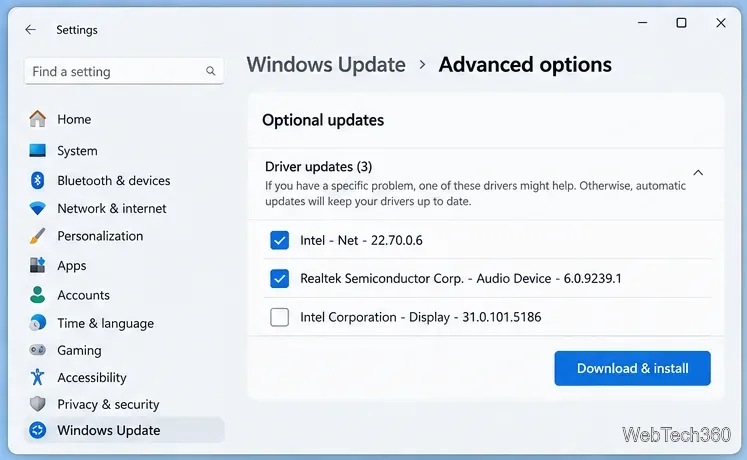
On Windows 11, open Settings > Windows Update > Advanced options > Optional updates > Driver updates. Microsoft says most hardware drivers are delivered through Windows Update, and if Windows cannot find a suitable driver, the next place to check is the device manufacturer's official support site.
DriverPack can still be useful for offline recovery and older or hard-to-identify hardware, but it is not necessary for routine maintenance on most Windows 11 systems. If you use it, download only from DriverPack's official domain, scan the launcher, use Expert Mode, decline unrelated software, and keep a recovery path in case a driver causes problems.
Windows 10 note: Microsoft's free support for Windows 10 ended on October 14, 2025. Updating drivers can fix hardware issues, but it does not restore operating-system security support.
Learn how to install MyIPTV Player on Windows 10, add an M3U playlist and EPG, refresh channels, and fix common setup or playback problems.
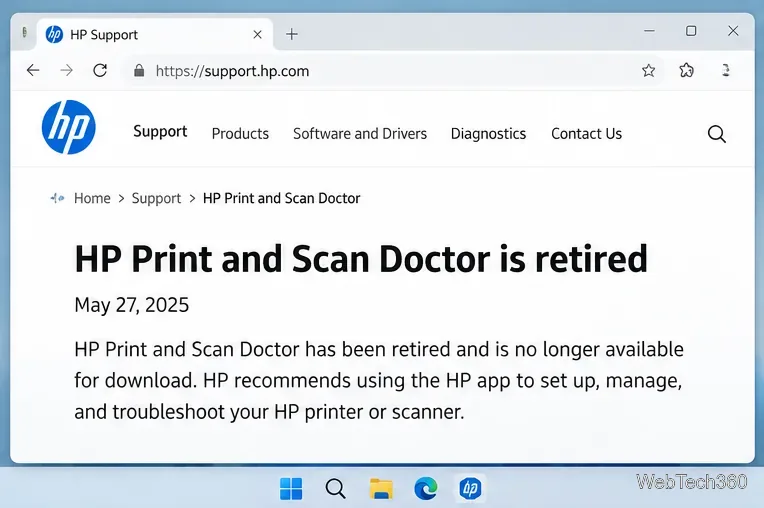
HP Print and Scan Doctor was retired by HP on May 27, 2025. Learn what replaced it, how to run Diagnose & Fix, and how to remove old copies safely.
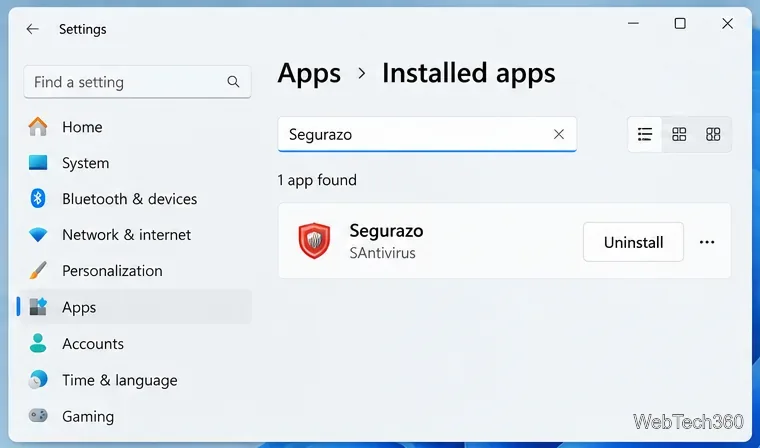
Is Segurazo a virus? Learn how to remove Segurazo or SAntivirus safely, scan for leftovers, and avoid risky registry-cleanup advice.
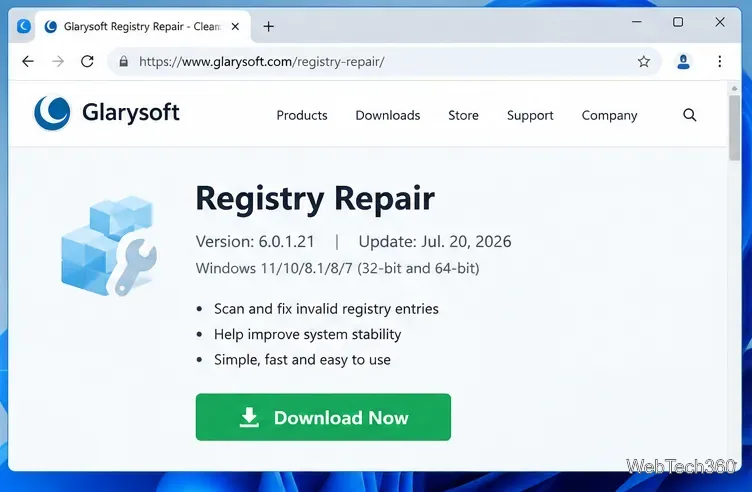
Learn what Glarysoft Registry Repair does, how to use its scan and backup tools, and why Microsoft recommends caution with registry cleaners.
Download Wise Registry Cleaner safely from the official site, learn the safest scan settings, backup options, and whether this free Windows tool is worth using.
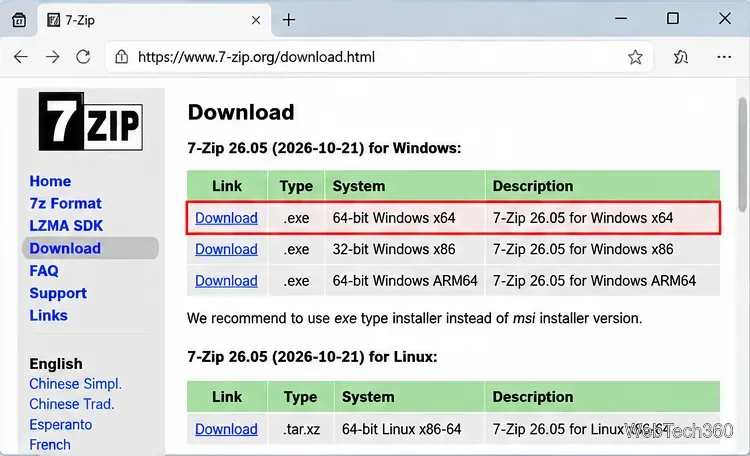
Download and install 7-Zip for Windows 10, then learn how to compress, extract, test, and password-protect archives safely.
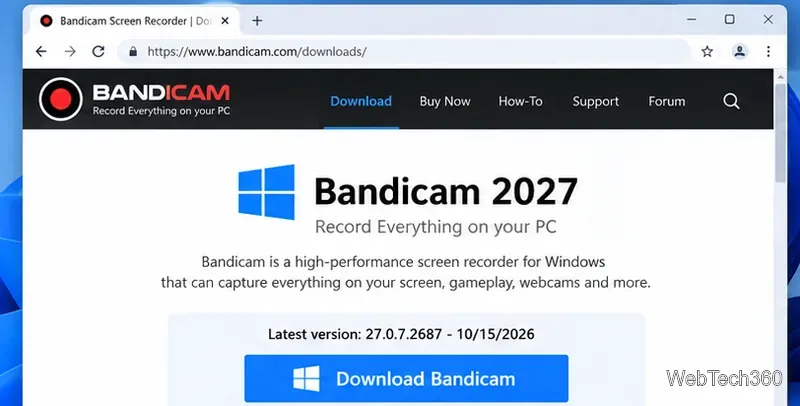
Learn how to download and install Bandicam 2027, record your screen, find saved videos, adjust key settings, and understand the free version limits.
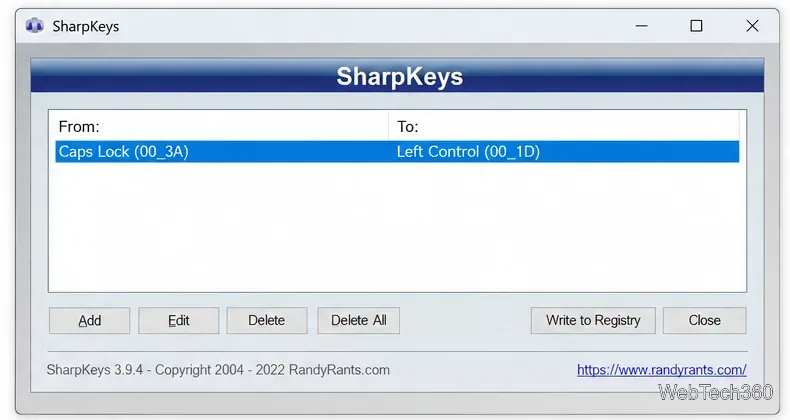
Download and install SharpKeys on Windows 10, then remap, disable, swap, or restore keyboard keys safely using the Windows Scancode Map.
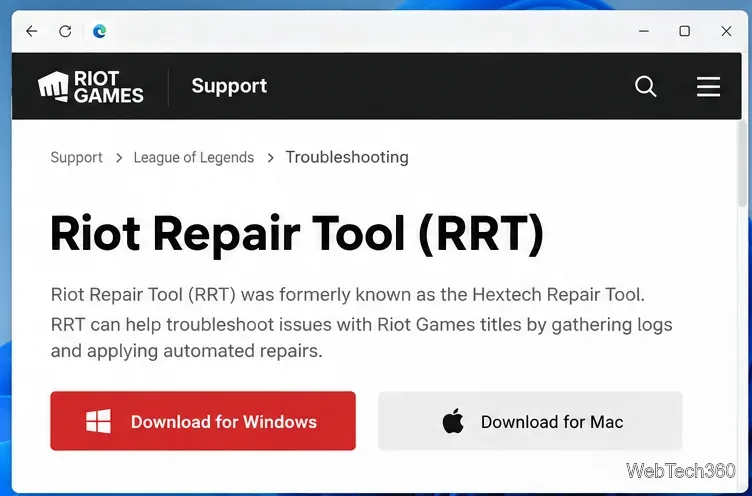
Hextech Repair Tool is now Riot Repair Tool. Learn where to download it safely, collect League of Legends logs, run repairs, and contact Riot Support.
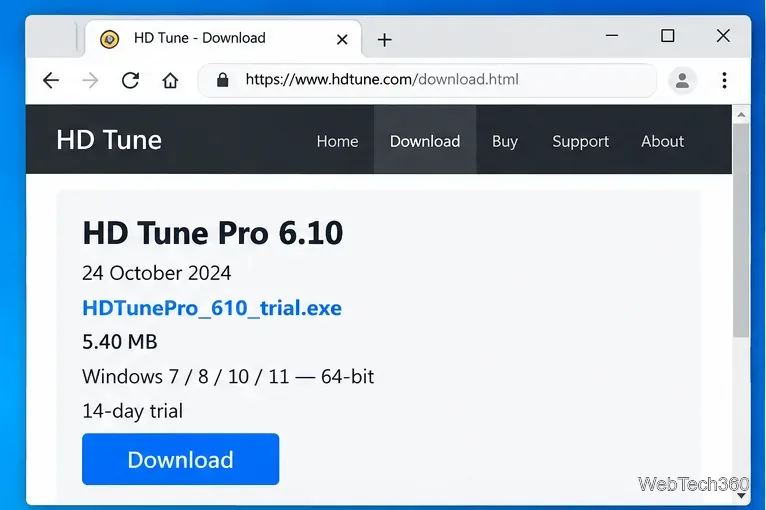
Download and install HD Tune Pro on Windows 10, choose the supported version, run benchmarks, check S.M.A.R.T. health, and scan drives for errors.