Home
» INTERNET
»
Best Free and Functional Android Live Wallpapers
Best Free and Functional Android Live Wallpapers
For useful information on your Android home screen, start with KLWP Live Wallpaper Maker. It can turn a wallpaper into a custom display for a clock, weather, battery details, system stats, or tap actions. For automatically changing artwork, try Muzei; for a quieter day-to-night scene, try Paperland. Pixel phones also include photo effects on supported models. These recommendations were checked against Google Play and Google’s current Pixel help pages on November 1, 2026; they are not hands-on performance test results.
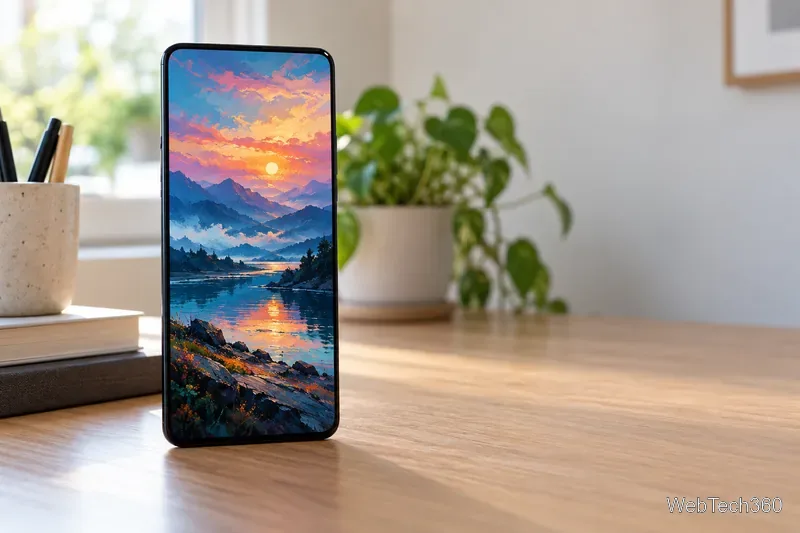
Illustration of an art-focused live wallpaper; this is not a Muzei app screenshot.
What makes a live wallpaper functional?
A live wallpaper is content that moves or updates behind the apps on your home screen. It does not replace the launcher, app icons, widgets, or Android’s notification shade. The Android developer reference describes the wallpaper service as appearing behind applications. If you need dependable access to a calendar, navigation, or urgent weather alerts, keep using the relevant app or widget; treat a wallpaper as a glanceable extra.
Best free Android live wallpapers to try
KLWP Live Wallpaper Maker: best for useful information
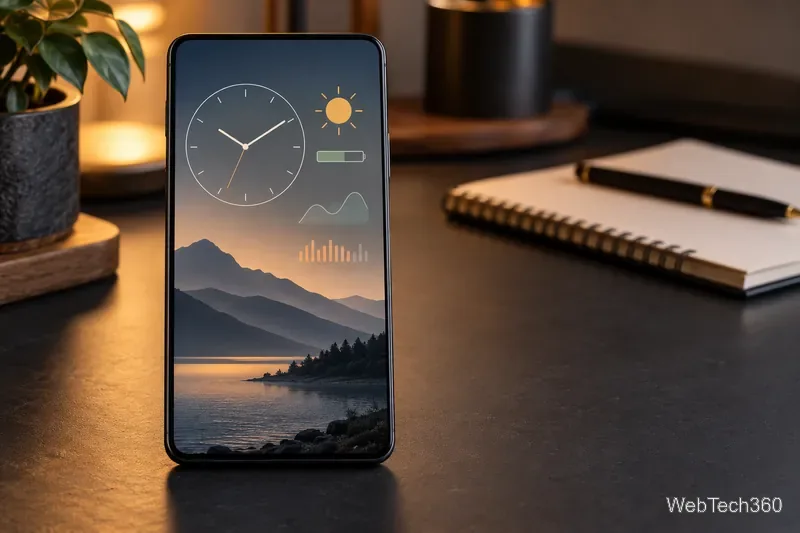
KLWP Live Wallpaper Maker is the most flexible pick here if you want more than motion. Its editor supports text, shapes, images, animations, and tap hotspots that can launch apps or toggle settings. The listing also describes clocks, weather, battery meters, and system statistics as dashboard elements. Use it for a custom clock, status panel, or tappable shortcuts.
Concept illustration of the kinds of elements a KLWP creator can arrange; it is not an app screenshot or live device data.
The app is free to install, but Google Play lists ads and in-app purchases. Google Play says its Pro upgrade removes ads and unlocks external preset imports and skins. Creating a basic layout yourself is the free starting point.
Muzei Live Wallpaper: best for rotating artwork
Muzei Live Wallpaper refreshes the background with featured works of art and can rotate through photos from your own gallery every few hours. Its blur-and-dim option keeps the background from overpowering icons and widgets. A double-tap or the app opens the artwork in full view. It is for rotating art, not a weather or system dashboard.
Paperland Live Wallpaper: best for an ambient scene
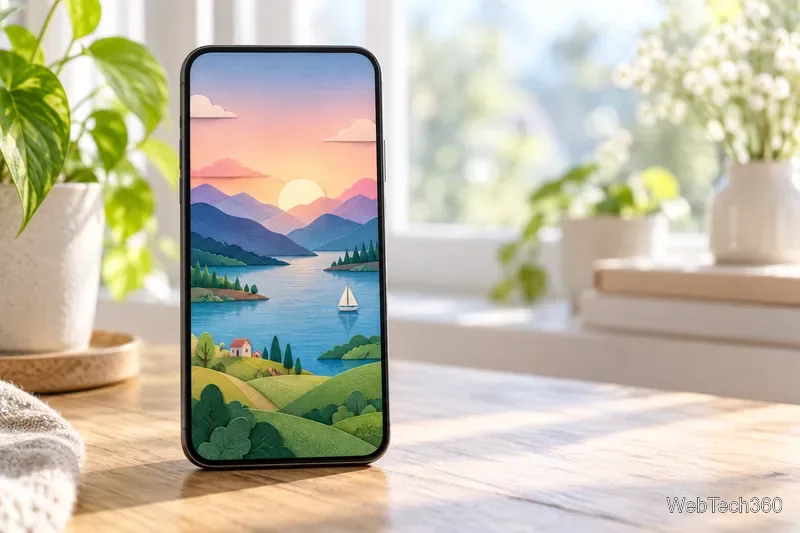
Paperland Live Wallpaper puts a layered paper-cut valley, lake, and sailboat behind your home screen. Its current Google Play description says the sky shifts through dawn, daytime, dusk, and night. It is free to install and suits readers who want the wallpaper itself to change with the time of day. The listing does not present it as a data dashboard or shortcut launcher.
Paper-cut landscape concept illustration, not a screenshot from Paperland.
Pixel Live effects: best if you already have a compatible Pixel
Some Pixel phones can add motion or weather styling to a photo without installing another wallpaper app. Google says the Cinematic 3D effect is available on Pixel 6 and later; shape and weather effects are available on Pixel 9a and later. Open Wallpaper & style, choose Live effects, then select a photo. They add photo effects, not KLWP-style clocks or shortcuts.
How to install and set one
Open the app’s official Google Play listing and check its device compatibility, ads, and in-app purchases before installing.
Use the app’s Set wallpaper button if it has one. Otherwise, open your phone’s wallpaper picker. On Pixel, touch and hold an empty home-screen area, tap Wallpaper & style, then choose the wallpaper or effect. Other Android brands may use different menu names.
Preview the result and choose the home screen, lock screen, or both if your phone offers that choice. Open the wallpaper app again to adjust its own settings.
Google’s Pixel wallpaper instructions confirm the current Pixel menu path. On other phones, the manufacturer’s wallpaper picker is the reliable guide.
Battery and compatibility checks
Live wallpapers can use more power than a static background, although the amount depends on the wallpaper and phone. Google includes turning off live wallpapers among its Pixel battery-saving suggestions. If battery life matters, start with a subdued design, then switch to a still image if you notice a meaningful change in your usual battery use.
The original roundup linked several legacy apps whose Market links or developer accounts are no longer dependable. I left out titles without a verifiable current official listing; avoid unknown APK mirrors. Availability, free features, and Android support can change, so recheck Google Play before installing.
Frequently asked questions
Do live wallpapers replace Android launchers or widgets?
No. They sit behind the home-screen interface. Use KLWP’s own tap hotspots for simple actions, but keep widgets and standard app shortcuts for routine access.
Which option is the most functional?
KLWP offers the most control over information and tap actions among these picks, but it requires setup and some features are paid. Muzei is easier for rotating pictures, while Paperland adds a changing scene. If you only want subtle movement on a supported Pixel, try its built-in Live effects first.