Home
» INTERNET
»
8 Best Uses for a Raspberry Pi: Practical Projects to Try
8 Best Uses for a Raspberry Pi: Practical Projects to Try
A Raspberry Pi can do much more than teach coding. It can play movies on your TV, share files throughout your home, host a media library, run classic games, or control connected devices. The best project depends on whether you want a useful always-on service, an inexpensive learning machine, or something fun to build.
These eight Raspberry Pi uses work across different models, although newer boards such as the Pi 4 and Pi 5 are better suited to demanding desktop and media tasks. You'll usually need an appropriate power supply, boot storage, and the cables or accessories required by your project.
1. Build a Kodi media center
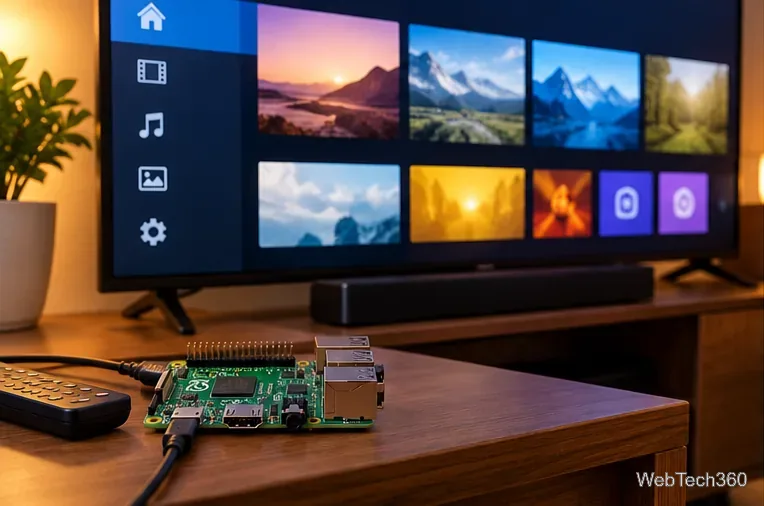
Connect a Raspberry Pi to a television via HDMI and use it as a dedicated player for your own video, music, and photo collections. LibreELEC is a lightweight operating system built around Kodi; its downloads page provides different images for supported Raspberry Pi models, including the Pi 5.
Install the image intended for your board, connect your media drive or network share, and organize your library in Kodi. This is a particularly good project if you prefer a customizable local media player. Kodi add-ons vary in legality and reliability, so stick to legitimate content sources. For background, see our LibreELEC and Kodi guide.
A Raspberry Pi can run LibreELEC and Kodi as a compact media center connected to a TV.
2. Make a home file server or NAS
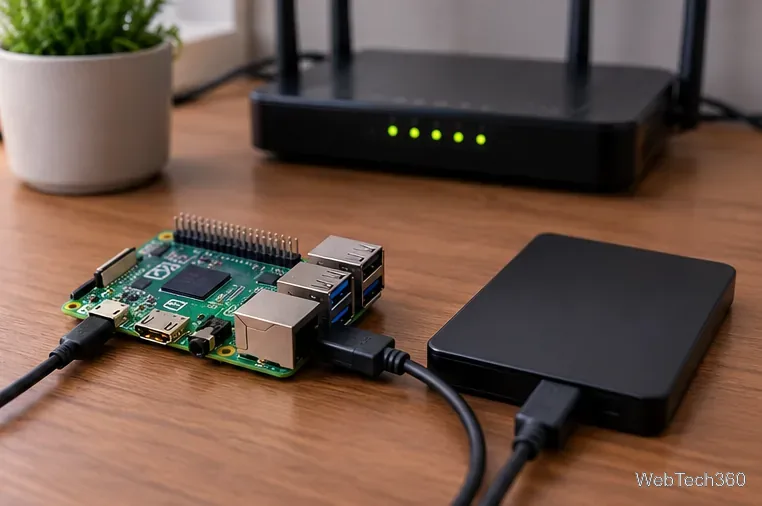
A Raspberry Pi plus a USB SSD or hard drive can provide a central place for documents, photos, and backups. Connect the drive, mount it in Raspberry Pi OS, and share an appropriate folder over your home network using Samba. Windows, macOS, and Linux computers can then access it through SMB.
Samba is not preinstalled in Raspberry Pi OS. Follow Raspberry Pi's official NAS tutorial to install and configure it. Use authenticated shares rather than allowing anonymous write access. A shared drive is convenient, but it is not a backup by itself: keep a separate copy of important files.
An external SSD and wired networking turn a Raspberry Pi into a small shared-file server.
3. Host a Plex media library
If your household watches personal media on different TVs and phones, Plex can catalog your collection and stream it to supported apps. A Raspberry Pi can serve as a compact Plex Media Server with a connected storage drive.
Direct Play is the key limitation: Plex notes that ARM-based servers generally cannot perform video transcoding. Your files should already use formats the playback device supports. Subtitle burning and lower-bandwidth remote streaming may need transcoding, so a more powerful server is better for those situations. Review Plex's guidance on ARM servers before building.
4. Build a retro game console or mini arcade
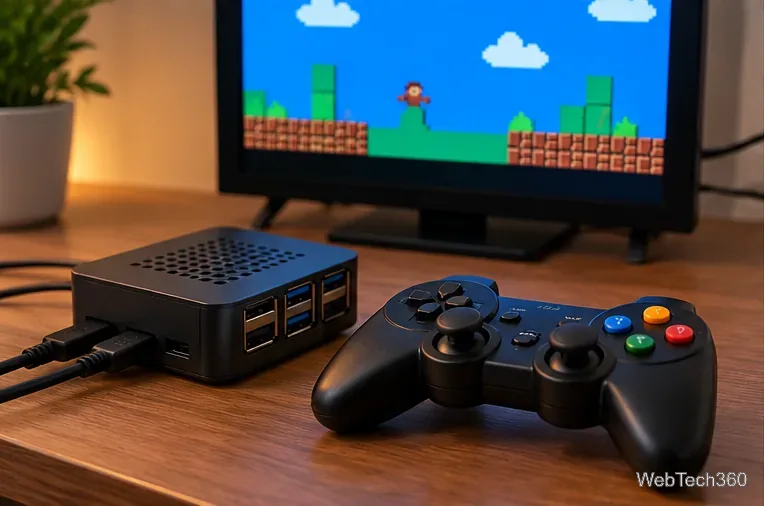
Pair a Raspberry Pi with a USB or Bluetooth controller and a monitor to revisit games on compatible emulators. RetroPie is a familiar option; other retro gaming systems include Batocera, Lakka, and Recalbox. You can also put the hardware into a small arcade cabinet or a mini console-style case.
Check the install method for your exact board. Raspberry Pi's Pi 5 project guidance explains that RetroPie requires manual installation on Raspberry Pi OS rather than a ready-made Pi 5 image. For arcade emulation, MAME is another established project. Emulators don't include permission to copy commercial games; use ROMs you are legally entitled to use.
A Raspberry Pi retro gaming station can be paired with a controller and a display.
5. Use it as a small desktop computer
Add a monitor, keyboard, mouse, and Raspberry Pi OS to make a desktop for web browsing, email, writing, and lightweight office work. Raspberry Pi OS is the current name for the operating system once called Raspbian. A Pi 5 with adequate RAM and fast storage makes the most sense for this use.
It is not a drop-in replacement for a powerful Windows or Mac computer: some applications are unavailable for ARM Linux, and demanding multitasking can be slower. Use Raspberry Pi Imager to write a supported operating system to a microSD card or compatible boot drive.
6. Learn Python and build electronics
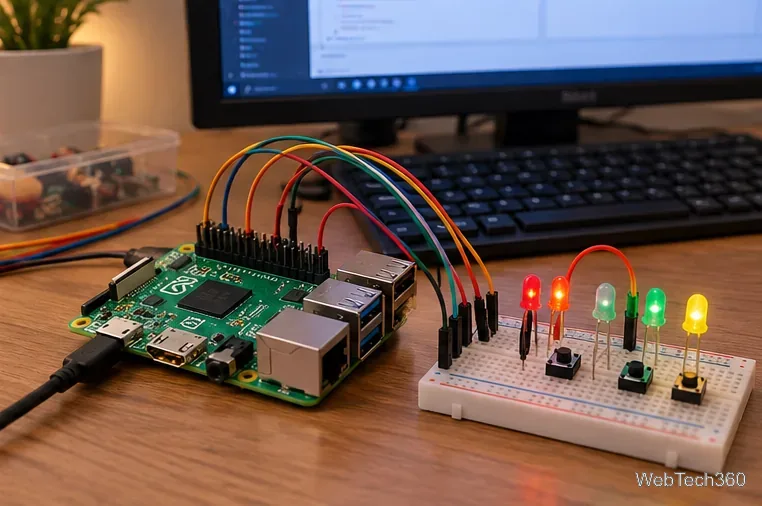
Programming is still one of the most rewarding Raspberry Pi projects. Start with Python, then try reading a button or controlling an LED through the 40-pin GPIO header. Sensors, displays, and small motors can turn a coding exercise into a physical invention.
Follow beginner projects from the Raspberry Pi Foundation. Be careful with wiring: the general-purpose GPIO signals use 3.3-volt logic and are not 5-volt tolerant. Use suitable resistors and drivers instead of connecting power-hungry components directly to a GPIO pin.
GPIO pins let a Raspberry Pi control simple electronic components while you learn Python.
7. Block unwanted domains with Pi-hole
Pi-hole makes a Raspberry Pi a network DNS filtering service. After installation, configure your router or individual devices to use the Pi-hole system as their DNS server. It can block requests to many known advertising and tracking domains across devices on your network.
Pi-hole needs a stable local IP address, and DNS filtering cannot remove every ad, particularly when ads and content come from the same domain. Check its official prerequisites before changing router settings; a DNS outage can interrupt name resolution for your household.
8. Run a smart-home hub with Home Assistant
A Raspberry Pi can coordinate compatible smart lights, sensors, plugs, and automation rules using Home Assistant. Its recommended Home Assistant OS installation supports Raspberry Pi 4 and Pi 5 boards with at least 2GB of RAM. An Ethernet connection is recommended for reliability.
This is a practical choice when you want automations that can keep working locally without depending on a cloud account for every interaction. Confirm compatibility for each smart-home device and add-on before purchasing extra radios or accessories.
Which Raspberry Pi project should you try first?
Choose a media center or retro console for a weekend entertainment build, a NAS or Pi-hole for a useful home-network service, or Python and GPIO if you want to learn by experimenting. Home Assistant is a good next step once you are comfortable maintaining an always-on device.
You can run several services on one Pi, but some projects use a dedicated operating system. Start with one task, keep the system updated, and back up configuration and data before combining services.