Home
» INTERNET
»
Get a Faster Firefox-Style Browsing Experience With Pale Moon
Get a Faster Firefox-Style Browsing Experience With Pale Moon
Pale Moon is a free, open-source browser worth trying if you miss classic Firefox customization or want an alternative focused on efficiency. It originated from Firefox code, but it is now a separate browser—not a faster setting or replacement executable for today's Mozilla Firefox. Performance depends on your computer and the websites you visit, so treat speed improvements as something to test, not a guarantee.
What is the Pale Moon Project?
Pale Moon maintains its own Unified XUL Platform (UXP) and Goanna rendering engine, a descendant of the Gecko technology used by Firefox. Its interface favors familiar menus, conventional navigation controls, extensive theme support, and flexibility over closely following every feature offered by mainstream browsers.
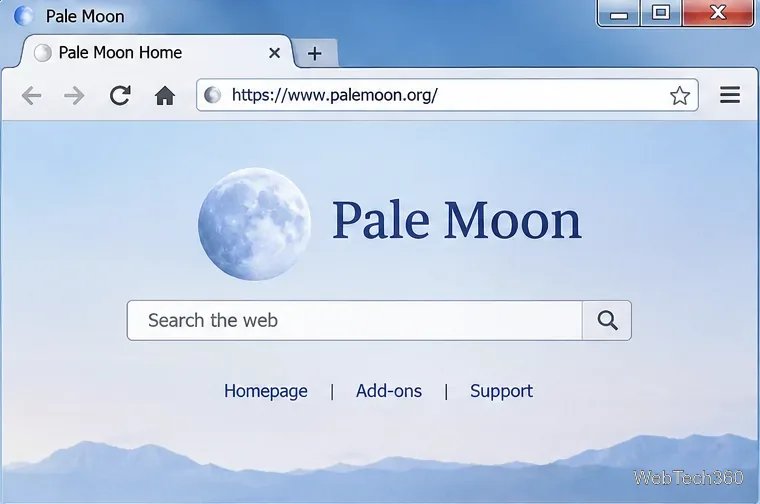
A classic browser layout makes tabs and navigation controls easy to recognize.
Unlike the original Windows-only description, the project now distributes builds for Windows, Linux, and macOS. According to its official release notes, version 35.0.3, released October 27, 2026, addresses bugs and security issues. Always verify the current version before downloading.
Can Pale Moon actually make browsing faster?
Pale Moon is designed around a smaller, more selective feature set and optimizations for supported processors. It supports standard web content such as HTML, CSS, JavaScript, SVG, and Canvas. Its developers prioritize responsiveness in everyday browsing rather than simply chasing synthetic benchmark scores.
That does not mean it will load every website faster than Firefox or Chrome. A simple page may feel responsive, while a complicated web app may render differently or fail if it relies on browser APIs Pale Moon does not implement. For a meaningful comparison, open your usual sites in both browsers on the same computer, using similar tabs and extensions. Check page behavior, memory use, and overall responsiveness rather than a single speed-test score.
How to download and try Pale Moon on Windows
1. Check your system before installing
Official Windows builds require Windows 7 SP1 or later, at least 250 MB of free disk space, and 2 GB of available RAM; 4 GB or more is recommended. The 64-bit build requires an AVX-capable CPU, while the 32-bit Windows build requires at least SSE2. These requirements matter especially on older computers. See the project's system requirements for other platforms.
2. Get the correct installer
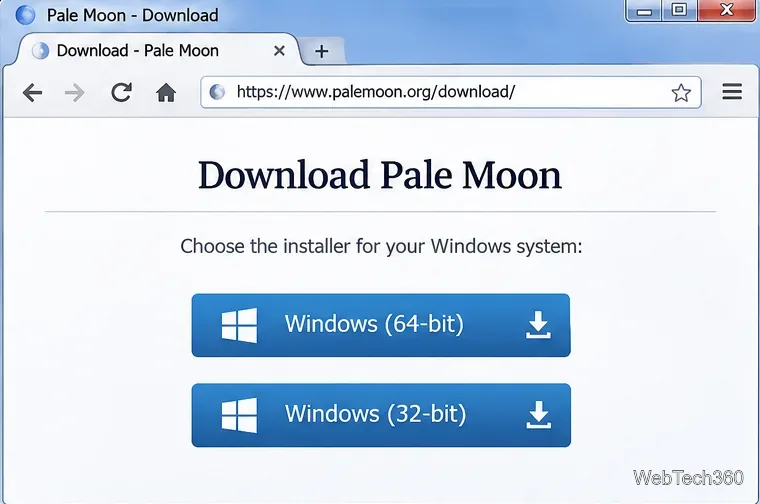
Visit the official Pale Moon download page and choose the Windows installer that matches your system and processor. Avoid unofficial download mirrors when an official one is available. Run the installer, follow its prompts, and launch Pale Moon from the installed shortcut.
Choose the installer compatible with your Windows installation and CPU instructions.
3. Set up your everyday browsing preferences
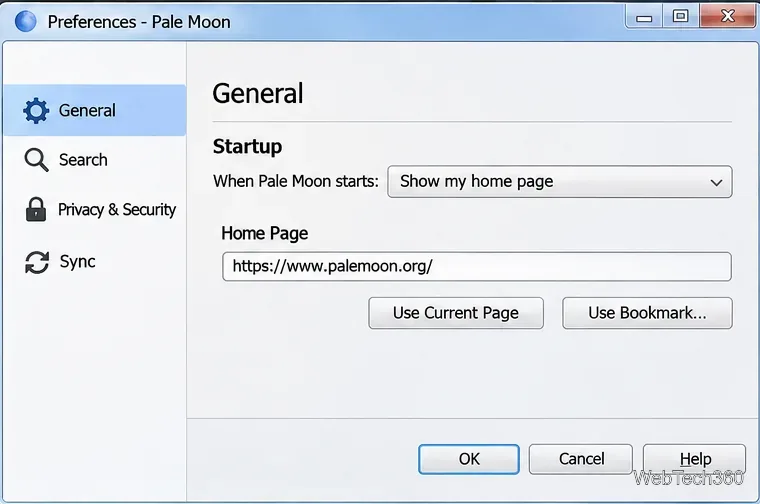
Explore the browser's preferences to choose your homepage, startup behavior, and download location. Pale Moon can open a homepage, a blank page, or windows and tabs from your previous session. Set it as your default browser only after you have tried your frequently visited sites. The official General preferences guide explains these options.
Startup behavior and the home page are basic settings to review after installation.
4. Add only compatible extensions and themes
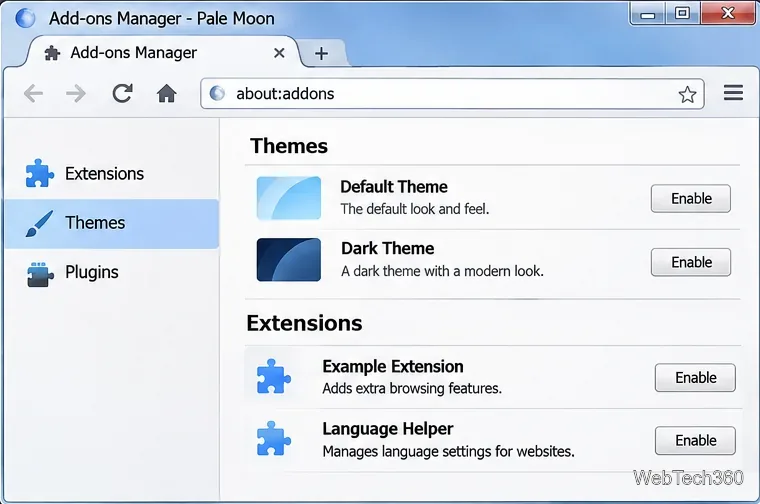
Browse the Pale Moon add-ons directory for maintained extensions and themes. Pale Moon supports older-style Firefox extensions in some cases, but modern Firefox WebExtensions are not supported. Do not assume your current Firefox add-ons, account synchronization, or profile can be moved over unchanged.
Extensions and complete themes are separate customization areas; available add-ons vary.
Important limitations compared with Firefox
Website compatibility: Some modern services and complex applications may not work correctly. Keep a second browser for sites that require unsupported features.
Streaming and calls: Built-in DRM and WebRTC are not part of Pale Moon's normal feature set, which can affect protected video streaming and browser-based calls.
PDFs: There is no integrated PDF reader; use a separate, updated PDF application.
Accessibility and family tools: Certain specialized accessibility hardware integrations and integrated parental controls are not included, although common features such as high-contrast support remain.
Updates: The browser does not silently update through a Windows maintenance service. Keep its update checking enabled and install security releases promptly.
The project documents these design decisions in its technical details. It also cautions against applying generic Firefox speed tweaks to Pale Moon: settings that help one browser can reduce the other's stability or performance.
Is Pale Moon a good Firefox alternative?
Pale Moon is a sensible option if your priorities are a traditional browser interface, extensive visual customization, and an independent open-source project. It is less suitable if you rely heavily on current Firefox extensions, DRM streaming services, or web calling. You can install it alongside Firefox and decide after testing the sites you actually use.
The best starting point is the Pale Moon project website: review the requirements, install the latest maintained release, and keep both browsers available until you know which one fits your workflow.