Home
» INTERNET
»
How to Listen to Music Online for Free Without Downloading
How to Listen to Music Online for Free Without Downloading
You can listen to music online for free without downloading songs or installing an app. Open a music service in a supported web browser, choose a song, playlist, or radio station, and press Play. Spotify, YouTube Music, SoundCloud, and several radio services offer free streaming, although ads, playback restrictions, and availability vary.
How to start listening without downloading
Pick a service based on what you want: particular songs, personalized radio, independent artists, or borrowed albums.
Open its official website in Chrome, Edge, Firefox, Safari, or another supported browser. Sign in or create a free account if prompted.
Search or browse, then select Play. Keep your browser and internet connection active. You do not need to select Download or install a separate music player.
Streaming uses internet data and may store temporary browser cache, but it does not require saving a permanent song file. Avoid unfamiliar “free MP3” sites that ask you to install extensions or download executables.
Best places to stream music for free
1. Spotify: playlists and music discovery
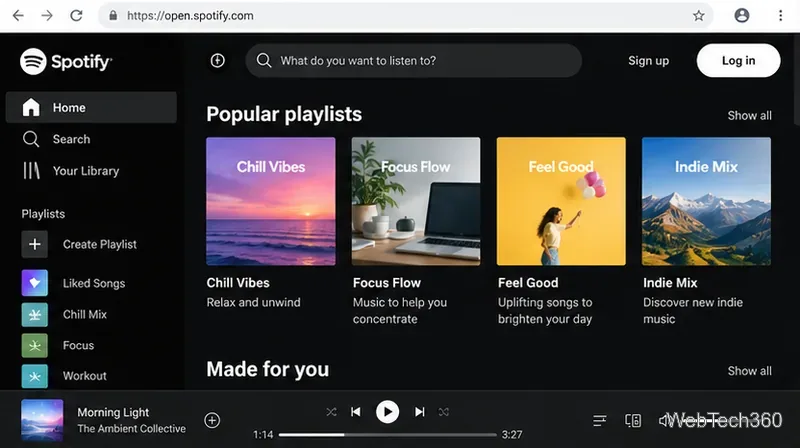
Go to Spotify’s web player and sign in with a free Spotify account. Search for an artist, album, or playlist; use the playback bar to listen. Spotify is especially useful for building a music library, finding recommendations, and following shared playlists. The web player supports major desktop browsers, according to Spotify’s browser guide.
A playlist-focused browser view illustrates how music can play without installing a desktop app.
Free-plan trade-off: Expect ads and some playback-control restrictions, which can depend on the device. Spotify says free users cannot download music for offline playback, though podcast downloads are available in its apps. See its official offline-listening rules.
2. YouTube Music: specific songs and music videos
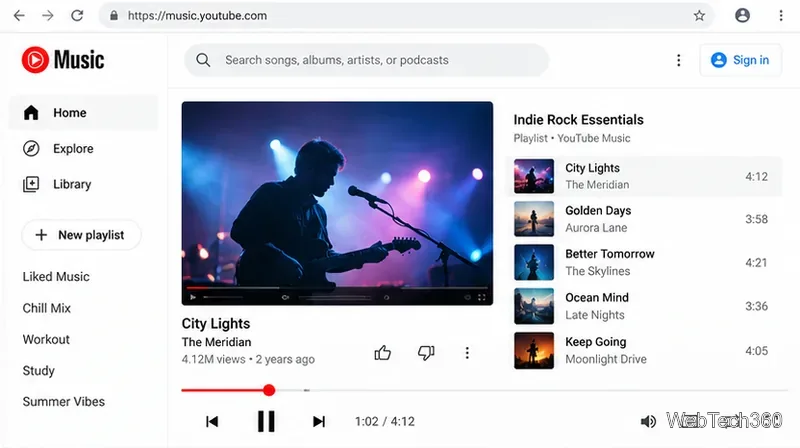
Visit YouTube Music and search for a track, artist, album, or playlist. The ad-supported version offers on-demand songs and music videos, queues, repeat, and unlimited skipping in supported regions. This makes it a strong choice when you already know which song you want to hear.
A song-and-video player shows how to choose tracks and watch music videos online.
Free-plan trade-off: Music may be interrupted by ads. Background playback of music on a mobile device, music downloads, and music audio-only mode are Premium benefits. Google explains the distinction in its YouTube Music feature guide. Browser availability and content can differ by country.
3. Pandora: radio that learns your taste
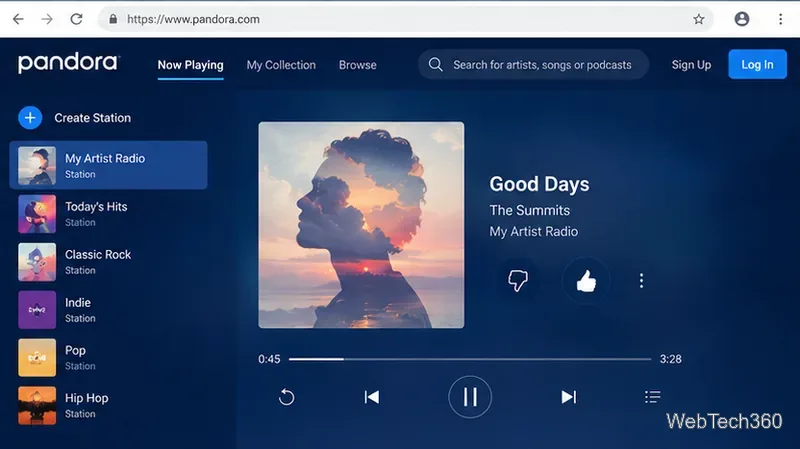
Open Pandora to create a station around a favorite artist, song, or genre. Rate tracks with Thumbs Up or Thumbs Down to refine recommendations. Pandora is best for leaning back and discovering similar music rather than controlling every track in a fixed playlist.
Artist stations and rating controls help shape a personalized music-radio stream.
Free-plan trade-off: Pandora Free includes advertising. Some on-demand features or additional skips can be unlocked temporarily by watching an ad; availability is subject to licensing. Importantly, Pandora is available only in the United States.
4. iHeartRadio: live radio and artist stations
iHeartRadio is a good starting point if you would rather tune into a live station than pick individual tracks. It also offers music-focused stations and other audio programming. Navigate to a live station or explore genres, then start playing in your browser.
Free-plan trade-off: Expect radio advertising and limitations on some music controls. iHeart’s availability page lists the United States, Canada, Mexico, Australia, and New Zealand. Station selection and services can vary by market.
5. SoundCloud: independent artists, remixes, and new sounds
Browse SoundCloud Discover to explore music uploaded by creators, from emerging artists to niche electronic tracks and remixes. Open a public track and select Play. It is particularly useful when you want music outside conventional radio rotations.
Free-plan trade-off: Some tracks require SoundCloud Go+ for full playback; certain restricted tracks play only as previews. The free service also carries ads. SoundCloud documents these limits in its Go subscription FAQ.
6. Jango: simple personalized stations
At Jango, choose a genre or artist and let the radio play. You can personalize stations by liking or excluding songs and changing how much variety you hear. Jango describes its radio as free and without commercial interruptions in its official FAQ; it is still worth checking current availability and the listening experience in your region.
7. Hoopla: borrow full albums through a library
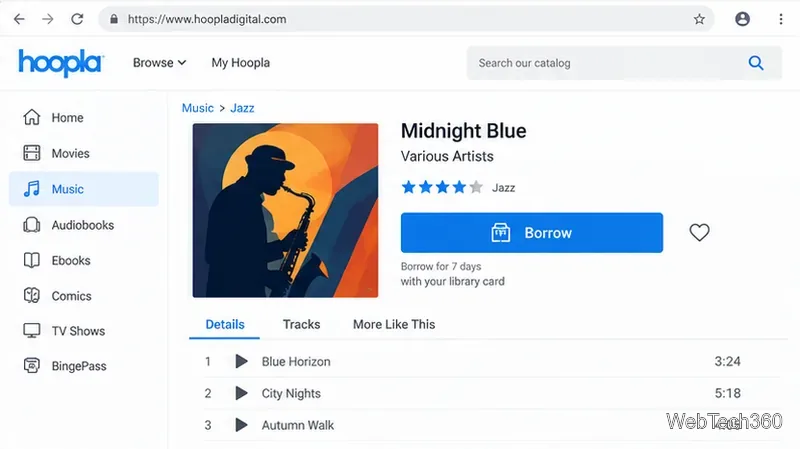
If you have a card from a participating public library, Hoopla may let you borrow and stream complete music albums at no extra cost. Register with your library card, find an available album in the Music section, choose Borrow, and stream it in your browser.
A library music catalog illustrates borrowing an album to stream during its lending period.
Free-plan trade-off: You must have access through a participating library, and your borrowing allowance depends on that library. Hoopla says music albums are generally borrowed for seven days; the access period is temporary, not permanent ownership. See Hoopla’s library information.
Which free option should you choose?
For searchable songs and playlists: Start with YouTube Music or Spotify.
For hands-off radio: Try Pandora (U.S. only), iHeartRadio, or Jango.
For independent music: Browse SoundCloud.
For complete albums without a subscription: Check whether your library supports Hoopla.
What if music will not play in your browser?
First, refresh the tab and check that the player, browser tab, and device are not muted. Update the browser and confirm your internet connection works. If playback stalls, try a private browsing window to identify extension interference. Some services need permission to play protected content or require you to click Play before audio starts. Spotify explains the protected-content issue in its web-player help, while iHeart offers browser troubleshooting steps.
Finally, remember that free streaming is not the same as free offline listening. If you close the browser or lose internet access, the music generally stops. Choose a legitimate browser player and you can enjoy music online without keeping downloads on your computer.