Home
» MEDIA STREAMING
»
How to Watch Channel 4 Outside the UK: Options That Work
How to Watch Channel 4 Outside the UK: Options That Work
Can you watch Channel 4 outside the UK? Usually not through its main streaming service. Channel 4 limits most live TV and on-demand playback to the UK because of licensing rights, although selected programs may be available in the Republic of Ireland. If you are traveling, the most dependable option is to download eligible episodes before leaving the UK. If you live elsewhere, check for officially licensed Channel 4 programs on streaming services in your country. A VPN with a UK server may change your apparent location, but it does not guarantee playback or permission to use the service.
Why Channel 4 does not normally stream abroad
The streaming platform is now branded simply Channel 4; older articles may call it All 4 or 4oD. The official website offers live channels, catch-up television, and box sets. Its geographic checks are tied to distribution rights, not just whether you have a free account. A British passport, UK email address, or paid Channel 4+ plan does not automatically remove those restrictions.
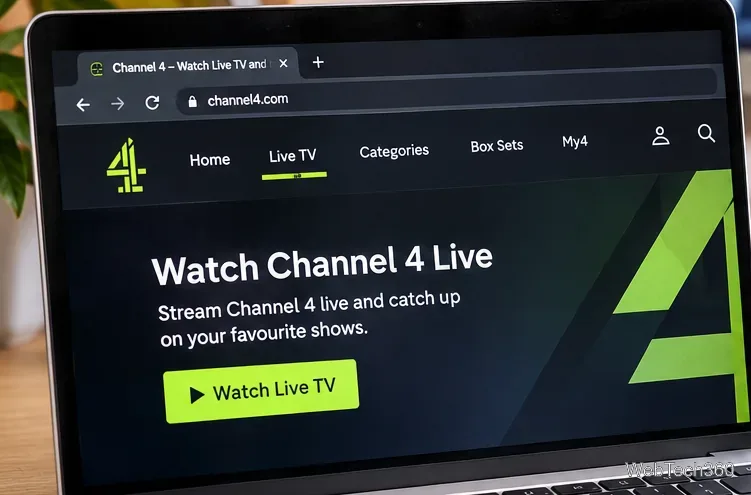
The Channel 4 streaming service combines live TV with on-demand browsing. Playback availability depends on your location and the program.
Option 1: Watch on the official service while you are in the UK
Open channel4.com or the official Channel 4 app on a compatible device.
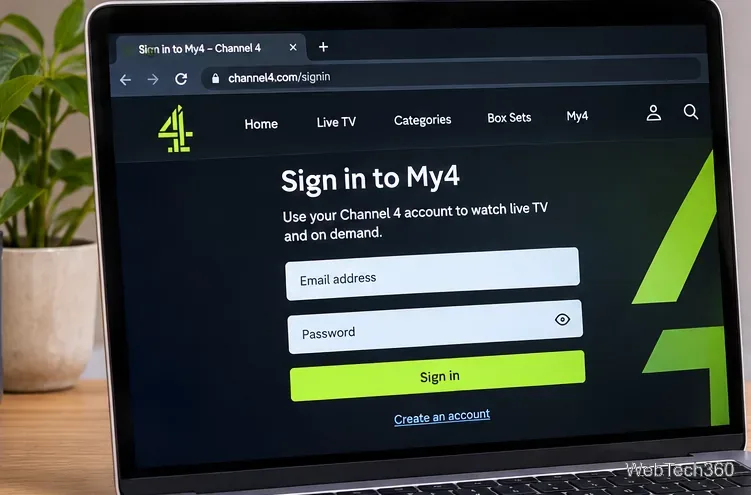
Choose Sign in, or follow the registration instructions if you do not yet have an account. Provide accurate account details and complete any required verification.
Browse the available categories, use search to find a show, or look for the live TV section.
Select an available episode or stream and follow any on-screen prompts. Some programs may have additional rights or age restrictions.
The account sign-in stage comes before playback for many Channel 4 programs. Use the fields and prompts shown on the actual site.
The main service is free with advertising. Channel 4+ does not remove geographic restrictions.
Option 2: Download episodes before traveling
For eligible shows, Channel 4 mobile apps can offer downloads for offline viewing. This is the most straightforward option for a UK viewer who wants to watch on a flight or during a trip without relying on an overseas stream.
While still in the UK, open the official Channel 4 app on your iPhone, iPad, or Android device.
Find a program and check whether a download option is available for the episode you want.
Download it completely while connected to the internet, preferably over Wi-Fi.
Before traveling, confirm that the episode appears in your downloads and note any expiration or playback conditions displayed by the app.
Important: Not every program is downloadable, downloaded items can expire, and new downloads may not be available after you leave. Do not assume desktop browsers or smart TVs provide the same offline feature.
Option 3: Find official Channel 4 programming in your country
You may not need the UK streaming service to watch an individual program. Search legitimate local streaming catalogs by the show title, rather than assuming Channel 4 has an international version of its complete UK library.
For example, Channel 4 launched two free, ad-supported channels for US viewers: 4 Adventure, featuring survival and reality programming, and 4 Emergency, featuring British medical and emergency-response shows. The broadcaster named Tubi, Plex, and Xumo Play as distribution partners. You can check the original Channel 4 announcement and Tubi's current US live-channel listing. These channels are not substitutes for the full Channel 4 service; program selections and availability can change.
Can you use a UK VPN to watch Channel 4 from abroad?
A virtual private network (VPN) routes traffic through a remote server and can make your IP address appear to come from the UK. That is why many older guides recommend VPNs for Channel 4. However, streaming services can detect or reject VPN connections, and using one does not override licensing restrictions or the service's terms. Check applicable rules before trying it.
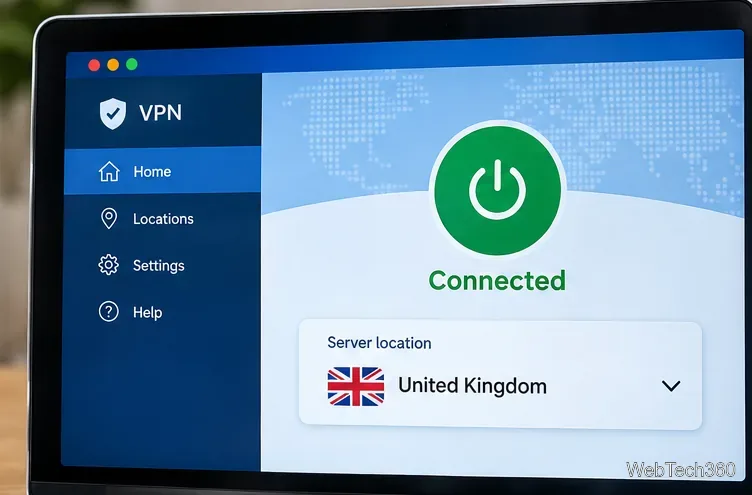
A UK VPN connection changes the apparent IP location, but a connected status does not guarantee that Channel 4 will allow playback.
Install the VPN provider's official app on your device.
Select a server located in the United Kingdom.
Open the official Channel 4 website or app and sign in normally.
Try an available program. If Channel 4 detects the VPN or your location, playback may be refused. Do not treat a successful connection as proof that all shows are accessible.
For an example of provider-specific instructions, see Proton VPN's Channel 4 support page. This is a technical reference, not a verified success test or a guarantee of compatibility. There is no need to buy a particular VPN based on outdated promotional claims.
If Channel 4 will not play, check the actual cause
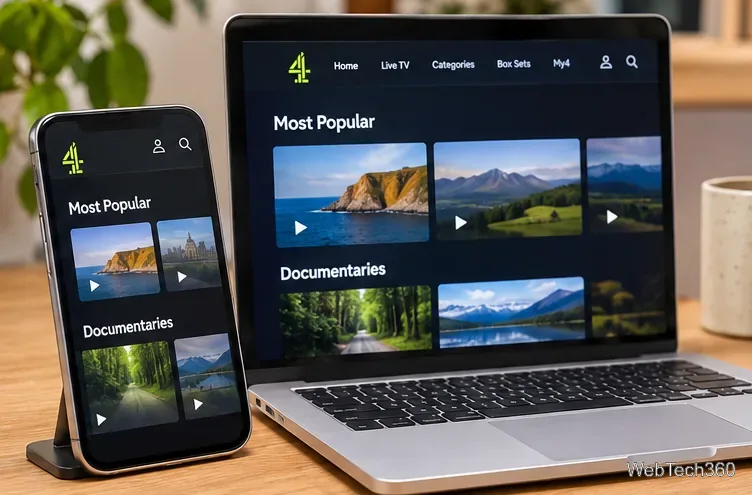
A computer and phone can show different available content or app behavior; troubleshoot the device and connection you are using.
Location or VPN warning: The service may be enforcing geographic restrictions. Use an officially available viewing option for your location.
Black screen or stalled playback: Check your internet connection, browser updates, cookies, and any extensions that interfere with advertising or protected video.
App unavailable in your region: Device-store regions and platform support can differ. Avoid unknown app packages or unofficial download sites.
Missing episode: A title may have expired or may not be licensed in your country. Look for an authorized distributor.
Avoid outdated Kodi add-on instructions
Older guides recommend cCloud TV, Covenant, and third-party Kodi repositories to get Channel 4 streams. Those instructions refer to old add-ons and unverified sources, and they do not establish that a stream is licensed or safe. A VPN does not make an unauthorized stream legitimate. For live Channel 4 and catch-up TV, start with the official platform; abroad, prioritize downloads made before travel or licensed local services.