Home
» MEDIA STREAMING
»
How to Watch Italian Serie A Online: Live Streams by Country
How to Watch Italian Serie A Online: Live Streams by Country
To watch Italian Serie A online, choose the licensed streaming service for the country where you are watching. In the United States, Paramount+ carries all 380 matches of the 2026–27 season in English, while Peacock offers the full season in Spanish. Other countries have different broadcasters, so an ESPN subscription or a generic live-TV package is not a reliable substitute.
Where to watch Serie A live by country
These are the principal legal streaming options for the 2026–27 season, verified against broadcaster announcements and support pages in October 2026. Availability, packages, and individual broadcasts can change.
Every match live and on demand; supported partner platforms differ by country.
If your country is not listed, start with the official Serie A competition website and your local licensed sports broadcasters. Do not assume a subscription sold in one market includes Serie A in another. In the U.S., selected games may also appear on CBS channels or the free CBS Sports Golazo Network, but these feeds do not replace Paramount+ for every match.
How to stream Serie A in four steps
1. Find the match and confirm the broadcaster
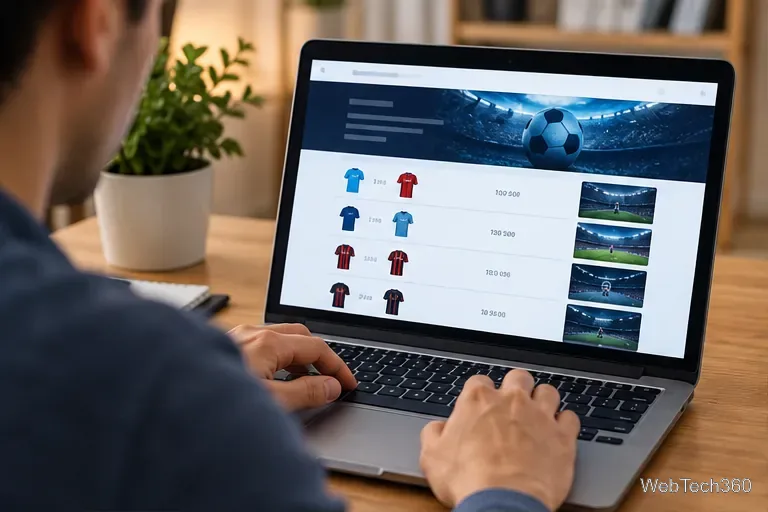
Check your team’s fixture, date, and listed streaming provider before subscribing. In a streaming app, search for “Serie A” or the two clubs rather than guessing which sports channel carries the match. Check the provider’s match listing again on game day because kickoff dates and broadcast assignments can change.
Check the fixture and its licensed broadcaster before purchasing a subscription.
2. Select an eligible subscription
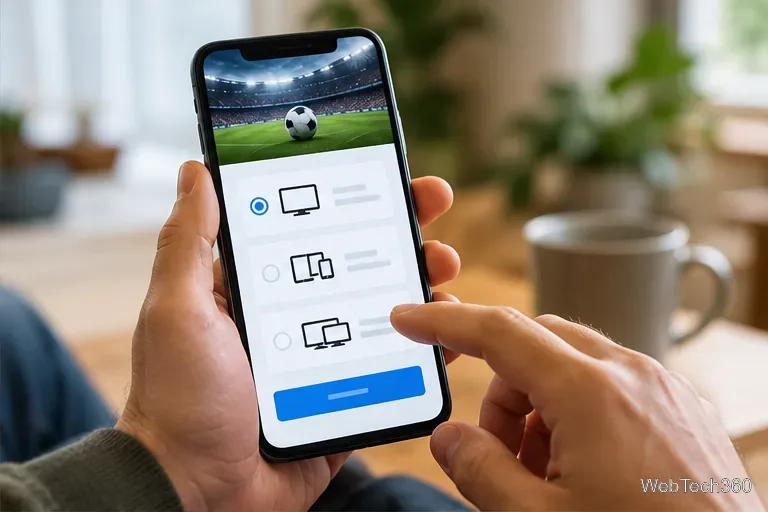
Go directly to the provider’s official website or app. Compare monthly and annual billing, simultaneous-stream limits, cancellation terms, and whether live Serie A is included in your specific plan. For example, both Paramount+ Essential and Premium include Serie A in the U.S.; you do not need a separate cable package. Avoid relying on outdated free-trial claims or promotional prices.
Review the plan’s live-sports coverage and billing terms before signing up.
3. Install the app, sign in, and play
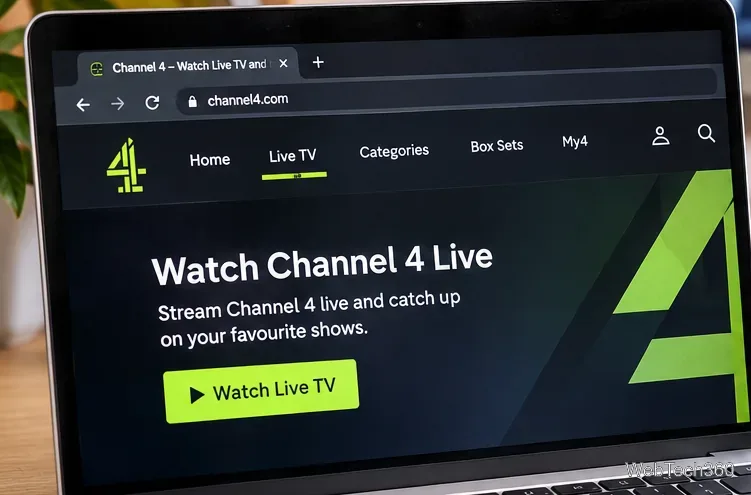
Open the provider’s app on a supported smart TV, streaming stick, phone, tablet, or game console, or use its official website on a computer. Sign in with the subscribed account, open its sports section, choose Serie A, and select the live match. In the U.S., Paramount+ also places match replays and highlights on its Serie A page after games finish.
Open your provider’s soccer section, select the scheduled match, and start playback.
4. Check your connection before kickoff
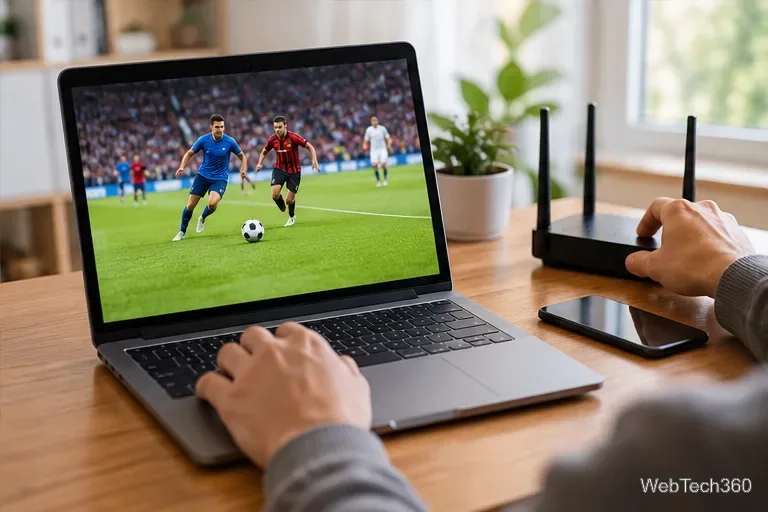
For the most dependable stream, update the app, test your Wi-Fi or wired connection, and make sure no other downloads are saturating your network. If the picture buffers, reduce the video quality temporarily, restart the stream, or move closer to the router. You can also try another officially supported device.
A stable home connection can help prevent buffering during a live match.
What about a VPN when traveling?
A virtual private network (VPN) can encrypt traffic on a network, but it does not grant streaming rights or guarantee access to matches abroad. Sports licenses are territorial, and services may verify payment details, account location, or VPN usage. A VPN can even trigger a playback error under the provider’s rules. Before a trip, check your streaming provider’s travel policy and the licensed broadcaster in your destination country. Avoid unauthorized streams and sites demanding suspicious downloads.
Kickoff times and common viewing problems
Serie A match listings generally use the time zone of the venue in Italy: Central European Time (CET, UTC+01:00) in winter or Central European Summer Time (CEST, UTC+02:00) during daylight saving time. The offset depends on the match date, not when you check the schedule. Verify the exact fixture and conversion in your streaming app; do not rely on a fixed time difference throughout the season.
Match missing: Confirm you are using the correct country’s service, plan, and sports section; look for a game-specific listing.
“Not available in your region”: Check the service’s territorial restrictions and whether your account is entitled to stream in that location.
Black screen or endless loading: Update the app, restart the device, or try a supported browser; contact the service if the issue remains.
Only highlights appear: Verify that you selected a live fixture and that your plan includes live matches rather than clips alone.