Home
» MEDIA STREAMING
»
Roku vs. Fire TV Stick: Which Streaming Device Should You Buy?
Roku vs. Fire TV Stick: Which Streaming Device Should You Buy?
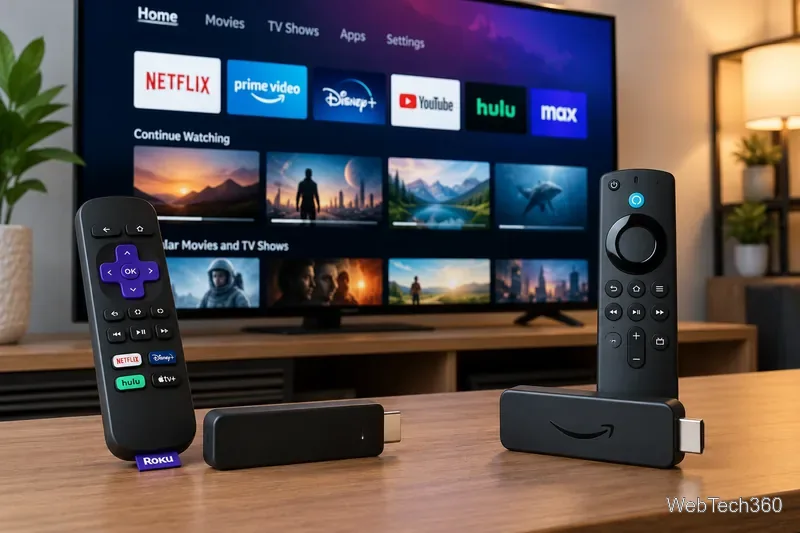
For most people who want a straightforward streaming experience, Roku is the easier pick. Choose an Amazon Fire TV Stick if you prefer Alexa, use Amazon services heavily, or need a specific Fire TV feature. Both can turn an HDMI-equipped TV into a streaming TV, and neither requires a cable subscription.
The biggest differences are the home screen, remote controls, device models, and app compatibility—not whether either platform can play Netflix. Here is what to check before buying.
Roku vs. Fire TV Stick: The quick comparison
What matters
Roku
Amazon Fire TV Stick
Home screen
More direct app-focused layout
Content recommendations integrated with Amazon services
Voice assistant
Roku voice search on supported remotes
Alexa voice control
4K options
Streaming Stick Plus and Streaming Stick 4K
Several 4K Stick models, with different specifications
Free viewing
The Roku Channel and other ad-supported apps
Freevee content integrated into Prime Video and other free apps, where available
Installing outside apps
No ordinary Android APK installation
Depends strongly on Fire OS versus Vega OS
Best fit
Simple, app-first viewing
Alexa and Amazon-centered households
Apps and free streaming: Mostly a tie
Both platforms support major subscription services, but availability depends on region, device generation, and the service itself. Roku lists services such as Netflix, Hulu, Prime Video, YouTube, YouTube TV, Sling TV, and Plex in its Roku’s streaming-services directory. YouTube is also available on supported Fire TV devices; the old claim that Fire TV users must sideload YouTube is outdated.
Roku emphasizes free live channels and movies through The Roku Channel. Fire TV offers free, ad-supported viewing through supported services and integrates Prime Video prominently. “Free” typically means advertisements, and paid Netflix, sports, or live-TV plans remain separate charges. Check the specific apps you use before choosing either platform.
Which interface and remote feel easier?
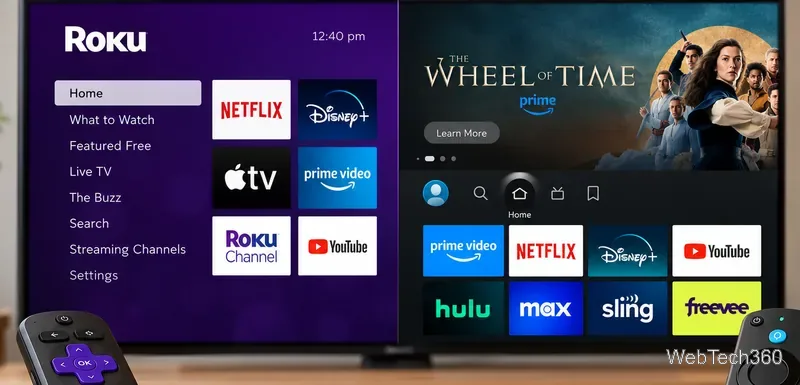
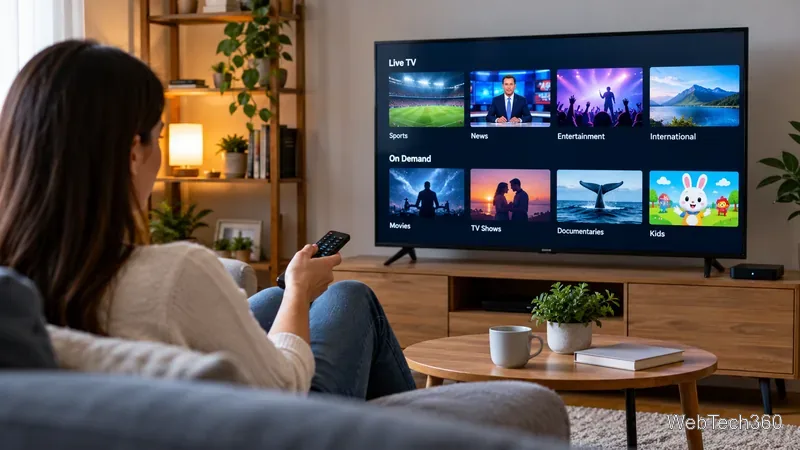
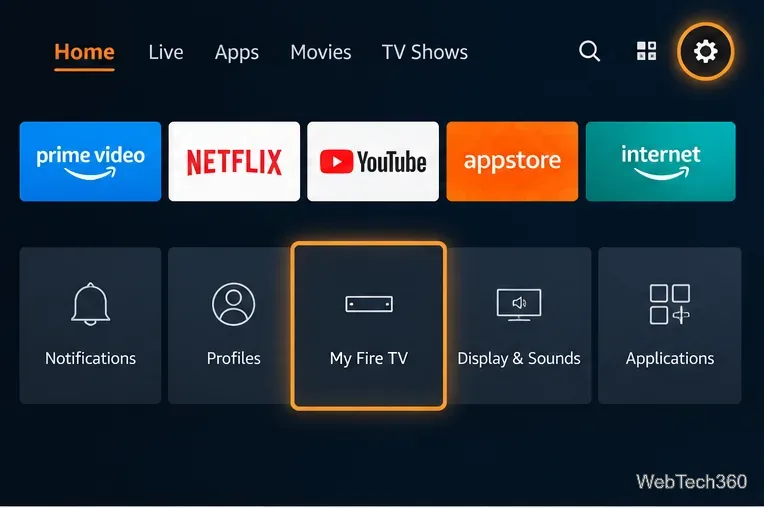
Roku’s home screen prioritizes installed apps, which can be more convenient when family members switch among several streaming subscriptions. Fire TV puts more emphasis on recommendations and content discovery. That can be helpful if you already watch a lot of Prime Video, but less appealing if you want a plain list of apps.
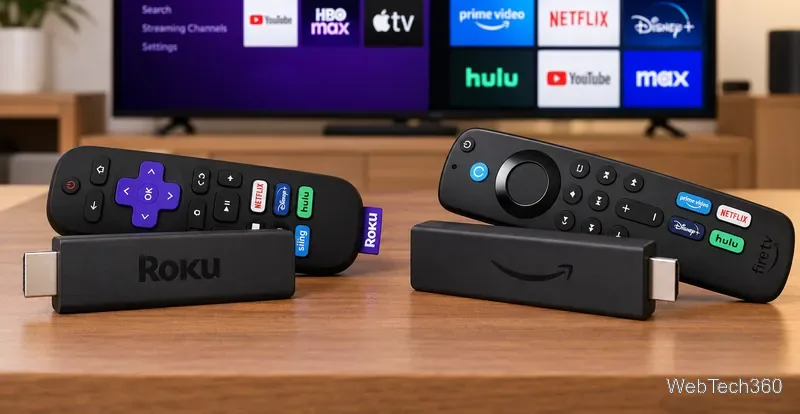
Both offer voice-capable remotes on many models, plus TV power and volume controls on supported hardware. Amazon uses Alexa; Roku uses its own voice functions. Exact remote buttons vary by bundle, so check the included remote rather than assuming every stick has identical controls.
Picture quality, Wi-Fi, and price
Do not compare “Roku” with “Fire Stick” as though each were one product. Roku’s current lineup includes an HD Streaming Stick, the 4K/HDR Streaming Stick Plus, and the Streaming Stick 4K with Dolby Vision and long-range Wi-Fi. Roku Ultra adds a different set-top-box form factor and features such as Ethernet. Compare features using Roku’s model comparison.
Amazon’s lineup also spans different generations. Its 2026 Fire TV Stick 4K (third generation) supports 4K, HDR10+, and Wi-Fi 6. The 2025 Fire TV Stick 4K Plus is a different model supporting Dolby Vision; the 2023 Fire TV Stick 4K Max includes Wi-Fi 6E and 16 GB of storage. Confirm the exact model and release year in Amazon’s Fire TV hardware specifications.
For a 1080p TV, an HD stick is usually enough. For a 4K TV, choose a 4K model and match its HDR formats to your television. Higher advertised resolution does not improve video beyond what your TV, internet connection, and streaming plan support. Retail prices and discounts change frequently; compare current prices for specific models, not old generic $39–$49 comparisons.
Kodi, Plex, VPNs, and sideloading
This is the most important caveat for advanced users: Amazon is transitioning some Fire TV Stick models from Android-based Fire OS to Vega OS. Fire OS devices can install compatible Android apps outside the store using developer tools, as described in Amazon’s Fire OS installation documentation. Vega OS devices—including the Fire TV Stick 4K Select and 2026 Fire TV Stick 4K—use a different app package format. Do not assume an Android APK or a Kodi installation guide for an older Fire Stick will work on a Vega device; see Amazon’s app compatibility documentation.
Roku does not normally install Android APKs, either. For a personal media library, Plex provides official apps for Roku and supported Fire TV devices; check Plex’s supported-device list and the device’s app store. If Kodi is essential, verify the exact Fire TV operating system first rather than relying on a broad “Firestick supports Kodi” claim.
VPN use also varies. Roku has no general-purpose native VPN client, so users who need VPN routing typically configure a compatible router. Some Fire OS devices support VPN provider apps, but availability on Vega OS should be checked for the specific device and provider before purchase. A VPN is optional for ordinary streaming, and it does not guarantee access to geo-restricted subscriptions.
Which should you buy?
Choose Roku for a simple interface, prominent free viewing options, and a convenient app-first experience.
Choose Fire TV Stick if Alexa voice controls and Amazon-centered recommendations appeal to you.
Choose by the exact model when Dolby Vision, Wi-Fi 6, storage, VPN software, or a specific app is a must-have.
Before checkout, confirm your TV’s HDMI input, resolution and HDR support, available USB power or included adapter, the streaming services you need, and regional availability. Apple users who plan to mirror content should also consult Roku’s AirPlay compatibility guide for supported Roku models. The better streaming stick is the one that runs your apps reliably and fits your TV—not necessarily the one with the longest feature list.